

- Galleries
- AI Macbook Wallpaper Gallery
Macbook Wallpapers
Discover unique AI-generated Macbook wallpapers to personalize your device. Browse our gallery or create your own custom designs with NightCafe's powerful AI tools.

As seen in








AI Macbook Wallpaper Gallery
Explore a diverse collection of AI-created wallpapers designed for Macbooks, offering a fresh look for your desktop.


Didn't find what you were looking for? Create your own below!
Create your own Macbook Wallpapers images
Discover the magic of Text to Image AI by creating your own unique images. Edit the prompt below to customize your creation.
No payment or credit card required.

Elevate Your Desktop Aesthetic
Stunning AI-generated Macbook Wallpapers
Transform your Macbook with breathtaking, unique wallpapers generated by cutting-edge AI. Our gallery offers a diverse collection, from abstract art to serene landscapes, ensuring you find the perfect visual to complement your workspace. Each Wallpaper Macbook is crafted to inspire and impress.
Create Your Perfect Macbook Wallpaper
Step 1
Describe Your Vision
Start by describing your ideal Macbook wallpaper in the prompt box. Be specific about the style, colors, and elements you envision. For example, try 'a serene minimalist landscape with pastel mountains and a calm lake' or 'an abstract nebula with vibrant purples and blues'. The more detail you provide, the better the AI can match your vision.
Step 2
Generate Your Wallpaper
After entering your prompt, click the 'Generate' button. Our AI will then work its magic, transforming your text description into a unique and stunning Macbook wallpaper. You can experiment with different prompts to see a variety of creative outcomes.
Step 3
Download & Share
Once your wallpaper is created, you can download it in high resolution to adorn your Macbook. Feel free to share your new custom wallpaper with the community or use it to inspire your next creation!

Personalize Your Digital Space
Create Unique Macbook Backgrounds With AI
Design your dream Macbook Backgrounds with NightCafe's intuitive AI tools. Whether you envision minimalist patterns, futuristic cityscapes, or fantastical realms, our platform empowers you to create truly unique Macbook Backgrounds. Bring your artistic vision to life and make your device stand out.
More Galleries
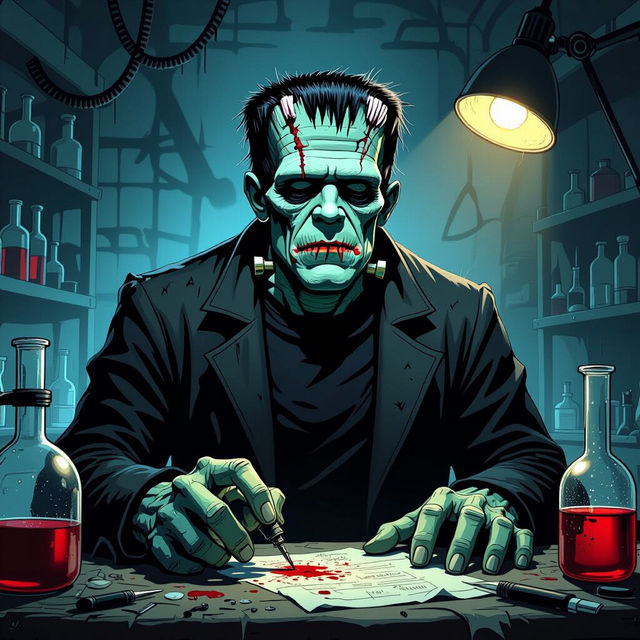
Frankenstein Drawings - AI Generated
Discover a captivating gallery of Frankenstein drawings created by AI. Get inspired by unique interpretations of the iconic monster and generate your own Frankenstein art.

Baby Girl Pictures - Made With AI
Explore a heartwarming collection of AI-generated baby girl pictures. Perfect for inspiration, find unique and charming images to celebrate the joy of childhood.
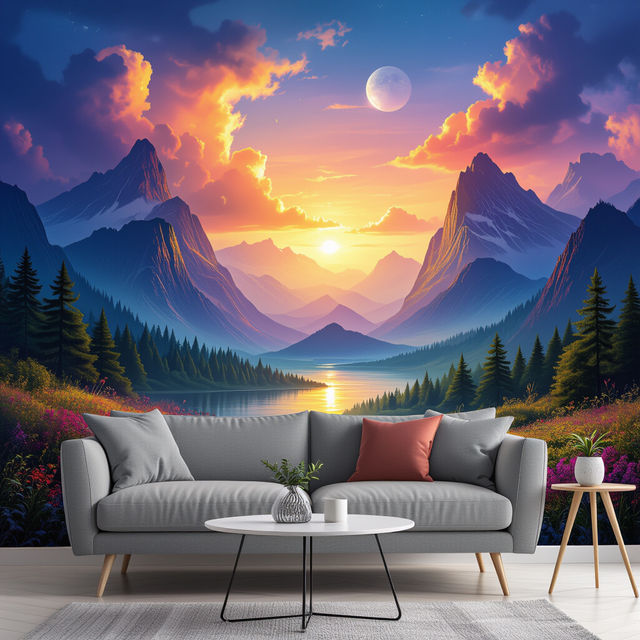
Milton King Wallpaper
Explore a stunning collection of Milton King wallpapers generated by AI. Find inspiration or create your own unique wallpaper designs to personalize your space.
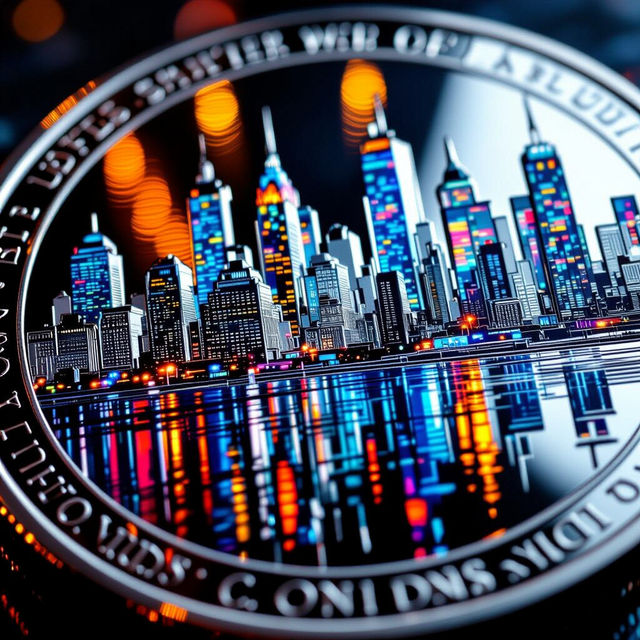
Nickel Image Art
Discover the unique beauty of nickel in AI-generated art. Browse our gallery of nickel images and get inspired to create your own metallic masterpieces with NightCafe.
Frequently Asked Questions
Frequently Asked Questions About Macbook Wallpapers
How can I create a custom Macbook wallpaper using NightCafe?
To create your own custom Macbook wallpaper, navigate to NightCafe's creation tools. You can then use text prompts to describe the scene, style, and colors you envision for your wallpaper. Experiment with different keywords and AI models to achieve unique results. Don't forget to save your creations to your gallery!
What makes these AI-generated Macbook wallpapers unique?
Each wallpaper is generated by advanced AI algorithms, ensuring that no two designs are exactly alike. This allows for truly original and artistic pieces, from abstract patterns to detailed landscapes, providing a level of personalization that standard wallpapers cannot match. Our diverse collection ensures you'll find something that perfectly suits your taste.
Can I use the AI-generated Macbook wallpapers for commercial purposes?
You can use the AI-generated Macbook wallpapers for personal use to decorate your device. For any commercial applications, please refer to NightCafe's Terms of Service for detailed information on usage rights and attribution requirements.
What are the best keywords to use for creating a minimalist Macbook wallpaper?
For a minimalist Macbook wallpaper, try using keywords like 'minimalist', 'clean lines', 'simple shapes', 'geometric', 'flat design', 'subtle colors', 'monochromatic', 'negative space', and 'abstract pattern'. You can also specify a color palette, such as 'pastel colors' or 'earth tones', to guide the AI.
How do I download a wallpaper from the gallery to my Macbook?
Once you find a wallpaper you love in the gallery, simply click on the image. You should see options to view it in full size and download it. Follow the prompts to save the image file directly to your Macbook, and then set it as your desktop background through your system preferences.