

- Galleries
- iPhone 15 Wallpaper Gallery
Wallpapers For iPhone 15
Discover unique and captivating wallpapers specifically designed for your iPhone 15. Browse our collection of AI-generated art to find the perfect background for your device.

As seen in








iPhone 15 Wallpaper Gallery
Explore a curated selection of AI-generated wallpapers optimized for the iPhone 15 display, offering fresh and unique looks for your device.


Didn't find what you were looking for? Create your own below!
Create your own Wallpapers For iPhone 15 images
Discover the magic of Text to Image AI by creating your own unique images. Edit the prompt below to customize your creation.
No payment or credit card required.

Elevate Your Device's Look
Stunning Iphone 15 Wallpapers
Transform your iPhone 15 with our collection of stunning, AI-generated wallpapers. Each piece is meticulously crafted to offer vibrant colors and unique designs, ensuring your device stands out. Discover the perfect aesthetic that reflects your personal style and brings your screen to life. These exclusive Wallpapers For Iphone 15 are designed to impress.
Create Your Perfect iPhone 15 Wallpaper
Step 1
Describe Your Ideal Wallpaper
Start by describing the wallpaper you envision in the prompt box. Be specific about colors, themes (e.g., nature, abstract, futuristic), and the overall mood you want. For example, try 'serene mountain landscape at sunrise with vibrant pink and orange hues' or 'dynamic abstract geometric pattern in neon blue and purple'. The more detail you provide, the better the AI can match your vision.
Step 2
Generate Your Wallpaper
Once you've entered your detailed prompt, click the 'Generate' button. Our AI will then process your request and create a selection of unique wallpapers tailored to your description, optimized for your iPhone 15 screen.
Step 3
Download & Personalize Your Phone
Browse the generated wallpapers and select your favorite. You can then download the image in high resolution to set as your iPhone 15 background, or share it with friends to showcase your unique style!

Unique Artistry, Personalized For You
AI Generated Iphone 15 Backgrounds
Explore a universe of creativity with our AI Generated iPhone 15 Backgrounds. Our advanced algorithms produce one-of-a-kind visuals, from serene landscapes to dynamic abstract patterns, all optimized for your iPhone 15 screen. Find the ideal AI Generated iPhone 15 Backgrounds that perfectly complements your device and showcases cutting-edge digital art.
More Galleries

Key West Pictures
Discover vibrant Key West pictures created with AI. Browse stunning scenes from this unique island paradise and get inspired to create your own tropical artwork.
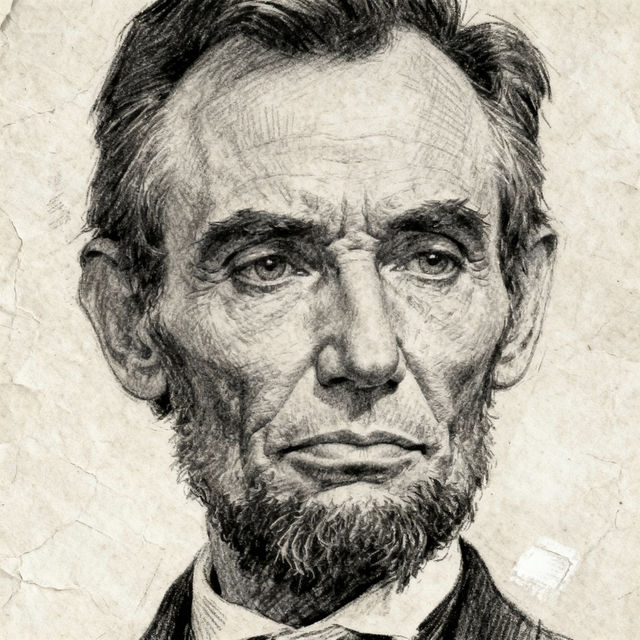
Sketch Abraham Lincoln
Explore a gallery of AI-generated sketches of Abraham Lincoln. Discover unique artistic interpretations and create your own historical portraits with NightCafe.
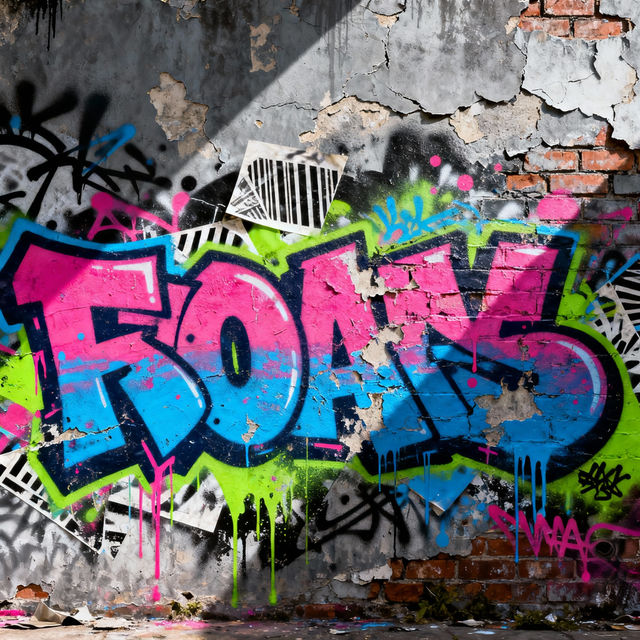
Tag Art
Discover a vibrant collection of AI-generated tag art. Perfect for unique designs and creative expression, explore these artworks or generate your own tag art with NightCafe.

Christmas Tree Drawing Realistic
Explore a gallery of stunning, realistic Christmas tree drawings created with AI. Find inspiration or generate your own unique holiday artwork with NightCafe.
Frequently Asked Questions
Everything You Need to Know About Our AI-Generated iPhone 15 Wallpapers
How are these wallpapers optimized for the iPhone 15?
Our AI generates images with dimensions and aspect ratios specifically tailored for the iPhone 15's display. This ensures that the wallpapers fit perfectly without distortion, showcasing the full detail and vibrant colors of the AI art on your screen.
Can I request specific themes or styles for iPhone 15 wallpapers?
While this gallery showcases a curated collection, NightCafe's AI art generation tools allow for extensive customization. You can use our other generation features to create custom wallpapers by entering prompts that describe your desired theme, colors, and artistic style.
What makes these AI-generated wallpapers unique?
Each wallpaper is created using advanced AI algorithms, resulting in truly unique and one-of-a-kind visuals. Our AI can produce a vast array of styles, from abstract patterns and serene landscapes to futuristic designs, ensuring you find a background that is as individual as you are.
How do I download and set an AI-generated wallpaper on my iPhone 15?
Once you find a wallpaper you love, simply click on the image to view it in full resolution. You can then save the image directly to your iPhone's photo library. From there, navigate to your iPhone's Settings > Wallpaper > Choose a New Wallpaper, and select the downloaded image.