

- Galleries
- AI Warning Image Gallery
Warning Images
Generate striking warning images with AI. Explore a gallery of AI-created warning graphics for various purposes, or design your own unique warning visuals easily.

As seen in








AI Warning Image Gallery
A curated collection of AI-generated warning images, showcasing diverse styles and applications for safety and alert notifications. Inspire your next design.


Didn't find what you were looking for? Create your own below!
Create your own Warning Images images
Discover the magic of Text to Image AI by creating your own unique images. Edit the prompt below to customize your creation.
No payment or credit card required.

Instant Visual Alerts
AI-generated Warning Graphics
Our gallery offers a diverse collection of AI-created warning images, perfect for immediate use across various applications. From hazard symbols to cautionary signs, find the ideal visual alert to convey important messages quickly and effectively. Generate a compelling Warning Image with just a few clicks.
Create Your Own Warning Graphics
Step 1
Describe Your Warning
Begin by entering a clear and concise description of the warning image you wish to create. Specify the type of hazard, the intended message, and any stylistic preferences (e.g., color scheme, level of detail, specific symbols). The more precise your prompt, the better the AI can capture your vision.
Step 2
Generate Your Graphic
After crafting your prompt, click the 'Generate' button. The AI will process your input and create a unique warning graphic. You can then review the generated image and decide if it meets your requirements.
Step 3
Download or Share
Once you have a warning graphic you're happy with, you can download it for immediate use or share it with others. Feel free to refine your prompt and generate variations if you're looking for different options.

Customizable Hazard Visuals
Create Your Own AI Danger Graphics
Take control and design your unique AI Danger Graphics. Our intuitive tools empower you to create custom warning visuals tailored to your specific needs. Whether for safety protocols, informational displays, or creative projects, easily bring your vision to life and generate your own AI warning graphics.
More Galleries
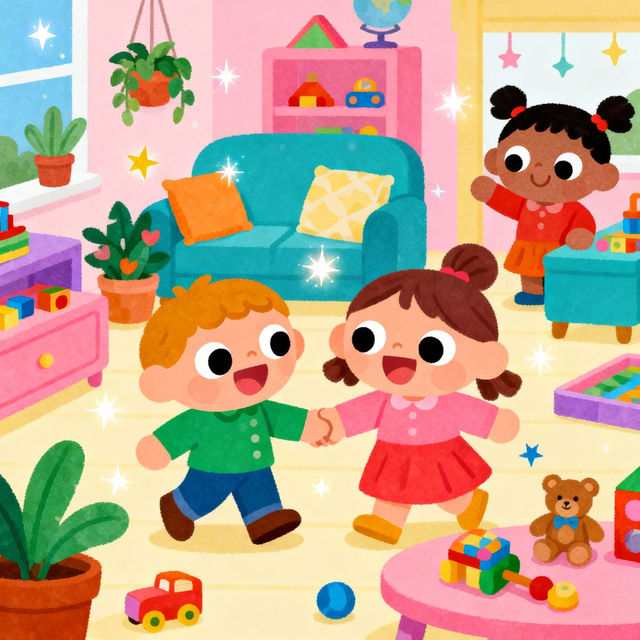
Toca Boca Drawings - Made With AI
Explore a vibrant gallery of Toca Boca drawings created with AI. Get inspired by unique characters and scenes, then bring your own Toca Boca world to life with our easy-to-use AI tools.
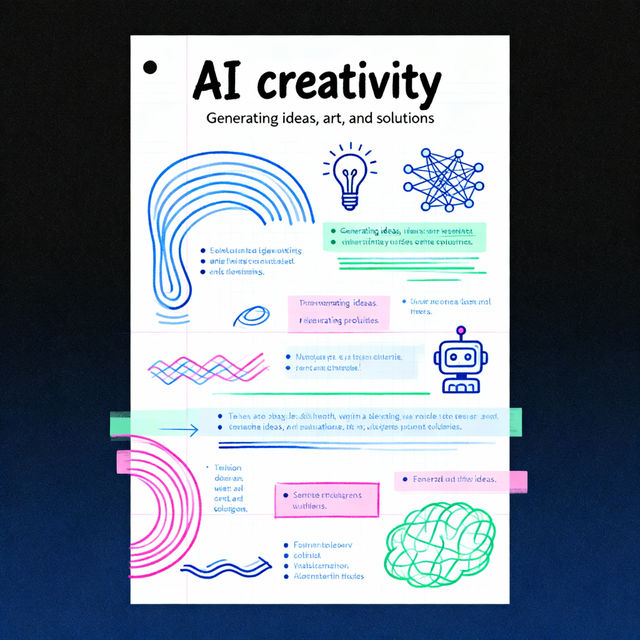
Sketch Note Examples - AI Generated
Explore a variety of AI-generated sketch note examples. Get inspired by creative layouts and visual ideas, then use NightCafe to generate your own unique sketch notes.
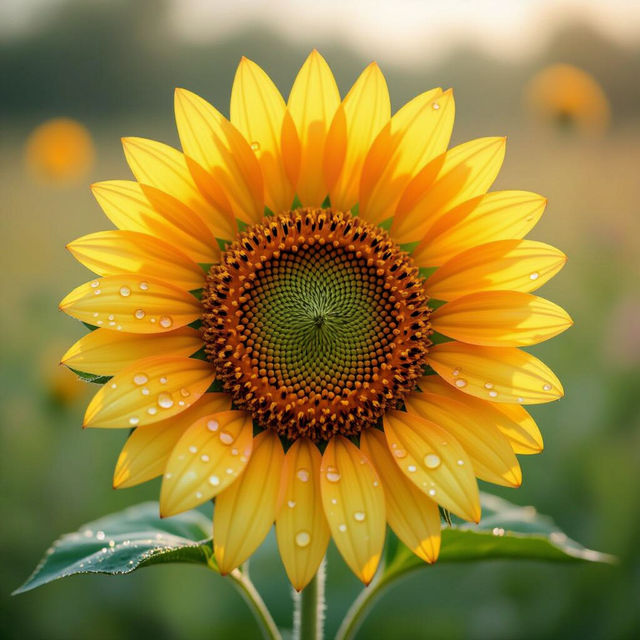
Big Flower Wallpapers
Discover vibrant and large-scale floral designs for your desktop or mobile. Browse our collection of big flower wallpapers, perfect for adding a touch of nature's beauty to any screen.
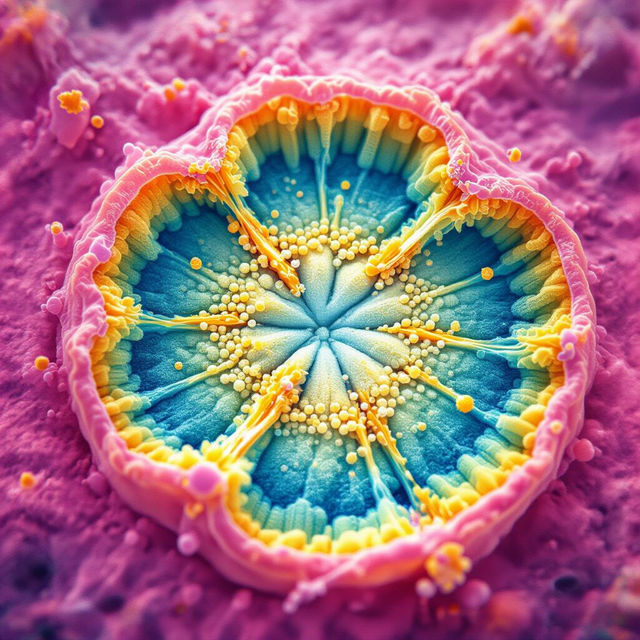
Cytokinesis Images
Discover stunning AI-generated images depicting cytokinesis, the fascinating process of cell division. Explore detailed visuals and create your own cell division art on NightCafe.
Frequently Asked Questions
Your Questions About Creating AI Warning Graphics, Answered
What kind of warning images can I create with NightCafe's AI?
NightCafe's AI can generate a wide variety of warning images, including hazard symbols, cautionary signs, safety alerts, and abstract visuals that convey a sense of danger or caution. You can create graphics for specific industries, general safety awareness, or even for creative projects that require a warning aesthetic.
How do I create my own custom warning graphics?
To create your own custom warning graphics, start by entering a detailed text prompt describing the warning you want to convey. You can specify colors, symbols, styles (e.g., minimalist, industrial, abstract), and the overall mood. Experiment with different keywords to achieve the precise visual alert you need.
Can I use the AI-generated warning images for commercial or safety purposes?
Yes, you can use the AI-generated warning images for commercial and safety purposes, provided you adhere to our Terms of Service. Always ensure that the generated image accurately and responsibly conveys the intended warning. For specific use-case compliance, consult our Terms of Service or contact support.
What if the AI doesn't generate the exact warning graphic I envisioned?
AI art generation involves experimentation. If your first attempt isn't perfect, try refining your prompt with more specific details, different keywords, or by adjusting stylistic elements. You can also try different AI models available on NightCafe, as each model interprets prompts uniquely. Iteration is key to achieving the desired result.