

- Galleries
- AI Water Color Art Showcase
Water Color Art
Explore a vibrant gallery of AI-generated water color art. Discover beautiful pieces and learn how to create your own unique water color paintings with NightCafe.

As seen in








AI Water Color Art Showcase
Immerse yourself in a curated collection of AI-generated water color art, showcasing diverse styles and subjects, perfect for inspiration and creative exploration.


Didn't find what you were looking for? Create your own below!
Create your own Water Color Art images
Discover the magic of Text to Image AI by creating your own unique images. Edit the prompt below to customize your creation.
No payment or credit card required.

Vibrant & Expressive Creations
Stunning AI Water Color Art
Dive into a world of breathtaking AI Water Color Art, where digital creativity meets traditional fluidity. Our advanced models capture the delicate washes, vibrant hues, and unique textures characteristic of watercolor. Explore a gallery filled with evocative landscapes, stunning portraits, and abstract wonders, all rendered with the inimitable charm of watercolor.
Create Your Own Watercolor Masterpiece
Step 1
Describe Your Vision
Begin by crafting a vivid description of the watercolor artwork you envision. Think about the subject matter, the desired color palette, the mood, and any specific watercolor techniques you'd like the AI to emulate. The more detail you provide, the closer the AI can get to your artistic vision.
Step 2
Generate Your Art
With your prompt ready, click the "Generate" button. Our AI will then interpret your description and begin creating a unique watercolor-style image just for you. Be patient as the magic unfolds!
Step 3
Download & Share
Once your watercolor artwork is complete, you have the freedom to download your creation in high resolution. You can also share it with our community to inspire others or receive valuable feedback.

Master Diverse Artistic Visions
Create AI Watercolor Painting In Various Styles
Unleash your inner artist and learn to create AI Watercolor Painting in a myriad of styles. From loose and impressionistic to detailed and defined, our tools empower you to explore diverse artistic visions. Experiment with different prompts and models to generate unique AI Watercolor Painting pieces that reflect your personal aesthetic.
More Galleries
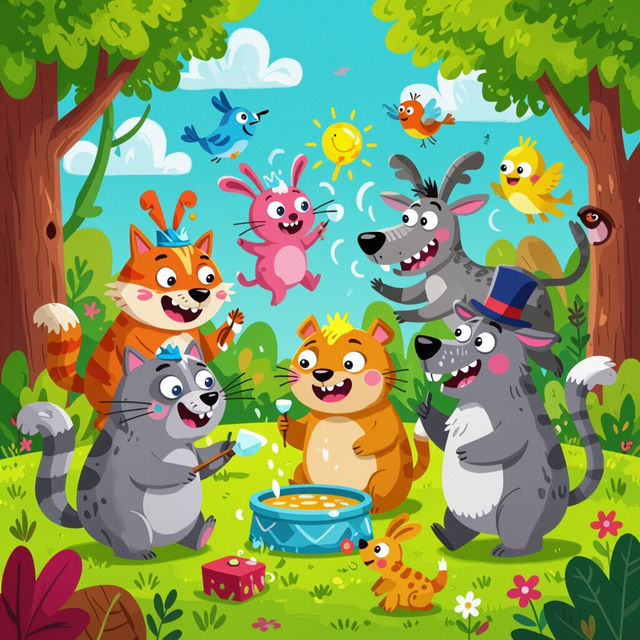
Funny Drawing Ideas
Discover a gallery of funny drawing ideas to spark your creativity. Browse humorous AI-generated art and get inspired to create your own unique and comical drawings.
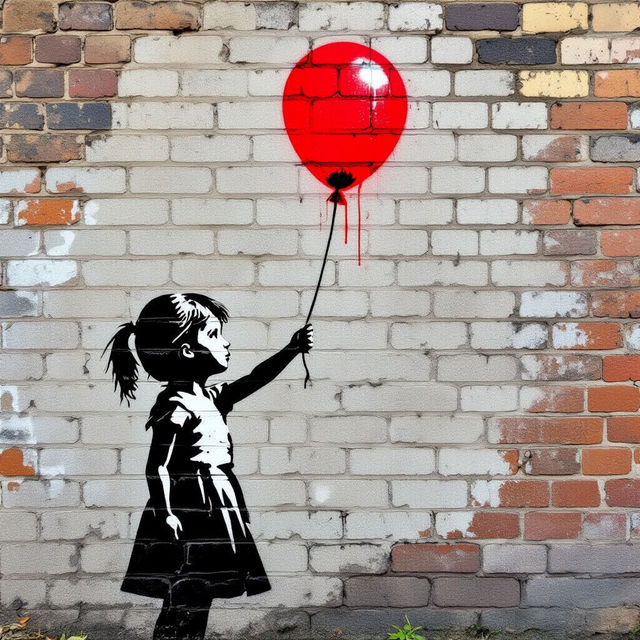
Banksy Style Street Art
Discover a vibrant gallery of Banksy-style street art, created with AI. Get inspired by iconic imagery and urban aesthetics, then generate your own unique pieces.
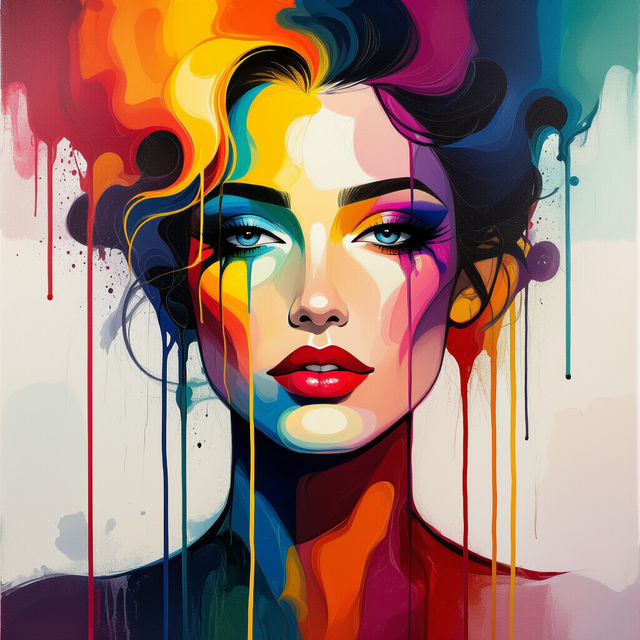
Drippy Drawings
Discover the captivating world of drippy drawings. Browse a gallery of unique AI-generated art and learn how to create your own fluid, expressive drippy masterpieces with NightCafe.
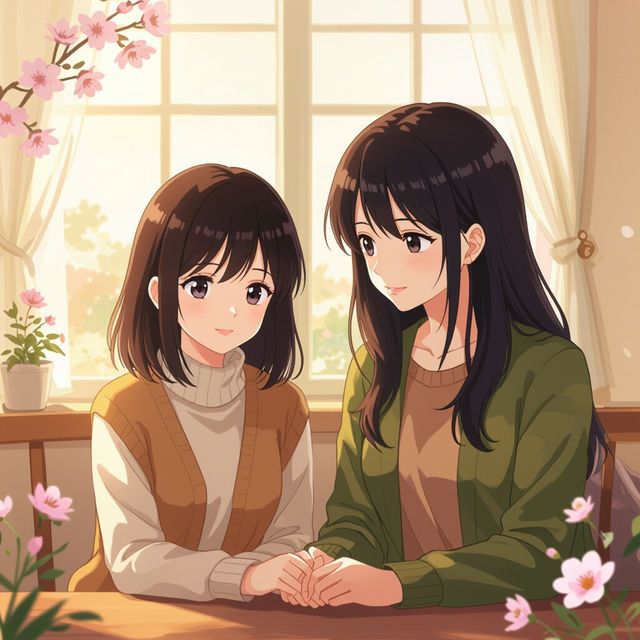
Nana Wallpaper - Made With AI
Discover beautiful Nana wallpaper designs created with AI. Browse unique styles and then generate your own custom Nana wallpaper to personalize your space.
Frequently Asked Questions
Your Questions About AI Watercolor Art, Answered
How does NightCafe's AI create watercolor art?
NightCafe utilizes advanced AI models trained on vast datasets of traditional and digital art, including numerous watercolor paintings. These models learn the characteristic techniques, such as soft edges, color blending, washes, and paper textures, allowing them to generate new images that emulate the distinctive style of watercolor art.
What makes AI-generated watercolor art unique compared to other styles?
AI-generated watercolor art captures the fluid, translucent quality and vibrant, yet often subtle, color transitions that are hallmarks of traditional watercolor. It can replicate the appearance of brushstrokes, pigment diffusion, and the texture of watercolor paper, offering a digital rendition with the aesthetic appeal of this classic medium.
Can I control the style and complexity of the AI watercolor paintings I create?
Absolutely! When creating your own AI watercolor art, you can influence the style by adjusting your text prompts. Experiment with keywords related to specific watercolor techniques (e.g., 'wet-on-wet', 'dry brush'), artistic movements (e.g., 'impressionistic', 'abstract'), or desired moods (e.g., 'serene', 'vibrant'). Our platform offers various models and settings that also allow for fine-tuning the output's detail and complexity.
Are there specific prompts that work best for generating watercolor effects?
To achieve a strong watercolor effect, try including terms like 'watercolor painting,' 'watercolour art,' 'fluid art,' 'wash effect,' 'soft edges,' 'vibrant pigments,' and 'textured paper' in your prompts. You can also specify the type of subject matter (e.g., 'landscape watercolor,' 'portrait watercolor') and desired color palettes to guide the AI.