

- Galleries
- Waves Drawing Gallery
Generate Stunning Waves Drawing
Create beautiful waves drawing with the help of AI. Explore the creative possibilities and bring your artistic visions to life. Dive into the world of AI-generated art today.

As seen in








Waves Drawing Gallery
Explore our gallery of AI-generated waves drawings, showcasing a diverse range of artistic styles and interpretations. Find inspiration for your next art project.


Didn't find what you were looking for? Create your own below!
Create your own Generate Stunning Waves Drawing images
Discover the magic of Text to Image AI by creating your own unique images. Edit the prompt below to customize your creation.
No payment or credit card required.

Effortless Artistic Creation
AI-powered Waves Drawing
Create stunning wave drawings with AI. Our tools empower you to generate unique and captivating designs in seconds. Whether you're an experienced artist or a beginner, our AI algorithms simplify the creative process, allowing you to focus on your vision and generate the perfect Waves Drawing.
Create Waves Drawing With AI: A Quick Guide
Step 1
Input Your Vision
Start by entering a detailed prompt describing the wave drawing you envision. Include specifics such as wave size, color, style (e.g., realistic, cartoonish, abstract), and any additional elements like a beach, sunset, or marine life. The more detail, the better the AI can capture your vision!
Step 2
Generate Your Wave Drawing
With your prompt ready, click the 'Generate' button. Our AI will then process your request and create a unique wave drawing based on your description. This may take a few moments, so sit back and watch the magic happen!
Step 3
Share and Download Your Artwork
Once your wave drawing is generated, you can download it in high resolution to use in your projects or share it with friends and the NightCafe community. Get feedback, showcase your creativity, and inspire others!

Unlock Your Creativity
A Step-by-step Guide
Learn to create realistic ocean waves with our AI-assisted step-by-step guide. Whether it's for a design project or pure artistic expression, our platform provides the tools and guidance to master the art of Drawing Ocean Waves: A Step-by-Step Guide. Generate stunning visuals with unparalleled ease and precision.
More Galleries
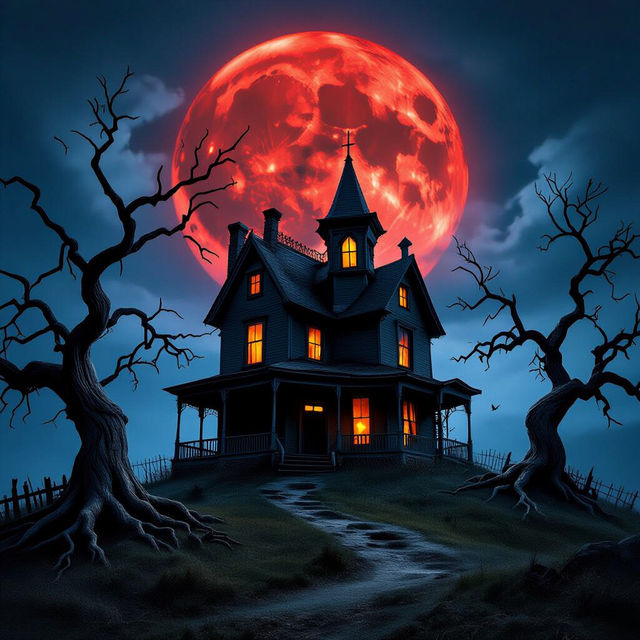
Create chilling Horror Art with AI
Unleash your darkest visions with NightCafe's AI Horror Art Generator. Transform your nightmares into terrifyingly beautiful images. Browse horror art examples or create your own.
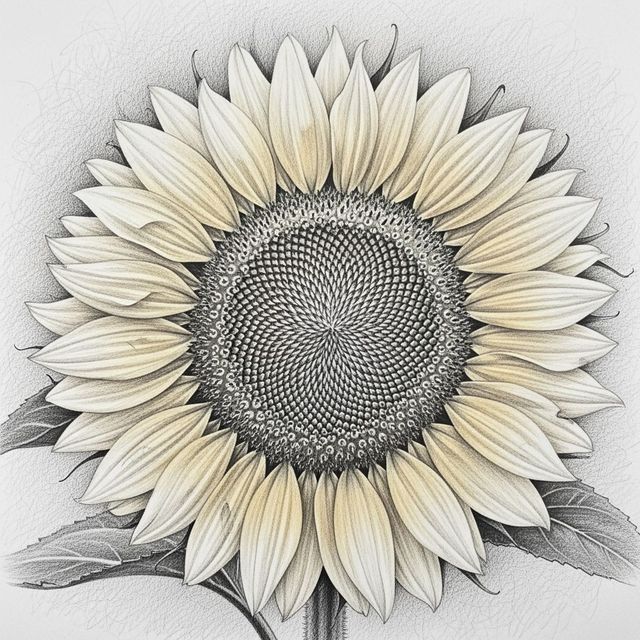
AI Drawings Of Flowers
Explore the delicate beauty of nature with AI Drawings Of Flowers. Our AI brings floral artistry to life, creating stunning botanical illustrations with incredible detail. Browse drawings of flowers or create your own.
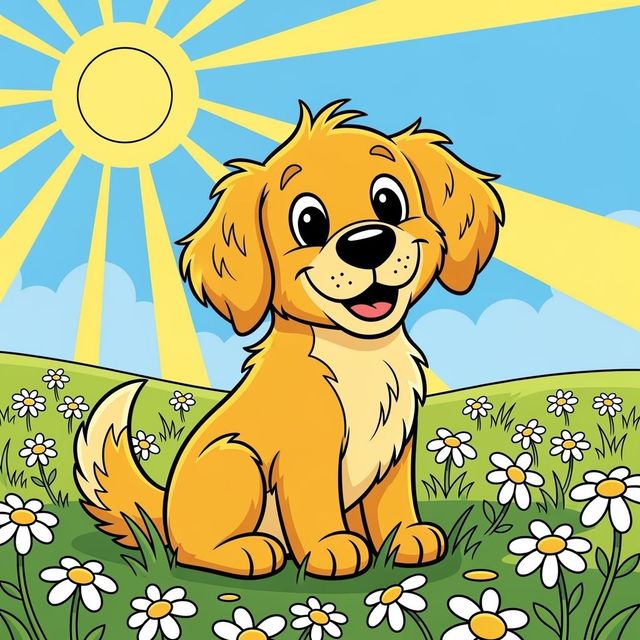
AI Dog Drawings
Create heartwarming AI Dog Drawings with NightCafe. Transform your love for dogs into unique artwork. Browse our gallery for inspiration or generate your own dog drawings.
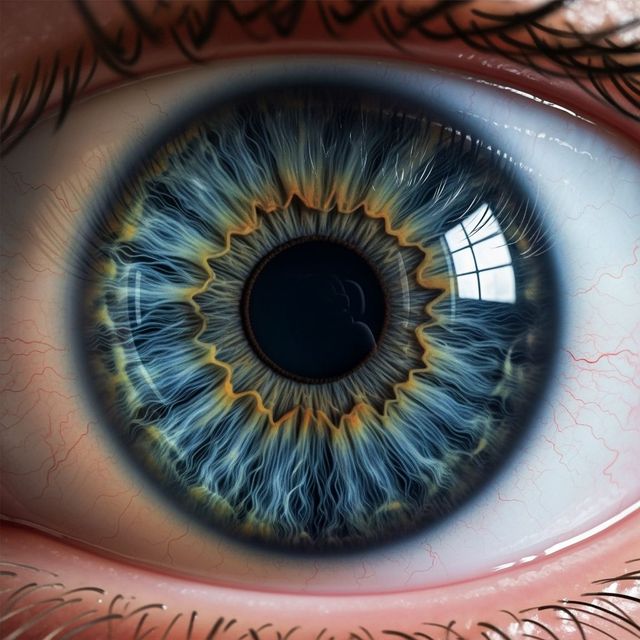
AI Eyeball Drawing Generator
Create captivating Eyeball Drawings effortlessly with our AI-powered generator. Perfect for artists, designers, and hobbyists alike. Explore the possibilities and bring your artistic vision to life. Browse or create your own.
Frequently Asked Questions
Everything You Need to Know About Generating Waves Drawings with AI
What type of wave drawings can I create with this AI?
You can generate a wide variety of wave drawings, from realistic ocean waves to stylized and abstract interpretations. Experiment with different prompts to explore the full range of possibilities.
How do I create realistic-looking ocean waves?
To create realistic ocean waves, use descriptive prompts that include details about lighting, water texture, and wave motion. Consider adding terms like 'turbulent', 'sunlit', or 'foaming' to enhance the realism.
Can I use the AI to generate wave drawings for commercial projects?
Yes, the AI-generated wave drawings can be used for commercial purposes, such as illustrations, graphic design, or background images. Please ensure you comply with our terms of service regarding usage rights.
What if I'm not happy with the initial wave drawing generated by the AI?
Simply adjust your prompt and regenerate the image. Experiment with different keywords, styles, and AI models until you achieve the desired result. You can also use our editing tools to further refine the image.
Are there any limitations to the resolution or size of the wave drawings I can generate?
The resolution and size of the generated wave drawings depend on your NightCafe subscription and the specific AI model you are using. Check your account details for information on available options and limitations.