

- Galleries
- Windows 12 Wallpaper Gallery
Windows 12 Wallpaper - AI Generated
Explore a collection of unique Windows 12 wallpapers created with AI. Find the perfect backdrop for your desktop and express your style with custom AI art.

As seen in








Windows 12 Wallpaper Gallery
Discover a gallery of AI-generated wallpapers designed for Windows 12, offering fresh aesthetics and creative inspiration for your desktop.


Didn't find what you were looking for? Create your own below!
Create your own Windows 12 Wallpaper - AI Generated images
Discover the magic of Text to Image AI by creating your own unique images. Edit the prompt below to customize your creation.
No payment or credit card required.

Elevate Your Desktop Aesthetic
Stunning AI-generated Windows 12 Wallpapers
Discover a breathtaking array of custom Windows 12 wallpapers, meticulously crafted by AI. Our gallery offers unique digital art pieces designed to transform your workspace, reflecting cutting-edge aesthetics and personalized style. Find the perfect backdrop that inspires creativity and productivity for your Windows 12 PC.
Generate Your Unique Windows 12 Wallpaper
Step 1
Describe Your Ideal Wallpaper
Begin by describing the style, colors, and elements you envision for your Windows 12 wallpaper in the prompt box. Think about the mood you want to set for your desktop – whether it's serene, futuristic, abstract, or nature-inspired. The more detail you provide, the better the AI can capture your vision.
Step 2
Create Your AI Wallpaper
After crafting your prompt, simply click the 'Generate' button. Our AI will then process your request and create a stunning, unique wallpaper tailored to your specifications. Get ready to see your ideas come to life!
Step 3
Download & Showcase Your Creation
Once your wallpaper is generated, you can download it in high resolution to adorn your Windows 12 desktop. Feel free to share your masterpiece with friends or the community, and explore other creations for endless inspiration!

Personalize Your Digital Space
Generate AI Desktop Backgrounds For Your Pc
Transform your PC with unique AI Desktop Backgrounds, easily generated to match your vibe. Our platform empowers you to create custom visuals that go beyond the ordinary. Whether you seek minimalist elegance or vibrant fantasy, generate AI Desktop Backgrounds for Your PC that truly express your individuality.
More Galleries
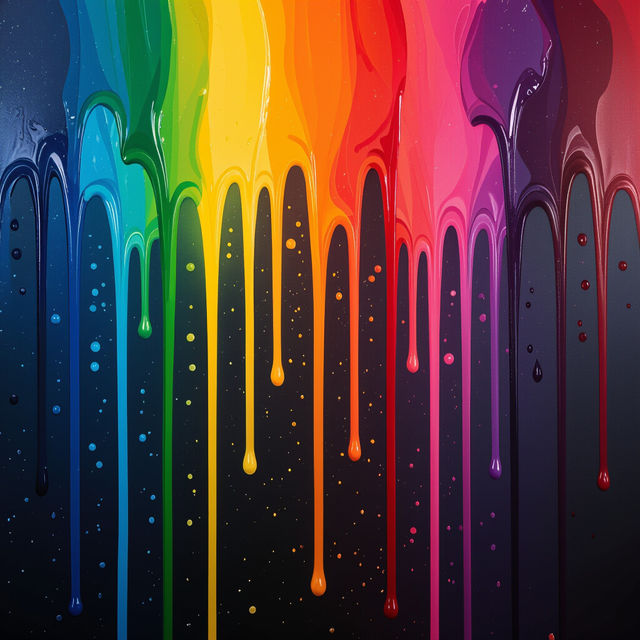
Drippy Drip Wallpaper
Discover a vibrant collection of Drippy Drip Wallpaper. Perfect for adding a unique, artistic touch to your digital spaces. Generate your own custom drippy designs with AI.
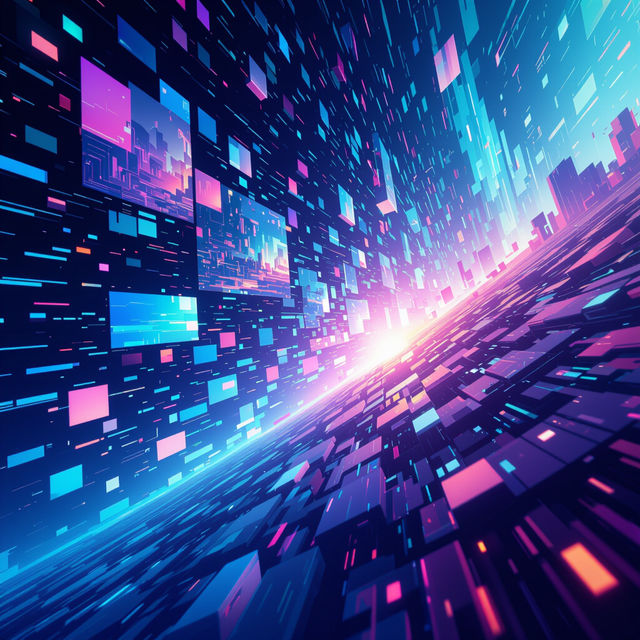
AI-Generated Pictures
Discover a gallery of unique AI-generated pictures. Explore images developed with cutting-edge AI technology and get inspired to create your own stunning visuals today.
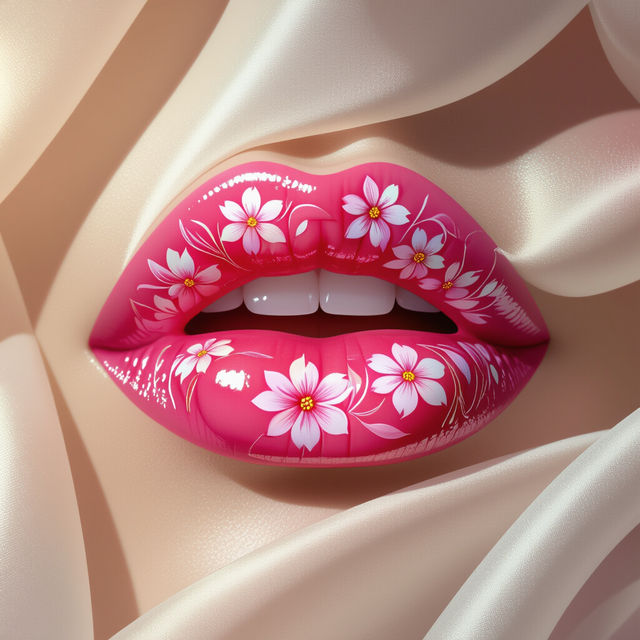
Lips Images
Discover a stunning collection of AI-generated lips images. Explore diverse artistic styles and get inspired to create your own unique lip art with NightCafe.
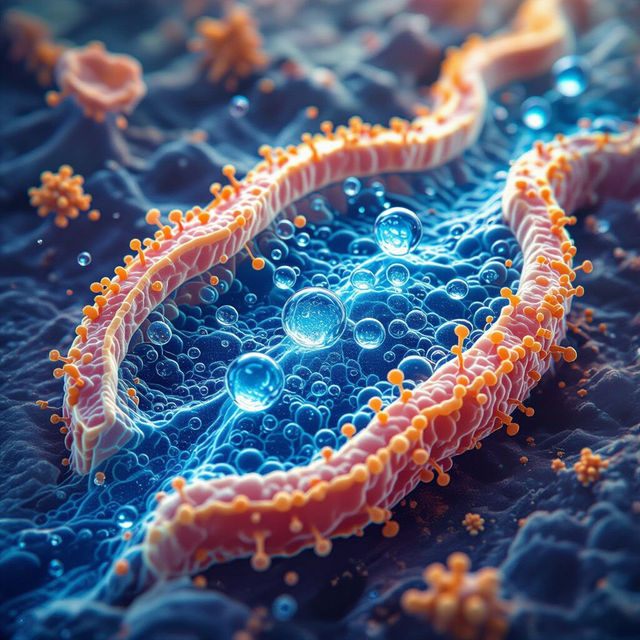
Picture of Osmosis
Explore fascinating pictures of osmosis generated by AI. Understand the biological process through vivid imagery and scientific accuracy. Create your own osmosis visuals.
Frequently Asked Questions
Frequently Asked Questions About Windows 12 AI Wallpapers
How are these Windows 12 wallpapers created?
Our Windows 12 wallpapers are generated using advanced AI art generation models. You can explore a variety of styles and themes, with each piece uniquely crafted to offer a fresh and inspiring look for your desktop.
Can I generate my own custom Windows 12 wallpaper?
Absolutely! Our platform allows you to create your own custom AI desktop backgrounds. Simply use our intuitive tools to describe your desired style, colors, and themes, and let the AI bring your vision to life.
What kind of styles are available for these AI wallpapers?
The gallery features a diverse range of styles, from minimalist and abstract designs to vibrant fantasy landscapes and futuristic aesthetics. You can find a wallpaper to match any mood or personal preference.
How do I download and use a wallpaper from the gallery?
Once you find a wallpaper you love, you can typically download it directly from the gallery page. After downloading, right-click on the image file and select 'Set as desktop background' or a similar option in your Windows settings.
Are these wallpapers optimized for different screen resolutions?
While many wallpapers are generated at high resolutions, we recommend checking the specific image details for resolution information. You can often upscale or adjust the image slightly within your Windows display settings to fit your screen perfectly.