

- Galleries
- Windows 7 Inspired Wallpapers
Windows 7 Wallpapers - AI Generated
Explore a gallery of AI-generated Windows 7 wallpapers. Find inspiration or create your own nostalgic desktop backgrounds with unique designs. Perfect for your screen!

As seen in








Windows 7 Inspired Wallpapers
A curated collection of AI-generated wallpapers inspired by the iconic Windows 7 aesthetic, offering a fresh take on classic desktop backgrounds.


Didn't find what you were looking for? Create your own below!
Create your own Windows 7 Wallpapers - AI Generated images
Discover the magic of Text to Image AI by creating your own unique images. Edit the prompt below to customize your creation.
No payment or credit card required.

Nostalgic & Inspiring Designs
Stunning Windows 7 Style Wallpapers
Rekindle the iconic aesthetic of Windows 7 with our collection of AI-generated wallpapers. Each design captures the clean lines and vibrant gradients that made the OS beloved. Find the perfect Windows 7 wallpaper to bring a touch of familiar comfort and modern AI artistry to your screen, evoking a sense of productive nostalgia.
Create Your Own Windows 7 Wallpaper
Step 1
Describe Your Ideal Wallpaper
Begin by entering a detailed prompt describing the Windows 7-inspired wallpaper you envision. Include keywords related to the aesthetic, color schemes, and any specific elements you'd like to see, such as Aero glass effects, abstract patterns, or nature scenes in the Windows 7 style.
Step 2
Generate Your Nostalgic Design
After crafting your prompt, click the 'Generate' button. Our AI will process your description and create a unique wallpaper that captures the essence of Windows 7 with a fresh artistic twist.
Step 3
Download or Share Your Wallpaper
Once your wallpaper is ready, you have the option to download it in high resolution to use as your desktop background. You can also share your creation with the community or refine it further with additional prompts.

Create Your Unique Desktop
AI-generated Windows 7 Desktop Backgrounds And Creation
Dive into the realm of AI-generated Windows 7 desktop backgrounds and unlock your creative potential. Our advanced tools allow you to craft personalized visuals that echo the spirit of Windows 7 while offering entirely new artistic expressions. Transform your workspace with custom desktop backgrounds that are uniquely yours, blending retro charm with cutting-edge AI generation.
More Galleries
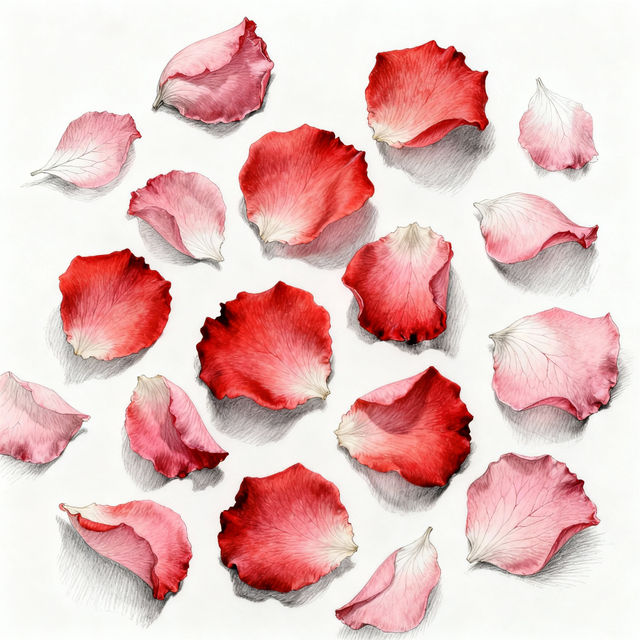
Rose Petals Drawings - AI Generated Art
Discover exquisite AI-generated rose petals drawings. Perfect for artists and romantics, these visuals capture delicate beauty. Create your own unique rose petal art with NightCafe.
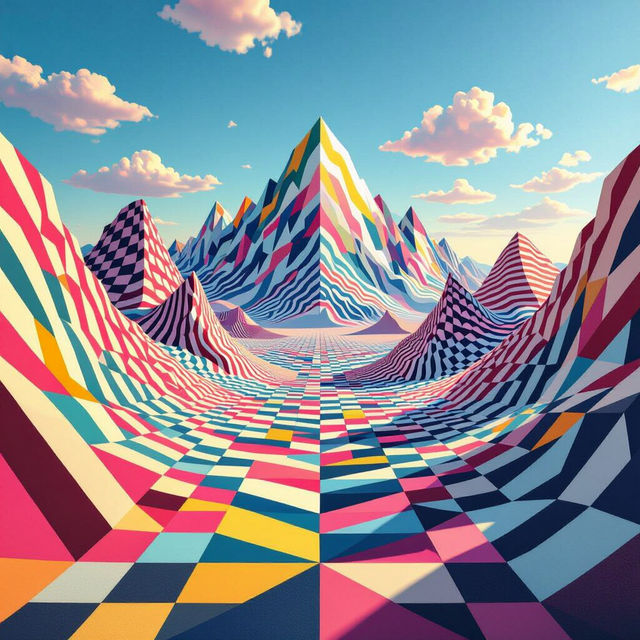
Easy Optical Illusion Art
Explore a gallery of easy optical illusion art. Learn how to create your own mind-bending visuals with AI and transform simple concepts into captivating art pieces.
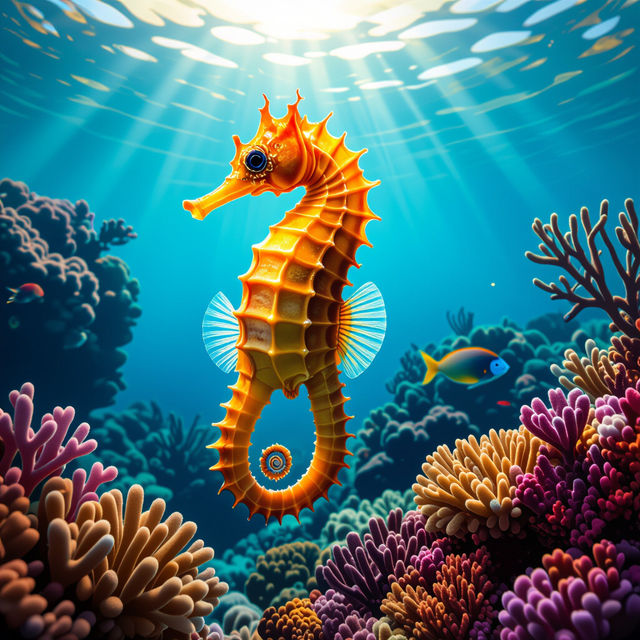
Seahorse Images - AI Generated
Discover a vibrant collection of AI-generated seahorse images. Perfect for inspiration or creating your own unique seahorse art with NightCafe.
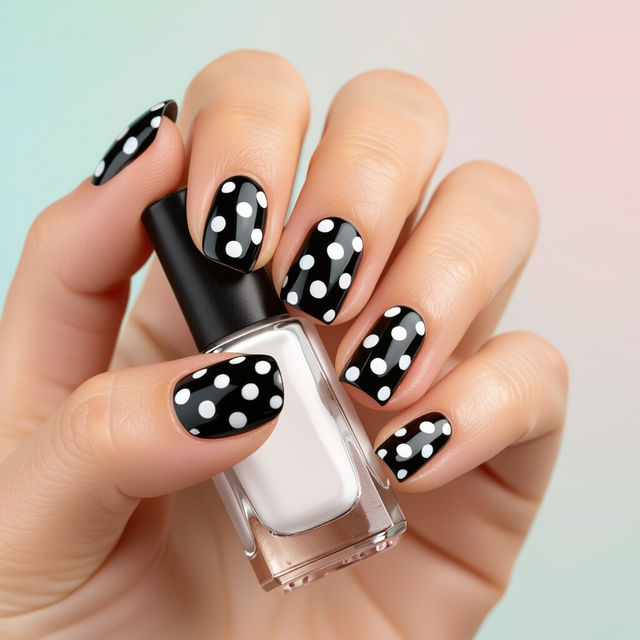
Polka Dot Nail Art
Explore a vibrant collection of polka dot nail art ideas. Discover unique patterns and styles to inspire your next manicure, or create your own custom designs.
Frequently Asked Questions
Your Questions About Windows 7 AI Art Wallpapers Answered
How can I create my own Windows 7-style wallpaper with AI?
To create your own Windows 7-style wallpaper, start by thinking about the core elements of that aesthetic: clean lines, vibrant gradients, and a sense of productive calm. Use descriptive keywords in your prompt that evoke these feelings and visuals, such as 'Windows 7 inspired gradient wallpaper,' 'abstract blue and green desktop background,' or 'minimalist OS aesthetic.' You can also specify resolution and aspect ratio for your desired screen size.
What makes these AI-generated wallpapers similar to the original Windows 7 aesthetic?
These wallpapers are designed to capture the essence of the original Windows 7 aesthetic by using AI models trained on visual styles that reflect its iconic look. This includes emulating the characteristic smooth gradients, clean compositions, and often serene or productive color palettes that made Windows 7's default wallpapers so recognizable and beloved.
Can I use these AI-generated Windows 7 wallpapers for my personal desktop?
Yes, absolutely! The wallpapers generated in this gallery are perfect for personal use. You can download and set them as your desktop background to bring a touch of nostalgic comfort and modern AI artistry to your screen. Enjoy personalizing your workspace with these unique designs.
Are there specific prompts that work best for generating Windows 7-like art?
For the best results, try prompts that combine stylistic elements with descriptive terms. For example: 'Windows 7 Aero glass wallpaper, abstract flowing blue and green gradient, high resolution,' or 'Nostalgic desktop background, clean lines, subtle light effects, inspired by Windows 7.' Experiment with terms like 'minimalist,' 'gradient,' 'abstract,' 'smooth,' and 'vibrant' to achieve the desired look.