

- Galleries
- Yoto Pixel Art Showcase
Yoto Pixel Art
Discover a vibrant collection of Yoto pixel art generated by AI. Perfect for creators looking for inspiration or unique assets for their projects. Create your own pixel art today!

As seen in








Yoto Pixel Art Showcase
A curated gallery of AI-generated Yoto pixel art, showcasing creative designs and nostalgic 8-bit aesthetics for inspiration and use.


Didn't find what you were looking for? Create your own below!
Create your own Yoto Pixel Art images
Discover the magic of Text to Image AI by creating your own unique images. Edit the prompt below to customize your creation.
No payment or credit card required.

Endless Creative Possibilities
Explore AI-generated Yoto Pixel Art
Dive into a universe of vibrant Yoto Pixel Art, meticulously crafted by AI. Our gallery showcases a stunning array of styles, from retro-inspired to modern interpretations, providing boundless inspiration for your next creative endeavor. Discover unique assets perfect for games, animations, or simply as digital art.
Create Your Unique Yoto Pixel Art
Step 1
Describe Your Pixel Art Vision
Start by describing the pixel art you envision in the prompt box. Be specific about characters, themes, colors, and the overall style you're aiming for. For example, try "A cute pixel art robot waving hello" or "Retro pixel art landscape with a castle."
Step 2
Generate Your Pixel Art
Once your prompt is ready, click the "Generate" button. Our AI will process your description and create a unique pixel art image based on your input.
Step 3
Download or Share Your Creation
After generation, you can download your pixel art in high resolution or share it with the community. Use it for your Yoto Player, games, or any creative project!

Personalize Your Yoto Experience
Generate AI Pixel Art For Yoto Players
Bring your Yoto Player to life with custom AI Pixel Art! Our powerful generation tools allow you to easily create unique visuals tailored for your device. Whether you need characters, backgrounds, or abstract designs, simply describe your vision and let our AI generate stunning AI Pixel Art for Yoto Players.
More Galleries
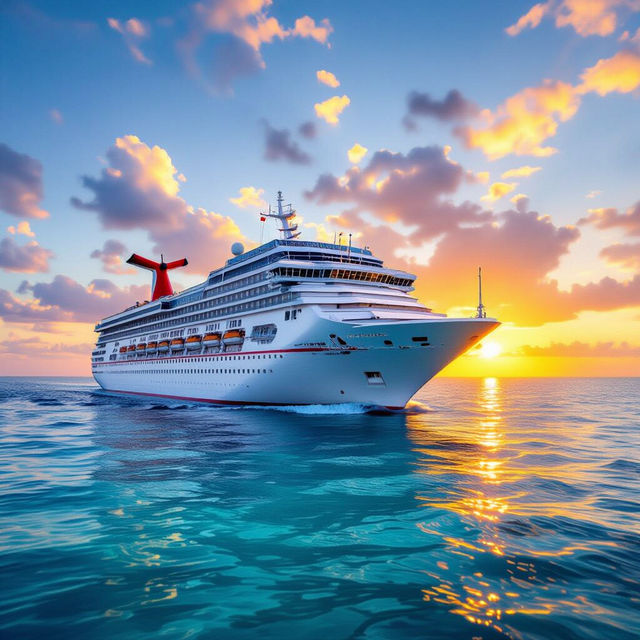
Carnival Ecstasy Ship Images
Discover breathtaking Carnival Ecstasy ship images created with AI. Browse our gallery for inspiration or generate your own unique cruise ship art and visualize your next adventure.

AI Art Critique Examples
Explore diverse art critique examples generated by AI. Understand artistic elements and techniques to enhance your own creative process and improve your artwork.
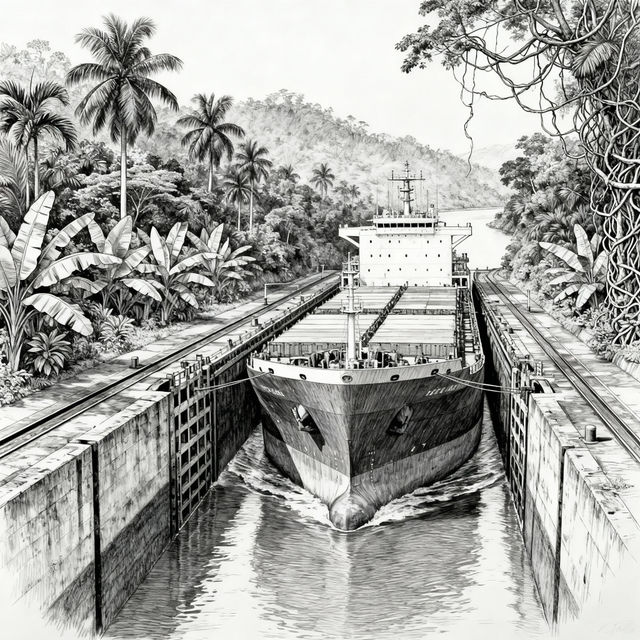
Panama Canal Drawings - Made With AI
Discover stunning Panama Canal drawings created by AI. Get inspired by unique artistic interpretations of this engineering marvel and create your own.
Stay Cool Images - AI Generated
Discover a collection of 'Stay Cool Images' generated by AI. Find inspiration for refreshing visuals and create your own cool, unique artwork with NightCafe.
Frequently Asked Questions
Frequently Asked Questions About Yoto Pixel Art Generation
What is Yoto Pixel Art and how is it generated?
Yoto Pixel Art refers to pixelated images specifically designed or inspired by the Yoto Player's aesthetic. These are generated using advanced AI models that interpret your text prompts to create unique, pixel-style visuals. You can describe characters, scenes, or abstract concepts, and the AI will translate them into pixel art.
Can I use the generated Yoto Pixel Art for my own projects?
Yes, the Yoto Pixel Art generated through our platform can be used for your personal and commercial projects. This includes using them as assets for games, animations, digital art, or even for customizing your Yoto Player. Please refer to our Terms of Service for full details on usage rights.
How can I create the best prompts for Yoto Pixel Art?
To create effective prompts, be descriptive about the subject, style, and colors you envision. For Yoto Pixel Art, consider mentioning 'pixel art style,' 'retro,' '8-bit,' or '16-bit' if you want a classic look. Specifying desired colors or mood can also help the AI generate results closer to your vision.
What if the generated pixel art isn't exactly what I wanted?
AI generation can sometimes require a few tries. If the initial results aren't perfect, try refining your prompt. You can add more specific details, change keywords, or adjust stylistic elements. Experimenting with different AI models available on NightCafe can also yield varied and interesting results.