

5 Words, 100% Prompt Weight
Challenge hosted by

Challenge Winners




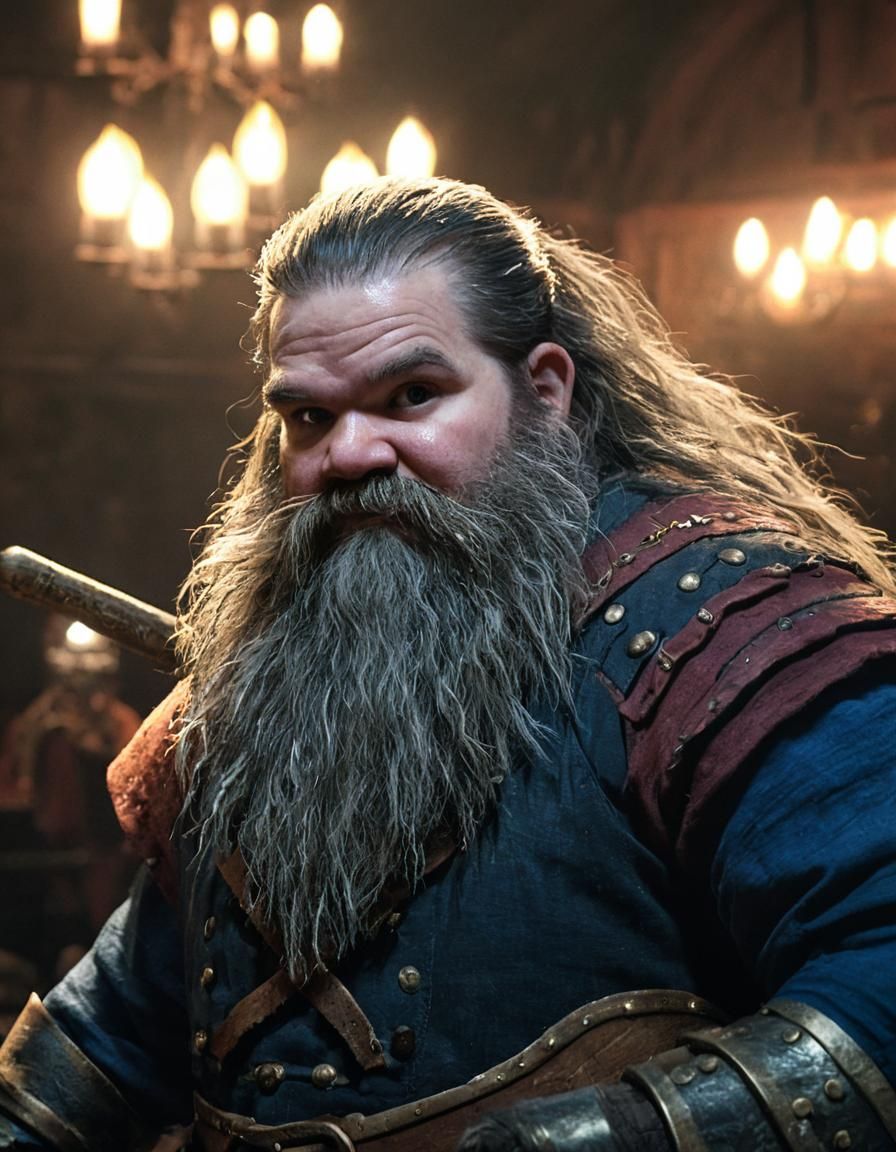







Finished
Challenge closed
Challenge Criteria
Let us see how creative you can be with less AI flexibility!
Follow these steps:
- Turn on "Advanced mode".
- Choose a model.
- Add a five-WORD prompt.
- Turn off Prompt Magic.
- Choose an Aspect Ratio.
- Increase the Overall Prompt Weight (if present) to 100%.
- DO NOT change the Refine Weight (keep at 50%)
- Change the seed. (optional)
- Create.
- Submit.
RULES:
- Use ONLY ONE PROMPT with ONLY FIVE WORDS OR NUMBERS. (no emojis)
- NEGATIVE prompt is NOT allowed.
- NO NEGATIVE prompts.
- TURN OFF Prompt Magic.
- Overall Prompt Weight must be SET TO 100%. ‡
- MAKE your Prompt PUBLIC on your creation page. ‡‡
- LEAVE Refiner Weight ALONE (default is 50%).
- NO Start Images, Evolving or LoRAs. It must be a first-time creation.
- NO PRESET STYLES! Using them is the same as adding words but without showing them.
- TITLE your creation with your five-word prompt.
‡ Some models will show 50% because the setting cannot be changed.
‡‡ Option to make prompts public is under Edit.
- NSFW creations are NOT allowed
- Daily Challenge rules are enabled
- PRO models are NOT allowed
- Uploaded creations are NOT allowed
- Prompt word limit: 5 words
- Negative prompt forbidden words: disfigured
- Magic prompts are NOT allowed
- Forbidden models: Clarity Upscaler
- LoRAs can NOT be used
💰 Share this challenge and earn credits for referring new users.
Prizes
- 🥇 3 credits
Meta
- 🧑 20 players
- 🖼️ 17 entries
- 🗳️ 13 rankings
- 👍 13 voters
- 🏷 Category: Creativity
- ⚖️ Scoring method: Rank
(rank shortlist max size: 10)