

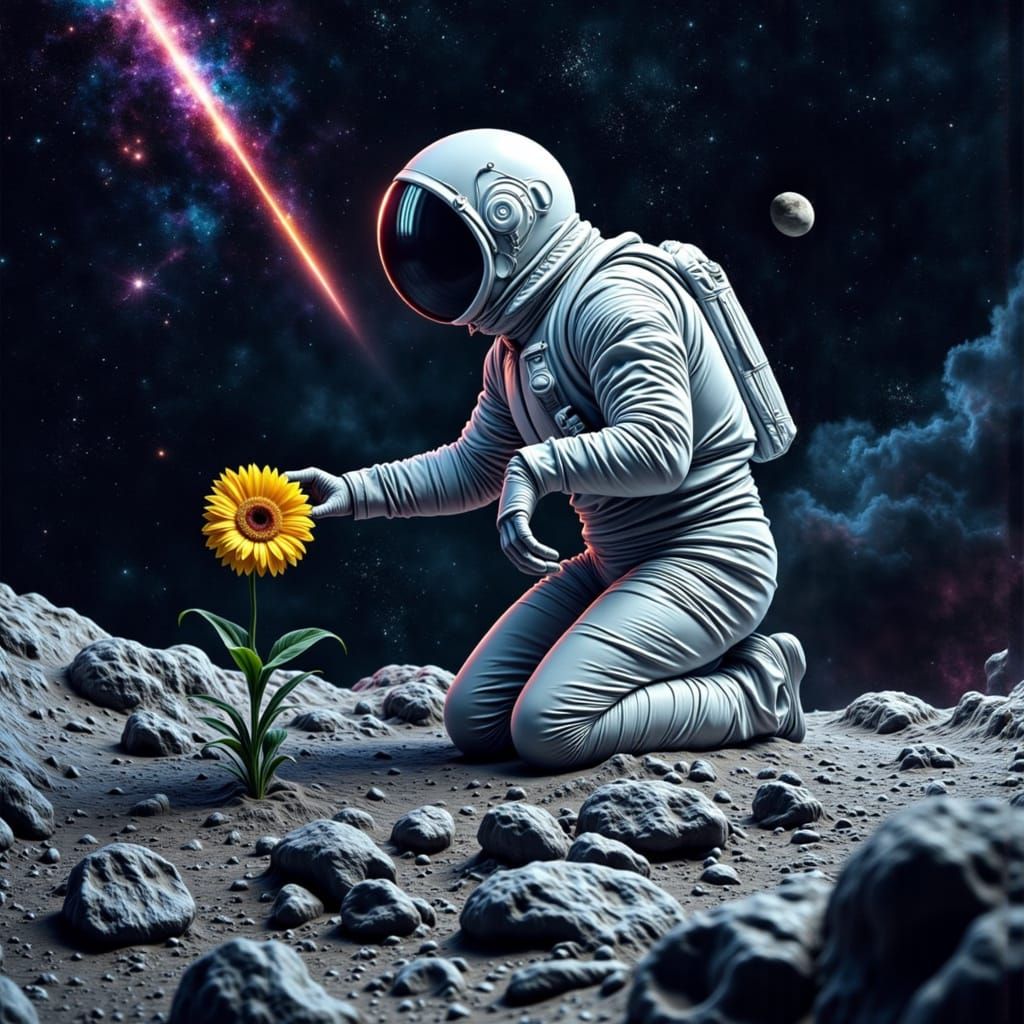
Rapture
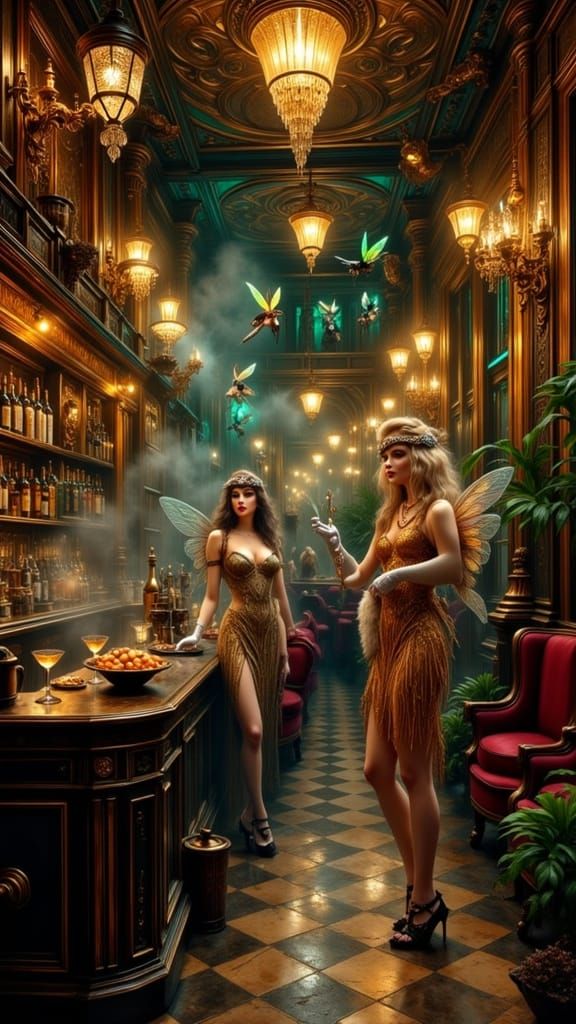
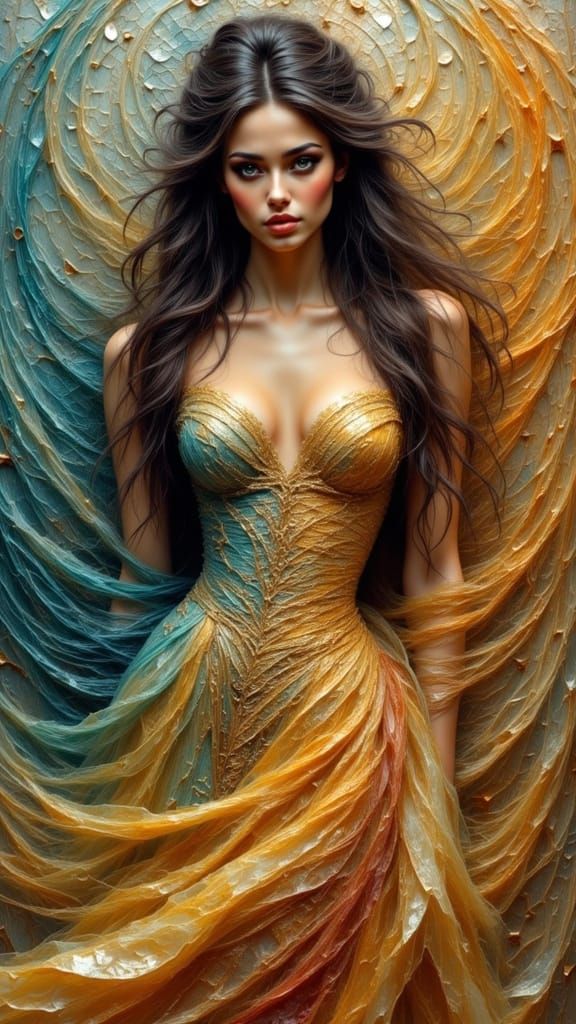
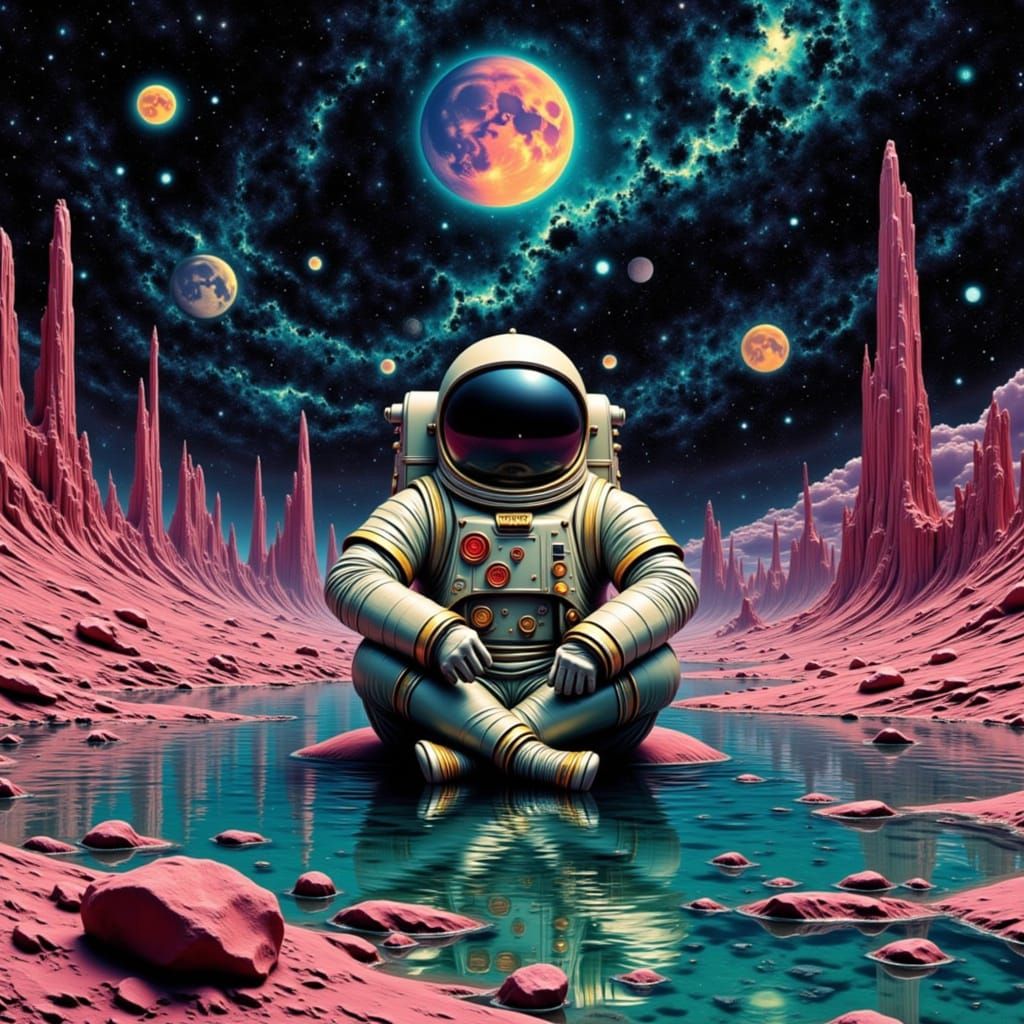
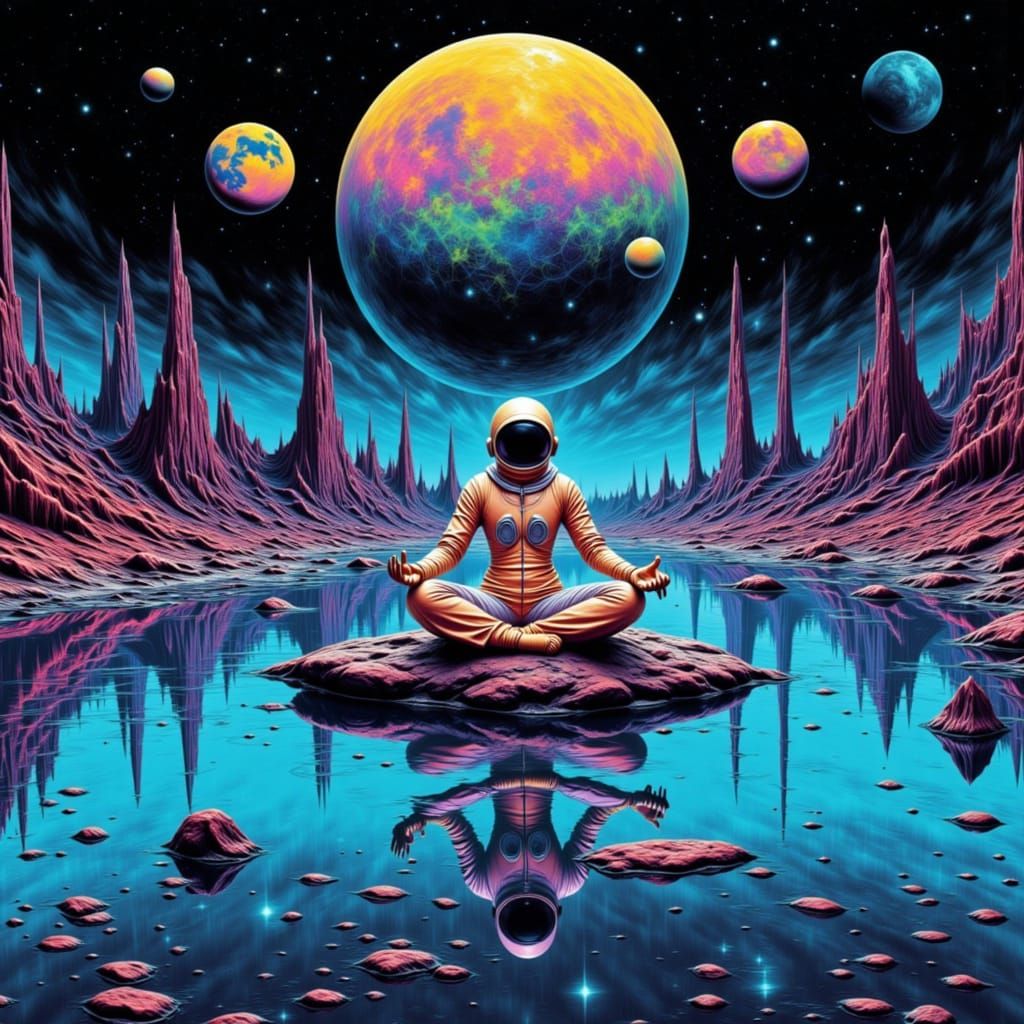
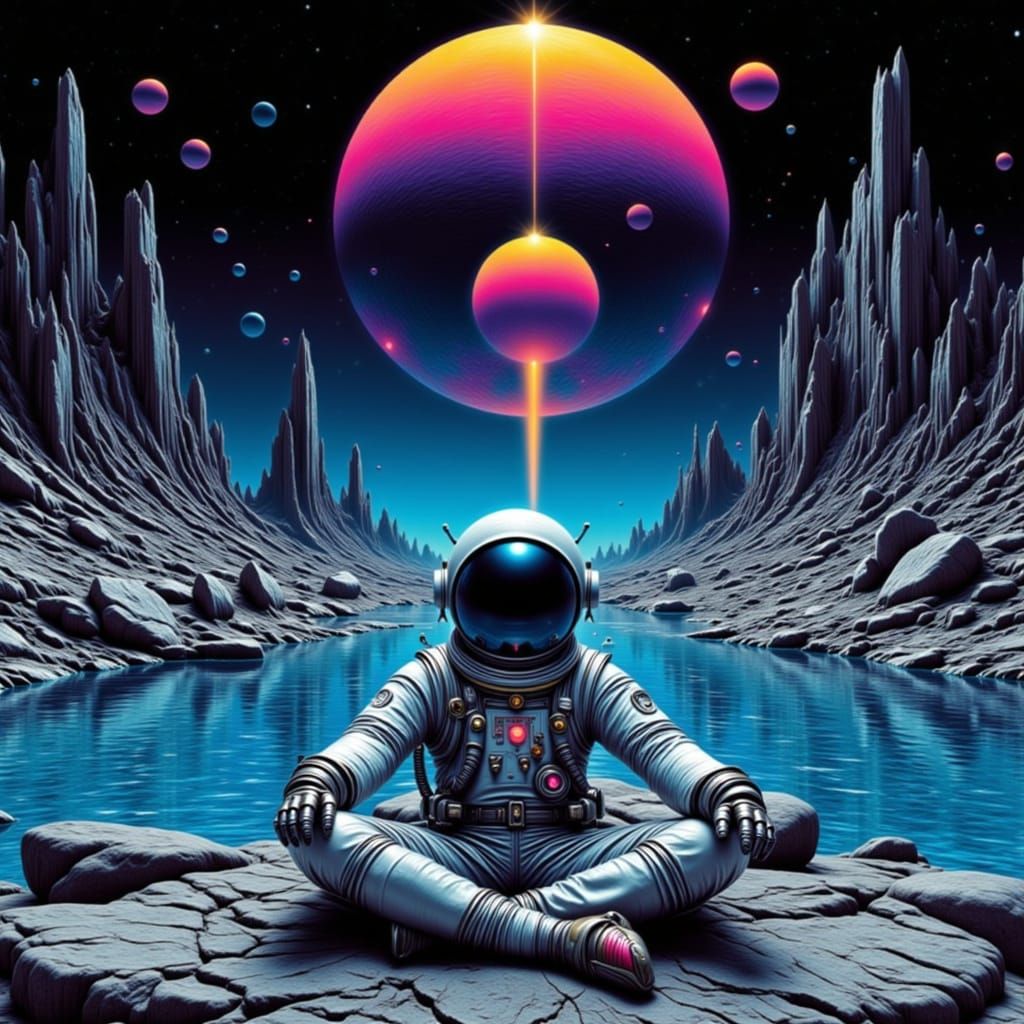
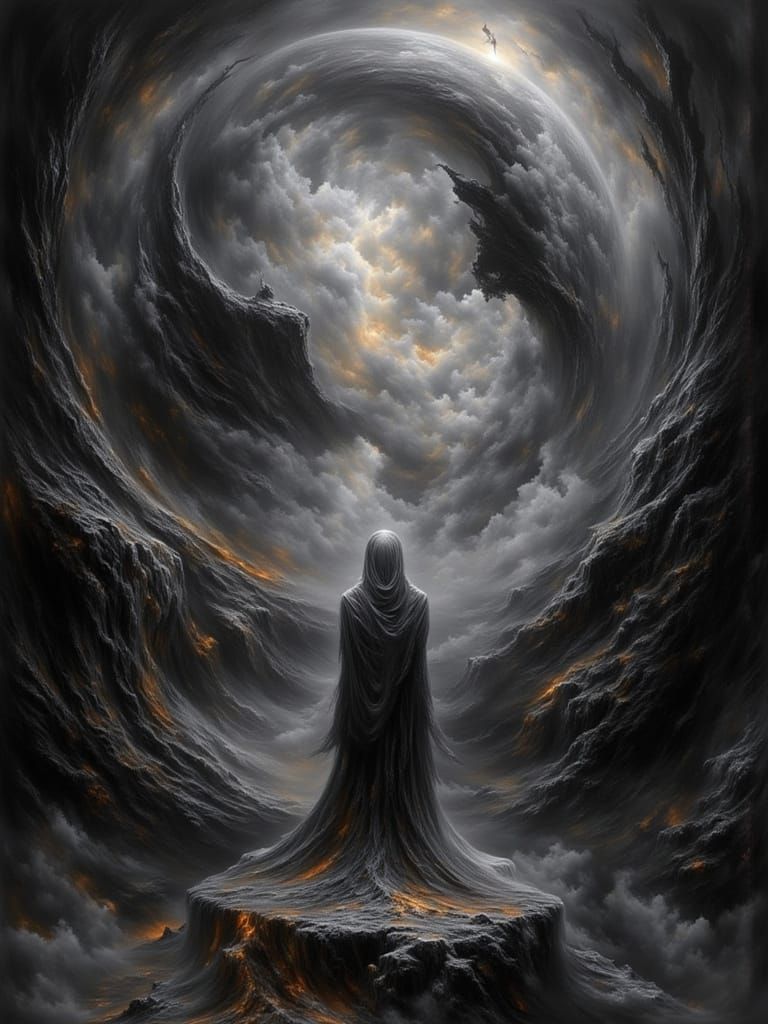
Tips for Best Results: Activate the Style: Use the trigger word <rapture> to apply the model's unique aesthetic. Enhance Descriptions: Combine <rapture> with keywords like "neon glow," "cybernetic," "futuristic skyline," or "ethereal mist" to tailor the output to your vision. Lighting and Mood: Highlight dynamic lighting effects, vibrant color palettes, and contrasts to bring out the LoRA's strengths. Examples include "moody lighting," "soft glows," or "high-tech luminescence." Weights and Balancing: Adjust the LoRA's strength using weight sliders. A range of 0.6-0.8 often yields balanced results, but you can go higher or lower depending on the desired intensity. Combine with Other Styles: Use <rapture> alongside other model prompts to blend styles or add unique flourishes to your creations.
Optimal prompting keywords
We recommend using these trigger words when prompting Rapture to get the best results:
- <rapture>


No comments yet.
No comments yet