NightCafe Logo
Create
Anonymous User
Face Add on
Face Add on
Face Add on
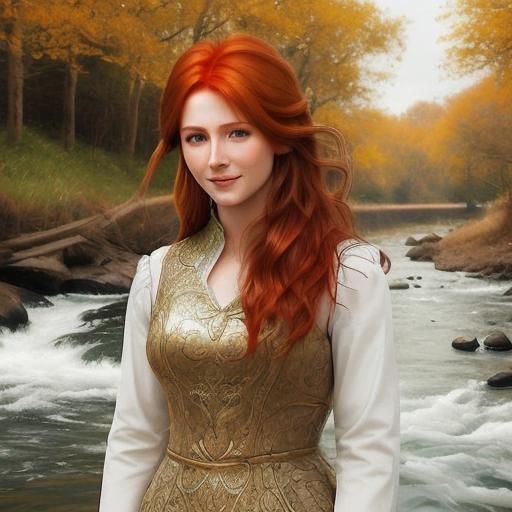
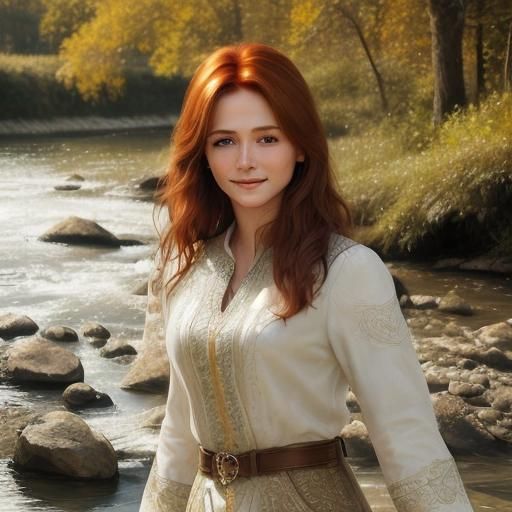
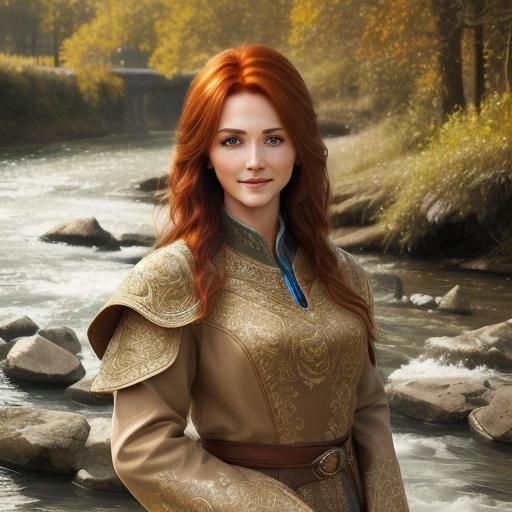
<lora:Face Add on:1.0>beautiful woman standing by river, gentle smile, auburn hair,
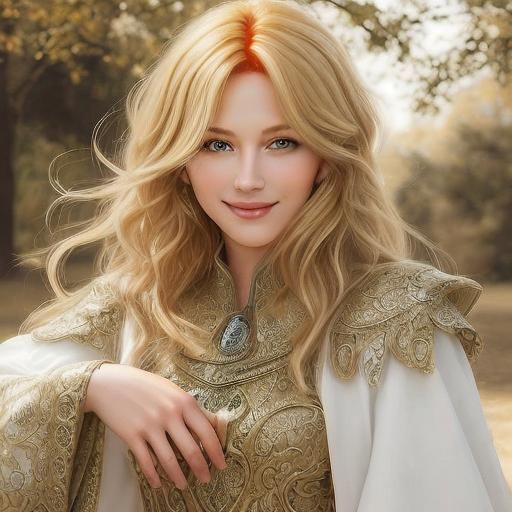
<lora:Face Add on:1.0>beautiful woman standing on hill, blond hair,
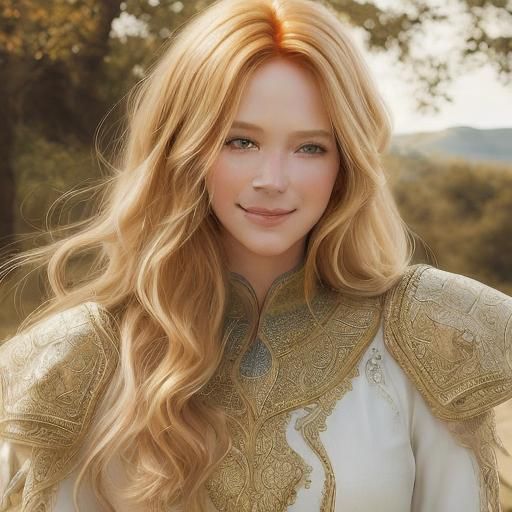
<lora:Face Add on:1.0>beautiful woman standing on hill, gentle smile, blond hair,
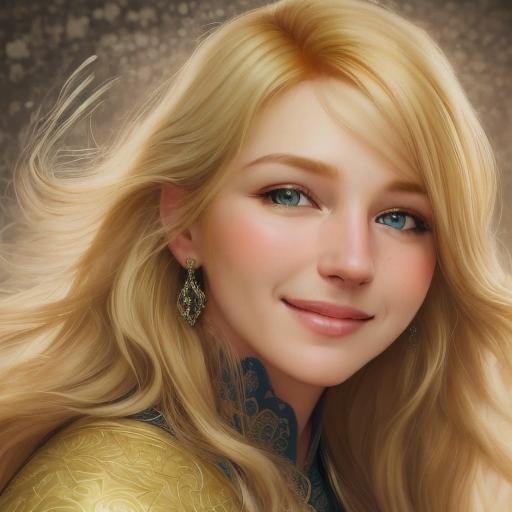
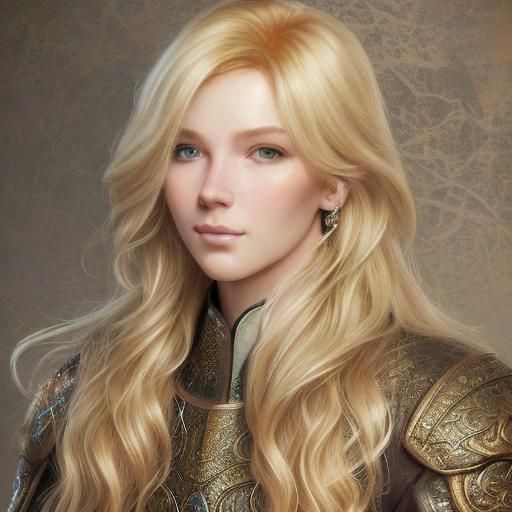
<lora:Face Add on:1.0>beautiful portrait of myself, blond hair, smile
<lora:Face Add on:1.0>beautiful portrait of myself, blond hair
<lora:Face Add on:1.0>beautiful portrait of myself
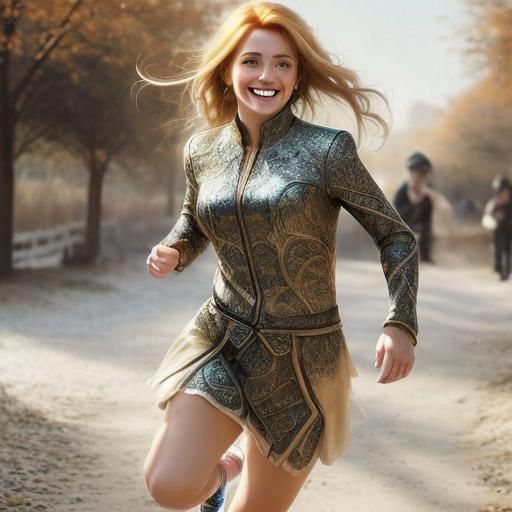
<lora:Face Add on:1.0>beautiful woman running, blond hair, smile
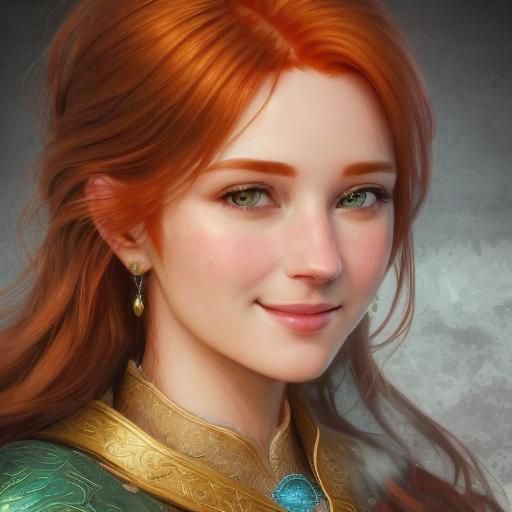
<lora:Face Add on:1.0>beautiful woman standing by river, gentle smile, brown hair, simple blouse
<lora:Face Add on:1.0>beautiful woman standing by river, gentle smile, brown hair,
PRO

Face Add on

LoRAAbsoluteReality v1.8.1Β· Β·1.7K+ creationsΒ·1 comment
#photorealistic#portraits
"face" for 1.5 loras, add "gentle smile", hair color, clothes.-3 negative prompt

If used with 1.5 without lora, negative prompt should be set all the way to the left at -3. Presets like "Hyper real" can help.

Usage guide

Faces in 1.5 lora can need improvement. Add this lora to improve face quality.

Optimal prompting keywords

We recommend using these trigger words when prompting Face Add on to get the best results:

  • Beautiful face, hair color, clothes description
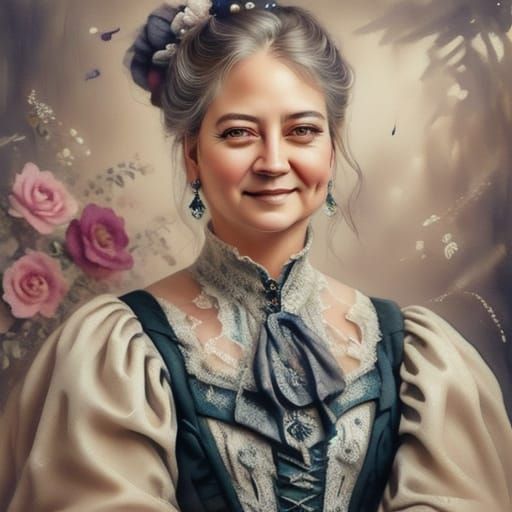
Recent creations by the community

See what people have made with this model

5
5
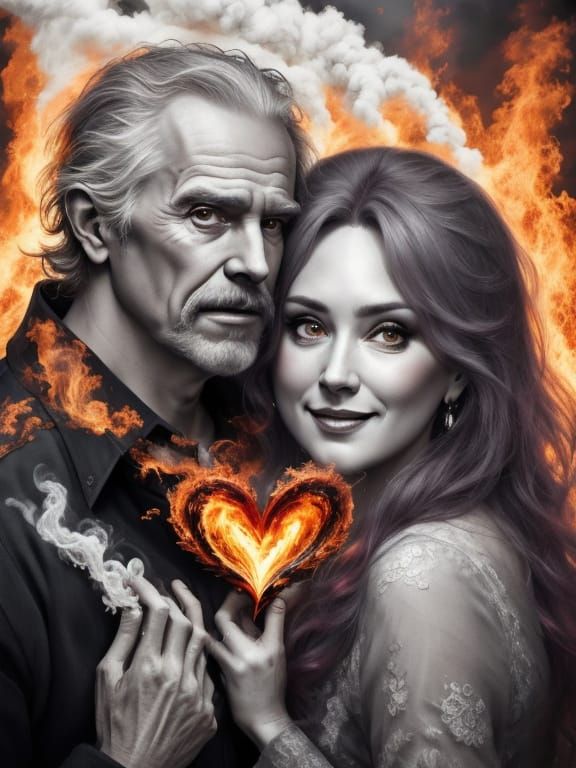
Surreal Romance: Aged Couple in Tender Embrace
0
2
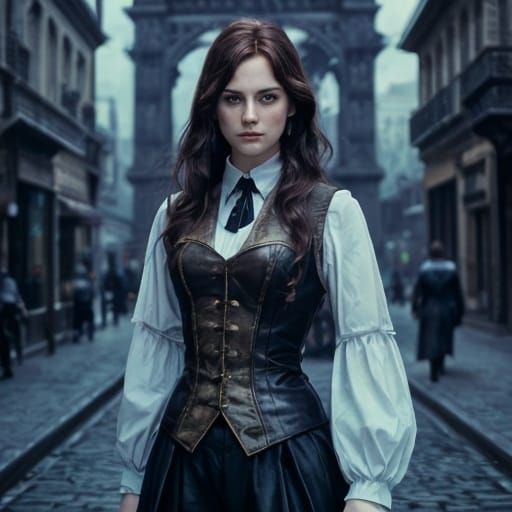
Woman in Steampunk Vest, Paris Street, Impressionism
0
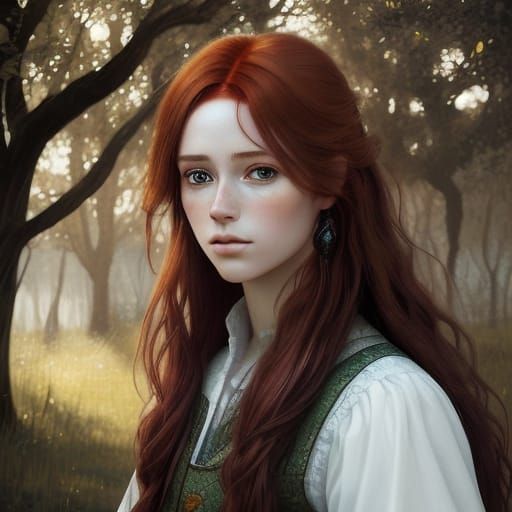
Autumnal Charm in Warm Colors
0
Untitled Creation
0
Untitled Creation
0
Untitled Creation

Comments

Anonymous User
Sort: Most recent

I can't believe I haven't commented on this model yet! I use it often and I love the improvements it makes to faces! Soon I am hosting a challenge featuring the use of this model. Here's the link to the room.it will auto update when the challenge is featuring you.

2024-06-15T18:16:50.817ZReply