New! Share a prompt in a post, chat message, creation description, etc. When you share it like this, other users can easily copy or use it. Learn how below.
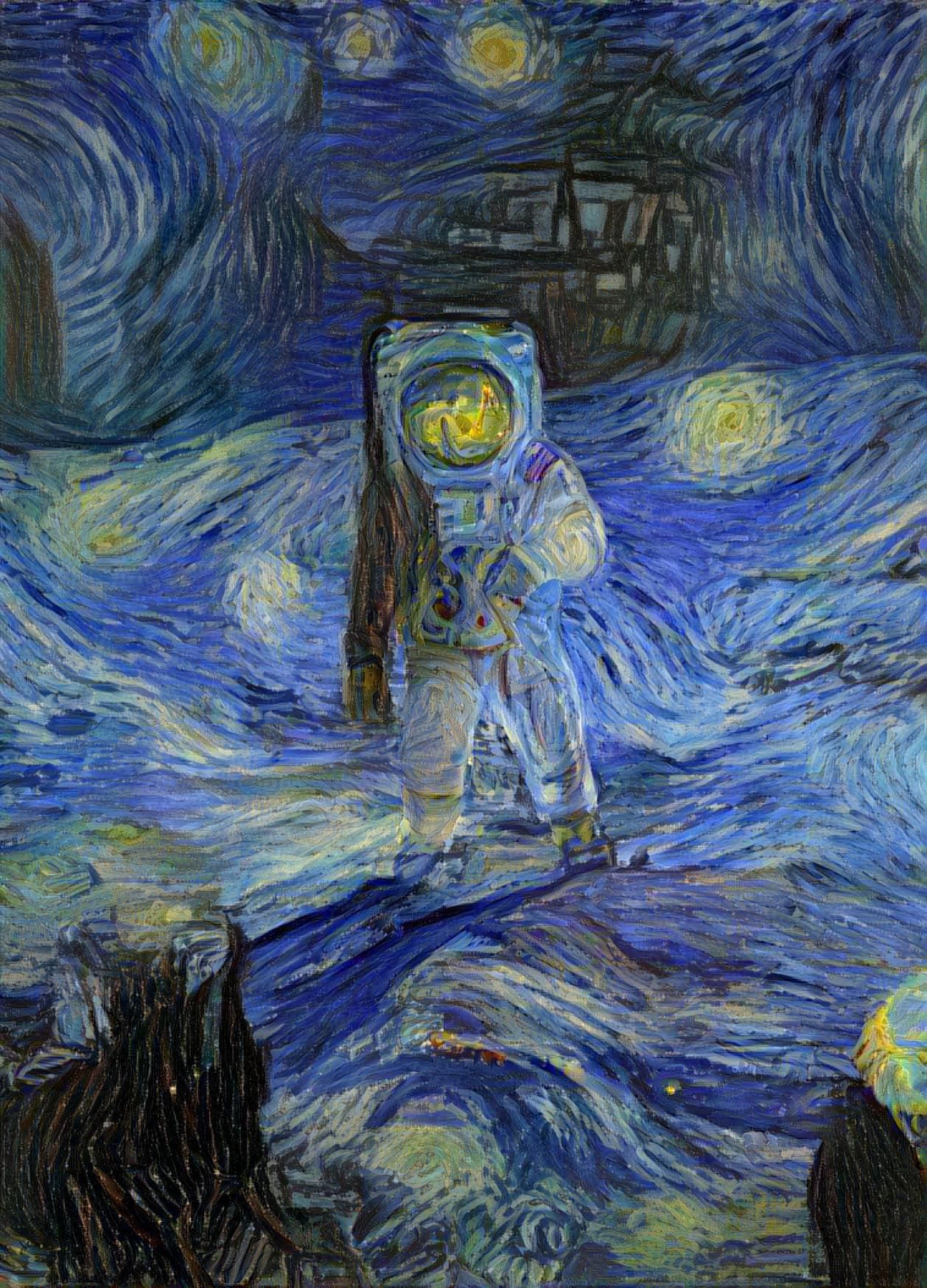
An astronaut exploring a huge anient cavern in ruins. He is holding a flaming torch. Glowing runes light ...
How?
Start a line with three back-ticks (`- usually next to the 1 key on your keyboard) and then "prompt" like below. Add your prompt on the next line, then add another new line with three back-ticks at the end.
```prompt
Here is my prompt
```
Or, use the new "Share" button underneath prompts in creation settings to copy it to the clipboard as a shareable snippet.