

AI Linkedin Photo Generator Free
Create professional LinkedIn profile photos with our AI Linkedin Photo Generator Free. Remove unwanted elements with the watermark generator or add a personalized touch with the ai watermark generator.
No payment or credit card required.

As seen in









Polished Professional Profiles
AI Linkedin Photo Generator
Craft the perfect professional image with our AI Linkedin Photo Generator. Remove distractions or unwanted elements using the free watermark generator. Ensure your profile picture reflects your dedication and attention to detail, leaving a lasting impression on potential employers and connections.
Create Your Perfect LinkedIn Profile Photo
Step 1
Describe Your Ideal Professional Image
Start by entering a detailed description of the professional image you envision for your LinkedIn profile. Specify details such as your desired attire, background, and overall mood. The more precise you are, the better the AI can tailor the image to your expectations.
Step 2
Generate Your Professional Photo
After crafting your prompt, click the “Generate” button to start the AI's creative process. Within moments, our AI will produce a professional-grade photo tailored to your specifications, ready to enhance your LinkedIn profile.
Step 3
Download and Share Your New Profile Photo
Once you are happy with the generated photo, you can download it directly to your device in high quality. Additionally, share your new professional image with your network on LinkedIn to showcase your updated profile!

Brand Protection Made Easy
Elevate your personal brand with a unique and professional LinkedIn profile photo. Protect your image online using the artist watermark generator, adding a subtle yet effective layer of ownership. Our tool makes it easy to create a watermark png, ensuring your image remains yours.
Need inspiration?
Check out some of the top creations made by the NightCafe community.







Related Tools

Inspirational Quote Generator
Create daily inspiration with our Inspirational Quote Generator. Design unique quote visuals and even use it as a badge generator or trust badge generator to elevate your message.
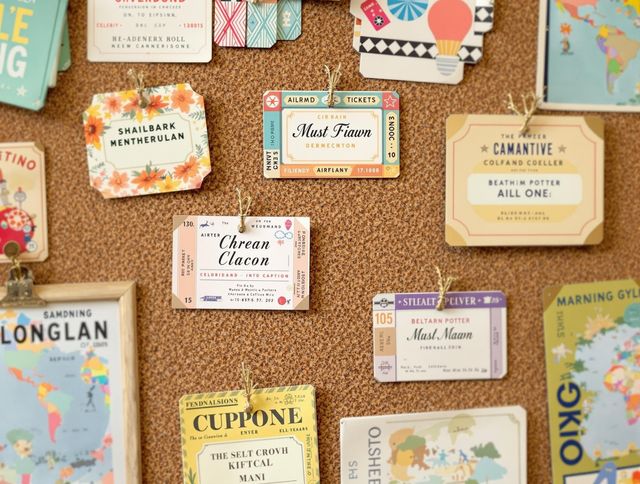
Name Tag Generator
Design personalized name tags effortlessly! Beyond simple identification, create custom airline ticket generator and boarding pass generator designs for events or creative projects. Start designing now!

Email Signature Generator
Create professional email signatures effortlessly with our Email Signature Generator! Also, try our movie marquee generator or movie ticket generator for fun, personalized designs.
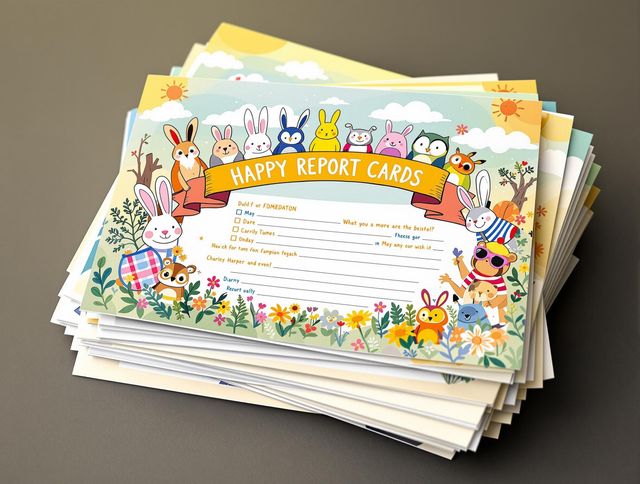
Report Card Generator
Effortlessly create personalized report cards with our AI Report Card Generator. Design a circle logo generator or round logo generator to match your school's branding and enhance your documents.
Frequently Asked Questions
Frequently Asked Questions About the AI LinkedIn Photo Generator
What does the AI LinkedIn Photo Generator do?
The AI LinkedIn Photo Generator helps you create professional-looking profile pictures for LinkedIn using artificial intelligence. It can enhance your existing photos or generate entirely new ones based on your specifications, ensuring you present a polished and professional image.
How can I get the best results from the AI LinkedIn Photo Generator?
To get the best results, upload a clear, well-lit photo of yourself. Provide specific instructions in the prompt regarding the background, style, and any other elements you want the AI to incorporate. Experiment with different prompts to achieve your desired outcome. For example, specify professional attire, a blurred office background, or a confident pose.
Can I add a watermark to my generated LinkedIn photo?
Yes! Our tool includes a watermark generator that allows you to add a personalized watermark to your LinkedIn profile photo. This can help protect your image from unauthorized use and showcase your brand or identity. You can use the watermark generator to add a subtle logo, your name, or other identifying information.
How good will my AI-generated LinkedIn photo be?
While the tool is designed to create professional-looking photos, results can vary. The quality of the output depends on the quality of the input photo and the specificity of your prompts. If you're not satisfied with the initial results, try adjusting your prompts or uploading a different photo. Experimentation is key!
Can I use the generated photo for my LinkedIn profile?
Yes, you can use your AI-generated photo on LinkedIn and other professional platforms. By presenting a polished and professional image, you can increase your visibility and credibility, making a positive impression on potential employers, clients, and connections. Make sure your profile adheres to LinkedIn's guidelines and policies.