

Bar Graph Generator
Visualize your data with our Bar Graph Generator. Create compelling visuals for reports, presentations, and more. It's as easy to use as a newspaper generator or newspaper headline generator, but for charts!
No payment or credit card required.

As seen in








Dynamic Visualization Tools
Progress Bar Generator
Visualize project milestones effortlessly. Our progress bar generator offers a dynamic way to represent task completion and goals, much like a news headline generator grabs attention. Ditch static visuals and inject life into your presentations, creating engaging reports that captivate your audience, unlike a generic fake article generator.
Creating Stunning Bar Graphs Online
Step 1
Input Your Data and Preferences
Begin by inputting your data and specifying the desired parameters for your bar graph in the prompt box. Include details such as axis labels, data ranges, and any specific colors or styles you'd like to incorporate. The more descriptive you are, the better the AI can tailor the graph to your needs!
Step 2
Generate Your Bar Graph
After you've entered your data and customized your preferences, click the 'Generate' button to bring your bar graph to life. Our AI will process your input and create a visually appealing and informative graph in seconds.
Step 3
Share and Download Your Graph
Once your bar graph is generated, you can download it in various formats for use in reports, presentations, or any other project. You can also share your creation directly with colleagues or on social media to showcase your data insights!
Data Simplified By AI
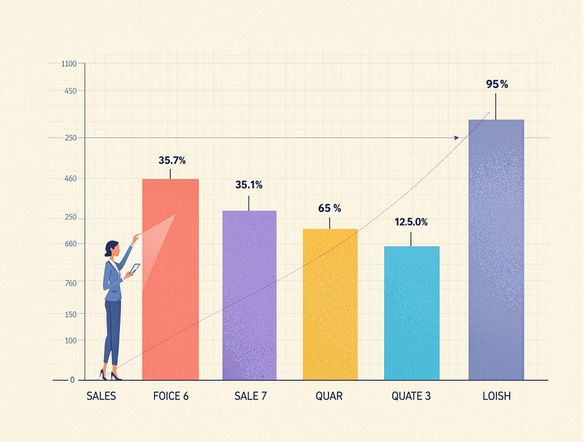
AI Bar Graph Generator
Transform raw data into insightful visuals with our AI. The AI Bar Graph Generator simplifies complex information, making it digestible for any audience. Similar to how a newspaper article generator crafts compelling narratives, our AI creates clear, concise graphs. Forget struggling with spreadsheets; generate impactful reports with ease, unlike a confusing news article generator.
Need inspiration?
Check out some of the top creations made by the NightCafe community.







Related Tools

Comparison Generator
Create captivating comparison images effortlessly! Use our innovative tool—more than just a dollar generator or fake money generator—to visually showcase products and ideas.

Tree Map Generator
Visualize hierarchical data effortlessly with our Tree Map Generator. Perfect for organizing complex information, from website structures to Twitch logo generator concepts.

Sitemap Generator
Optimize your website's structure effortlessly with our Sitemap Generator. Ensure search engine crawlers index your site effectively, improving SEO and user experience. Create a sitemap today!

Pictogram Generator
Create unique pictograms effortlessly! Our Pictogram Generator lets you design custom graphics for any project. It's also a fun custom t shirt generator or bootleg shirt generator for personalized apparel.
Frequently Asked Questions
Everything You Need to Know About Creating Bar Graphs Online
How does the AI Bar Graph Generator work?
Our AI Bar Graph Generator simplifies the process of turning your data into visually appealing and informative bar graphs. Simply input your data, customize the appearance to your liking, and download your professional-quality graph for use in reports, presentations, and more.
Can I customize the appearance of my bar graphs?
Yes, you have a variety of customization options. You can adjust colors, labels, axes, and overall style to match your branding or the specific requirements of your presentation. Experiment with different layouts and color schemes to create a graph that effectively communicates your data.
What are some common use cases for the Bar Graph Generator?
The Bar Graph Generator is perfect for a wide range of applications, including business reports, academic presentations, marketing analysis, project tracking, and more. It's a versatile tool for anyone who needs to present data in a clear and concise visual format.
What are some tips for creating effective bar graphs?
To create an effective bar graph, start by clearly defining the data you want to represent. Choose a color palette that is visually appealing and easy to read. Label your axes and bars clearly, and ensure that the scale is appropriate for your data range. Consider adding a title and a brief description to provide context.
What kind of data formats does the Bar Graph Generator support?
Our system supports various data formats. You can directly input your data into the generator, or copy and paste data from spreadsheets or other sources. Ensure that your data is properly formatted with clear labels for each category and value.