

Block Diagram Generator
Visualize complex processes with our Block Diagram Generator. Create clear, professional diagrams effortlessly. Also supports fishbone diagram generator and lab fishbone generator functionalities.
No payment or credit card required.

As seen in








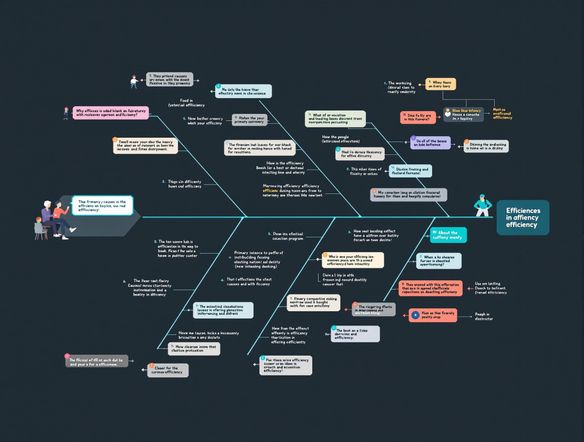
Analyze Complex Relationships
Dive deep into root cause analysis with our block and fishbone generator. Effortlessly illustrate cause-and-effect relationships, transforming complex data into clear, actionable insights. Perfect for process optimization and problem-solving across any industry. Unlock the power of visual analysis today!
Creating Block Diagrams Online
Step 1
Describe Your System
Start by entering a detailed description of the process or system you want to visualize in the prompt box. Specify the key components, their relationships, and the overall flow you want to represent. The more detail you provide, the better the AI can generate a relevant block diagram.
Step 2
Generate Your Diagram
After crafting your prompt, click the "Generate" button. Our AI will process your input and create a professional block diagram that visually represents your described system. This may take a few moments, so please be patient.
Step 3
Download and Share
Once generated, you can download your block diagram in high quality for use in presentations, reports, or documentation. Share your diagram with colleagues or the NightCafe community to gather feedback and refine your visual representation.
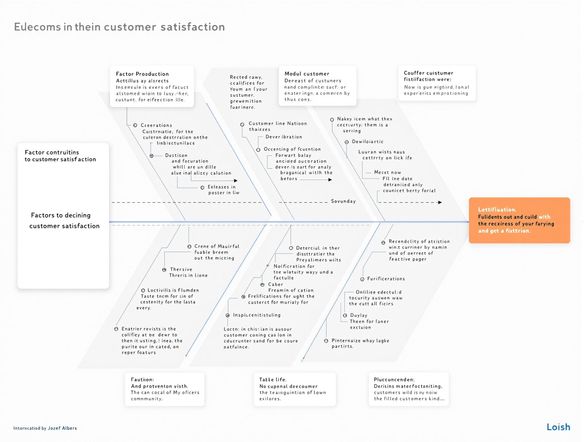
Free And Intuitive
Need a fishbone diagram generator free of complications? Our tool provides intuitive diagram creation. Whether you're using a CBC fishbone generator or brainstorming solutions, our platform ensures clarity. Visualize complex issues, identify root causes, and drive effective problem-solving. Start creating professional diagrams instantly!
Need inspiration?
Check out some of the top creations made by the NightCafe community.







Related Tools

Comparison Generator
Create captivating comparison images effortlessly! Use our innovative tool—more than just a dollar generator or fake money generator—to visually showcase products and ideas.

Tree Map Generator
Visualize hierarchical data effortlessly with our Tree Map Generator. Perfect for organizing complex information, from website structures to Twitch logo generator concepts.

Sitemap Generator
Optimize your website's structure effortlessly with our Sitemap Generator. Ensure search engine crawlers index your site effectively, improving SEO and user experience. Create a sitemap today!

Pictogram Generator
Create unique pictograms effortlessly! Our Pictogram Generator lets you design custom graphics for any project. It's also a fun custom t shirt generator or bootleg shirt generator for personalized apparel.
Frequently Asked Questions
Frequently Asked Questions About the Block Diagram Generator
How easy is it to create block diagrams with this tool?
Our Block Diagram Generator is designed for effortless creation of professional diagrams. Simply input your process steps and connections, and the tool will automatically arrange them into a clear, understandable visual representation. You can customize the layout, colors, and labels to match your specific needs.
Can I create fishbone diagrams as well as block diagrams?
Yes, in addition to block diagrams, our tool supports the creation of fishbone diagrams (also known as Ishikawa or cause-and-effect diagrams). This makes it a versatile solution for both process visualization and root cause analysis. Features such as the CBC fishbone generator are also supported.
Are the diagrams I create suitable for professional use?
Absolutely! Our tool is designed to generate professional-quality diagrams suitable for presentations, reports, and documentation. You can export your diagrams in various formats (e.g., PNG, JPG, SVG) to ensure compatibility with your preferred software and platforms.
What are some tips for creating effective block diagrams?
To create an effective block diagram, start by clearly defining the scope and boundaries of the process you want to visualize. Break down the process into individual steps or components, and identify the inputs, outputs, and relationships between them. Use concise labels and consistent formatting to enhance clarity. Consider using the fishbone diagram generator to identify potential issues.
What are the common use cases for the Block Diagram Generator?
Our Block Diagram Generator can be used for a wide range of applications, including process mapping, system design, workflow visualization, root cause analysis (using the integrated fishbone diagram generator), and communication of complex information. It's suitable for use in various industries, such as manufacturing, engineering, healthcare, and education.