

Bubble Generator
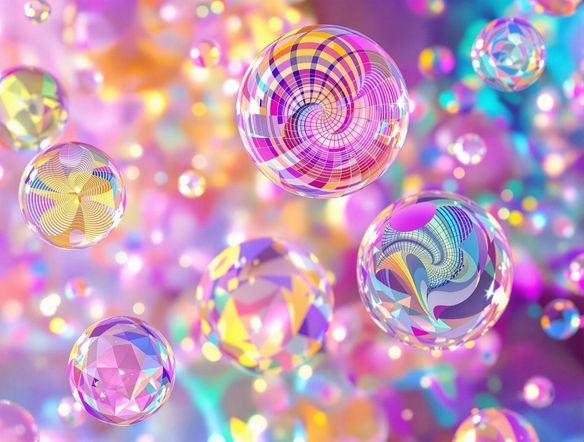
Create unique and eye-catching designs with our Bubble Generator. It also functions as a podcast logo generator. Design the perfect logo with our ai podcast logo generator today!
No payment or credit card required.
As seen in








Visualize Your Ideas
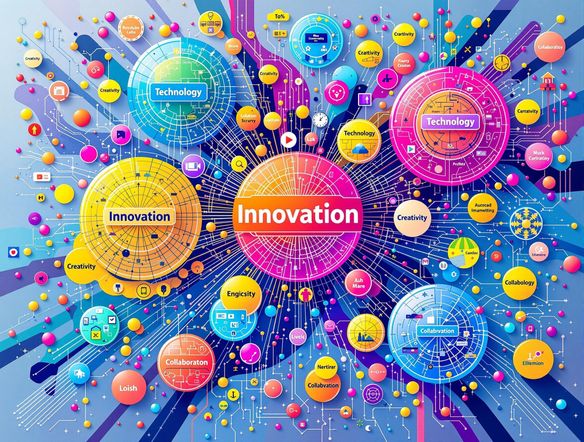
Bubble Map Generator
Visualize complex ideas with stunning clarity. Transform brainstorming sessions into captivating visual representations with our Bubble Map Generator. Effortlessly create intricate diagrams that showcase relationships, hierarchies, and connections. Perfect for project planning, mind mapping, and strategic thinking. Unlock new levels of understanding and collaboration.
Create Stunning Bubble Designs
Step 1
Describe Your Vision
Start by entering a detailed description of the bubble design you envision in the prompt box. Whether it's for visualizing complex ideas or creating a podcast logo, include specific elements, colors, and themes you'd like to see. The more details you provide, the better the AI can capture your vision!
Step 2
Generate Your Bubble Design
After crafting your perfect prompt, click the 'Generate' button. Our AI-powered generator will then transform your description into a unique and eye-catching bubble design or podcast logo.
Step 3
Download and Share
Once your bubble design is generated, you can download it in high resolution for various uses, such as presentations, project planning, or your podcast's branding. Share your creation with the NightCafe community to get feedback and inspire others!
Brand Your Podcast
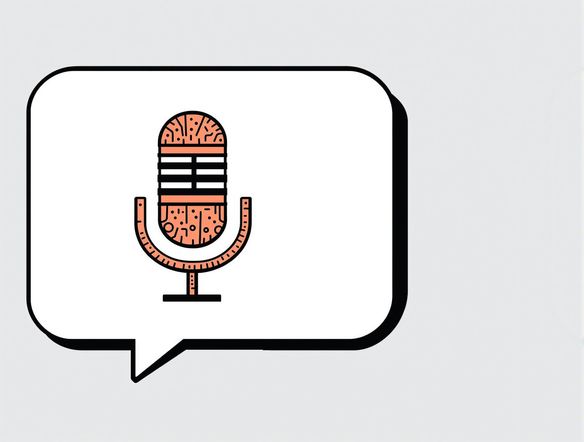
Elevate your podcast's brand with a unique and memorable logo. Our AI-powered generator creates eye-catching designs that capture the essence of your content. Stand out from the crowd with a professionally crafted logo that reflects your podcast's personality and resonates with your audience. Leave a lasting impression with every episode.
Need inspiration?
Check out some of the top creations made by the NightCafe community.







Related Tools
Comparison Generator
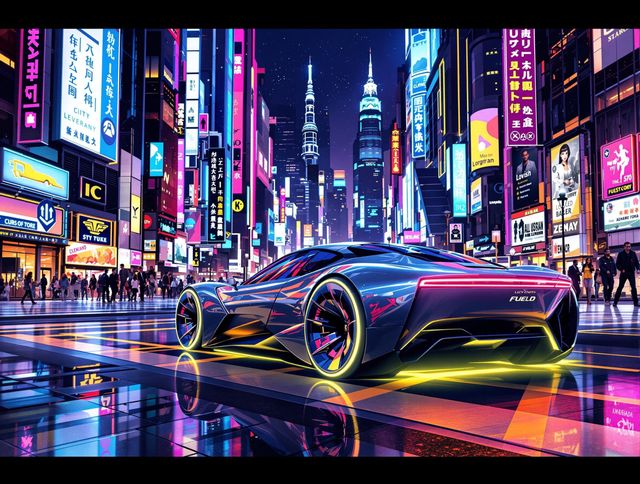
Create captivating comparison images effortlessly! Use our innovative tool—more than just a dollar generator or fake money generator—to visually showcase products and ideas.
Tree Map Generator
Visualize hierarchical data effortlessly with our Tree Map Generator. Perfect for organizing complex information, from website structures to Twitch logo generator concepts.
Sitemap Generator
Optimize your website's structure effortlessly with our Sitemap Generator. Ensure search engine crawlers index your site effectively, improving SEO and user experience. Create a sitemap today!
Pictogram Generator
Create unique pictograms effortlessly! Our Pictogram Generator lets you design custom graphics for any project. It's also a fun custom t shirt generator or bootleg shirt generator for personalized apparel.
Frequently Asked Questions
Frequently Asked Questions About the Bubble Design and Podcast Logo Generator
What can I do with the Bubble Generator?
Our Bubble Generator is a versatile tool that allows you to create unique and eye-catching bubble designs for various purposes. It's particularly useful for visualizing complex ideas, creating mind maps, and designing podcast logos. You can use it to generate diagrams showcasing relationships, hierarchies, and connections, or to craft a memorable logo that captures the essence of your podcast.
How do I design a great podcast logo using the AI Bubble Generator?
To create a compelling podcast logo, start by considering your podcast's theme, target audience, and overall tone. Experiment with different bubble shapes, colors, and arrangements to find a design that reflects your podcast's personality. Use keywords related to your podcast's content in the prompt to guide the AI in generating relevant and appealing logos.
Can I use the bubble designs I create for commercial purposes?
Yes, you can use the generated bubble designs for commercial purposes, including your podcast logo, marketing materials, and website. NightCafe's AI tools offer a wide range of possibilities for both personal and professional use.
Are there any limitations to what I can create with the Bubble Generator?
While the Bubble Generator excels at creating visually appealing designs, it may not be ideal for highly technical or precise diagrams requiring specific measurements or layouts. For such applications, dedicated diagramming software might be more suitable. However, for brainstorming, visualizing concepts, and creating podcast logos, the Bubble Generator offers a user-friendly and efficient solution.
How can I ensure the best results when using the Bubble Generator?
The quality of the generated bubble designs depends on the clarity and specificity of your input prompt. Provide detailed descriptions of the desired shapes, colors, arrangements, and overall style to guide the AI in creating the perfect design. Experiment with different prompts and settings to achieve the best results.