

Concept Map Generator
Visualize ideas with our Concept Map Generator. Perfect for brainstorming and organizing thoughts. Create professional diagrams with ease using our ai linkedin photo generator free. Enhance your LinkedIn presence with a unique ai linkedin photo generator.
No payment or credit card required.
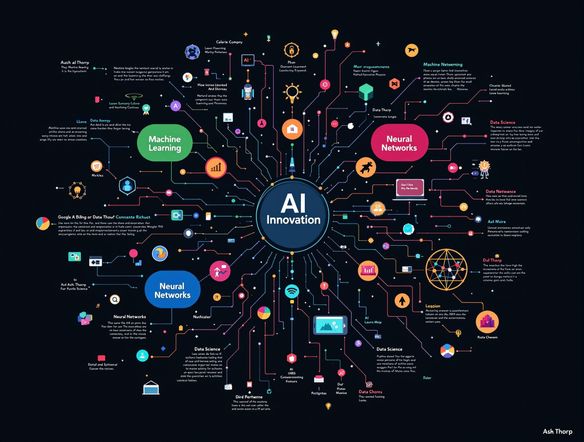
As seen in








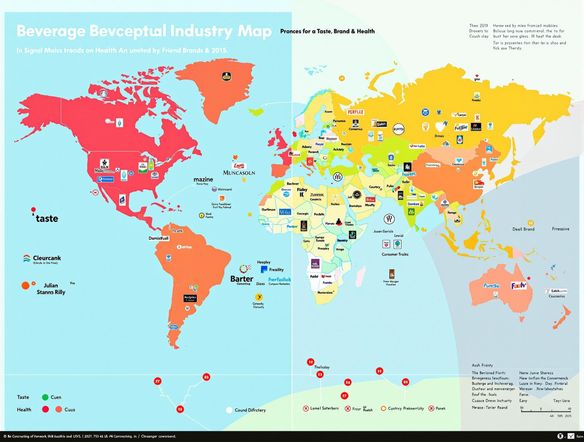
Visualize Market Landscapes
Perceptual Map Generator
Transform market research into actionable strategies with our perceptual map generator. Visualize customer perceptions and competitive positioning effortlessly. Integrate insights with a professional LinkedIn presence using our AI-powered tools. Generate a standout linkedin photo generator or linkedin ai photo generator to elevate your brand.
Creating Concept Maps with AI
Step 1
Input Your Core Idea
Start by inputting your core idea or topic into the prompt box. Provide as much detail as possible about the relationships, subtopics, and key concepts you want to include in your concept map. The more information you provide, the better the AI can tailor the map to your specific needs.
Step 2
Generate Your Concept Map
Once you've entered your prompt, click the 'Generate' button. The AI will analyze your input and generate a visual concept map that organizes your ideas and highlights the connections between them. Review the generated map and make any necessary adjustments to refine the layout and relationships.
Step 3
Download and Share Your Map
After generating your concept map, you can download it in a high-quality format for use in presentations, reports, or personal study. Share your creation with colleagues, classmates, or on professional platforms like LinkedIn to showcase your structured thinking and innovative ideas.
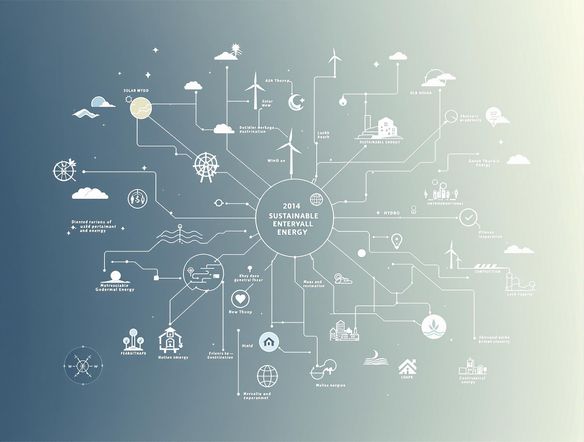
Clarity Through Visualization
Craft compelling concept maps to structure complex ideas and projects. Perfect for students, professionals, and anyone seeking clarity. Enhance your professional image with a stunning LinkedIn profile picture. Utilize our linkedin picture generator or linkedin profile picture generator to create a memorable first impression.
Need inspiration?
Check out some of the top creations made by the NightCafe community.







Related Tools

Comparison Generator
Create captivating comparison images effortlessly! Use our innovative tool—more than just a dollar generator or fake money generator—to visually showcase products and ideas.
Tree Map Generator
Visualize hierarchical data effortlessly with our Tree Map Generator. Perfect for organizing complex information, from website structures to Twitch logo generator concepts.

Sitemap Generator
Optimize your website's structure effortlessly with our Sitemap Generator. Ensure search engine crawlers index your site effectively, improving SEO and user experience. Create a sitemap today!
Pictogram Generator
Create unique pictograms effortlessly! Our Pictogram Generator lets you design custom graphics for any project. It's also a fun custom t shirt generator or bootleg shirt generator for personalized apparel.
Frequently Asked Questions
Frequently Asked Questions About the AI Concept Map Generator
What does the AI Concept Map Generator do?
The AI Concept Map Generator helps you visualize and organize your thoughts and ideas by creating professional-looking diagrams. Simply input your core concept and related ideas, and the AI will generate a structured concept map for you. It's perfect for brainstorming, project planning, and studying.
How do I create an effective concept map with the AI Concept Map Generator?
To get the best results, start with a clear core concept and then add as many related ideas or subtopics as possible. The more information you provide, the more comprehensive and useful the generated concept map will be. Experiment with different keywords and phrases to refine the map to your liking.
Can I customize the concept maps generated by the AI?
Yes, you can customize the generated concept maps. You can edit the text, rearrange the nodes, and adjust the connections to better represent your ideas. This allows you to fine-tune the map and make it your own.
What are the benefits of using the AI Concept Map Generator?
The AI Concept Map Generator is useful for a wide range of applications, including brainstorming new ideas, planning projects, studying complex topics, and visualizing relationships between different concepts. It's a valuable tool for students, professionals, and anyone who wants to organize their thoughts more effectively.
What if I need help using the AI Concept Map Generator?
While the AI Concept Map Generator is designed to be user-friendly, you can refer to our help documentation or contact our support team for assistance. We also offer tutorials and examples to help you get started and make the most of the tool.