

Discord Emoji Generator
Create custom Discord emojis effortlessly with our AI-powered generator. Ideal for personalizing your server. Need a wall art mockup generator? Try our free wall art mockup generator to visualize your creations!
No payment or credit card required.
As seen in








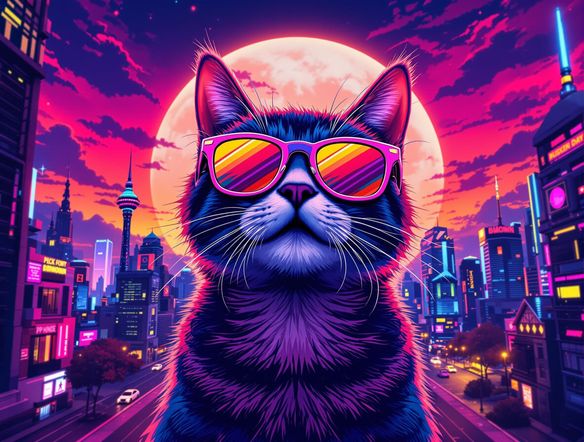
Personalize Your Server
Craft unique Discord emojis with AI! Forget generic images; create custom reactions that perfectly capture your server's personality. Use our frame mockup generator and jewelry mockup generator to see how your custom designs will look on real-world objects.
Create Custom Discord Emojis in 3 Easy Steps
Step 1
Describe Your Emoji
Start by typing a detailed description of the emoji you want to create in the prompt box. Be specific about the expression, objects, and style to guide the AI. For example, 'a surprised pikachu wearing sunglasses' or 'a laughing cat with tears of joy'.
Step 2
Generate Your Emojis
After crafting your perfect prompt, click the 'Generate' button. Our AI will instantly generate several unique emoji options based on your description. Browse the results and choose your favorite!
Step 3
Download and Share
Once you've found the perfect emoji, download it in a Discord-friendly size. Then, upload it to your Discord server under Server Settings > Emoji to share your unique creation with your community!
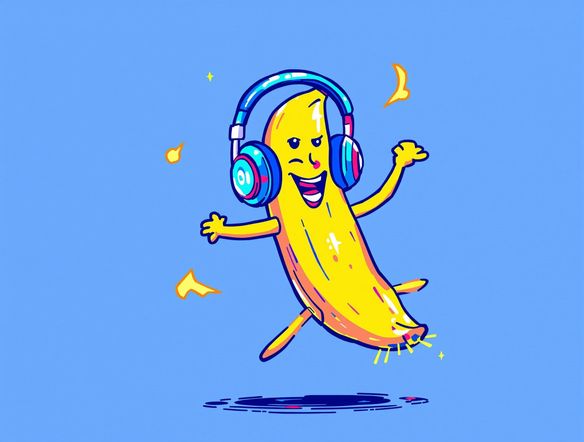
Endless Emoji Possibilities
Spice up your Discord server with custom AI-generated emojis. Our easy-to-use tool lets you create unique reactions that your community will love. Explore the possibilities with our free frame mockup generator and art print mockup generator to showcase your designs in various settings.
Need inspiration?
Check out some of the top creations made by the NightCafe community.







Related Tools
Inspirational Quote Generator
Create daily inspiration with our Inspirational Quote Generator. Design unique quote visuals and even use it as a badge generator or trust badge generator to elevate your message.
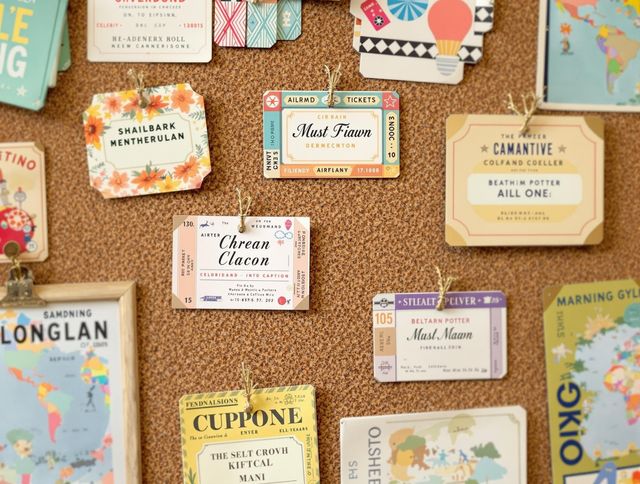
Name Tag Generator
Design personalized name tags effortlessly! Beyond simple identification, create custom airline ticket generator and boarding pass generator designs for events or creative projects. Start designing now!
Email Signature Generator
Create professional email signatures effortlessly with our Email Signature Generator! Also, try our movie marquee generator or movie ticket generator for fun, personalized designs.
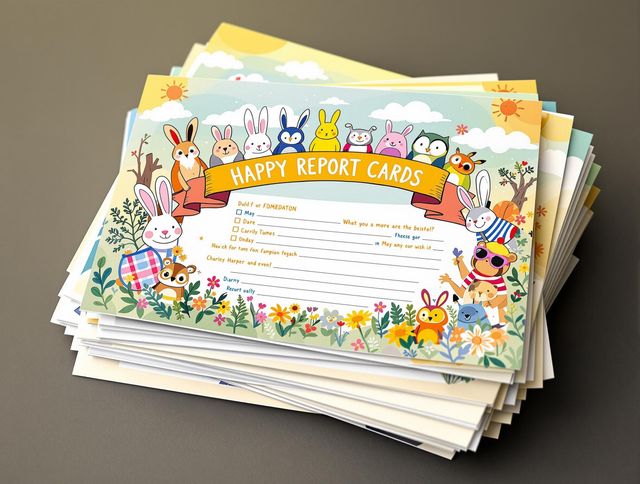
Report Card Generator
Effortlessly create personalized report cards with our AI Report Card Generator. Design a circle logo generator or round logo generator to match your school's branding and enhance your documents.
Frequently Asked Questions
Frequently Asked Questions About the AI Discord Emoji Generator
What is the AI Discord Emoji Generator and how does it work?
Our AI Discord Emoji Generator lets you easily create custom emojis for your Discord server. Simply enter a text prompt describing the emoji you want, and our AI will generate unique images based on your description. You can then download these images and upload them to your server as custom emojis.
How can I create the best emojis using the AI Emoji Generator?
To get the best results, be specific and descriptive in your prompts. Include details about the expression, subject, and style of the emoji you want to create. For example, instead of just 'happy', try 'a pixelated smiling cat with sunglasses'. Experiment with different prompts to discover the full range of possibilities.
Am I allowed to use the emojis I create on my Discord server?
Yes, you can use the emojis generated by our AI for your Discord server. You are responsible for ensuring that the emojis you create and use comply with Discord's terms of service and community guidelines. Do not generate or use emojis that are offensive, harmful, or violate any laws or regulations.
What if I have problems using the AI Emoji Generator?
The AI Emoji Generator is designed to be user-friendly and intuitive. However, if you encounter any issues, please refer to our help documentation or contact our support team for assistance. We are constantly working to improve the tool and provide the best possible experience for our users.
Can I use the generated emojis for other platforms besides Discord?
While the AI Emoji Generator is specifically designed for creating Discord emojis, the generated images can be used for other purposes as well. You can use them as profile pictures, stickers, or even incorporate them into your own creative projects. Feel free to explore the various ways you can use your AI-generated images!