

Fishbone Diagram Generator
Analyze cause and effect with NightCafe's Fishbone Diagram Generator. Perfect for project analysis, this tool also doubles as a countdown generator, enhancing your planning and presentations with dynamic countdown gif generator visuals.
No payment or credit card required.
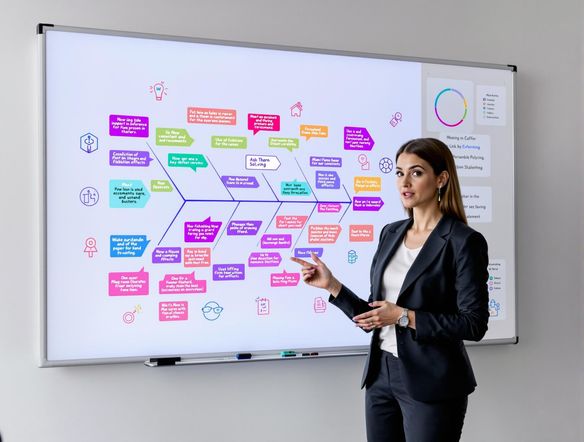
As seen in








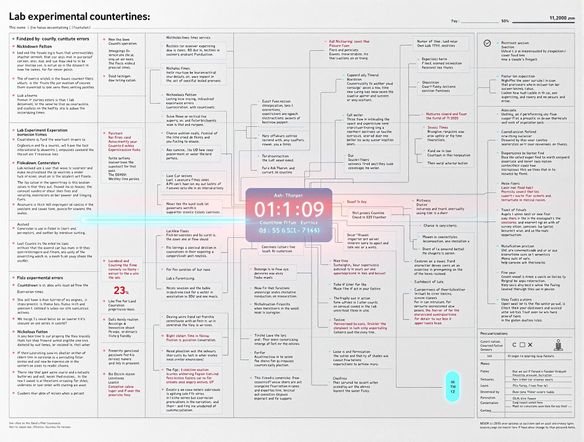
Clarity Through AI
Lab Fishbone Generator
Transform complex data into clear visuals. Our AI generates detailed fishbone diagrams, ideal for lab analysis and project troubleshooting. Plus, use our built-in countdown clock generator for dynamic presentations. Visualize your project timelines and milestones with ease using our AI tools.
Creating Fishbone Diagrams with AI
Step 1
Input Your Problem Statement
Start by entering a detailed description of the problem or effect you want to analyze in the prompt box. Include all known causes, categories, and contributing factors. The more specific you are, the more accurate and insightful your fishbone diagram will be.
Step 2
Generate Your Diagram
After crafting your prompt, click the 'Generate' button. Our AI will analyze your input and create a comprehensive fishbone diagram, visually mapping out potential causes and their relationships to the effect. This will help you identify root causes and develop effective solutions.
Step 3
Download and Share Your Analysis
Once your fishbone diagram is generated, you can download it for use in reports, presentations, or further analysis. Share it with your team to collaborate on problem-solving and decision-making. You can also share your creation with the NightCafe community and get feedback from fellow creators!
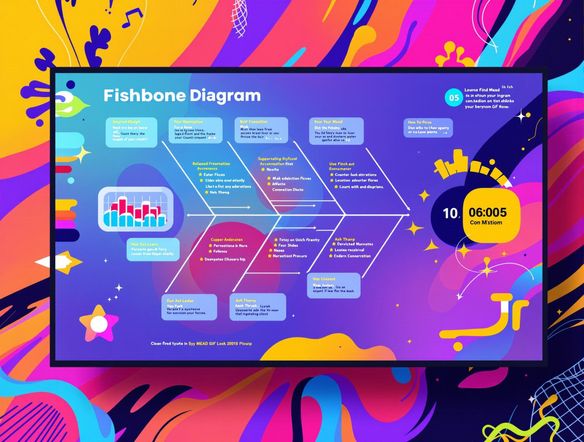
Engage Your Audience
Elevate your presentations with engaging visuals. Our AI not only creates precise fishbone diagrams but also generates captivating countdown timer gif generator animations. Perfect for project kickoffs, deadlines, and event promotions, add a dynamic element to your communications.
Need inspiration?
Check out some of the top creations made by the NightCafe community.







Related Tools

Comparison Generator
Create captivating comparison images effortlessly! Use our innovative tool—more than just a dollar generator or fake money generator—to visually showcase products and ideas.
Tree Map Generator
Visualize hierarchical data effortlessly with our Tree Map Generator. Perfect for organizing complex information, from website structures to Twitch logo generator concepts.

Sitemap Generator
Optimize your website's structure effortlessly with our Sitemap Generator. Ensure search engine crawlers index your site effectively, improving SEO and user experience. Create a sitemap today!
Pictogram Generator
Create unique pictograms effortlessly! Our Pictogram Generator lets you design custom graphics for any project. It's also a fun custom t shirt generator or bootleg shirt generator for personalized apparel.
Frequently Asked Questions
Everything You Need to Know About Creating Fishbone Diagrams Online with AI
How does the AI Fishbone Diagram Generator work?
Our AI Fishbone Diagram Generator helps you visually analyze cause and effect for project analysis and troubleshooting. Simply input the effect you're investigating, and the AI will assist you in brainstorming potential causes, organizing them into a clear, insightful diagram. You can further customize the diagram's appearance and export it for use in reports or presentations.
Can this tool create more than just Fishbone Diagrams?
Yes! In addition to fishbone diagrams, this tool also functions as a countdown generator. You can create dynamic countdown GIFs for project kickoffs, deadlines, event promotions, or any situation where you want to visually represent the passage of time. This adds an engaging element to your communications and helps keep everyone on track.
What are some tips for creating effective Fishbone Diagrams with AI?
To get the best results, start by clearly defining the 'effect' or problem you're trying to analyze. When prompted for potential causes, be as specific as possible. The more detail you provide, the more relevant and insightful the generated fishbone diagram will be. Experiment with different phrasing and levels of detail to fine-tune the results.
What are some practical applications of the AI Fishbone Diagram Generator?
The AI Fishbone Diagram Generator is useful for a wide range of applications, including project management, root cause analysis, quality control, process improvement, and problem-solving in various industries. It can also be used for academic purposes, such as analyzing research findings or brainstorming ideas for a thesis.
Can I download and use the diagrams and countdowns I create?
Yes, you can download and use the generated fishbone diagrams and countdown GIFs in your presentations, reports, and other materials. The tool offers various export options to ensure compatibility with different software and platforms. Make sure to check the usage rights and terms of service for any specific restrictions.