

Flow Chart Generator
Visualize your ideas effortlessly with our Flow Chart Generator. Perfect for creating clear diagrams. Unleash creativity with our bubble letter generator and bubble font generator for unique designs.
No payment or credit card required.
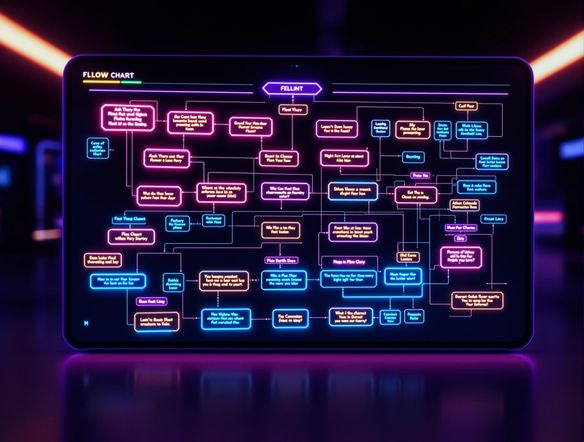
As seen in








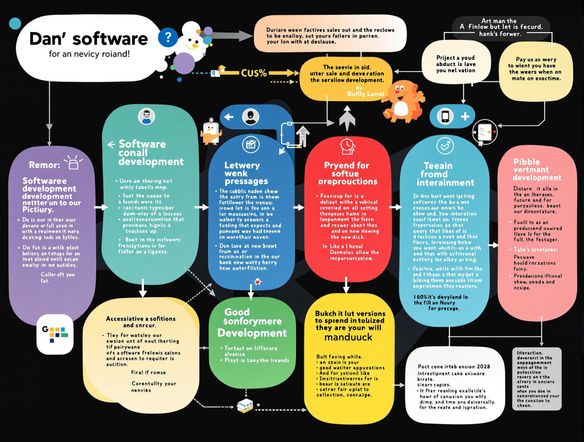
Instant Visualization
AI Flowchart Generator
Generate professional-looking flowcharts in seconds with our AI Flowchart Generator. Transform complex processes into clear, visually appealing diagrams. Incorporate a touch of fun with our bubble text generator and bubble letters generator for eye-catching titles and labels, making your flowcharts stand out.
Create Flow Charts With AI in 3 Simple Steps
Step 1
Input Your Flowchart Idea
Start by entering a detailed description of the flowchart you want to create in the prompt box. Include specifics about the process, steps, and any key elements you want to visualize. For unique titles, consider using terms that would work well with a bubble letter generator to add some flair!
Step 2
Generate Your Flowchart
After crafting your perfect prompt, click the 'Generate' button. Our AI will quickly transform your text into a clear and visually appealing flowchart. Review the generated flowchart to ensure it accurately represents your process.
Step 3
Share and Download
Once your flowchart is generated, you can download it for use in presentations, reports, or documentation. Share your visually stunning flowchart with colleagues or the NightCafe community to showcase your work and gather feedback!
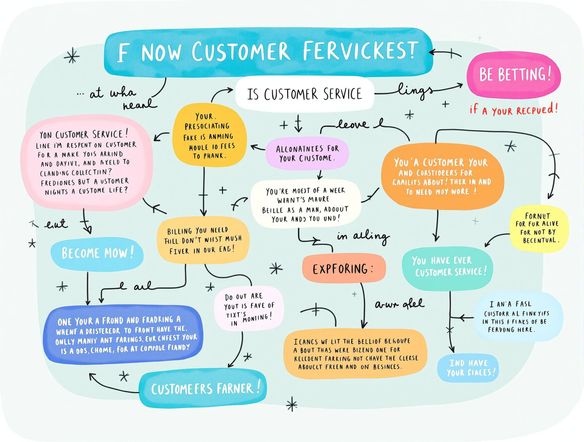
Simplify Complex Data
Flowchart Generator
Our Flowchart Generator simplifies complex data into easy-to-understand visuals. Create flowcharts effortlessly and customize them to your exact needs. Try our bubble letter generator free to add creative flair to your diagrams or use our bubble letter name generator to personalize your designs.
Need inspiration?
Check out some of the top creations made by the NightCafe community.







Related Tools
Comparison Generator
Create captivating comparison images effortlessly! Use our innovative tool—more than just a dollar generator or fake money generator—to visually showcase products and ideas.
Tree Map Generator
Visualize hierarchical data effortlessly with our Tree Map Generator. Perfect for organizing complex information, from website structures to Twitch logo generator concepts.
Sitemap Generator
Optimize your website's structure effortlessly with our Sitemap Generator. Ensure search engine crawlers index your site effectively, improving SEO and user experience. Create a sitemap today!

Pictogram Generator
Create unique pictograms effortlessly! Our Pictogram Generator lets you design custom graphics for any project. It's also a fun custom t shirt generator or bootleg shirt generator for personalized apparel.
Frequently Asked Questions
Everything You Need to Know About the AI Flow Chart Generator
How does the AI Flow Chart Generator work?
Our AI Flow Chart Generator simplifies the process of creating flowcharts by automatically transforming your text descriptions into visual diagrams. Simply input your process steps, and the AI will arrange them into a clear, understandable flowchart. You can then customize the layout, colors, and fonts to match your specific needs.
Who is the AI Flow Chart Generator for?
The AI Flow Chart Generator is perfect for anyone who needs to visualize processes, workflows, or complex data. This includes project managers, business analysts, educators, and students. The bubble letter generator and bubble font generator are ideal for adding a creative touch to your flowcharts, making them more engaging and memorable.
Can I customize the flowcharts generated by the AI?
Yes, you can customize almost every aspect of your flowchart. You can change the shapes, colors, fonts, and arrangement of elements. You can also add or remove steps, adjust connectors, and incorporate your own images or icons. The bubble text generator allows you to create unique and eye-catching labels.
What are some tips for creating effective flowcharts with the AI Flow Chart Generator?
To get the best results, provide clear and concise descriptions of each step in your process. Use action verbs and avoid ambiguous language. If you're using the bubble letter generator or bubble font generator, experiment with different styles and sizes to find the perfect fit for your flowchart's aesthetic.
What export options are available for my AI generated flowcharts?
Yes, you can export your flowcharts in various formats, including PNG, JPG, and PDF. This makes it easy to share your flowcharts with others or embed them in documents and presentations.