

Holographic Gloss Finish Generator
Instantly apply a stunning holographic gloss finish to your designs. Our AI-powered holographic effect generator creates vibrant, eye-catching visuals with a professional glossy finish.
No payment or credit card required.
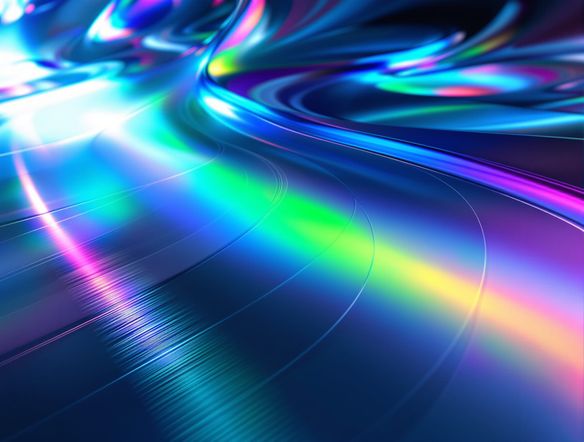
As seen in








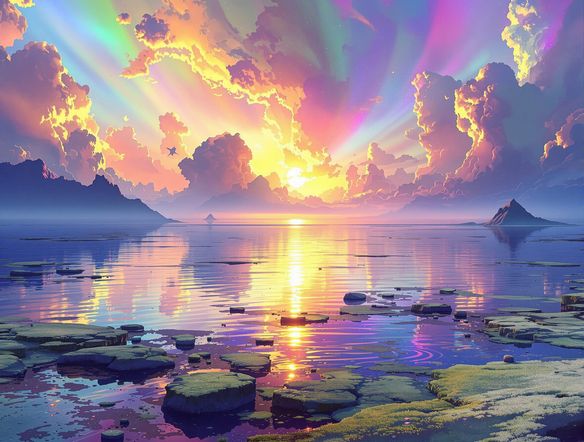
Unlock Stunning Visuals
Vibrant Iridescent Artworks
Transform your digital creations into masterpieces with our advanced iridescent art tool. Effortlessly generate a mesmerizing rainbow sheen, adding depth and captivating light effects to any design. Perfect for artists and designers looking to elevate their portfolio with truly unique and eye-catching holographic art.
Create Stunning Holographic Gloss Finishes with AI
Step 1
Describe Your Desired Holographic Effect
Start by uploading your design or selecting an image you want to transform. In the prompt box, describe the desired holographic effect. Be specific about the colors, the intensity of the gloss, and any particular patterns or refractions you envision. For example, try 'vibrant rainbow holographic gloss with sharp refractions' or 'subtle iridescent sheen on a metallic surface'.
Step 2
Generate Your Holographic Design
Once your prompt is ready, click the 'Generate Gloss' button. Our AI will analyze your input and apply a dynamic, light-refracting holographic gloss finish to your image, creating a professional and eye-catching result.
Step 3
Download and Share Your Glossy Creation
After the holographic finish is applied, preview your creation. If you're happy with the result, you can download the enhanced image in high resolution. Share your dazzling holographic artwork with others or use it to elevate your next project!
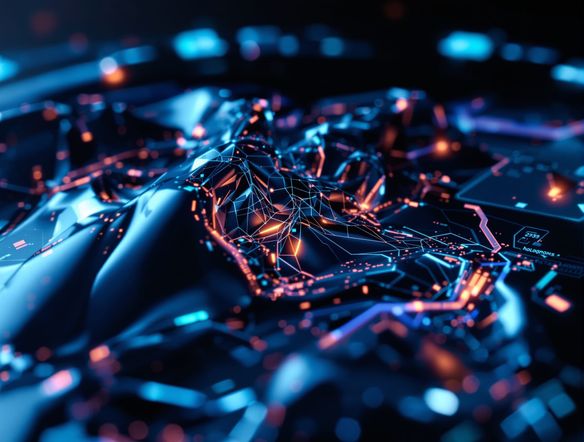
Elevate Your Designs
Professional Digital Holograms
Create professional-grade digital holograms with our intuitive shiny texture AI. This powerful tool allows you to apply a realistic glossy finish, making your designs pop with a dynamic, light-refracting quality. Ideal for product mockups, futuristic interfaces, and any project demanding a cutting-edge, shiny texture.
Need inspiration?
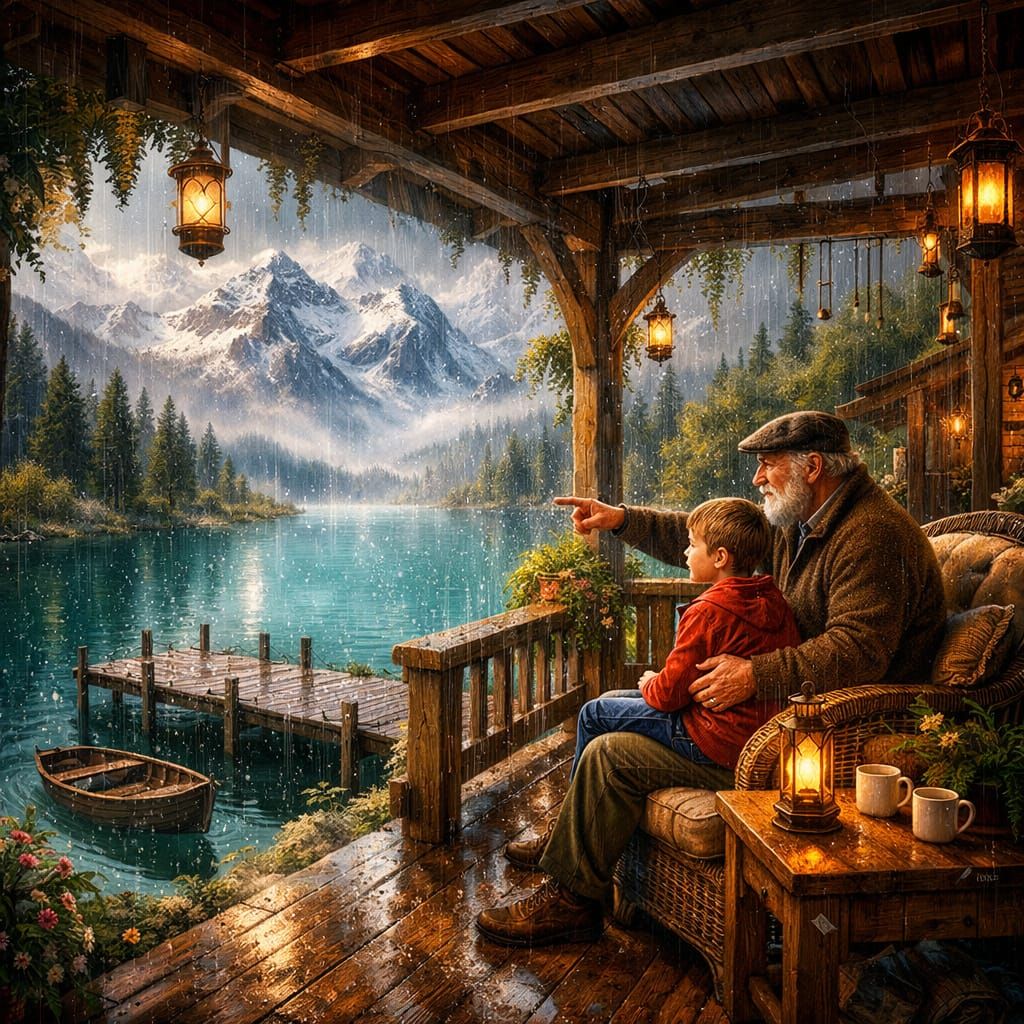
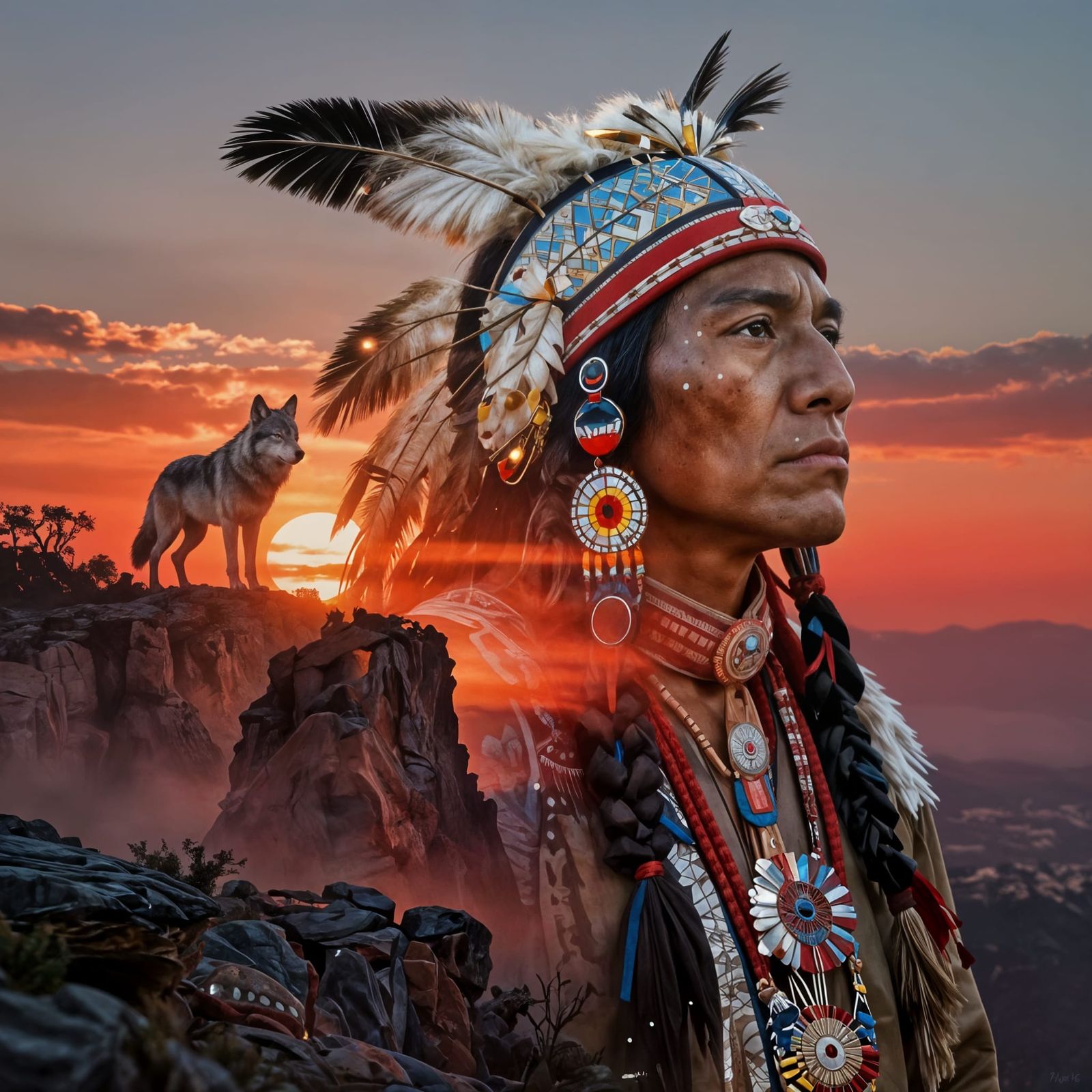
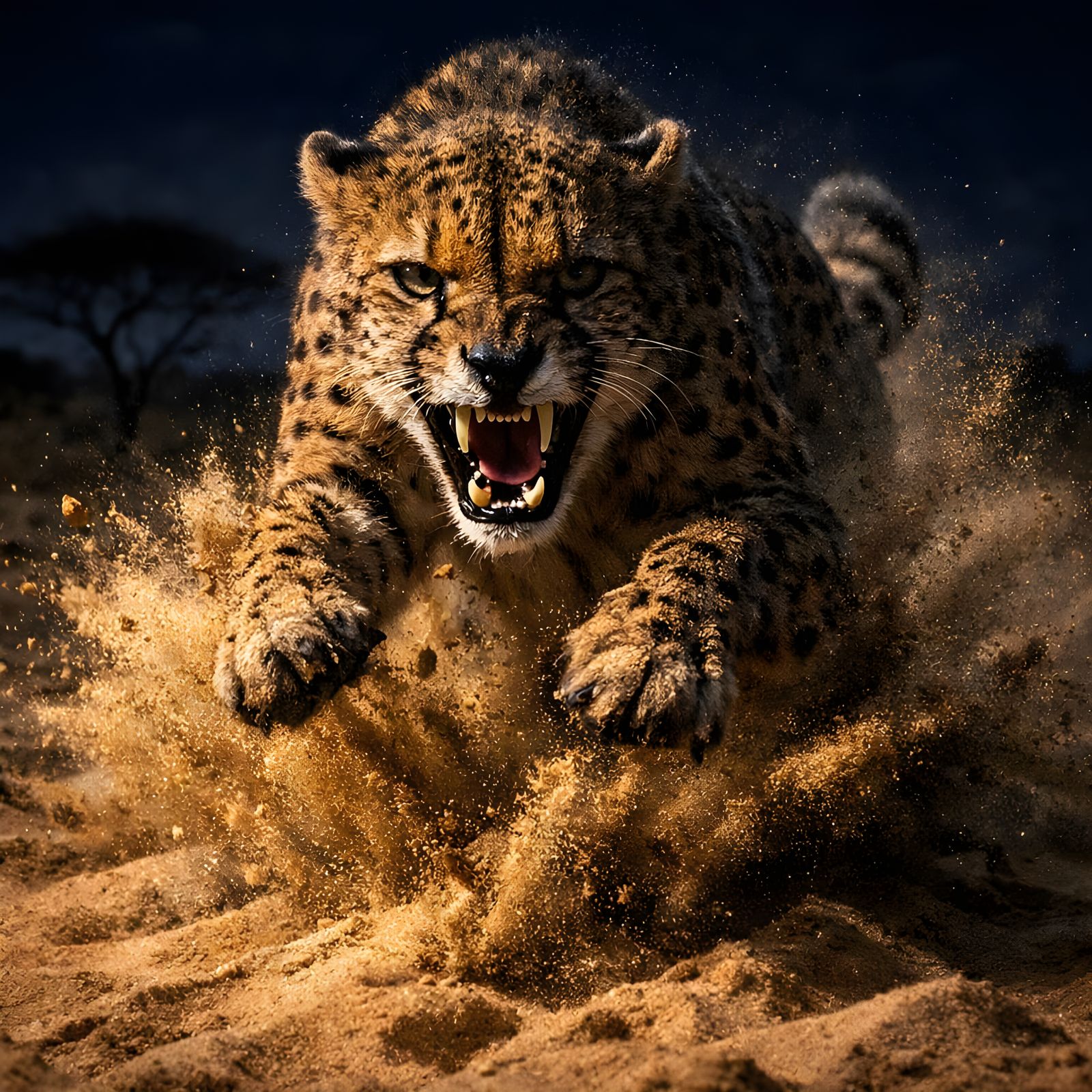
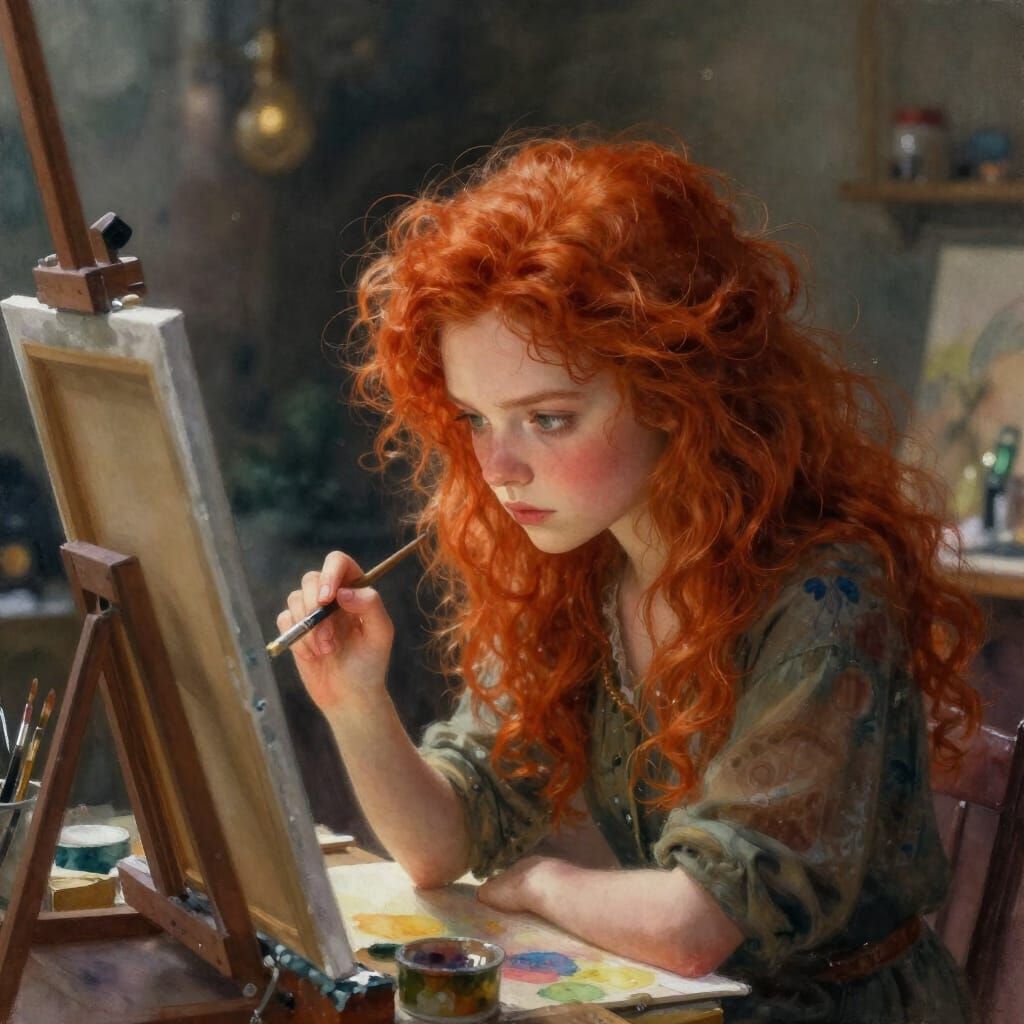
Check out some of the top creations made by the NightCafe community.
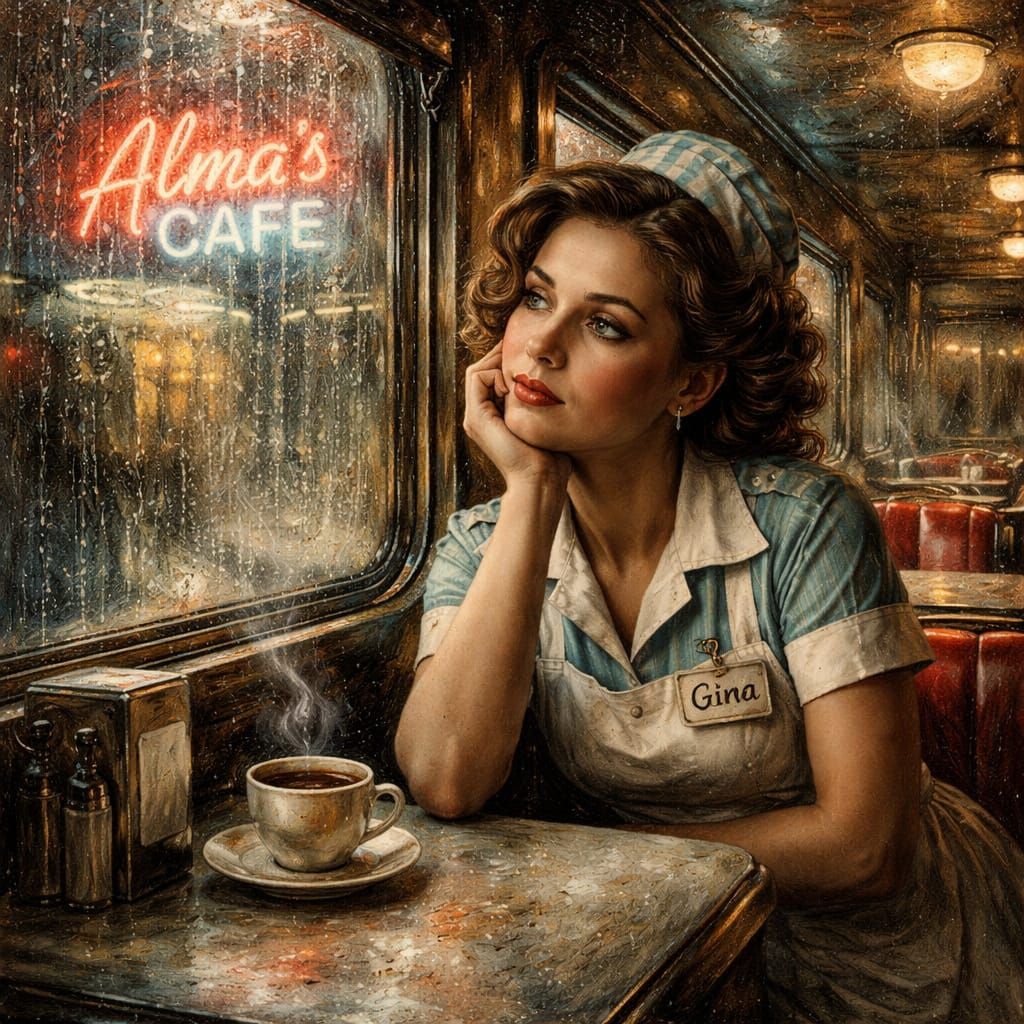
Related Tools
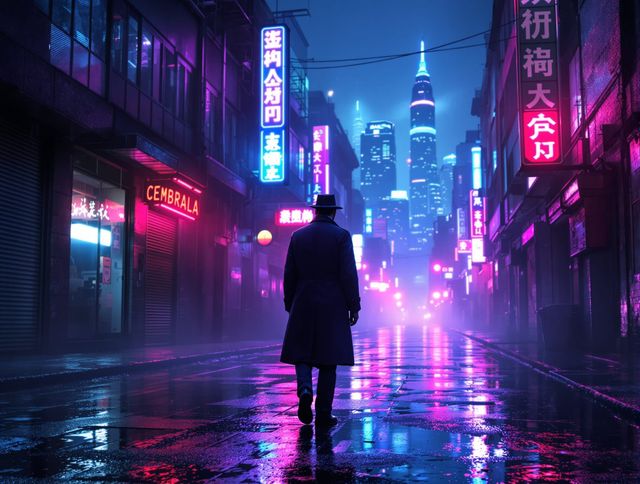
Neon Cyber Noir Generator
Dive into the shadows with our Neon Cyber Noir AI generator. Craft striking cyberpunk noir visuals, perfect for artists and storytellers seeking atmospheric, futuristic art.
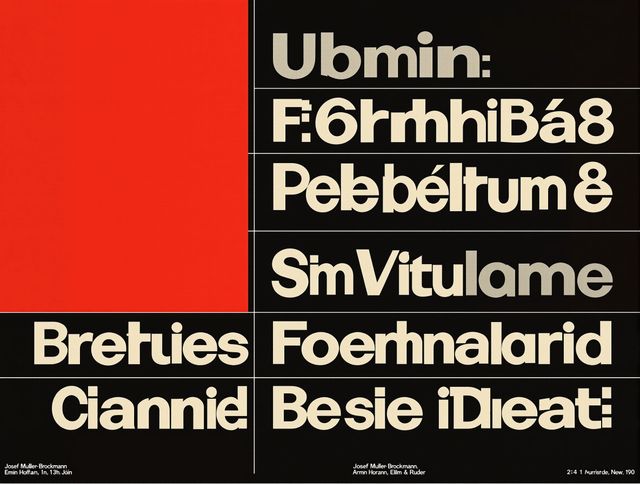
Swiss Style Graphic Generator
Effortlessly create striking Swiss Style graphic design with our AI generator. Ideal for posters, layouts, and branding, it's your go-to International Typographic Style generator.
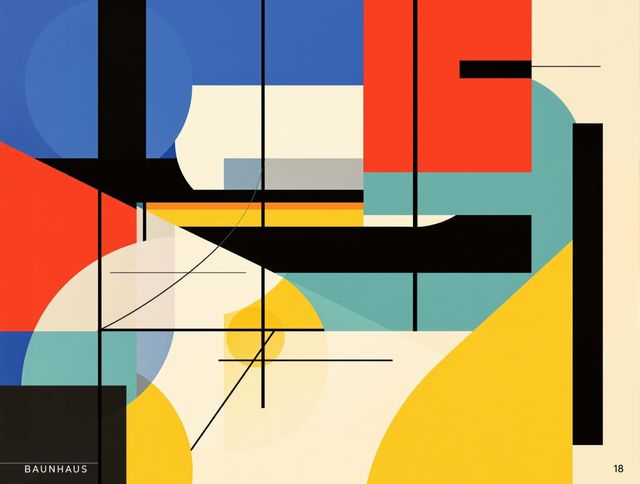
Bauhaus Poster Design Generator
Explore the iconic Bauhaus aesthetic with our AI Bauhaus design tool. Effortlessly generate unique Bauhaus posters, combining geometric shapes and bold colors for striking visual impact.
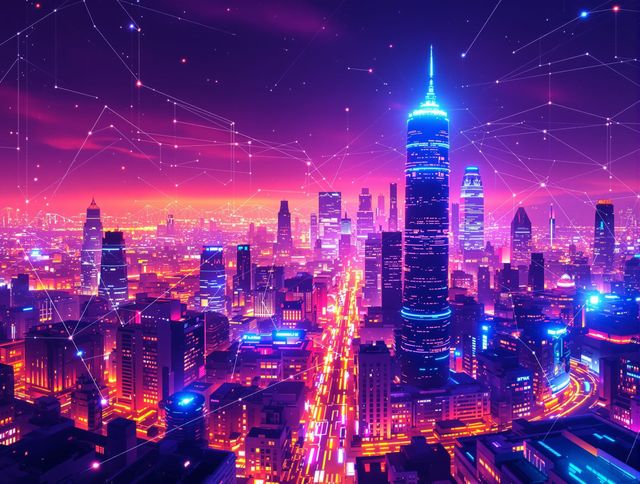
Thermal Imaging Effect Generator
Transform your images with our AI thermal effect generator. Create stunning thermal imaging visuals, adding a unique, futuristic layer to your photos with this powerful AI thermal effect tool.
Frequently Asked Questions
Frequently Asked Questions about the Holographic Gloss Finish Generator
How does the Holographic Gloss Finish Generator work?
Our AI analyzes your uploaded image and intelligently applies a realistic holographic gloss effect. This effect simulates the way light refracts and reflects off a holographic surface, creating a vibrant, iridescent sheen and a professional glossy finish without altering the original artwork's core elements.
What kind of designs is the Holographic Gloss Finish Generator best suited for?
This generator is perfect for a wide range of designs! It's ideal for adding a futuristic or premium feel to product mockups, enhancing digital art and illustrations, creating eye-catching social media graphics, or giving a unique edge to website interfaces and game assets. Any design that could benefit from a dynamic, light-refracting, and shiny texture will be elevated.
Can I control the intensity or color of the holographic effect?
While the AI is designed to create a stunning and realistic holographic gloss, current versions focus on automatically generating the optimal effect. Future updates may introduce more granular controls. For now, experiment with different base images to see how the AI interprets and enhances them with the holographic sheen.
Will applying a holographic gloss affect the original quality of my image?
No, the Holographic Gloss Finish Generator is designed to add a layer of effect on top of your existing image. It does not degrade the original quality. The AI enhances your design by adding light and color refractions, making it look more vibrant and professional.