

Linkedin Banner Generator
Craft professional LinkedIn banners effortlessly with our AI-powered generator. Use the gradient text generator to make your profile stand out and create eye-catching designs with our text gradient generator.
No payment or credit card required.
As seen in








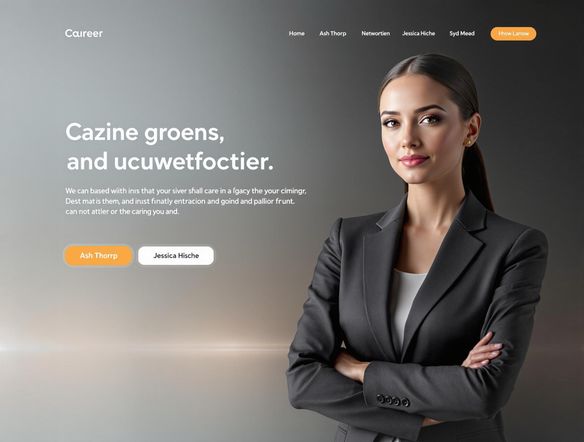
![A sleek and modern LinkedIn banner featuring a gradient font generator design. Incorporate abstract shapes and a professional color palette. The text should read "[Your Name] - [Your Profession]" in a stylish, gradient font.](https://images.nightcafe.studio/tools/xq7dItT0vf1HhlTOcVHK/xq7dItT0vf1HhlTOcVHK--1--j9h7p.jpg?tr=w-584,c-at_max)
Professional And Eye-catching
Linkedin Background Image Generator
Elevate your LinkedIn presence with a professionally designed banner. Use our AI-powered generator to create stunning visuals that capture your personal brand. Experiment with our gradient font generator to add a unique and eye-catching touch, making your profile stand out from the crowd. Make a lasting first impression today!
Create Your LinkedIn Banner in 3 Easy Steps
Step 1
Describe Your Vision
Start by entering a detailed description of the LinkedIn banner you envision in the prompt box. Be specific about your profession, personal brand, and the message you want to convey. Consider including keywords related to your industry and desired aesthetic. The more details you provide, the better the AI can tailor the banner to your needs.
Step 2
Generate Your Banner Options
After crafting your perfect prompt, click the 'Generate' button. Our AI will analyze your input and create a unique banner design tailored to your specifications. Experiment with different prompts to explore various styles and concepts until you find the perfect fit.
Step 3
Download and Share Your New Banner
Once your banner is generated, you can download it and upload it to your LinkedIn profile. Share your creation with your network and showcase your enhanced professional image! Consider iterating on different designs to keep your profile fresh and engaging.
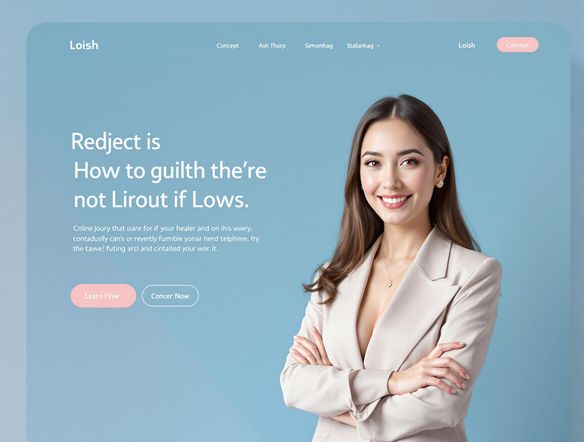
Boost Your Visibility
Transform your LinkedIn profile into a visual masterpiece with our AI banner generator. Easily create professional-looking backgrounds that reflect your expertise and personality. Stand out from the competition and attract more connections with a unique and visually appealing banner designed in minutes.
Need inspiration?
Check out some of the top creations made by the NightCafe community.







Related Tools
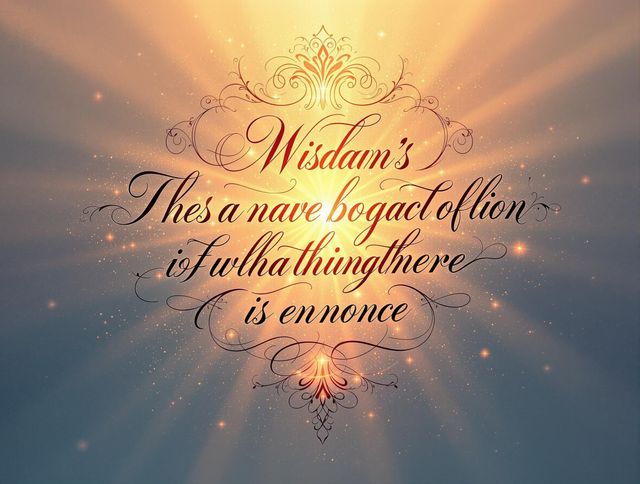
Inspirational Quote Generator
Create daily inspiration with our Inspirational Quote Generator. Design unique quote visuals and even use it as a badge generator or trust badge generator to elevate your message.
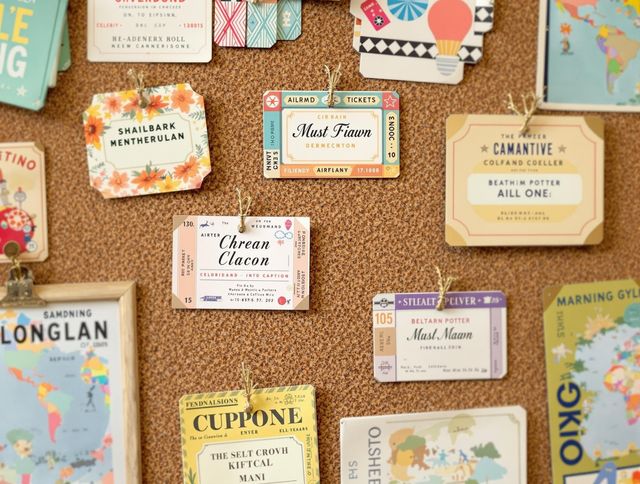
Name Tag Generator
Design personalized name tags effortlessly! Beyond simple identification, create custom airline ticket generator and boarding pass generator designs for events or creative projects. Start designing now!

Email Signature Generator
Create professional email signatures effortlessly with our Email Signature Generator! Also, try our movie marquee generator or movie ticket generator for fun, personalized designs.
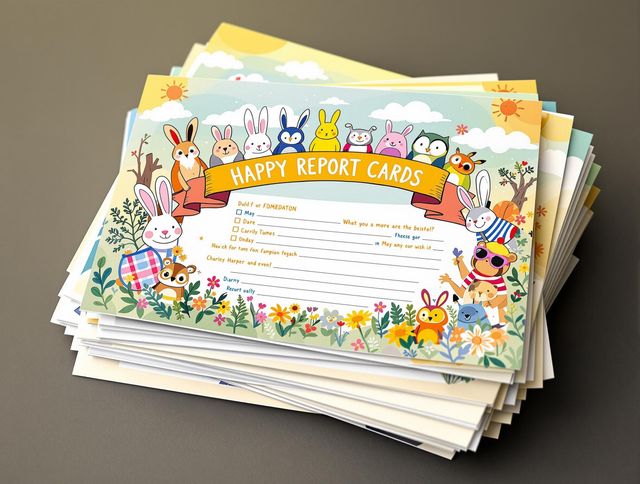
Report Card Generator
Effortlessly create personalized report cards with our AI Report Card Generator. Design a circle logo generator or round logo generator to match your school's branding and enhance your documents.
Frequently Asked Questions
Everything You Need to Know About Creating LinkedIn Banners with AI
How does the AI LinkedIn Banner Generator work?
Our AI LinkedIn Banner Generator helps you create professional-looking banners quickly and easily. Simply input your desired text, choose your preferred style and color scheme, and let our AI generate a stunning banner for your LinkedIn profile.
Does the tool include a gradient text generator?
Yes, the AI LinkedIn Banner Generator includes a gradient text generator. This allows you to add eye-catching gradient effects to your text, making your banner stand out and grab attention.
What are some tips for creating the perfect LinkedIn banner?
To create the perfect banner, start by considering your personal brand and the message you want to convey. Use keywords relevant to your industry or expertise in the text. Experiment with different styles and color combinations to find a design that reflects your personality and professional image. Ensure that the text is easily readable and the overall design is visually appealing.
Will my AI-generated banner fit the LinkedIn banner size requirements?
The AI LinkedIn Banner Generator is designed to create banners that adhere to LinkedIn's recommended banner size guidelines. This ensures that your banner will display correctly on all devices and won't be cropped or distorted.
Can I use my AI-generated LinkedIn banner for commercial purposes?
Yes, you can use the AI-generated LinkedIn banner for commercial purposes, such as promoting your business or services on your LinkedIn profile. However, you must adhere to NightCafe's terms of service.