

Minimalist Font Generator
Create sleek designs with our Minimalist Font Generator. Perfect for modern projects, logos, and even a unique party flyer generator.
No payment or credit card required.
As seen in








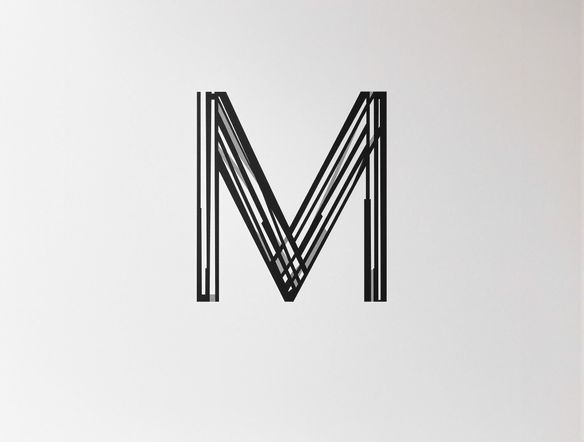
Simplicity Meets Impact
Craft a logo that speaks volumes with simplicity. Our AI effortlessly generates minimalist fonts, perfect for brand identities that demand a modern and clean aesthetic. Experiment with subtle variations and find the ideal typography to represent your unique vision.
How to Generate Minimalist Fonts Online
Step 1
Input Your Font Vision
To begin, clearly describe the font style you envision in the prompt box. Specify the characteristics such as thickness, spacing, and overall form. The more details you provide, the better the AI can tailor the font to your needs.
Step 2
Generate Your Font Options
After crafting your perfect prompt, click the 'Generate' button. Our AI will then process your request and create a selection of minimalist fonts based on your input. Be patient, as the generation process may take a few moments.
Step 3
Download and Share Your Font
Once your fonts are generated, you can download your font in various formats suitable for different design applications. Share your creations with the NightCafe community to inspire others and gather valuable feedback!
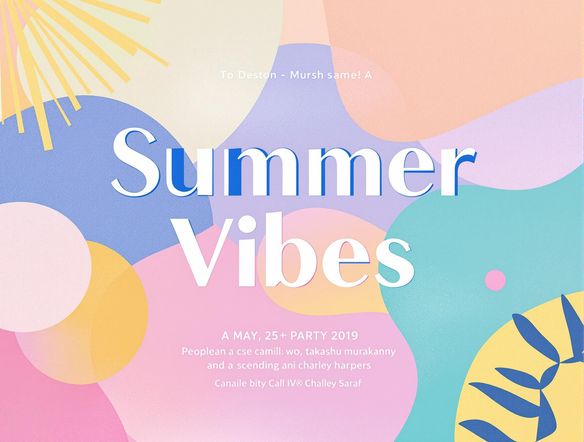
Elegance For Every Event
Elevate your party flyers with fonts that are both eye-catching and effortlessly stylish. Our AI-powered generator creates unique minimalist fonts, adding a touch of modern elegance to your event promotions. Stand out from the crowd with clean, readable designs.
Need inspiration?
Check out some of the top creations made by the NightCafe community.







Related Tools
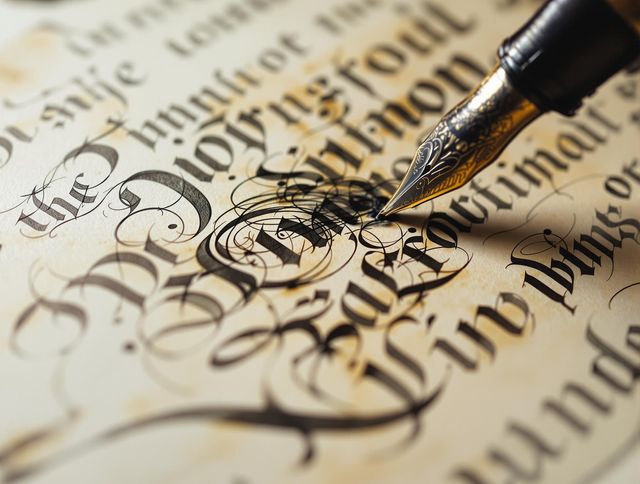
Handwritten Font Generator
Create unique handwritten fonts with our AI-powered tool. Perfect for adding a personal touch to any project. Also functions as an address label generator and mailing label generator.
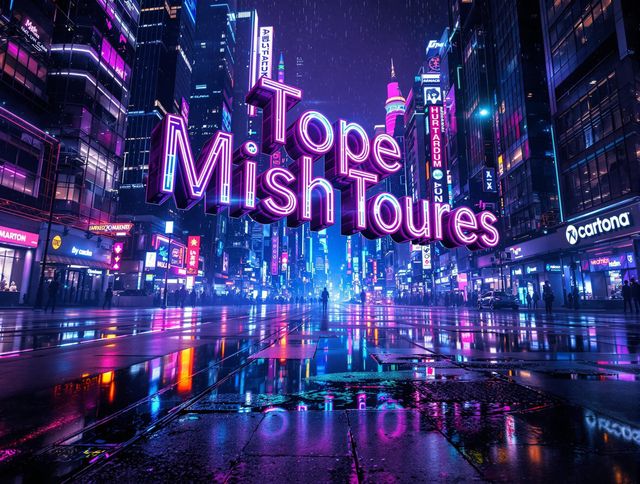
Futuristic Font Generator
Create stylish, futuristic text designs with our AI-powered Futuristic Font Generator. Perfect for graphic design, branding, and even a unique promposal generator twist.
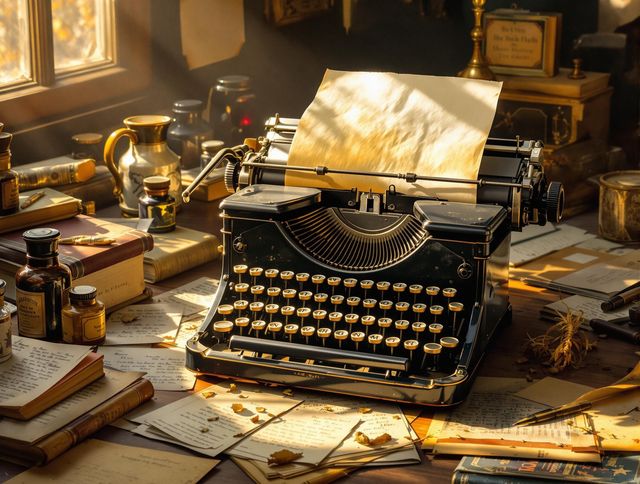
Typewriter Font Generator
Create unique designs with our Typewriter Font Generator. Perfect for adding a retro touch to any project. It can also serve as a prototype generator for vintage-themed projects.
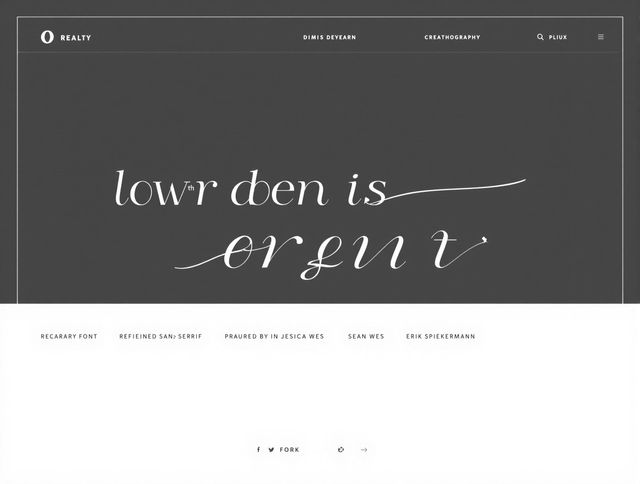
Font Pairing Generator
Unlock perfect typography with our Font Pairing Generator! Discover harmonious font combinations effortlessly. Use it alongside our crossword layout generator free tool to create stunning visual designs.
Frequently Asked Questions
Frequently Asked Questions About the Minimalist Font Generator
What is the Minimalist Font Generator used for?
Our Minimalist Font Generator is designed to create sleek, modern fonts suitable for a variety of projects, including logos, branding materials, and even eye-catching party flyers. Simply input your desired text and let our AI generate a range of minimalist font options for you to choose from.
How can I get the best results from the Minimalist Font Generator?
To get the best results, provide clear and concise input text. Experiment with different keywords related to the desired style (e.g., 'geometric', 'sans-serif', 'modern') when generating your fonts. Consider the overall aesthetic you're aiming for and choose options that align with your brand or project's identity.
Can I use the fonts I generate for commercial purposes?
Yes, you can use the generated fonts for commercial purposes, such as in logos, branding materials, and advertisements. Create eye-catching party flyers with fonts that are both eye-catching and effortlessly stylish.
Can I customize the style of the generated fonts beyond just the text itself?
While the generator focuses on minimalist designs, you can influence the output by using descriptive keywords in your input text. Experiment with terms like 'geometric', 'rounded', or 'bold' to subtly adjust the style of the generated fonts. You can also use different AI models (such as Stable Diffusion or Imagen) to achieve different results.
What should I do if I'm not happy with the generated fonts?
If you're not satisfied with the initial results, try rephrasing your input text or experimenting with different keywords. Varying the AI model used for generation can also produce different outcomes. Explore the available options and iterate until you find a font that perfectly matches your vision.