

Poster Mockup Generator
Visualize your poster designs with our Poster Mockup Generator. Easily test different picture frame layout generator options and picture frame arrangement generator settings to achieve the perfect look.
No payment or credit card required.
As seen in








Impress With Realism
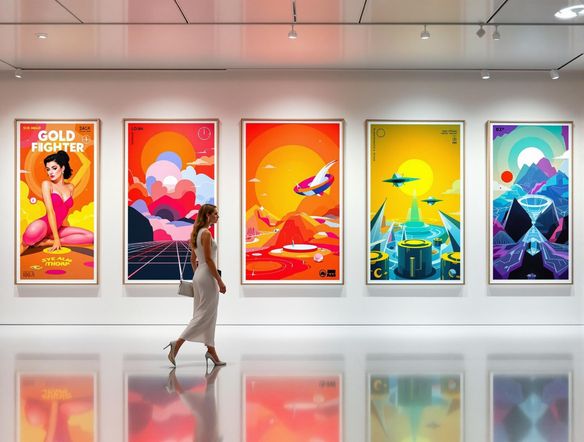
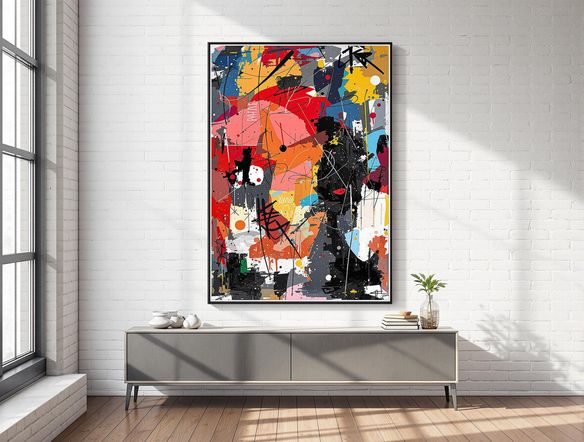
Effortlessly visualize your poster designs in realistic settings. Our mockup generator allows you to experiment with various frames and environments. See how your artwork will look in a modern living room, a bustling coffee shop, or a minimalist office space, ensuring your final product makes the perfect impact.
Create Stunning Poster Mockups
Step 1
Describe Your Ideal Scene
Start by entering a detailed description of the poster mockup scene you envision. Include specifics about the environment, frame style, and overall aesthetic to guide the AI. The more details you provide, the better the AI can visualize your design.
Step 2
Generate Your Mockup
After crafting your perfect prompt, click the 'Generate' button to bring your vision to life. Our AI Poster Mockup Generator will then create a realistic mockup based on your input, allowing you to preview your design in a real-world setting.
Step 3
Download and Share
Once your mockup is generated, download it in high resolution to use for presentations, marketing materials, or portfolio showcases. Share your stunning creation with the NightCafe community to inspire others and gather valuable feedback!
Precision And Control
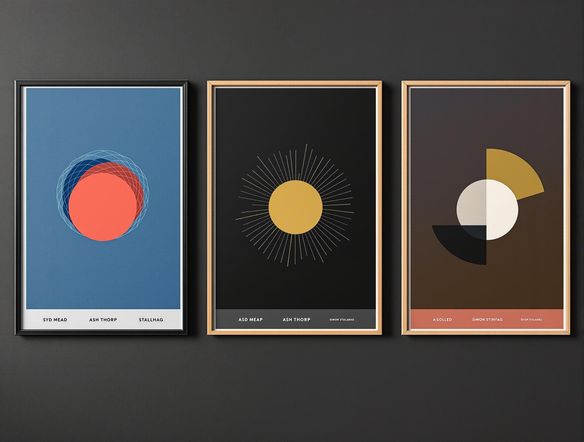
Fine-tune your poster presentation with precise control over framing and arrangement. Our tool provides granular settings to adjust frame styles, sizes, and positioning. Achieve the ideal aesthetic, whether you're aiming for a gallery-style display or a simple, elegant presentation for your artwork.
Need inspiration?
Check out some of the top creations made by the NightCafe community.







Related Tools
Laptop Mockup Generator
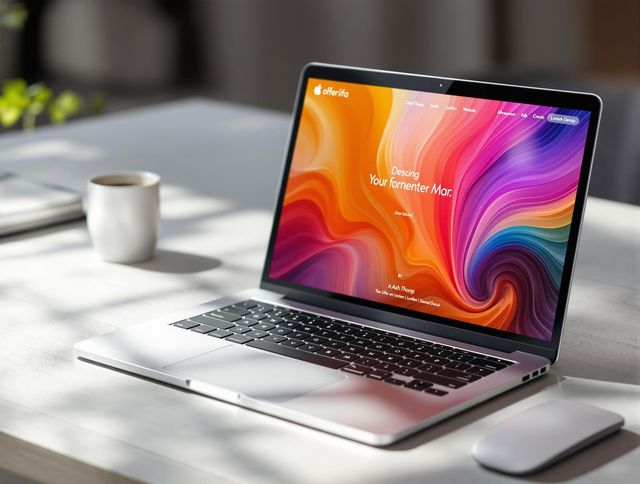
Showcase your designs with our Laptop Mockup Generator. Perfect for presenting your website, app, or minimalist logo generator creations in a professional and realistic setting.
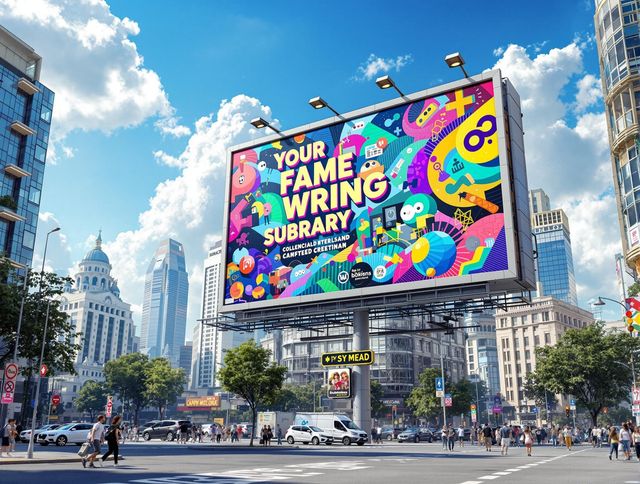
Billboard Mockup Generator
Design eye-catching ads with our Billboard Mockup Generator. As a bonus, try our greetings from postcard generator and vintage postcard font generator for unique marketing!
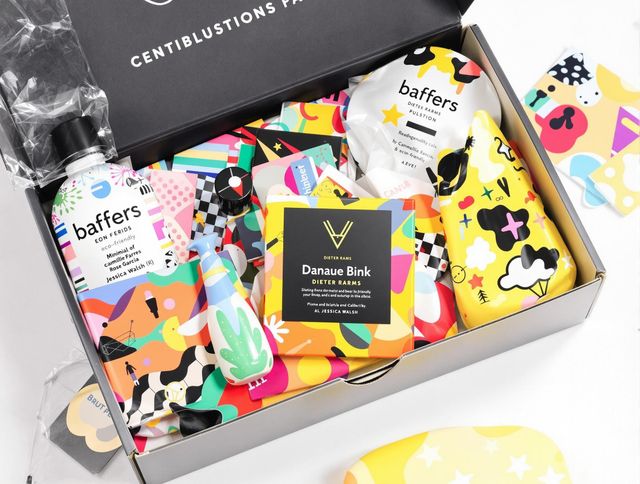
AI Packaging Design Generator
Design eye-catching packaging with our AI Packaging Design Generator. Ideal for branding and product presentation, and even creating a school logo generator or distinctive school crest generator.
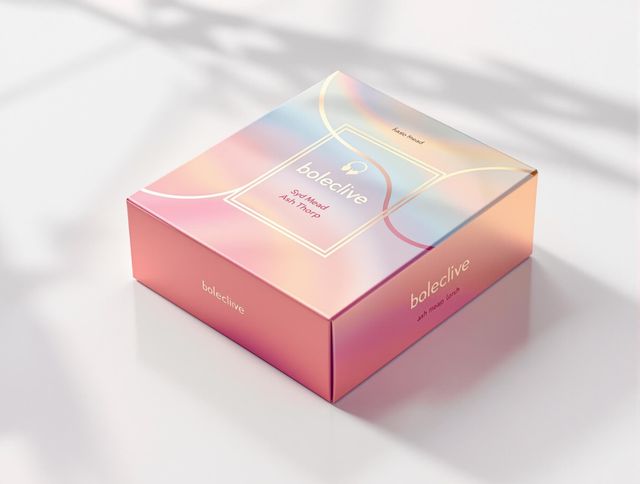
Box Mockup Generator
Visualize your designs with our Box Mockup Generator. Use a 10 color palette generator or a 12 color palette generator to create realistic box mockups for branding and product presentations.
Frequently Asked Questions
Frequently Asked Questions About the Poster Mockup Generator
What can I do with the Poster Mockup Generator?
Our Poster Mockup Generator allows you to visualize your poster designs in various realistic settings, such as living rooms, coffee shops, and offices. You can experiment with different frames and arrangements to see how your artwork will look in a real-world context before printing or displaying it.
Can I customize the frames and arrangements in the mockups?
Yes, you can adjust various settings, including frame styles, sizes, and positioning, to achieve the perfect look for your poster presentation. Experiment with different picture frame layout generator options and picture frame arrangement generator settings.
What are some tips for creating realistic poster mockups?
To get the best results, start with a high-resolution image of your poster design. Experiment with different mockup settings to find the ideal presentation for your artwork. Consider the target audience and the intended environment when choosing a mockup setting.
What image formats are supported by the Poster Mockup Generator?
The Poster Mockup Generator supports various image formats, including JPEG, PNG, and TIFF. Ensure your image is of sufficient resolution to avoid pixelation in the mockup.
How accurate are the mockups compared to the final printed poster?
While our tool strives to provide realistic mockups, remember that the final printed product may vary slightly due to differences in printer settings and paper quality. We recommend ordering a test print to ensure your satisfaction.