

Slideshow Generator
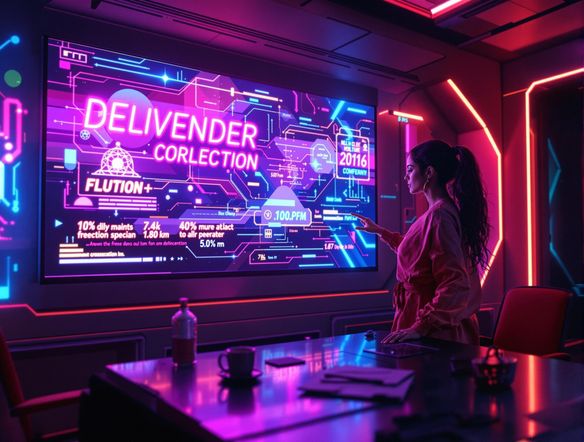
Create dynamic slideshows effortlessly! Use our neon font generator and neon text generator to make your presentations pop with vibrant, eye-catching visuals.
No payment or credit card required.
As seen in








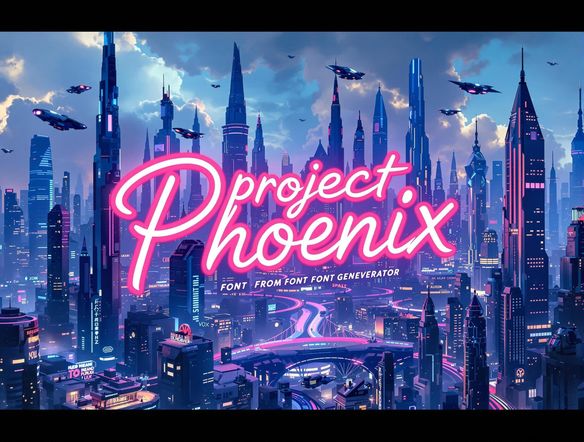
Slides That Pop
Slide Show Generator
Transform ordinary presentations into captivating visual stories with our Slide Show Generator. Infuse your slides with the electric energy of neon light font generator. Craft eye-catching titles and emphasize key points with vibrant, glowing text that leaves a lasting impression. Use our neon generator to bring your slides to life.
Create Stunning Slideshows With AI
Step 1
Input Your Slideshow Vision
Start by entering a detailed description of the slideshow you envision in the prompt box. Include specifics about the theme, desired visuals, and any text or elements you want to feature. The more detail, the better the AI can tailor the slideshow to your needs.
Step 2
Generate Your Slideshow
Once you're happy with your prompt, click the 'Generate' button. Our AI will then work its magic, creating a dynamic slideshow based on your input, enhanced with vibrant neon text and visuals.
Step 3
Share and Download
Review your AI-generated slideshow and download it in high quality to use in your presentations. Share your creation with the NightCafe community to inspire others and get feedback on your stunning visual story!

Personalize Your Message
Elevate your slideshows with personalized neon text using our innovative AI tools. Easily generate striking visuals by turning ordinary words into radiant art with our neon word generator. Highlight key statistics, quotes, or calls to action with attention-grabbing neon letter generator designs that ensure your message resonates with your audience.
Need inspiration?
Check out some of the top creations made by the NightCafe community.







Related Tools
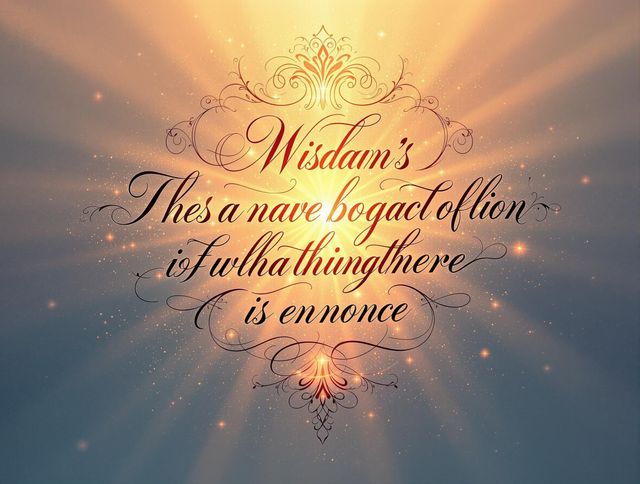
Inspirational Quote Generator
Create daily inspiration with our Inspirational Quote Generator. Design unique quote visuals and even use it as a badge generator or trust badge generator to elevate your message.

Name Tag Generator
Design personalized name tags effortlessly! Beyond simple identification, create custom airline ticket generator and boarding pass generator designs for events or creative projects. Start designing now!

Email Signature Generator
Create professional email signatures effortlessly with our Email Signature Generator! Also, try our movie marquee generator or movie ticket generator for fun, personalized designs.
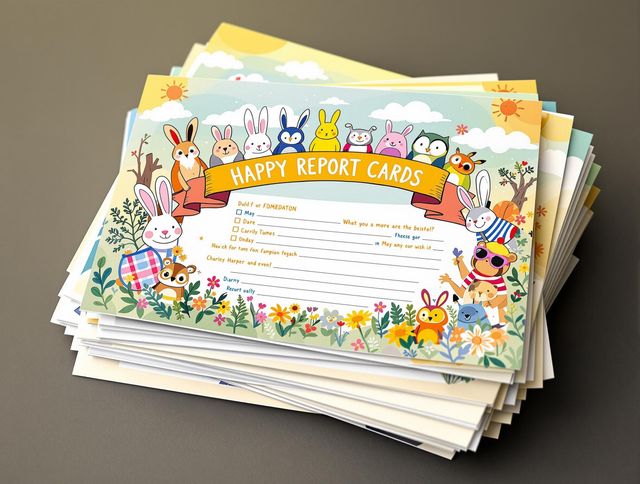
Report Card Generator
Effortlessly create personalized report cards with our AI Report Card Generator. Design a circle logo generator or round logo generator to match your school's branding and enhance your documents.
Frequently Asked Questions
Frequently Asked Questions About Creating Stunning Slideshows with AI
What is the AI Slideshow Generator and what can it do?
Our AI Slideshow Generator allows you to create dynamic and engaging slideshows effortlessly. It uses AI to help you design visually appealing slides, incorporating features like the neon font generator and neon text generator to make your presentations pop.
How can I use the neon font generator and neon text generator in my slideshows?
You can use our neon font generator and neon text generator to add vibrant, eye-catching visuals to your slides. These tools allow you to create glowing text effects that highlight key points and make your presentations more engaging.
Can I customize the neon text generated by the AI?
Yes, you can customize the neon text by choosing different colors, fonts, and effects. Our AI-powered tools offer a range of options to personalize your visuals and ensure they align with your presentation's theme.
What are some tips for creating effective slideshows with AI?
To get the best results, start with a clear outline of your presentation. Then, use the AI tools to generate visuals that complement your content. Experiment with different neon text styles and layouts to find what works best for your audience.
What should I do if I'm having trouble generating the desired neon text effect?
If you're having trouble generating the desired neon text effect, try refining your input text or experimenting with different font styles and colors. Also, ensure that you have a stable internet connection for optimal performance.