

Sticky Note Generator
Brainstorm and collaborate visually with our Sticky Note Generator. Perfect for organizing ideas, project planning, and even as a corporate logo generator, this tool brings digital convenience to the classic sticky note.
No payment or credit card required.
As seen in








Unlock Creative Brainstorming
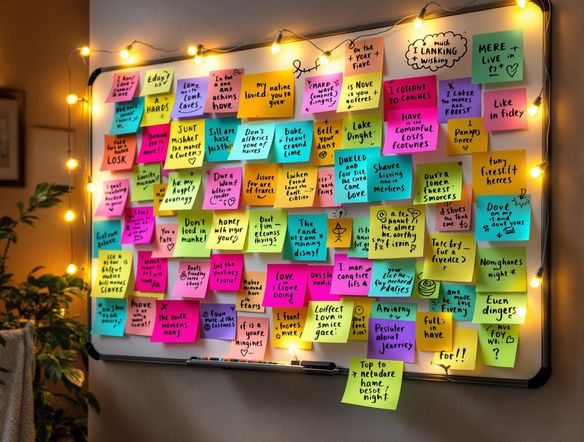
Transform brainstorming sessions with visually engaging sticky notes. Easily create digital sticky notes in various colors and styles to represent different ideas or tasks. Organize your thoughts, prioritize action items, and share your boards with your team for seamless collaboration, enhancing productivity and clarity.
Creating Engaging Sticky Notes
Step 1
Input Your Idea
Start by typing your idea or task into the prompt box. Specify the color, shape, and style of the sticky note to match your organizational needs or branding requirements. The more details you provide, the more tailored the generated sticky note will be!
Step 2
Generate Your Sticky Note
After entering your desired specifications, click the 'Generate' button. Watch as the AI transforms your text into a visually appealing sticky note, ready to be used in your projects or collaborations.
Step 3
Download and Share
Once your sticky note is generated, you can download it for use in presentations, documents, or digital boards. Share it with your team to foster collaboration and streamline your workflow!
Branding Made Easy
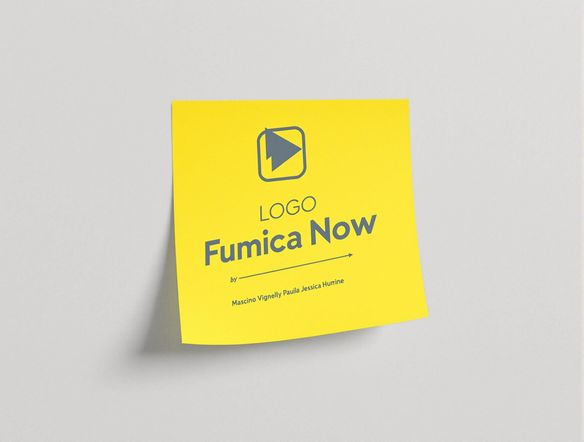
Beyond brainstorming, create simple yet effective corporate logos using the Sticky Note Generator. Design a minimalist logo by combining shapes, colors, and text within a sticky note framework. This approach offers a quick and cost-effective way to establish a brand identity for startups or internal projects.
Need inspiration?
Check out some of the top creations made by the NightCafe community.







Related Tools
Animated Text Generator
Transform your text into captivating animations with our Animated Text Generator! Also, use our T chart generator (t-chart generator) to create beautiful charts and diagrams.
Prototype Generator
Visualize your ideas instantly with our Prototype Generator. Easily create picture frame generator mockups and photo frame generator previews to bring your concepts to life.
Gif Caption Generator
Add humor to your GIFs with our AI-powered Gif Caption Generator. Create witty captions effortlessly and share the laughs! Great for making a report card generator even funnier or creating memes for a student report card generator.

AI Image Generator Combine Images
Combine images with our AI Image Generator! Use it as a baby announcement generator or pregnancy announcement generator. Create unique images effortlessly.
Frequently Asked Questions
Frequently Asked Questions About the Virtual Sticky Note Generator
What is the Virtual Sticky Note Generator and what can I use it for?
The Virtual Sticky Note Generator is a tool that allows you to create digital sticky notes for brainstorming, project planning, and even logo design. You can customize the color, text, and arrangement of the notes to visually organize your thoughts and collaborate with others.
Can I use the Virtual Sticky Note Generator for team collaboration?
Yes! The Virtual Sticky Note Generator is designed to facilitate team collaboration. You can easily share your sticky note boards with colleagues or friends, allowing everyone to contribute ideas and organize them visually. This is great for remote teams or in-person brainstorming sessions.
Can I create a logo using the Virtual Sticky Note Generator?
Absolutely! While primarily designed for brainstorming, the Virtual Sticky Note Generator can also be used to create simple and effective corporate logos. By combining shapes, colors, and text within a sticky note framework, you can design a minimalist logo for startups or internal projects. Consider using NightCafe's broader AI tools to enhance your logo design further.
What customization options are available in the Virtual Sticky Note Generator?
The Virtual Sticky Note Generator offers a range of customization options, including different colors, fonts, and sizes for your sticky notes. You can also arrange the notes in various layouts to suit your specific needs. Experiment with different combinations to find the most effective way to organize your ideas.
What are some best practices for using the Virtual Sticky Note Generator effectively?
While the Virtual Sticky Note Generator is designed for ease of use, you can enhance your experience by following a few best practices. Start by clearly defining the purpose of your sticky note board. Use different colors to represent different categories or priorities. Keep the text on each note concise and easy to read. Regularly review and update your board to ensure it remains relevant and effective.