

Text On Image Generator
Add flair to your images with NightCafe's Text On Image Generator. Create captivating visuals by overlaying text. Also supports mandala generator and name mandala generator functionalities.
No payment or credit card required.
As seen in








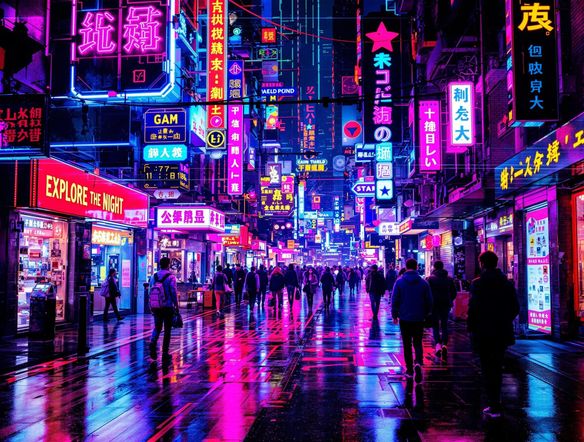
Create Stunning Visuals
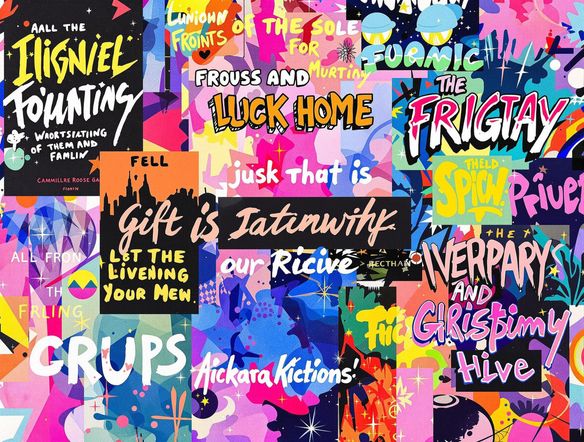
Fancy Text Image Generator
Elevate your designs with our fancy text image generator. Transform ordinary photos into eye-catching masterpieces by adding stylish text overlays. Perfect for social media posts, marketing materials, and personalized gifts, our tool makes it easy to create stunning visuals that capture attention and convey your message effectively.
How to Add Text to Images with AI
Step 1
Input Your Text and Image Description
Start by entering your desired text in the prompt box. Describe the image you want to create, including details like font style, text color, placement, and any specific visual elements you'd like to incorporate. The more detailed your prompt, the better the AI can understand your vision!
Step 2
Generate Your Image
Once you're happy with your text and image description, click the 'Generate' button. Our AI will then process your input and create a unique image with your text overlaid in a stylish and visually appealing manner.
Step 3
Share and Download Your Image
After the image is generated, you can download it in high quality and share it with your friends, family, or followers. Showcase your creation on social media or use it for your personal or commercial projects. Don't forget to share your creation with the NightCafe community!
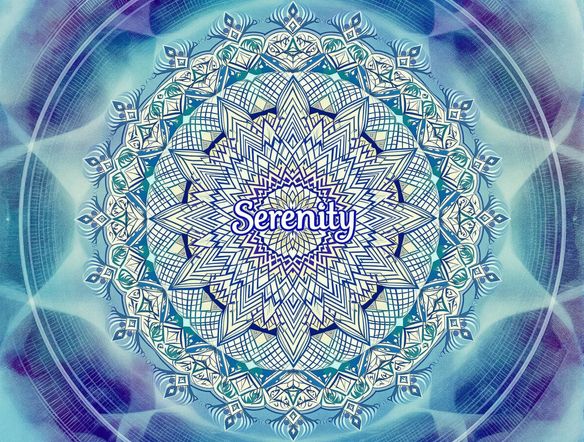
Personalized Art Generation
Craft personalized art with our text-to-image feature. Input any name or word, and watch as our AI generates a unique mandala design. Ideal for creating meaningful gifts, personalized wall art, or adding a touch of zen to your digital space. Unleash your creativity and explore the beauty of symmetrical design.
Need inspiration?
Check out some of the top creations made by the NightCafe community.







Related Tools
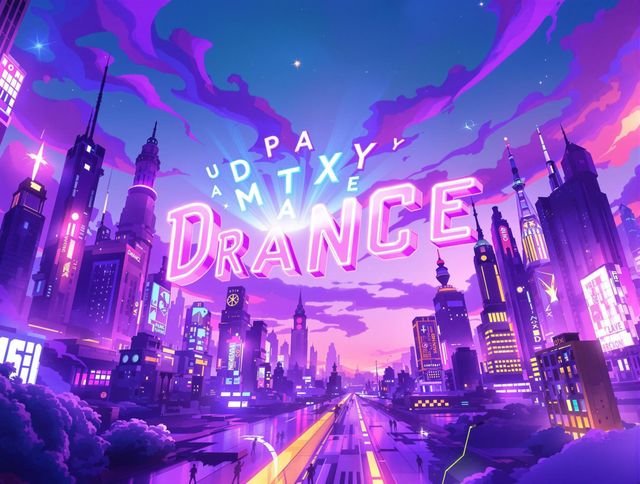
Animated Text Generator
Transform your text into captivating animations with our Animated Text Generator! Also, use our T chart generator (t-chart generator) to create beautiful charts and diagrams.
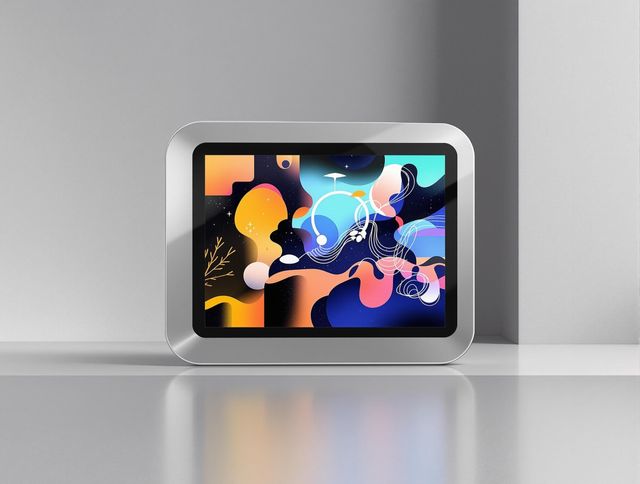
Prototype Generator
Visualize your ideas instantly with our Prototype Generator. Easily create picture frame generator mockups and photo frame generator previews to bring your concepts to life.
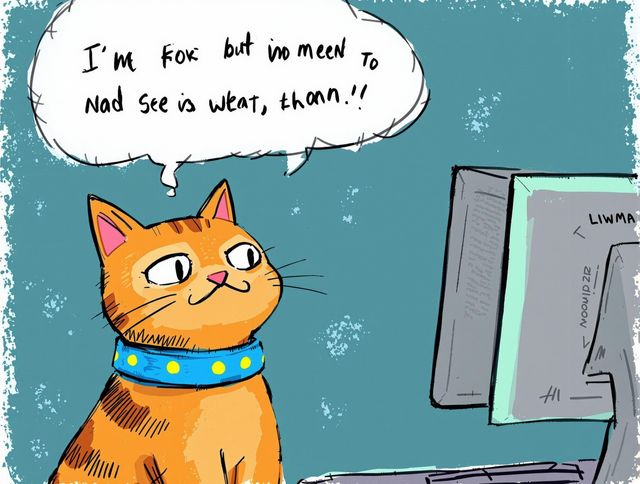
Gif Caption Generator
Add humor to your GIFs with our AI-powered Gif Caption Generator. Create witty captions effortlessly and share the laughs! Great for making a report card generator even funnier or creating memes for a student report card generator.
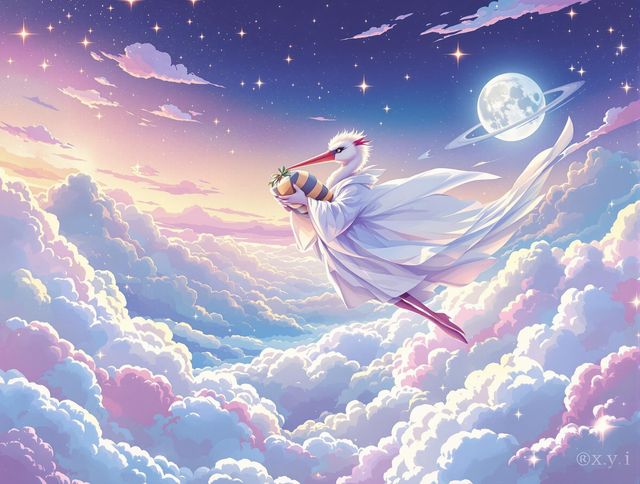
AI Image Generator Combine Images
Combine images with our AI Image Generator! Use it as a baby announcement generator or pregnancy announcement generator. Create unique images effortlessly.
Frequently Asked Questions
Frequently Asked Questions About Adding Text to Images with AI
What can I do with NightCafe's AI Text to Image Generator?
NightCafe's AI Text to Image Generator allows you to overlay text onto your images, create visually appealing designs with stylish text, and even generate unique mandala designs from names or words.
How do I use the AI Text to Image Generator?
To add text to an image, upload your image, enter the desired text, choose a font and style, and let the AI generate the result. For mandala generation, simply input a name or word, and the AI will create a unique mandala design based on it.
What are some tips for creating effective text-to-image designs?
Consider the image's context, choose fonts and colors that complement the image, and ensure the text is legible and adds value to the visual. For mandalas, experiment with different names or words to discover unique designs.
Can I use the images I create for commercial purposes?
Yes, you can use the generated images for various purposes, including social media posts, marketing materials, personalized gifts, and wall art. However, please review our Terms of Service for specific usage guidelines.
What if I'm not happy with the generated image?
The quality of the generated image depends on the clarity of the input image and the chosen settings. Experiment with different styles and text placements to achieve the best results. If you encounter any issues, try rephrasing your text or using a higher-resolution image.