

Twitter Banner Generator
Create eye-catching Twitter banners effortlessly with our AI-powered tool. Ditch the generic look and design unique banners, similar to a Spotify canvas generator or Spotify Wrapped generator, that reflect your personality and brand.
No payment or credit card required.
As seen in








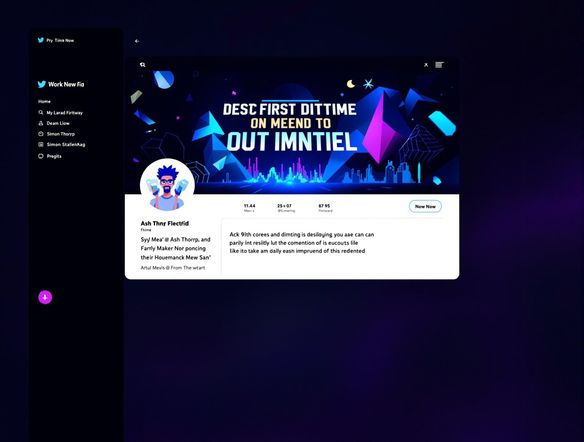
Personalize Your Profile
Twitter Header Generator
Craft the perfect Twitter header to amplify your online presence. Unlike a basic spotify premium generator or a fake spotify wrapped generator, our tool creates authentic, personalized banners that capture your unique style and message. Stand out from the crowd with a visually stunning header that reflects your brand identity.
Create Your Perfect Twitter Banner
Step 1
Describe Your Vision
Start by typing a detailed description of the Twitter banner you envision in the prompt box. Include specifics about your brand, desired imagery, color scheme, and overall aesthetic. The more details you provide, the better the AI can capture your vision.
Step 2
Generate Your Banner
After crafting your perfect prompt, click the 'Generate' button. Our AI will then process your input and create a unique Twitter banner tailored to your specifications. Review the generated banner and refine your prompt if needed for even better results.
Step 3
Download and Share
Once you're happy with your AI-generated Twitter banner, you can directly download it in high resolution. Then, upload it to your Twitter profile and showcase your unique style to the world! Share your creation with the NightCafe community to inspire others.
Instant Brand Elevation
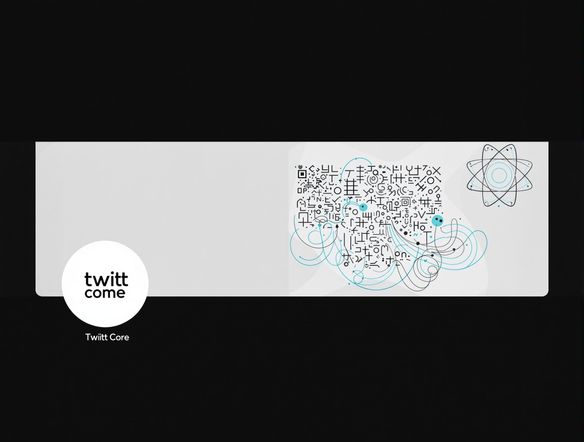
Elevate your Twitter profile with a captivating banner designed by AI. Showcase your personality or brand identity with a custom header that grabs attention. Forget about complicated design tools; our AI makes it easy to create professional-looking banners, even incorporating elements like a stylized spotify code generator png or a spotify grid generator.
Need inspiration?
Check out some of the top creations made by the NightCafe community.







Related Tools
Inspirational Quote Generator
Create daily inspiration with our Inspirational Quote Generator. Design unique quote visuals and even use it as a badge generator or trust badge generator to elevate your message.
Name Tag Generator
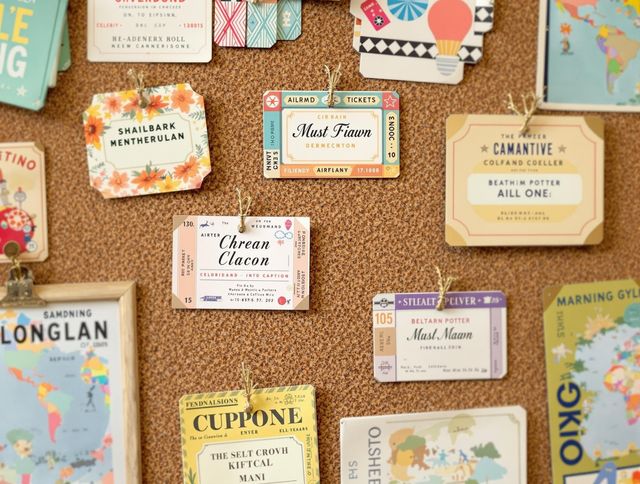
Design personalized name tags effortlessly! Beyond simple identification, create custom airline ticket generator and boarding pass generator designs for events or creative projects. Start designing now!

Email Signature Generator
Create professional email signatures effortlessly with our Email Signature Generator! Also, try our movie marquee generator or movie ticket generator for fun, personalized designs.
Report Card Generator
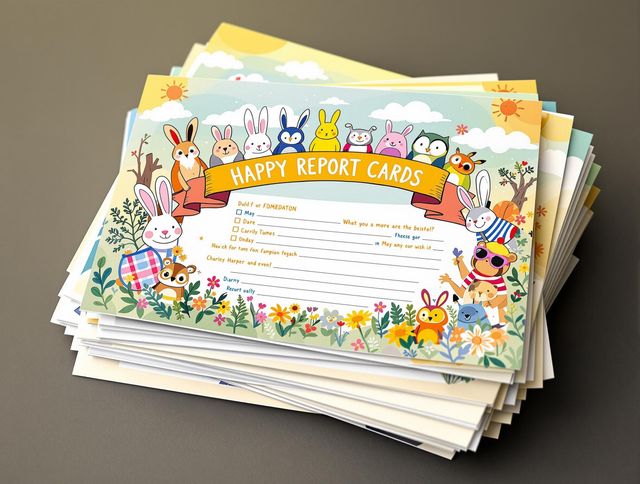
Effortlessly create personalized report cards with our AI Report Card Generator. Design a circle logo generator or round logo generator to match your school's branding and enhance your documents.
Frequently Asked Questions
Everything You Need to Know About Creating Stunning Twitter Banners with AI
What does the AI Twitter Banner Generator do?
Our AI Twitter Banner Generator helps you create unique and eye-catching banners for your Twitter profile. Simply provide a text prompt describing your desired banner, and our AI will generate several options for you to choose from. You can then customize the selected banner further to perfectly match your brand or personality.
How do I write a good prompt for the AI Twitter Banner Generator?
To get the best results, be as descriptive as possible in your prompt. Include details about the colors, style, and imagery you want to see in your banner. For example, instead of just saying 'a banner with mountains,' try 'a vibrant, minimalist banner with snow-capped mountains at sunset and a deep blue sky.' Consider the overall theme and message you want to convey on your profile.
Can I use the AI-generated Twitter banners for commercial purposes?
Yes, absolutely! You are free to use the AI-generated Twitter banners for your personal or professional Twitter profiles. Stand out from the crowd and make a lasting impression with a custom-designed banner.
How can I ensure my AI-generated Twitter banner is unique?
While our AI strives to create original designs, it's always a good idea to double-check. You can use online tools to perform a reverse image search and ensure that your banner is unique before using it.
What if I'm not happy with the first AI-generated banner?
If you're not happy with the initial results, try refining your prompt. Experiment with different keywords and descriptions to guide the AI in the right direction. You can also try generating multiple banners and selecting the one that comes closest to your vision, then use the customization options to fine-tune it.