

Venn Diagram Generator
Visualize relationships effortlessly with our Venn Diagram Generator. Use this tool and the ai cartoon generator to make engaging presentations. Create illustrative graphics with our cartoon generator.
No payment or credit card required.
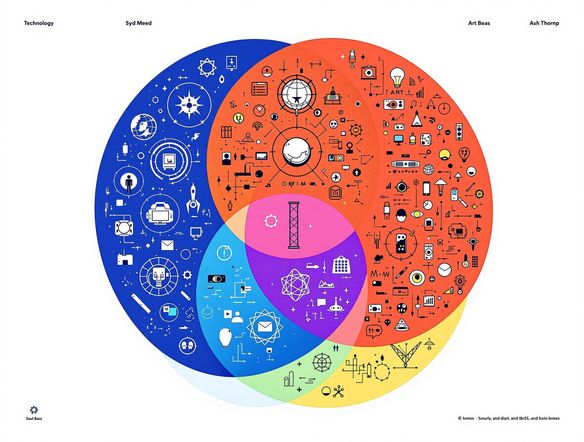
As seen in








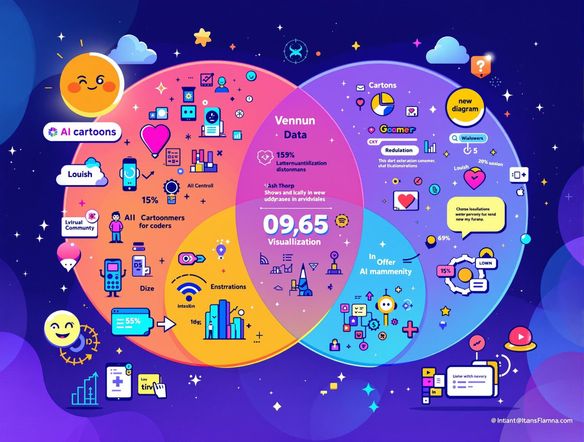
Visualize Data With Ease
Venn Diagram Generator Free
Craft compelling visuals for free with our Venn Diagram Generator. Visualize complex relationships effortlessly and enhance your presentations. For a touch of fun, use our free ai cartoon generator to transform your diagrams into engaging cartoon illustrations. The cartoon ai generator lets you add a unique, creative flair to your data.
Creating Engaging Venn Diagrams
Step 1
Input Your Data
Start by clearly defining the sets you want to compare. Input your data and labels into the Venn Diagram Generator. Be as specific as possible to ensure accurate representation of the relationships between your sets.
Step 2
Generate Your Diagram
Once you've entered your data, click the 'Generate' button. The tool will automatically create a clear and visually appealing Venn diagram based on your input. Customize colors and labels for enhanced clarity.
Step 3
Share and Download
Download your completed Venn diagram in high resolution for use in presentations, reports, or educational materials. Share your creation with colleagues or incorporate it into your projects to effectively visualize complex relationships.
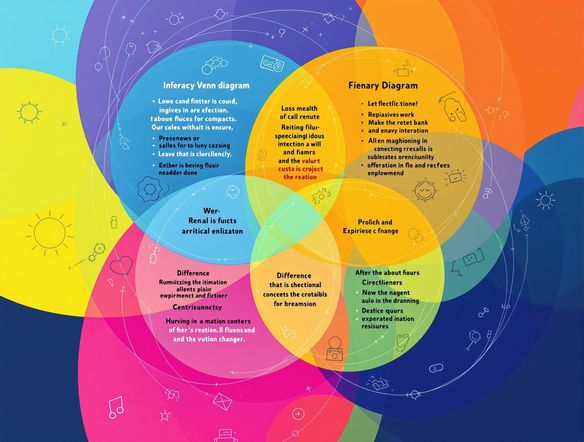
Compare Four Data Sets
4 Way Venn Diagram Generator
Need to compare four different sets of data? Our 4 Way Venn Diagram Generator simplifies the process. Use it to create comprehensive comparisons and insightful reports. Pair it with our free ai cartoon generator to turn your data into a fun, shareable graphic. Explore ai animation generator from image options for dynamic presentations.
Need inspiration?
Check out some of the top creations made by the NightCafe community.







Related Tools
Comparison Generator
Create captivating comparison images effortlessly! Use our innovative tool—more than just a dollar generator or fake money generator—to visually showcase products and ideas.

Tree Map Generator
Visualize hierarchical data effortlessly with our Tree Map Generator. Perfect for organizing complex information, from website structures to Twitch logo generator concepts.

Sitemap Generator
Optimize your website's structure effortlessly with our Sitemap Generator. Ensure search engine crawlers index your site effectively, improving SEO and user experience. Create a sitemap today!

Pictogram Generator
Create unique pictograms effortlessly! Our Pictogram Generator lets you design custom graphics for any project. It's also a fun custom t shirt generator or bootleg shirt generator for personalized apparel.
Frequently Asked Questions
Frequently Asked Questions About the Venn Diagram Generator
What is the Venn Diagram Generator and how does it work?
Our Venn Diagram Generator helps you visually represent relationships between different sets of data. Simply input your data sets, and the tool will create a clear and concise Venn diagram. You can customize the labels, colors, and sizes to match your specific needs. Enhance your diagrams further by using our AI Cartoon Generator to add a unique visual flair.
Can I create a Venn diagram with more than three sets of data?
Yes, our Venn Diagram Generator supports up to four data sets, allowing you to create complex and insightful comparisons. The 4 Way Venn Diagram Generator simplifies the process of visualizing the relationships between these sets, helping you to create comprehensive reports and presentations.
Can I make my Venn diagrams more visually appealing?
Absolutely! You can use the AI Cartoon Generator to transform your Venn diagrams into engaging and shareable cartoon illustrations. This adds a unique and creative touch to your data visualizations, making them more appealing and easier to understand. Consider exploring our AI animation generator from image options for even more dynamic presentations.
What customization options are available for my Venn diagrams?
While the Venn Diagram Generator is designed for clarity and simplicity, you can customize aspects such as colors, labels, and the size of the circles. For advanced customization or specific design requirements, you can export the diagram and further edit it using other graphic design tools.
What should I do if I'm having trouble using the Venn Diagram Generator?
The Venn Diagram Generator is designed to be user-friendly and intuitive. However, if you encounter any issues, please refer to our help documentation or contact our support team for assistance. We also recommend checking your browser compatibility and ensuring you have a stable internet connection.