

Word Cloud Generator Canva
Create visually engaging word clouds with our Canva Word Cloud Generator. It's easy to use and no design skills are needed. Transform your text into unique artwork.
No payment or credit card required.
As seen in








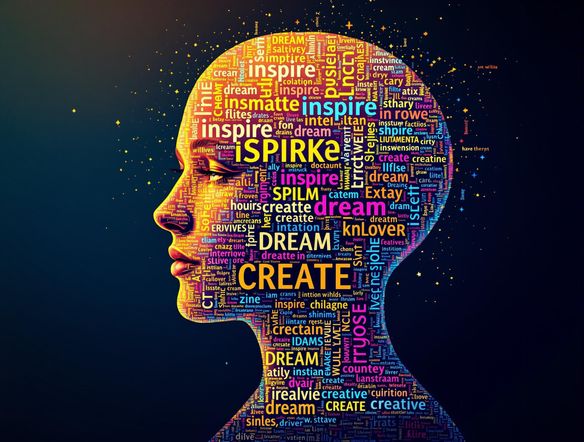
Ideas Into Art
Thought Cloud Generator
Visualize your thoughts and ideas with our innovative thought cloud generator. Simply input your text, customize the colors and fonts, and watch as your words take shape into a unique and captivating visual representation. Perfect for brainstorming, presentations, and adding a creative touch to any project.
Create Stunning Word Clouds With Canva
Step 1
Input Your Text
Enter your desired text or keywords into the prompt box. The more specific and varied your input, the more unique and visually appealing your word cloud will be! Consider the theme and message you want to convey.
Step 2
Generate Your Word Cloud
Once you've entered your text, click the "Generate" button to transform your words into a captivating visual representation. Our AI will arrange your text in an aesthetically pleasing and meaningful way.
Step 3
Share & Download Your Artwork
After the word cloud is generated, you can easily download it in high resolution for use in your projects, presentations, or social media. Share your unique creation with the world and impress your audience!
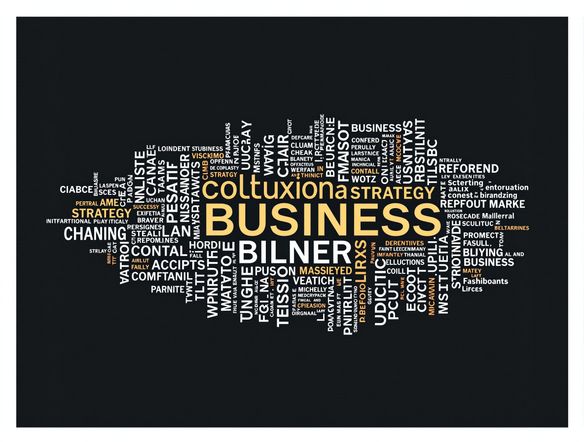
Visualize Key Concepts
Transform your presentations and reports into visually stunning masterpieces. Our word cloud generator makes it easy to highlight key themes and concepts, engaging your audience and ensuring your message resonates. Ditch the bullet points and embrace the power of visual communication for maximum impact.
Need inspiration?
Check out some of the top creations made by the NightCafe community.







Related Tools

Dinosaur Font Generator
Unleash your inner paleontologist with our Dinosaur Font Generator! Create prehistoric-themed designs perfect for social media, including unique options beyond an instagram logo generator and instagram watermark generator.
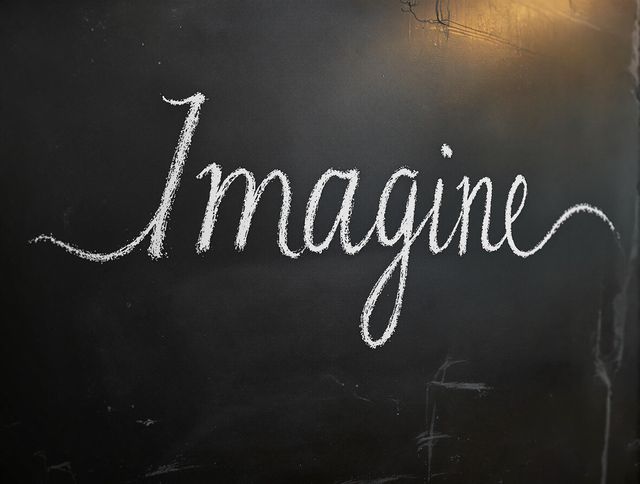
Chalk Font Generator
Create unique chalk fonts with our AI Chalk Font Generator! Design custom lettering and use our hero image generator to produce stunning visuals for any project.
Groovy Font Generator
Unleash your creativity with our Groovy Font Generator! Perfect for creating eye-catching designs, this tool also functions as a band poster generator and band flyer generator, ensuring your message pops with retro style.
Arabic Calligraphy Generator
Create stunning Arabic calligraphy art with our AI generator. Perfect for unique designs, logos, and artistic expressions. It can also be used as a church logo generator.
Frequently Asked Questions
Everything You Need to Know About the Canva Word Cloud Generator
How does the Canva Word Cloud Generator work?
The Canva Word Cloud Generator transforms your text into visually appealing word clouds. Simply input your text, and the tool will automatically generate a cloud where the size of each word corresponds to its frequency in the text. You can then customize the fonts, colors, and layout to match your desired aesthetic.
What customization options are available in the Canva Word Cloud Generator?
Yes, the Canva Word Cloud Generator offers a range of customization options. You can select different fonts, color palettes, and layouts to create a word cloud that perfectly matches your project's theme and your personal preferences. Experiment with different settings to achieve the desired visual effect.
What are some good use cases for a word cloud?
Word clouds are great for visualizing text data in an engaging way. Use them in presentations to highlight key themes, in reports to summarize findings, for brainstorming sessions, or even as decorative elements in social media graphics and blog posts. They're a versatile tool for making information more accessible and memorable.
What are some tips for creating effective word clouds?
For best results, use text that contains a clear focus or theme. Remove common words (like 'the', 'a', 'and') that don't contribute to the overall meaning. Experiment with different word combinations and text lengths to see what creates the most visually appealing and informative word cloud.
Can I download the word clouds I create?
Yes, you can download your word cloud in various formats, such as PNG, JPG, and PDF. This allows you to easily incorporate your word cloud into other documents, presentations, or websites. Choose the format that best suits your needs and intended use.