
Create Your Own Graffiti Art with AI
Easily design your own graffiti images with our free AI image generator, no artistic skills required

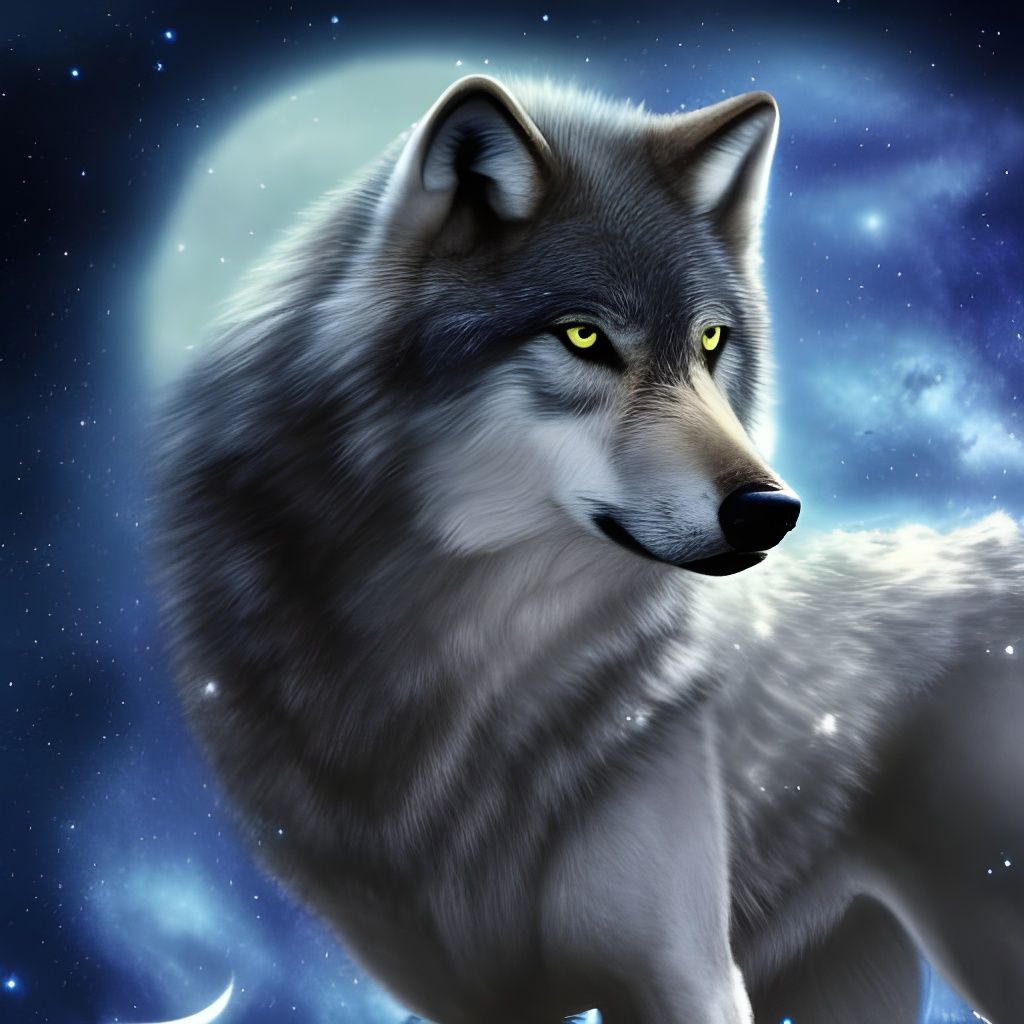
Y'all We Got Tags!
Created 3 years ago · 17 comments· 0 likes
Stable Diffusion 1.5
If some of you guys didn't notice, we now have the ability to tag our creations, and if you can search that tag! Amazing!
If you don't know how to tag something here is a quick tutorial.
When you are done with your creation, hit the edit button. You should see the option for editing the title, description, and now, tags! Click "add new tag" and type in keywords, like "beautiful", "blue", "mystic", etc. Adjectives, nouns, and colors are some that work. You can also create your own tag, by typing in your own word and making a tag out of that.
Now, hit save, and voila!
17 Comments
Join the conversation



is there a way to see what tags you've used (so you can filter by them in your creations list)?
How do I tag someone for using their prompt?
Thank you. I have been wondering how people are adding tags lately. Much appreciate the quick tutorial. Let the tagging begin!


I have been using fake hashtags since the very beginning. This is miraculous news.
Creation Settings
- Text Prompts
Mystic Wolf has hidden the prompt
- Model
- Initial Resolution
Thumb
- Aspect Ratio
1:1
- Runtime
Short
- Overall Prompt Weight
80%
- Noise Weight
50%
- Sampling method
K_LMS

- Start Image








Awesome creation!