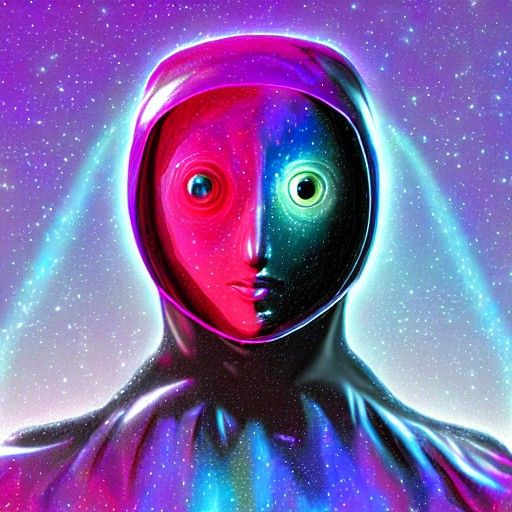
Create stunning AI images like this one
Generate stunning images with AI for free. It's easy to get started with Stable Diffusion!
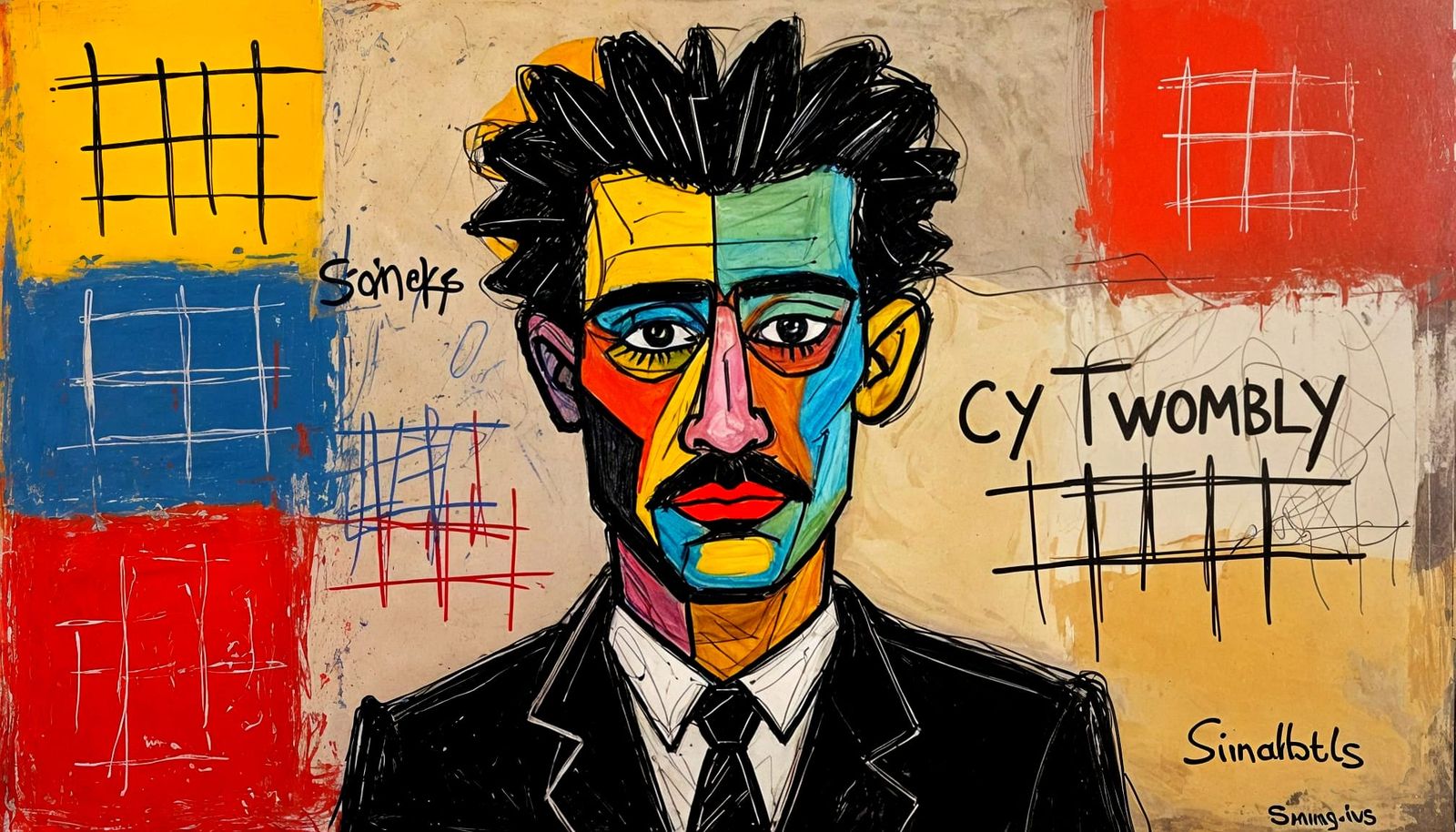
How To Make Stunning Images With Stable Diffusion 1.5
Created 7 months ago · 0 comments· 0 likes
Stable Diffusion 1.52xClarity 2x
The Method ! : Feed the prompt into Stable Diffusion. It responds well to complex prompts. ~ Make an image for every 5% on the prompt slider. I often carry on to 100% You will find you get a high percentage of usable ' sketches ' ; they won't look very impressive - trust me, there's a cool image already there with an original composition. The next stage reveals the masterpiece by adjusting the color balance. ~ Adjust/ Crop section : These stats should work in every case but you should experiment. Sepia : 20% - Contrast 120% - Saturation 120% - not too much brightness. - at this point you should be seeing your creation clearly for the first time. To add a final level : Creative Upscale - 20% on the prompt slider will transform an image and make it special ~ The point is the images you crave are there in SD - you just need to develop them properly. It's prompt adherence is very good, even at 100% - it just isn't at all obvious until you enhance & reveal. ~ Hope this is useful.
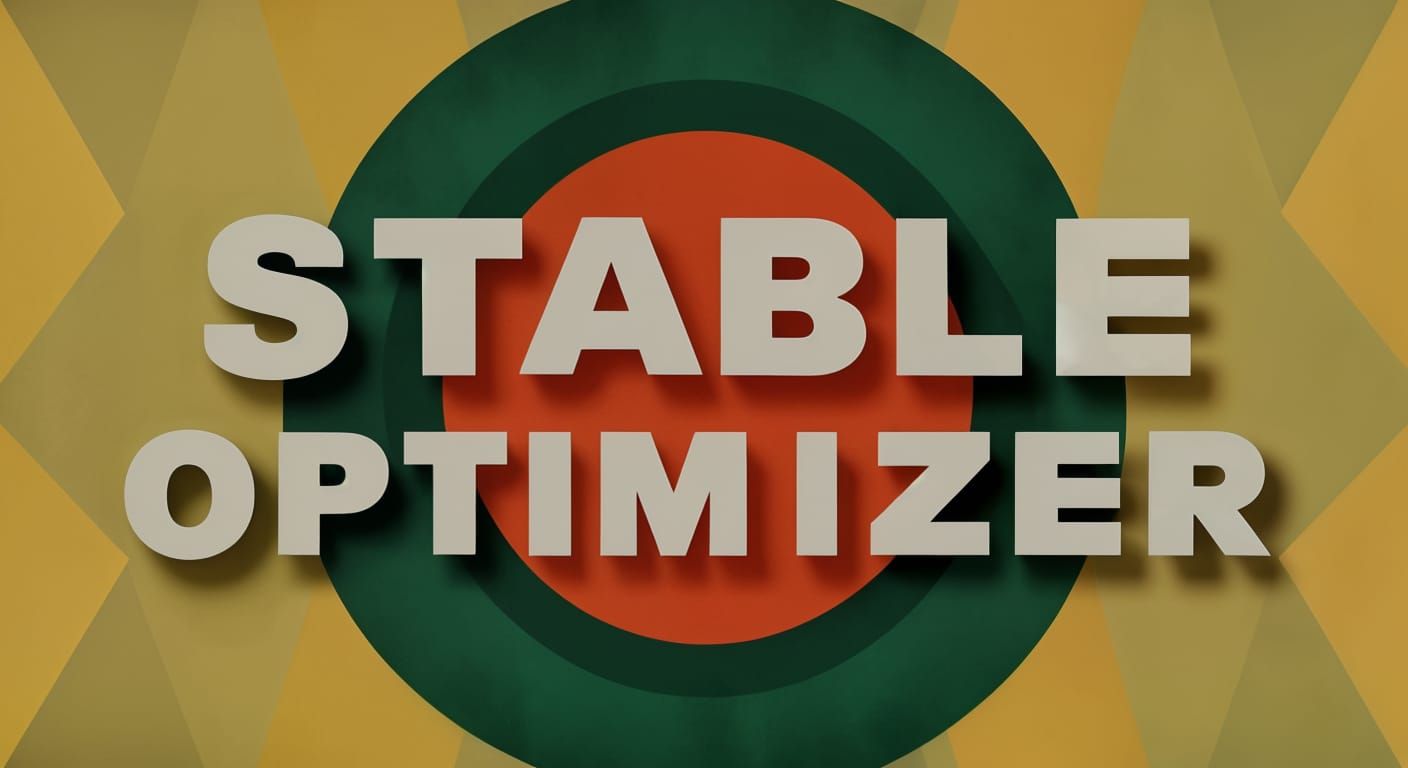
Abstract Geometric Art with 'STABLE OPTIMIZER' Text
A vibrant abstract geometric design featuring the words 'STABLE OPTIMIZER'. The image showcases a dynamic interplay of shapes and forms in a modern style.
Created by DJ Strode on Jun 25, 2025 using the Stable Diffusion 1.5 AI image generator model.
No comments yet
Be the first to respond!

No comments yet.
Creation Settings
- Model
 CKPT
CKPT- Start Image

- Upscale Prompt
- the letters ' STABLE OPTIMIZER ' geometric abstract art
- Creativity
20%
Original Creation Settings
- Text Prompts
- the letters ' STABLE OPTIMIZER ' geometric abstract artWeight: 1
- Model
- Initial Resolution
Thumb
- Aspect Ratio
16:9
- Runtime
Short
- Overall Prompt Weight
50%
- Noise Weight
21%
- Sampling method
DDIM