
Make your own revised image
Create your own revised and updated images for free. It's easy to make something new!
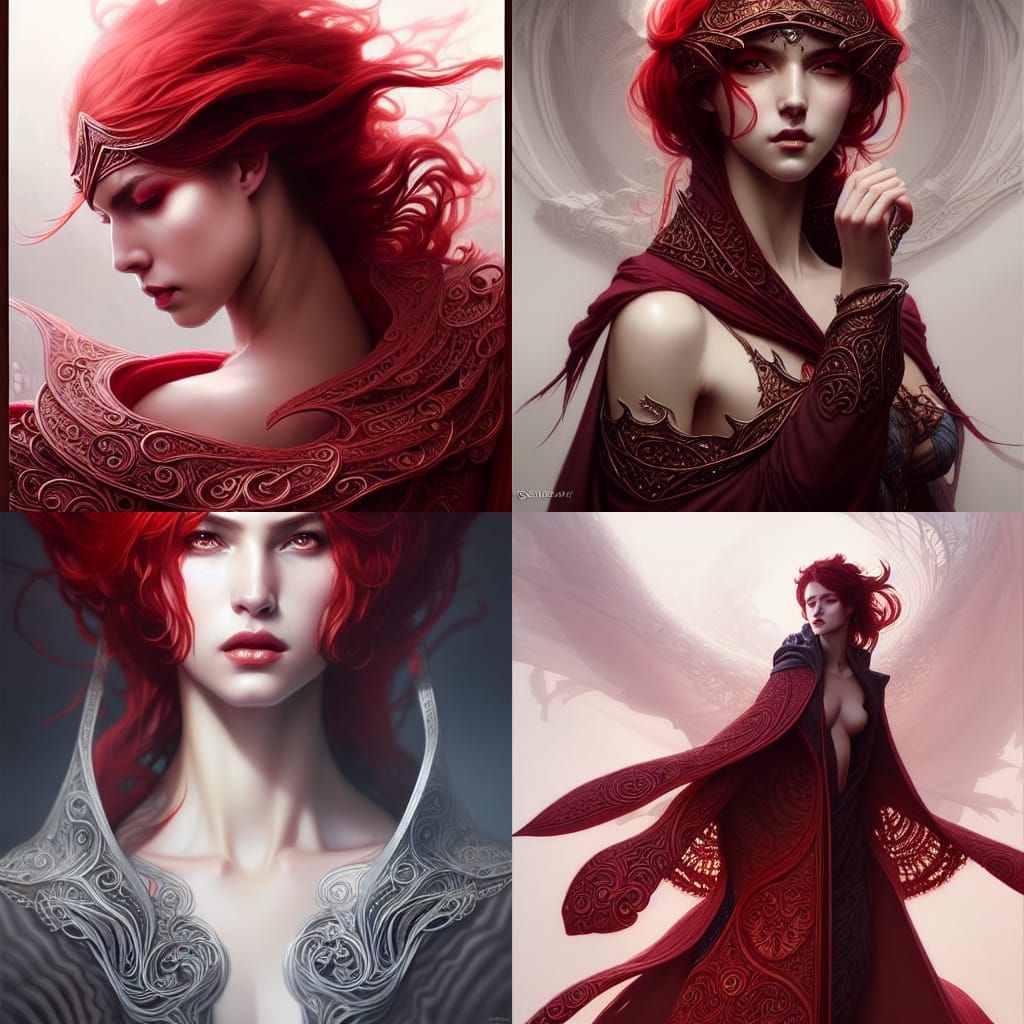
Red Revised v2
Created 3 years ago · 15 comments· 0 likes
Stable Diffusion 1.5
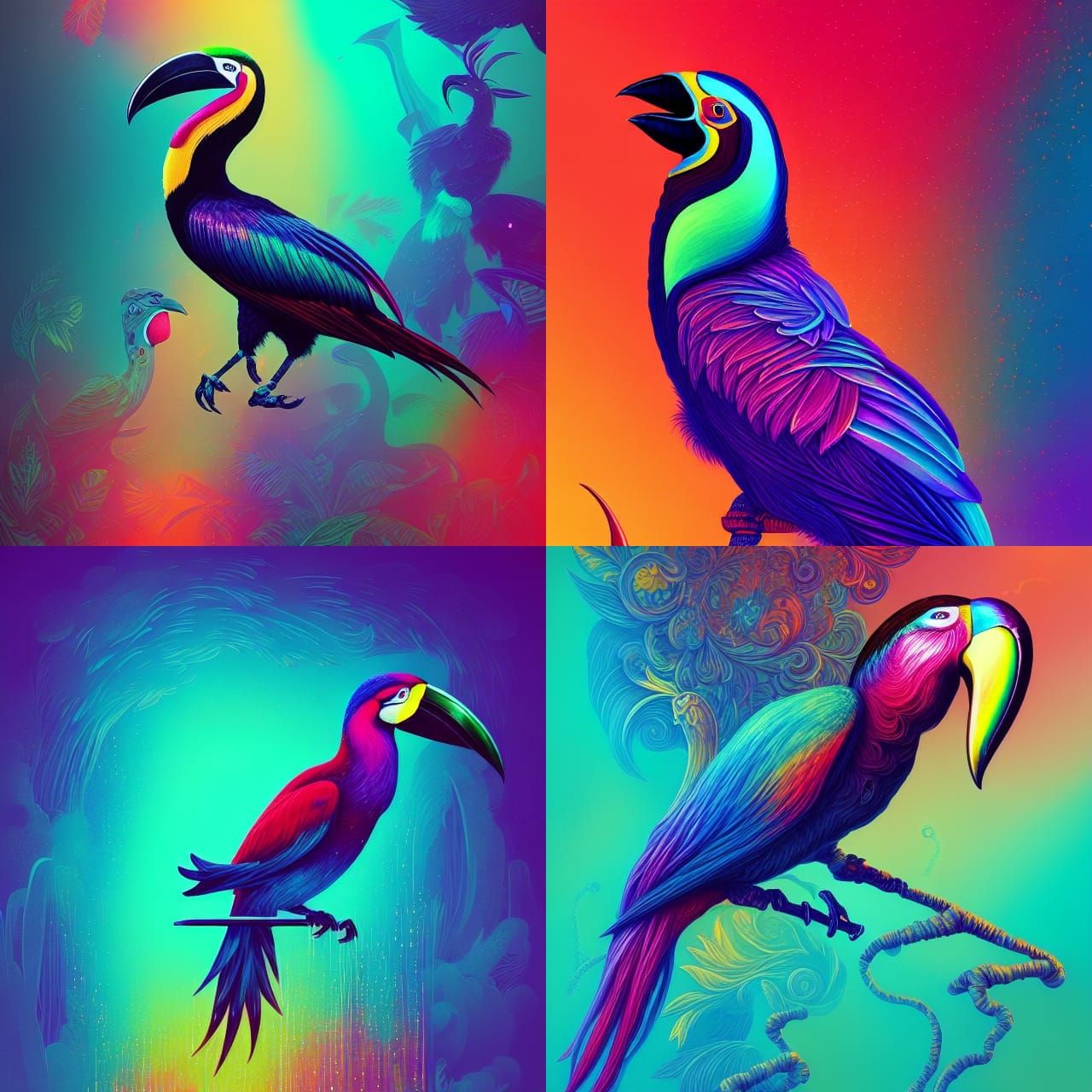
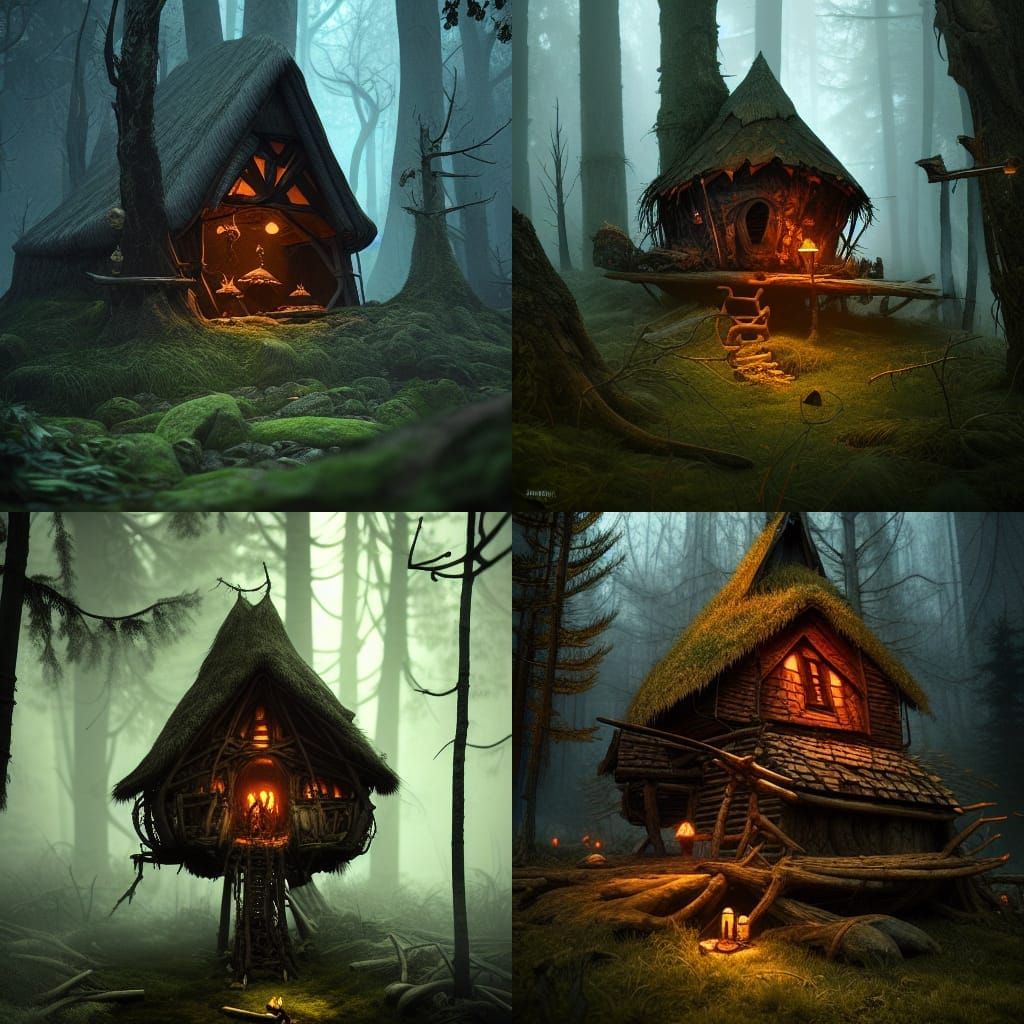
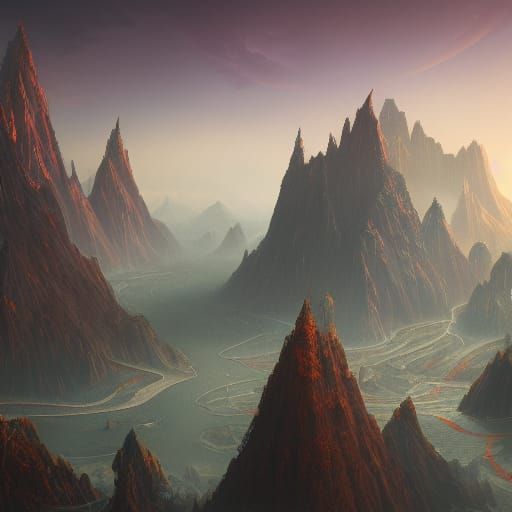
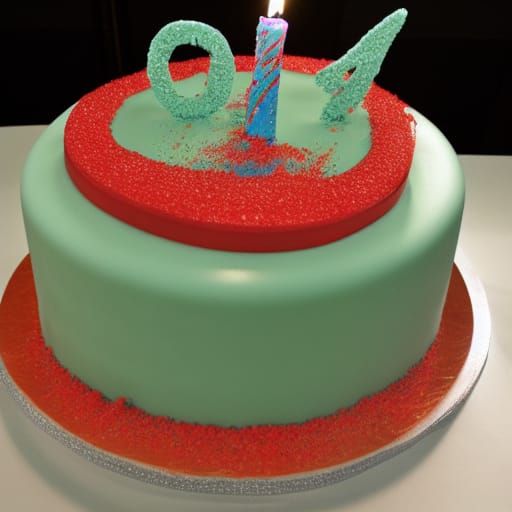
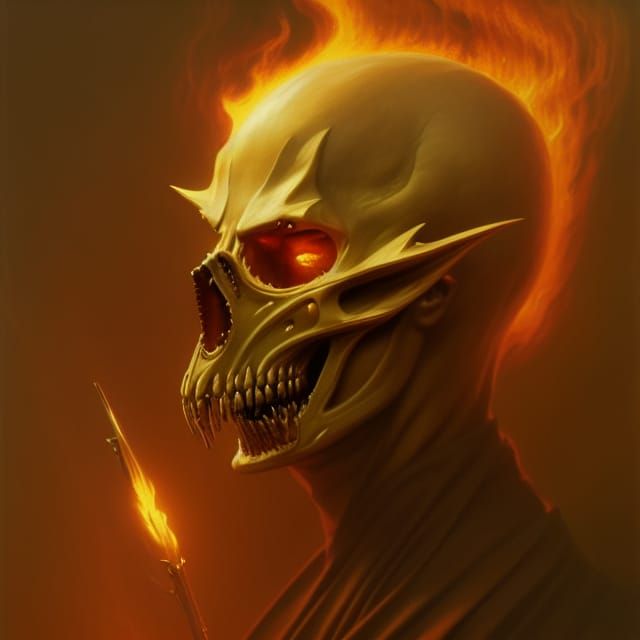
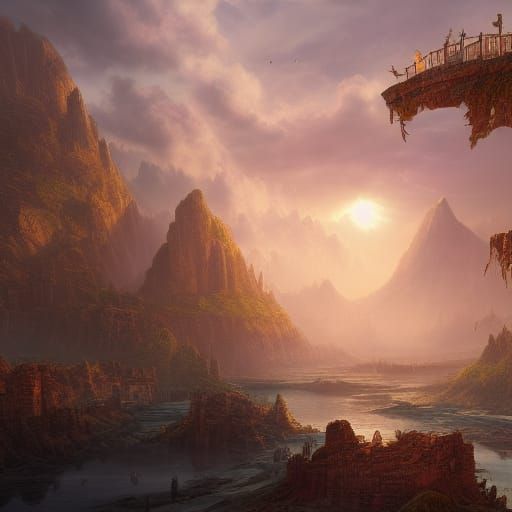
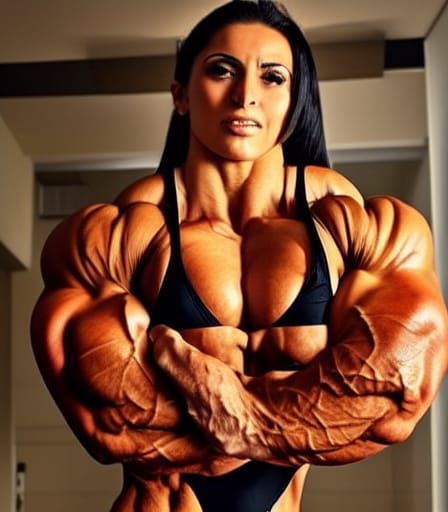
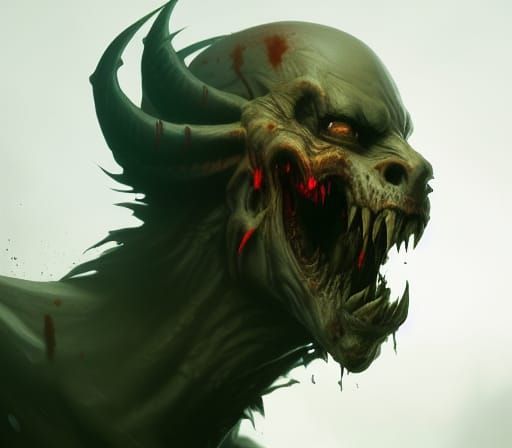
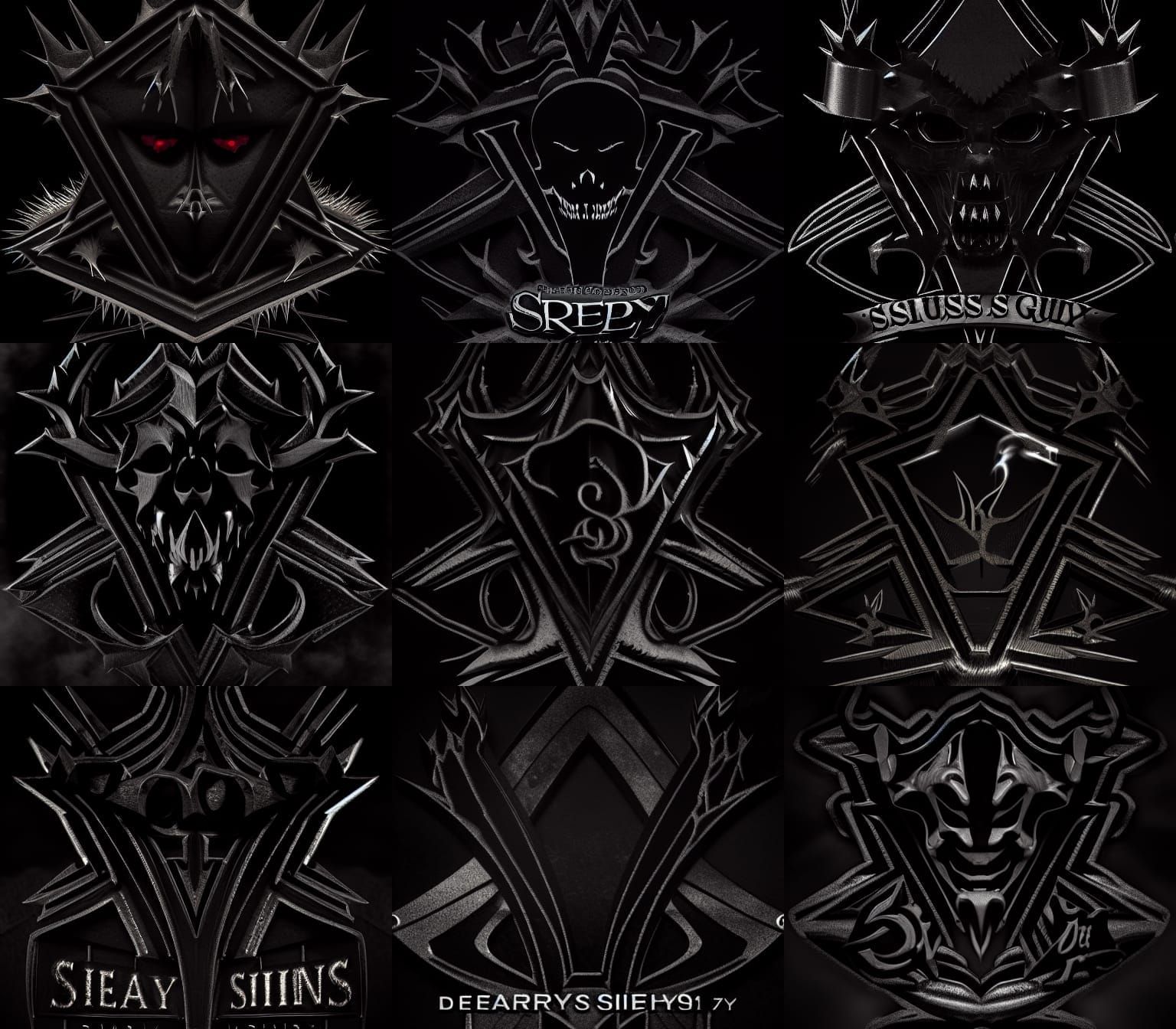
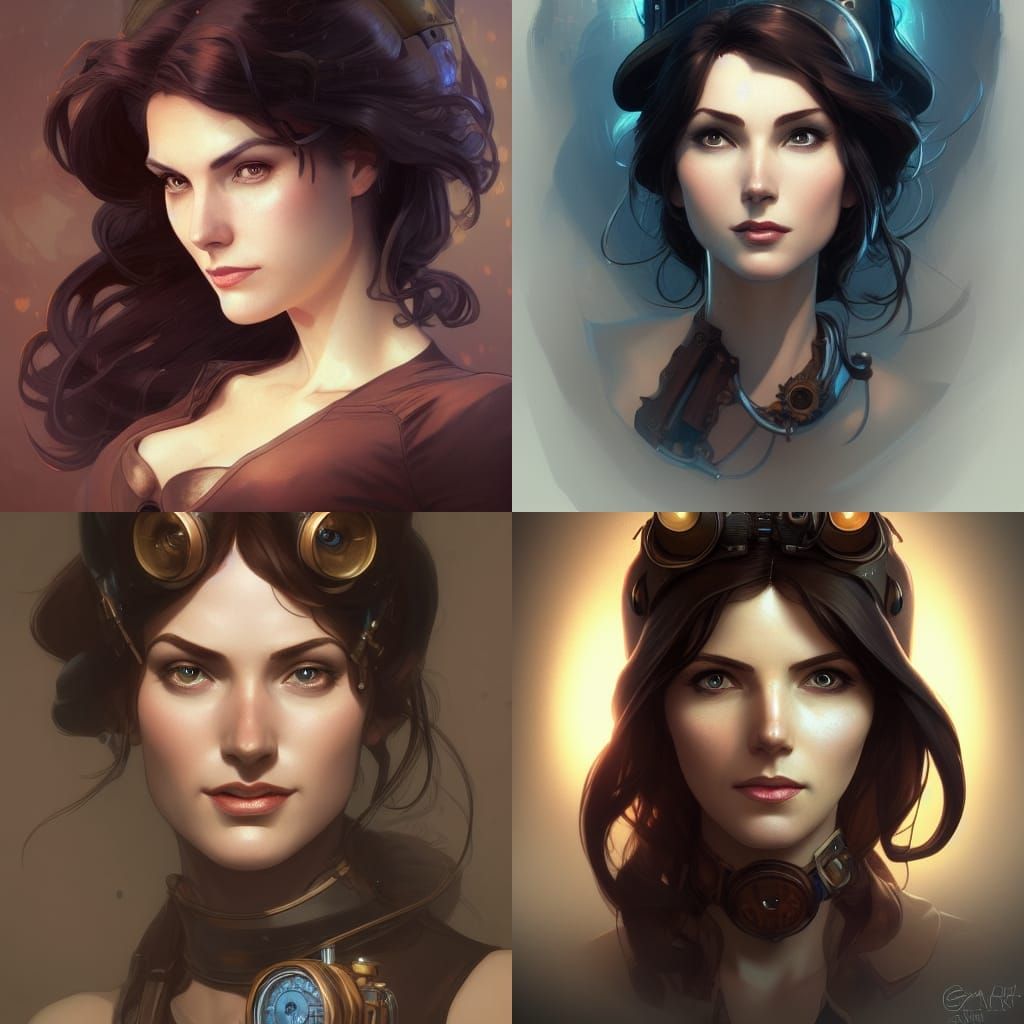
I love all but the bottom right. Wish I could separate these into separate images to publish. Maybe I can and just don't know how yet. Lol
Elegant Woman in Red Cloak, Digital Illustration
A digital illustration of a woman in an open cloak. The image features a hyper-realistic face, flowing red hair, and intricate details, rendered in a romantic, elegant style.
Created by Seivitae on Oct 25, 2022 using the Stable Diffusion 1.5 AI image generator model.
15 Comments
Join the conversation

The eye-icon on multi-sets still changes the published image, which is awkward as you can just change the one the comments refer to. However Enhance works fine, and I'm wondering if little inpainting could help with the AI's propensity of leaving part of the head out.
I usually use Enhance for that as the credits go to increasing the resolution. I'll have to try if the eye-icon allows me to publish different images of the set at the same time.
You CAN separate them! (I only recently discovered this😁) So, click on your creation's title under the "creations" tab>scroll down until you can see all the different versions of your creations (You can use the eye symbol beneath each creation to set it as the entirety of the page if you don't want to spend additional credits)>click "duplicate" (this will take you to the "create" page)>click "1 image">click "create for .5 credits">wait for your amazing single image!

If you have the spare creds u can dupe the ones you like separately


Creation Settings
- Text Prompts
- Intricately designed open cloak. Alluring, provocative, elegant, intricately detailed. Artgerm, Greg Rutkowski, WLOP. Intricately designed beautiful face, full lips, realistic eyes, romantic, fantasy, hyper-detailed, hyper-realistic, flowing red hair, cinematic, 8k resolution, digital illustration, HDR ...Weight: 1
- Model
- Initial Resolution
Thumb
- Aspect Ratio
1:1
- Runtime
Short
- Overall Prompt Weight
90%
- Sampling method
K_LMS

Thank you everyone for the info about duping. I must have been doing it wrong before. This changes EVERYTHING, lmfao