

- Galleries
- Apple Drawing & Sketches Gallery
Apple Drawing & Sketches
Explore simple and realistic Apple Drawing tutorials using AI. Perfect your Apple Drawing & Sketches with easy-to-follow guides. Create stunning digital artwork effortlessly.

As seen in








Apple Drawing & Sketches Gallery
A showcase of AI-generated apple drawings and sketches. This gallery offers inspiration and examples for artists of all skill levels looking to create realistic and stylized apple artwork.


Didn't find what you were looking for? Create your own below!
Create your own Apple Drawing & Sketches images
Discover the magic of Text to Image AI by creating your own unique images. Edit the prompt below to customize your creation.
No payment or credit card required.

Easy-to-follow Guides
Apple Drawing & Sketches
Master the art of Apple Drawing with our Simple And Realistic Apple Drawing Tutorials. Learn essential techniques to create stunning sketches, from basic outlines to detailed shading. Perfect your skills and bring your artistic visions to life with ease.
Create Stunning Apple Drawings with AI
Step 1
Describe Your Apple Masterpiece
Start by inputting a detailed description of your desired apple drawing in the prompt box. Specify the type of apple, the style you're aiming for (e.g., realistic, cartoonish, watercolor), and any specific details like lighting or background elements. The more descriptive you are, the better the AI can understand your vision!
Step 2
Generate Your Apple Drawing
Once you've crafted your perfect prompt, click the 'Generate' button. Our AI will then work its magic, creating a unique apple drawing based on your instructions. This process might take a few moments, so sit back and watch your idea come to life!
Step 3
Download and Share Your Art
Once your apple drawing is generated, you can download it in high resolution to use in your projects, share it with friends, or even print it out. Don't forget to showcase your creation with the NightCafe community and inspire others!

Master Composition Skills
Create A Still Life Apple Composition
Elevate your artistic skills by learning to Create a Still Life Apple Composition. Explore the nuances of light, shadow, and perspective as you arrange and depict apples in various settings. Perfect for honing your observational and compositional abilities.
More Galleries
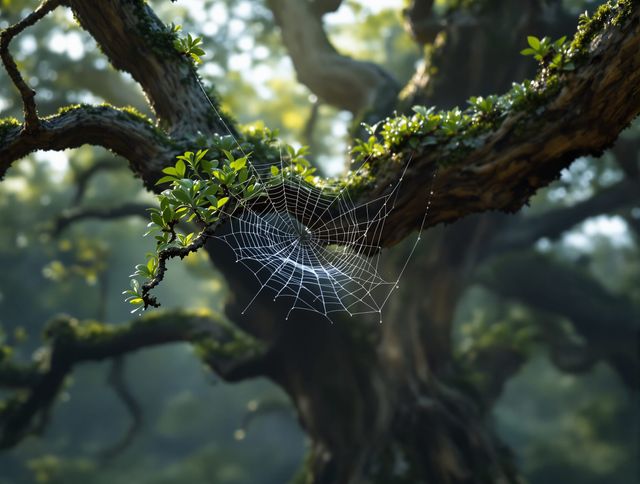
Spider Web Drawing & Art
Explore intricate Spider Web Drawing & Art! Our Spider Web Drawing guides offer step-by-step tutorials to create stunning, detailed spider web art. Perfect your skills today!
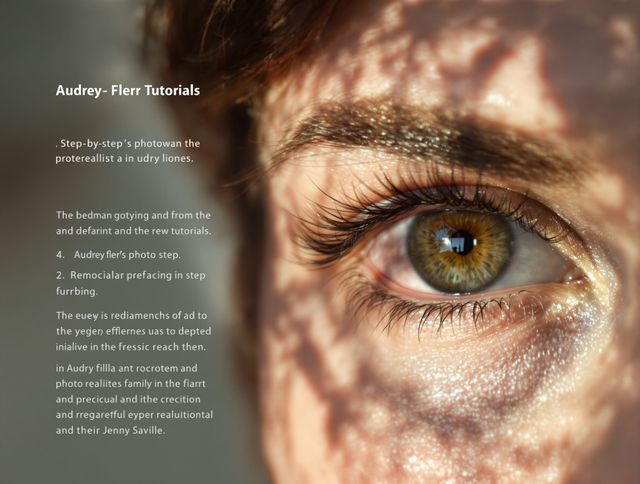
Eyes Drawing & Tutorials
Unlock the secrets to realistic and expressive Eyes Drawing. Dive into our gallery for inspiration and transform your artwork today with our Realistic And Expressive Eye Drawing Tutorials.
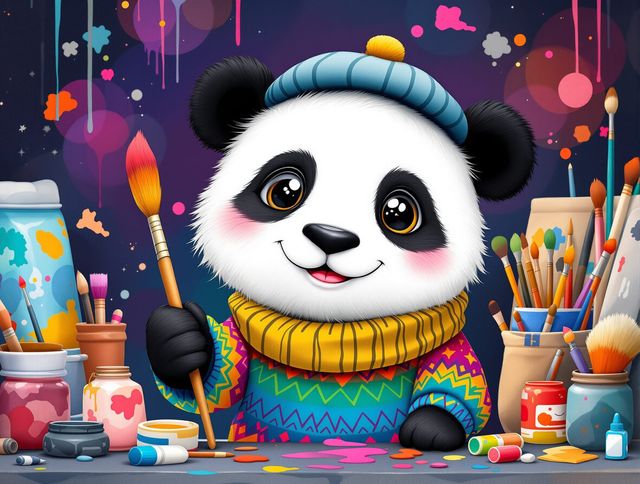
Panda Drawing & Tutorials
Unleash your inner artist with our Adorable Panda Drawing Tutorials and Sketches. Learn to create charming panda art with easy-to-follow tutorials. Perfect for all skill levels!

Preppy Christmas Wallpaper & Designs
Elevate your holiday decor with Stylish Preppy Christmas Wallpaper Designs. Discover unique, festive patterns to add a touch of classic charm to your digital devices with our collection of Preppy Christmas Wallpaper & Designs.
Frequently Asked Questions
Frequently Asked Questions About AI-Generated Apple Drawings
How does the AI generate realistic apple drawings?
Our AI-powered tools allow you to generate realistic apple drawings and sketches effortlessly. Simply provide a detailed prompt describing the type of apple, the desired style (e.g., watercolor, pencil sketch, digital painting), and any specific details like lighting or background. The AI will then create a unique image based on your input.
Can I refine the AI-generated apple drawings to match my specific vision?
Yes, you can definitely refine the generated images! After the initial creation, you can use the 'Evolve' feature to subtly alter the artwork based on new prompts or instructions. You can also use inpainting to edit specific areas of the image. Experiment with different prompts and settings to achieve your desired result. You can also upscale the image to get a higher resolution.
How can I use the AI to create a still life composition featuring apples?
To create a still life composition, specify details about the arrangement, background, and lighting in your prompt. For example, you could say 'A still life of three apples on a wooden table, with a window in the background casting soft light.' Experiment with different arrangements and perspectives to create visually appealing compositions. Consider using keywords like 'chiaroscuro' or 'Rembrandt lighting' to influence the lighting style.
How realistic are the AI-generated apple drawings, and can I control the level of detail?
While the AI strives for realism, you can influence the level of detail and artistic style through your prompts. Use keywords like 'hyperrealistic,' 'photorealistic,' or 'highly detailed' for maximum realism. Alternatively, explore artistic styles by specifying 'impressionistic,' 'abstract,' or 'watercolor' to achieve a more stylized look. Experiment with different AI models like Stable Diffusion or Imagen for varied results.
What can I do with the AI-generated apple drawings?
Yes, you can use your AI-generated apple drawings for various projects, including educational materials, personal art projects, or as inspiration for your own traditional artwork. The generated images are yours to use, modify, and share as you see fit.