

- Galleries
- AI Arrow Image Gallery
Create Dynamic Arrow Images with AI
Create unique and dynamic arrow images with NightCafe's AI Image Generator. Perfect for presentations, web design, and creative projects. Browse our gallery or create your own arrow image today.

As seen in








AI Arrow Image Gallery
Explore a diverse collection of AI-generated arrow images, showcasing various styles, colors, and orientations. Find the perfect arrow image for your next project or generate your own unique design.


Didn't find what you were looking for? Create your own below!
Create your own Create Dynamic Arrow Images with AI images
Discover the magic of Text to Image AI by creating your own unique images. Edit the prompt below to customize your creation.
No payment or credit card required.

Unique & Versatile Arrows
Generate Custom Arrow Images
Design the perfect arrow image for any project with our AI generator. Customize the style, color, and shape to match your brand or creative vision. Use these unique visuals to enhance presentations, websites, and marketing materials. Create your ideal arrow image today!
Create Arrow Images With AI
Step 1
Describe Your Perfect Arrow
Start by describing your ideal arrow image in the prompt box. Specify the style (e.g., realistic, cartoonish, minimalist), color, direction, and any additional elements you'd like to include. Be as detailed as possible to guide the AI effectively.
Step 2
Generate Your Arrow Image
Once you've crafted your prompt, click the 'Generate' button. NightCafe's AI will then process your request and create a unique arrow image based on your specifications. Be patient, as the generation process may take a few moments.
Step 3
Download and Share Your Arrow
After the image is generated, you can download it in high resolution for use in your projects. You can also share your arrow image with the NightCafe community to get feedback and inspire others. Start creating stunning arrow images today!

Clear & Intuitive Guidance
Generate Directional Arrows For Wayfinding
Generate directional arrows for wayfinding and navigation with ease. Design clear and intuitive arrows to guide users in apps, websites, or physical spaces. Customize the arrows' appearance to seamlessly integrate with your existing design. Generate Directional Arrows for Wayfinding easily using NightCafe.
More Galleries
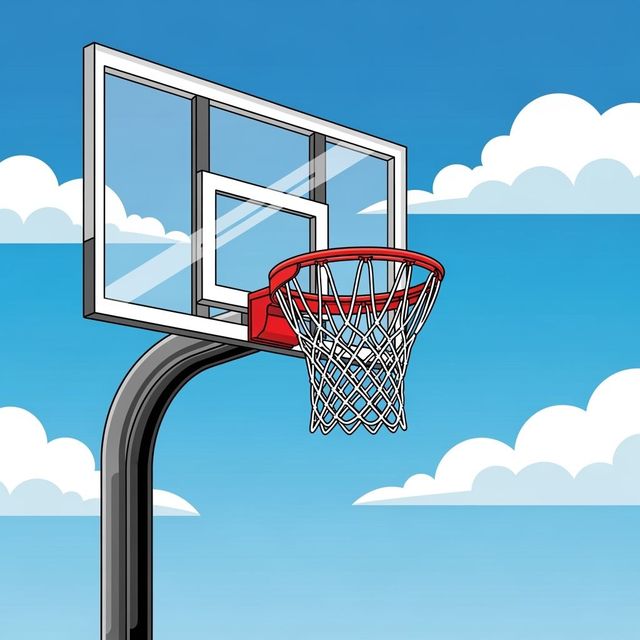
Create a Basketball Hoop Drawing With AI
Create detailed and unique basketball hoop drawings using AI. Whether for artistic projects or design mockups, our AI generates high-quality visuals quickly. Explore various styles and perspectives in our gallery.

Cute Pictures To Draw: Generate AI Art
Looking for cute pictures to draw? Explore our AI-generated gallery for inspiration. Create your own adorable artworks effortlessly with NightCafe Studio's AI tools.
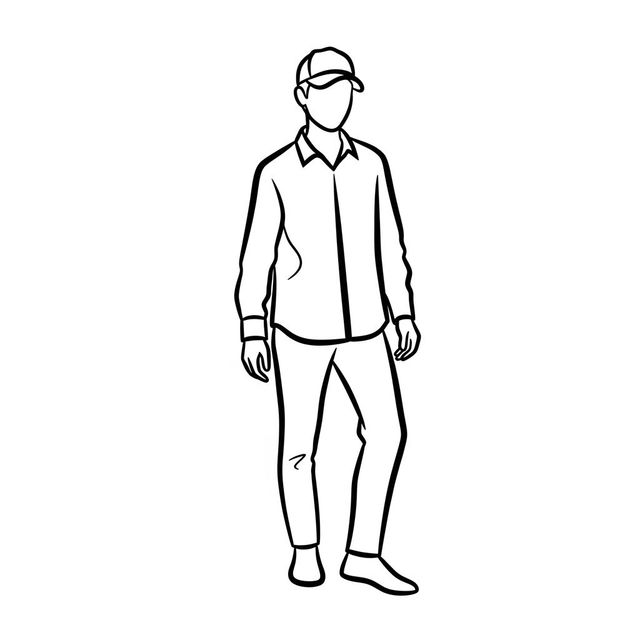
AI Drawing Bases
Explore AI Drawing Bases to inspire your creativity. Use our AI tools to generate unique and customizable drawing templates. Perfect for artists of all levels.
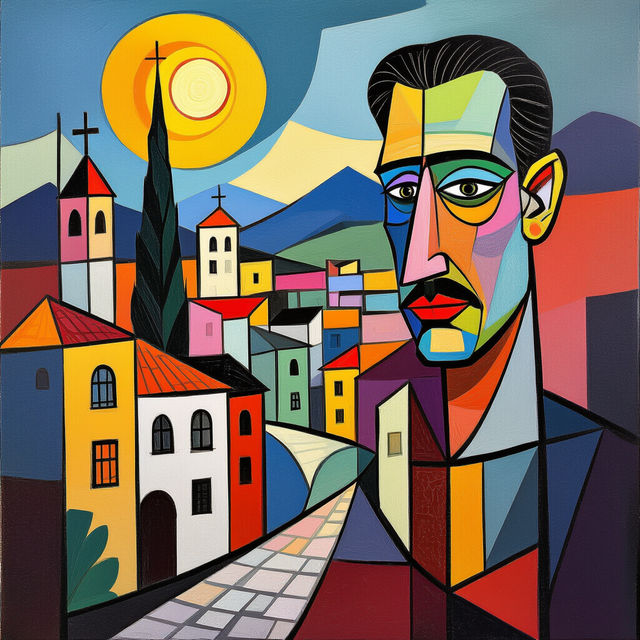
Generate Pablo Picasso Art with AI
Create your own Pablo Picasso-style artwork using AI. Explore the fusion of technology and art, and generate unique pieces that capture the essence of Picasso's revolutionary style. Browse our gallery or create your own.
Frequently Asked Questions
Everything You Need to Know About Generating Arrow Images with AI
What types of arrow images can I generate?
NightCafe's AI Image Generator can create a wide variety of arrow images, from simple directional arrows for wayfinding to stylized arrows for graphic design. You can customize the shape, color, style, and even the artistic medium (e.g., watercolor, vector, 3D render) to perfectly match your project's needs.
How do I create a prompt for generating the perfect arrow image?
Be specific with your prompt! Describe the desired style (e.g., 'minimalist', 'futuristic', 'hand-drawn'), the arrow's direction (e.g., 'pointing right', 'curved upward'), the color palette, and any specific materials or textures you want to see (e.g., 'glowing neon', 'metallic', 'wooden'). Experiment with different keywords to achieve the best results. You can also specify the AI model you want to use.
Can I use the generated arrow images for commercial purposes?
Yes, you can use the arrow images you generate with NightCafe for commercial purposes, such as in presentations, websites, marketing materials, and app design. Please make sure you comply with our Terms of Service.
What resolution will my generated arrow images be?
The resolution of your generated arrow images depends on the settings you choose during creation. NightCafe offers various resolution options to suit different needs, from small web graphics to high-resolution images for print. Keep in mind that higher resolutions may require more credits.
How can I ensure the arrow image I generate is clear and easily understandable for wayfinding?
When generating arrows for wayfinding, prioritize simplicity and clarity. Use a clean, uncluttered style, choose a contrasting color that stands out against the background, and ensure the arrow's direction is unambiguous. Test the image with users to confirm it is easily understood.