

- Galleries
- Candle Drawing Gallery
Create a Candle Drawing With AI
Create stunning candle drawings with our AI-powered tool. Perfect for artists, hobbyists, and designers, transform your ideas into beautiful candle art in seconds. Explore our gallery or start creating now!

As seen in








Candle Drawing Gallery
Browse a curated collection of AI-generated candle drawings. Explore diverse styles and techniques, from realistic renderings to abstract interpretations, perfect for inspiration.


Didn't find what you were looking for? Create your own below!
Create your own Create a Candle Drawing With AI images
Discover the magic of Text to Image AI by creating your own unique images. Edit the prompt below to customize your creation.
No payment or credit card required.

Instant Artistic Expression
Generate Candle Art
Transform your creative vision into stunning candle art effortlessly with our AI-powered generator. Ideal for artists of all levels, our tool allows you to produce beautiful candle drawings in seconds. Experiment with styles and bring your unique candle concepts to life. Candle Drawing has never been easier!
Create Your AI Candle Drawing
Step 1
Input Your Creative Vision
Describe your ideal candle drawing in the prompt box. Include details about the candle's style, color, setting, and any specific artistic elements you desire. The more descriptive you are, the better the AI can capture your vision!
Step 2
Generate Your Candle Art
Once you've crafted your perfect prompt, click the 'Generate' button. Our AI will then work its magic, transforming your words into a unique and stunning candle drawing.
Step 3
Share Your Masterpiece
Once your candle drawing is generated, you can download it in high resolution and share it with friends, family, or the NightCafe community. Get inspired and inspire others with your unique AI-generated art!

Capture The Essence
Crafting Realistic Flames With AI
Achieve unparalleled realism in your digital candle art with our advanced AI algorithms. Our tool specializes in Crafting Realistic Flames with AI, rendering every flicker and glow with stunning accuracy. Perfect for creating lifelike visuals for design projects, animations, or simply exploring the beauty of light and shadow. Explore Realistic Flames now!
More Galleries

Generate a Thank You Image with AI
Express your gratitude with a custom Thank You Image generated by AI. Perfect for any occasion. Browse our gallery or create your own unique image to show your appreciation.
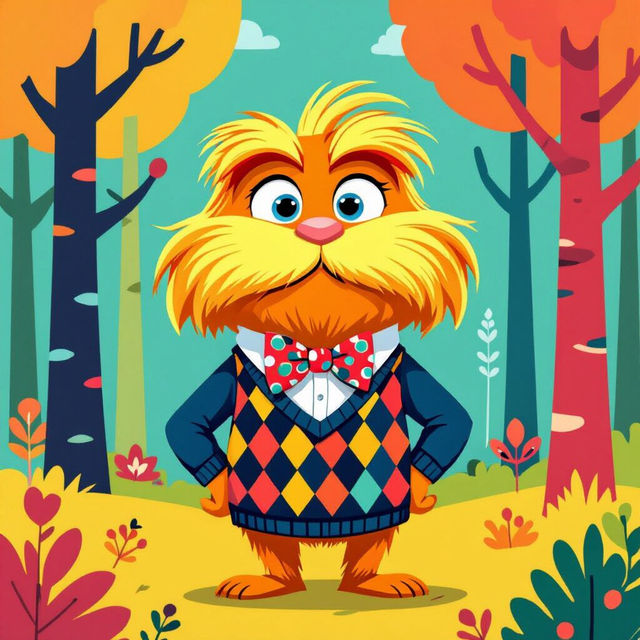
Create Your Own Preppy Lorax Wallpaper
Create unique and stylish Preppy Lorax wallpapers with our AI generator. Design your own backgrounds featuring the iconic character in trendy, preppy aesthetics. Browse preppy Lorax wallpaper examples or create your own.
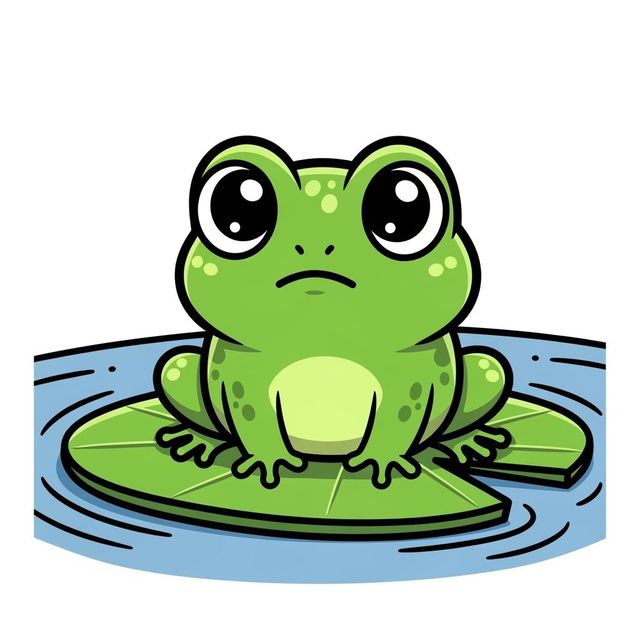
Create a Frog Drawing Easy with AI
Create a charming frog drawing easy with NightCafe's AI image generator. Perfect for beginners and art enthusiasts alike. Explore our gallery for inspiration and start your creative journey today.
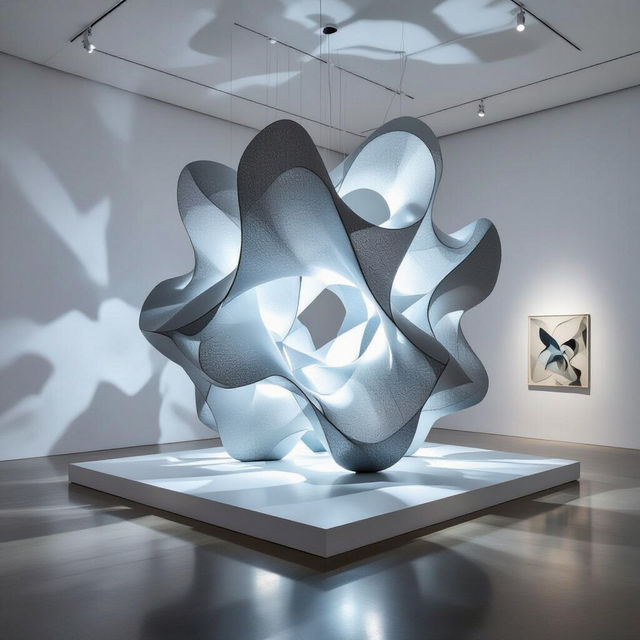
Generate Stunning AI Installation Art
Transform your creative concepts into breathtaking visual experiences with NightCafe's AI Installation Art Generator. Explore innovative art forms and bring your artistic vision to life. Browse installation art examples or create your own.
Frequently Asked Questions
Everything You Need to Know About Creating Candle Drawings with AI
What types of candle drawings can I create with the AI?
You can generate a wide variety of candle drawings, from simple realistic depictions to highly stylized and artistic interpretations. Experiment with different prompts to explore various candle types, settings, and artistic styles. You can also use elements from other AI models on NightCafe to enhance your candle drawing.
How do I get the most realistic flame effect in my AI candle drawing?
To achieve a realistic flame, focus on describing the lighting and shadow effects in your prompt. Use keywords like 'flickering,' 'glowing,' 'warm light,' and 'soft shadows.' Experiment with different AI models and styles to see which ones best capture the nuances of a realistic flame. You can also adjust the prompt weight to emphasize certain elements.
Can I use the AI to create candle drawings for commercial purposes?
Yes, you can use the candle drawings you create with our AI for commercial purposes, such as in your designs or marketing materials. Please ensure you comply with our terms of service regarding usage and rights.
What kind of prompts work best for creating detailed candle drawings?
The best prompts are descriptive and specific. Include details about the candle's shape, size, color, and material, as well as the surrounding environment and lighting conditions. Mention the desired art style (e.g., photorealistic, impressionistic, cartoonish) to guide the AI's output.
How do I improve the quality of my AI-generated candle drawing?
If you're not satisfied with the initial results, try refining your prompt. Experiment with different keywords, adjust the prompt's weighting, or try a different AI model. You can also use the editing tools to make adjustments to the generated image. Consider using a higher number of initial creations to increase the chance of getting a satisfactory result.