

- Galleries
- Charcoal Drawing Gallery
Generate Stunning Charcoal Drawings with AI
Create unique charcoal drawings with NightCafe's AI-powered tool. Transform your photos or ideas into beautiful, artistic sketches. Explore the gallery or start creating your own charcoal drawing today.

As seen in








Charcoal Drawing Gallery
Explore a diverse collection of AI-generated charcoal drawings. Discover stunning sketches and artistic renderings created with NightCafe's AI tools. Get inspired and create your own unique artwork.


Didn't find what you were looking for? Create your own below!
Create your own Generate Stunning Charcoal Drawings with AI images
Discover the magic of Text to Image AI by creating your own unique images. Edit the prompt below to customize your creation.
No payment or credit card required.

Artistic Expression Unlocked
AI Charcoal Drawing Art
Explore the beauty of traditional art with our AI Charcoal Drawing generator. Transform your ideas into stunning charcoal drawings. Whether you're an experienced artist or a beginner, our tool makes it easy to create unique and expressive artwork. Start your creative journey today!
Create Stunning AI Charcoal Drawings
Step 1
Describe Your Vision or Upload a Photo
Start by entering a detailed description of the charcoal drawing you envision in the prompt box. Specify the subject, style, and any particular details you want the AI to capture. You can also upload a photo to use as a reference for the AI.
Step 2
Generate Your Charcoal Drawing
Once you've input your prompt or uploaded a reference photo, click the 'Generate' button. The AI will then process your input and create a unique charcoal drawing based on your specifications.
Step 3
Download and Share Your Artwork
After the drawing is generated, you can download it in high resolution to use as you wish. Share your creation with friends, family, or the NightCafe community to showcase your artistic vision!

Photos Transformed To Art
Create Realistic Sketches From Photos
Turn your cherished photos into beautiful, realistic sketches with our AI-powered tool. Simply upload a photo and watch as it's transformed into a stunning charcoal drawing. Create Realistic Sketches From Photos and preserve your memories in a unique and artistic way. Perfect for gifts or personal keepsakes.
More Galleries
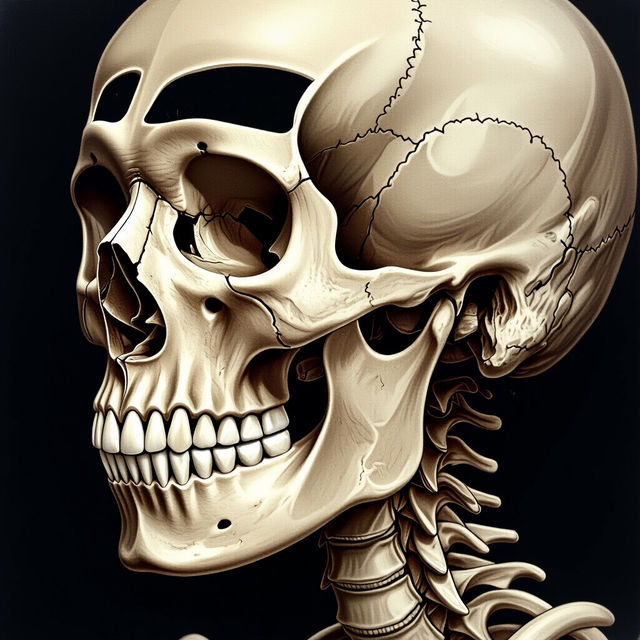
AI-Generated Anatomy Drawing
Explore the intersection of art and science with AI-generated anatomy drawings. This gallery showcases detailed and accurate anatomical renderings created using advanced AI techniques. Perfect for artists, students, and medical professionals.
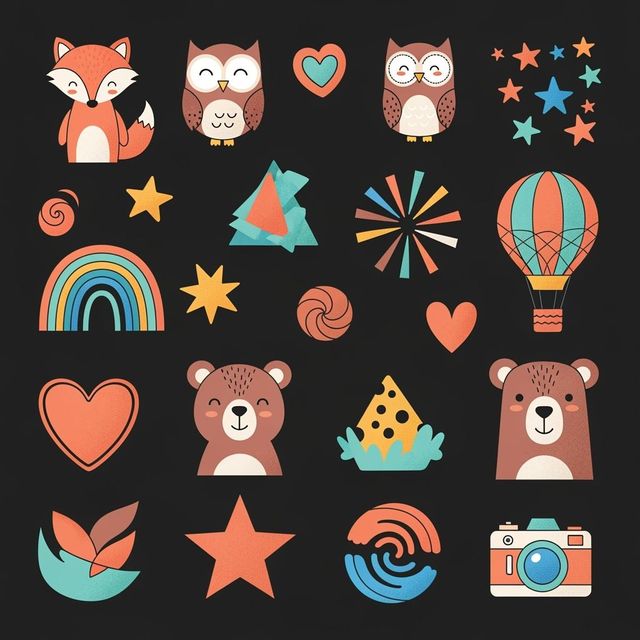
Generate AI Art Clipart
Create unique and versatile visuals with NightCafe's AI Art Clipart Generator. Perfect for presentations, websites, and creative projects. Browse art clipart examples or create your own.
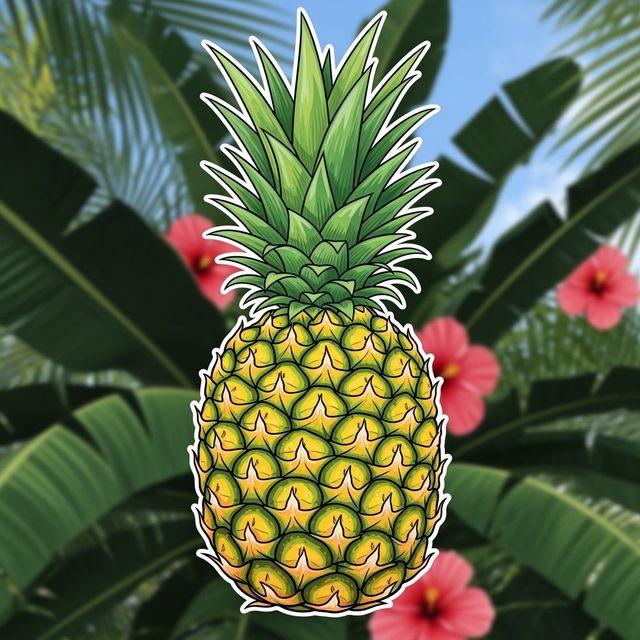
Create a Pineapple Drawing With AI
Create unique pineapple drawings with our AI generator. Transform your creative ideas into stunning visuals with ease. Explore the possibilities of AI-generated art.
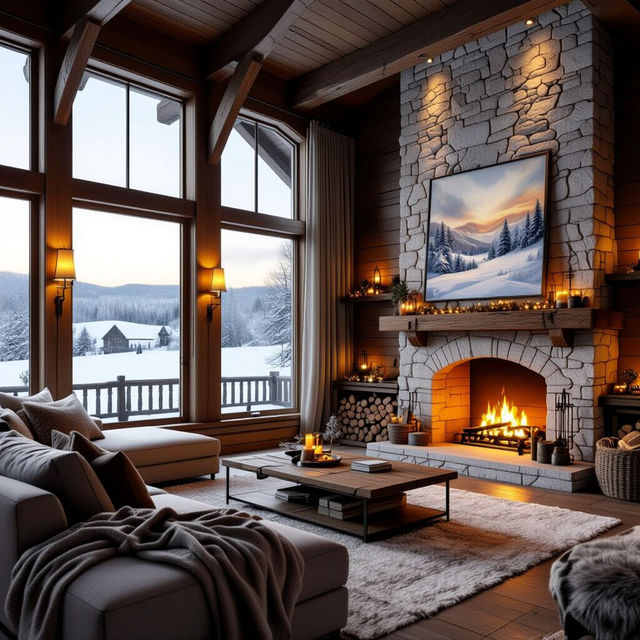
AI Country Wallpaper Generator
Transform your screen with NightCafe's AI Country Wallpaper Generator. Create a rustic and warm Country scene. Browse our collection of country wallpapers or generate your own.
Frequently Asked Questions
Frequently Asked Questions About AI Charcoal Drawings
How does the AI Charcoal Drawing generator work?
Our AI Charcoal Drawing generator uses advanced artificial intelligence to transform your photos or text prompts into beautiful charcoal-style artworks. Simply upload an image or provide a descriptive prompt, and the AI will generate a unique charcoal drawing based on your input.
Can I use the AI Charcoal Drawing generator if I'm not an artist?
Absolutely! The AI Charcoal Drawing generator is designed for users of all skill levels. Whether you're an experienced artist or a complete beginner, our tool makes it easy to create stunning charcoal drawings without any traditional art skills.
What types of images work best with the AI Charcoal Drawing generator?
The AI Charcoal Drawing generator works well with a wide variety of images, including portraits, landscapes, and still life. For best results, use high-resolution images with good lighting and clear details. Experiment with different images to see what works best for you!
Can I customize the style and details of my AI charcoal drawing?
Yes, you can! While the AI automatically generates the charcoal drawing, you can influence the style and details by adjusting your initial prompt or image. You can also use NightCafe's other AI tools to further refine and enhance your generated artwork.
Are there any restrictions on how I can use the AI-generated charcoal drawings?
You are free to use your AI-generated charcoal drawings for personal and non-commercial purposes. Please refer to NightCafe's Terms of Service for detailed information.