

- Galleries
- Fire Clip Art Gallery
Clip Art Fire - Made With AI
Explore a vibrant collection of AI-generated clip art featuring fire. Perfect for adding dynamic flair to your designs, presentations, or digital art. Create your own fiery graphics with NightCafe.

As seen in








Fire Clip Art Gallery
Discover a wide array of AI-generated clip art showcasing flames, embers, and fire effects. Ideal for graphic design, digital art, and adding a spark to any project.


Didn't find what you were looking for? Create your own below!
Create your own Clip Art Fire - Made With AI images
Discover the magic of Text to Image AI by creating your own unique images. Edit the prompt below to customize your creation.
No payment or credit card required.

Ignite Your Creativity
AI-generated Fire Clip Art
Discover a diverse collection of AI-generated Clip Art Fire, meticulously crafted to bring intensity and energy to any project. From subtle embers to roaring infernos, these graphics are perfect for digital art, presentations, and adding dynamic flair to your designs. Explore endless possibilities with unique, high-quality fire elements.
Create Your Fiery Graphics
Step 1
Describe Your Fire Graphic
Start by describing the fire graphic you envision in the prompt box. Be specific about the type of fire (e.g., embers, flames, bonfire), its intensity, color, and any surrounding elements or style you desire. The more detail you provide, the better the AI can match your vision.
Step 2
Generate Your Fire Graphic
Once your prompt is ready, click the "Generate" button. The AI will process your description and create a unique fire graphic based on your input. You can iterate on your prompt and regenerate until you achieve the perfect fiery effect.
Step 3
Download & Share Your Creation
After your fire graphic is generated, you have the option to download it in high resolution for your projects. You can also share your creation with the community, inspire others, and see what amazing designs your fellow users are making!

Effortless Fire Creation
Generate Fiery Graphics With An AI Tool
Transform your ideas into stunning visuals with our intuitive fire graphics generator. This powerful AI tool allows you to create custom, fiery graphics for any need. Simply describe your vision, and watch as the AI brings your unique fire graphics to life, perfect for adding a dramatic and eye-catching touch to your digital creations.
More Galleries
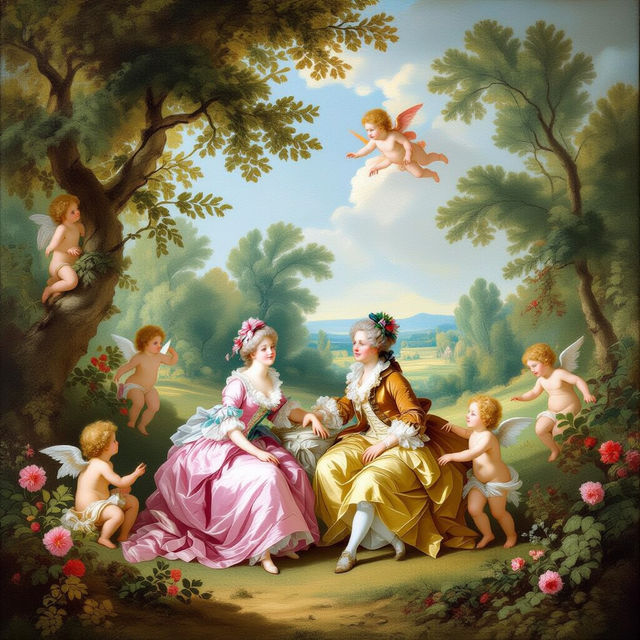
18th Century Art - AI Reimagined
Discover stunning AI-generated art inspired by the 18th century. Browse classical styles and create your own unique pieces with NightCafe.
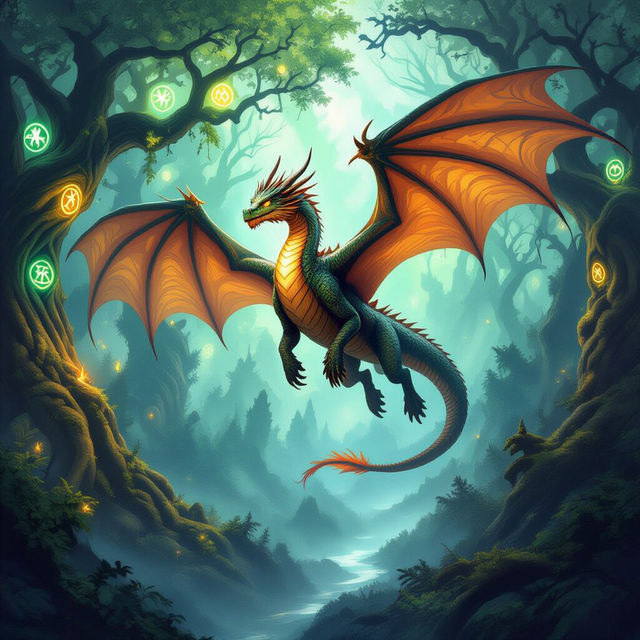
Fantasy Drawings - Created With AI
Discover a breathtaking collection of AI-generated fantasy drawings. Get inspired by mythical creatures, magical landscapes, and epic scenes, then create your own fantasy art on NightCafe.
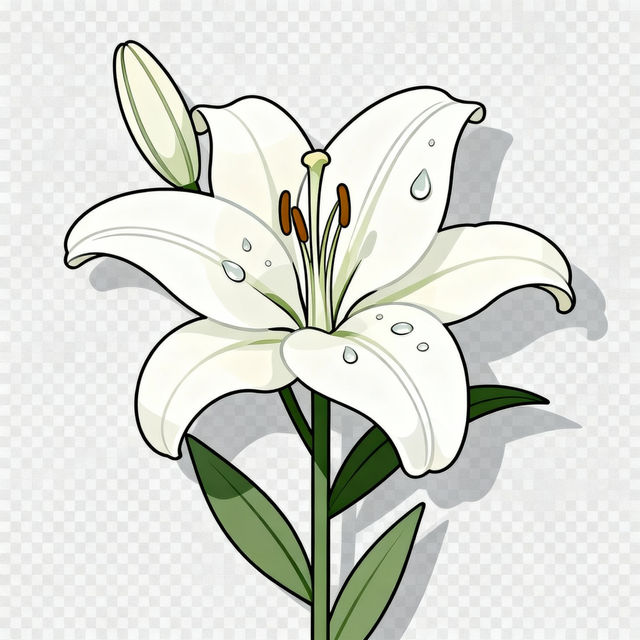
Transparent Background Images - Made With AI
Generate stunning transparent background images for any project. Perfect for logos, graphics, and designs. Explore AI-powered creation and bring your ideas to life with clear, crisp visuals.
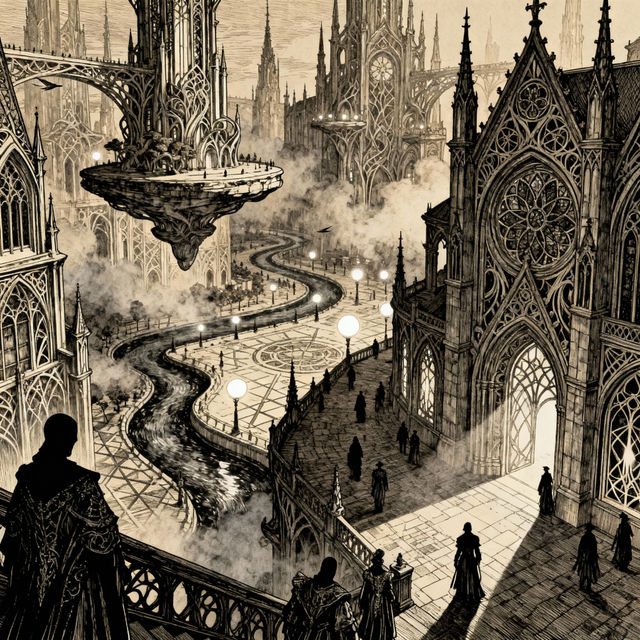
Pen and Ink Drawing Art
Discover the intricate beauty of pen and ink drawings. Browse a gallery of AI-generated art in this classic style, perfect for inspiration or creating your own unique pieces.
Frequently Asked Questions
Your Questions About Clip Art Fire, Answered
What kind of fire graphics can I create with this tool?
You can create a wide variety of fire graphics, from subtle embers to roaring infernos. The AI is designed to generate diverse fire elements suitable for digital art, presentations, and dynamic design enhancements.
How do I get the best results when creating my own fire graphics?
To achieve the best results, be descriptive with your prompts. Specify the intensity of the fire (e.g., 'flickering candle flame', 'wild bonfire'), the colors you envision, and any specific context or style you need for your clip art.
Can I use these AI-generated fire graphics for commercial projects?
Yes, the AI-generated fire graphics can be used for commercial projects. Please refer to our Terms of Service for specific usage rights and attribution requirements.
What makes these fire graphics 'AI-generated'?
These graphics are created using advanced artificial intelligence models trained on vast datasets of images. The AI interprets your text prompts to generate unique and original fire visuals that would be difficult to create manually.