

- Galleries
- Daisy Drawing Gallery
Create a Daisy Drawing with AI
Create a beautiful daisy drawing with the help of AI. Explore stunning, AI-generated daisy drawings and create your own unique floral artwork effortlessly using NightCafe Studio.

As seen in








Daisy Drawing Gallery
Explore our gallery of AI-generated daisy drawings. This collection showcases the beauty and versatility of floral art, perfect for inspiration and creative projects.


Didn't find what you were looking for? Create your own below!
Create your own Create a Daisy Drawing with AI images
Discover the magic of Text to Image AI by creating your own unique images. Edit the prompt below to customize your creation.
No payment or credit card required.

Simple Online Tool
Generate A Daisy Drawing Online
Create a beautiful daisy drawing online with ease. Our AI art generator simplifies the artistic process, allowing you to produce stunning floral artwork without any drawing skills. Experiment with different styles and prompts to generate the perfect daisy drawing for your project.
Create Your Daisy Drawing with AI
Step 1
Describe Your Dream Daisy
Start by entering a detailed description of your desired daisy drawing in the prompt box. Include specifics about the style (e.g., watercolor, sketch, photorealistic), the setting, and any additional elements you'd like to see. The more detailed your prompt, the better the AI can capture your vision!
Step 2
Generate Your Floral Masterpiece
Once you're happy with your prompt, click the 'Generate' button. Our AI art generator will then work its magic, creating a unique daisy drawing based on your input. Experiment with different prompts to see the variety of results you can achieve.
Step 3
Download and Share Your Art
After the AI generates your daisy drawing, you can download it in high resolution for your projects. Share your beautiful creation with the NightCafe community, get feedback, and inspire others with your floral artwork!

Easy Illustration Tutorial
Step-by-step Guide To Creating A Detailed Daisy Illustration
Follow our step-by-step guide to creating a detailed daisy illustration using AI. This guide offers a simple approach to crafting exquisite floral artwork. Learn how to refine your prompts and styles to achieve a professional-looking daisy illustration. Create a stunning piece of art, even without prior experience.
More Galleries
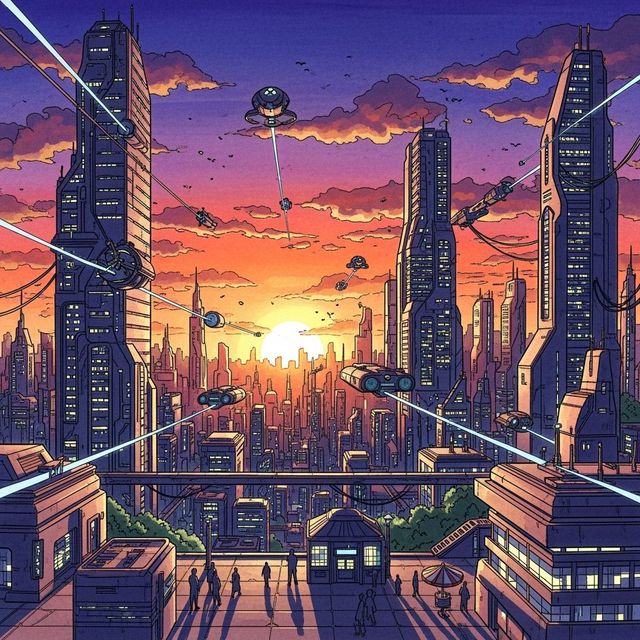
AI Drawing Pictures
Create AI Drawing Pictures with NightCafe AI Image Generator. Simply enter a text prompt and generate amazing AI drawings. Browse AI Drawing Pictures or create your own.

Create Easy Pixel Art with AI
Create unique pixel art effortlessly with NightCafe's AI Pixel Art Generator. Transform your ideas into retro-style designs. Browse pixel art examples or create your own.
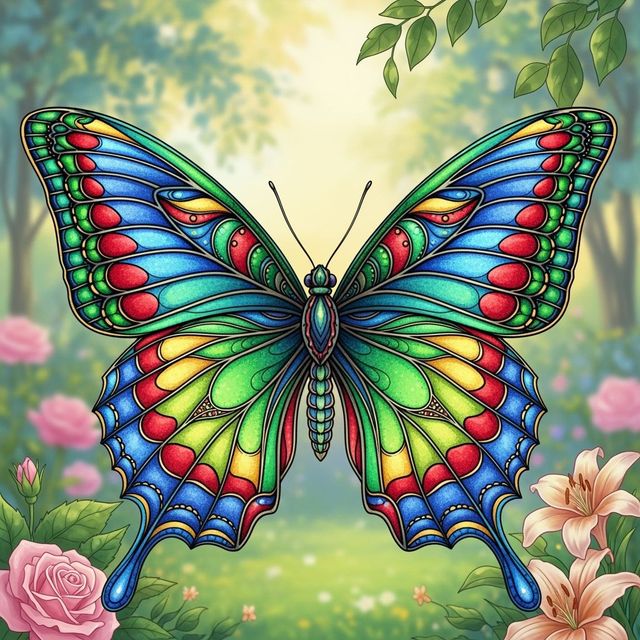
AI Butterfly Drawings
Create stunning butterfly drawings with AI. Explore a gallery of AI-generated butterfly art or create your own unique designs using NightCafe Studio.
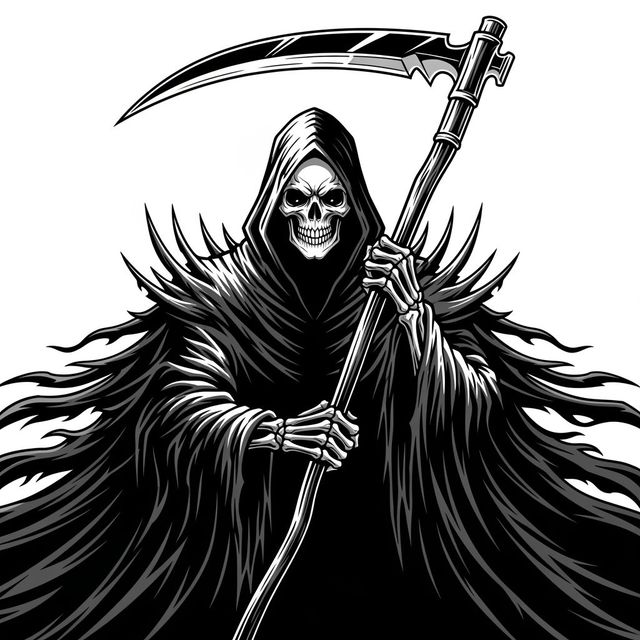
Generate a Grim Reaper Drawing With AI
Create a custom Grim Reaper drawing with NightCafe's AI drawing generator. Transform your vision into unique artwork. Start creating your Grim Reaper drawing today!
Frequently Asked Questions
Frequently Asked Questions About Generating Daisy Drawings with AI
How can I generate a daisy drawing using AI on NightCafe?
Simply enter a text prompt describing the daisy drawing you envision. Be specific about the style, colors, and composition you desire. NightCafe's AI art generator will then create an image based on your prompt. Experiment with different AI models and styles for varied results.
Do I need drawing skills to create AI-generated daisy art?
No, you don't need any drawing skills! Our AI art generator handles the artistic creation based on your text prompt. You provide the vision, and the AI brings it to life.
What kind of prompts work best for generating daisy drawings?
Detailed and specific prompts tend to yield the best results. For example, instead of just saying 'a daisy,' try 'a photorealistic daisy with dew drops on its petals, against a soft green background.' Include details about the art style you prefer, such as 'watercolor,' 'oil painting,' or 'digital art.'
Can I use the AI-generated daisy drawings for commercial purposes?
Yes, you can use your AI generated daisy drawings for commercial purposes, such as branding or advertising. However, you must credit NightCafe as the creator of the image.
What if I'm not happy with the first AI-generated daisy drawing?
No problem! You can refine your prompt and generate new images until you achieve the desired result. Try adjusting the wording, adding more details, or experimenting with different AI models and style settings. NightCafe offers multiple options to iterate and improve your artwork.