

- Galleries
- AI Freehand Drawing Collection
Freehand Drawing - AI Generated Art
Discover a unique gallery of freehand drawings created by AI. Get inspired and generate your own artistic sketches with our powerful AI tools.

As seen in








AI Freehand Drawing Collection
A curated selection of AI-generated images emulating the charm and spontaneity of freehand drawing, perfect for inspiration.


Didn't find what you were looking for? Create your own below!
Create your own Freehand Drawing - AI Generated Art images
Discover the magic of Text to Image AI by creating your own unique images. Edit the prompt below to customize your creation.
No payment or credit card required.

Artistic Vision, Digitally Crafted
Explore Stunning Freehand Drawings
Dive into a mesmerizing collection of AI-generated freehand drawings. Each piece showcases intricate details and a unique artistic flair, demonstrating the boundless possibilities of digital artistry. Find inspiration for your next project or simply marvel at the creative potential unlocked by our advanced AI models. These works capture the essence of traditional sketching with a modern, AI-driven twist.
Create Your Own AI Drawings
Step 1
Describe Your Drawing
Begin by describing the freehand drawing you envision in the prompt box. Be specific about the subject, style (e.g., whimsical, realistic, abstract), and any particular details you'd like the AI to incorporate. Think about the mood and overall aesthetic you're aiming for.
Step 2
Generate Your Sketch
Once you've crafted your perfect prompt, hit the 'Generate' button. Our AI will process your description and bring your unique freehand drawing to life, creating a one-of-a-kind piece of art.
Step 3
Download or Share Your Art
After your AI drawing is created, you have the option to download it in a high-resolution format to use as you please. You can also share your masterpiece with the community, inspiring others and receiving feedback.

Your Ideas, Instantly Sketched
Unleash Your Creativity
Transform your imagination into tangible art with our AI Sketch Generation tools. Whether you're a seasoned artist or a beginner, our platform empowers you to create unique AI sketches effortlessly. Explore different styles and concepts, bringing your creative visions to life with just a few prompts. Unleash your inner artist and see what masterpieces you can conjure.
More Galleries
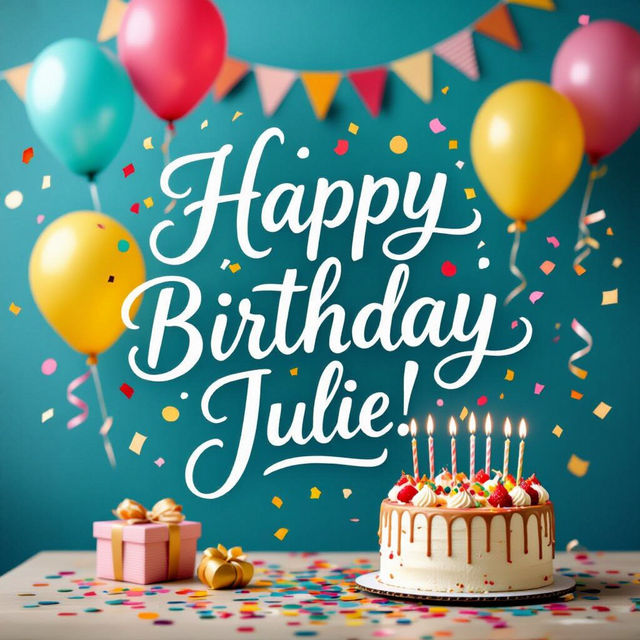
Happy Birthday Julie Images
Celebrate Julie's special day with unique Happy Birthday Julie images. Browse our gallery for inspiration and create a personalized birthday image that will make her smile.
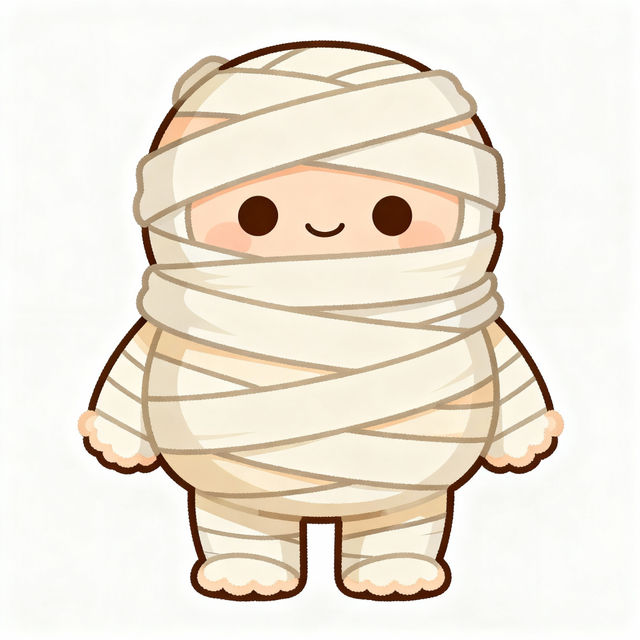
Easy Mummy Drawing
Discover how to create an easy mummy drawing with AI. Browse our gallery for inspiration and then generate your own unique mummy artwork with NightCafe's tools.
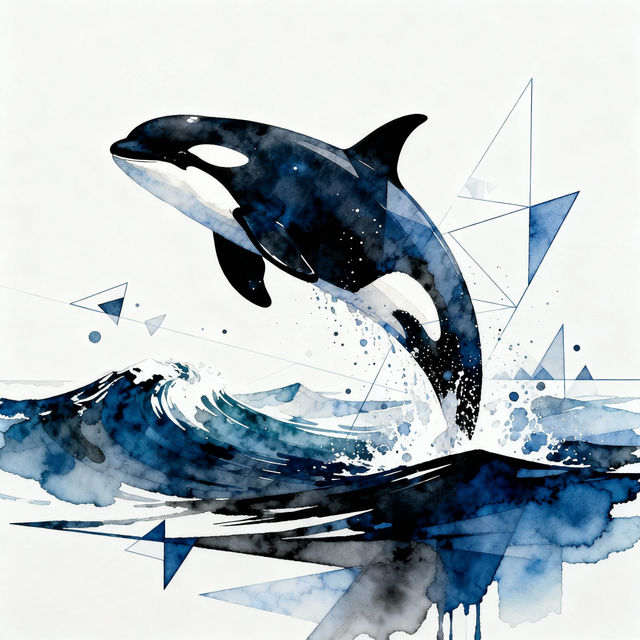
Orca Drawings
Explore a captivating gallery of AI-generated orca drawings. Discover unique artistic interpretations of these magnificent creatures and get inspired to create your own orca art.
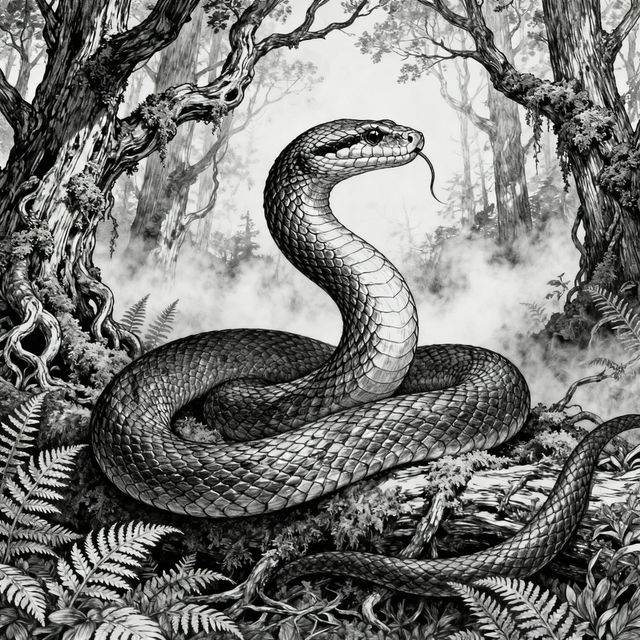
Snake Pictures Drawing - AI Generated Art
Explore a gallery of AI-generated snake pictures and drawings. Get inspired by diverse artistic styles and create your own unique snake art with NightCafe's AI tools.
Frequently Asked Questions
Everything You Need to Know About Creating Freehand AI Drawings
How can I generate my own freehand AI drawings?
To create your own freehand AI drawings, use our AI Sketch Generation tools. Start by entering a descriptive prompt that outlines the subject, style, and mood you envision. Experiment with different keywords related to sketching, drawing, and artistic mediums to guide the AI in producing the desired freehand effect.
What makes these AI drawings 'freehand'?
These drawings are considered 'freehand' because the AI models are trained to emulate the spontaneous and often imperfect lines characteristic of human sketching. They aim to capture the essence of traditional drawing techniques, such as visible linework, shading, and a sense of organic creation, rather than a photorealistic or digitally perfect output.
Can I achieve different artistic styles with the AI Sketch Generation tools?
Absolutely! Our AI Sketch Generation tools support a variety of artistic styles. You can influence the style by including specific artistic terms in your prompt, such as 'pencil sketch,' 'charcoal drawing,' 'ink outline,' 'doodle art,' or 'minimalist sketch.' Experimenting with these terms will help you achieve diverse freehand aesthetics.
What kind of prompts work best for generating freehand drawings?
For the best results, be descriptive. Include details about your subject, the desired emotion or atmosphere, and the specific drawing style you're aiming for. For example, instead of just 'a cat,' try 'a fluffy cat curled up, drawn in a loose pencil sketch style with soft shading.' Mentioning textures like 'sketch lines' or 'cross-hatching' can also enhance the freehand feel.