

- Galleries
- AI Image Slicer Creations
Image Slicer - AI Generated
Discover the power of the AI Image Slicer. Generate unique, sliced images for your projects and explore a gallery of creative possibilities. Start slicing your images today!

As seen in








AI Image Slicer Creations
A curated collection of innovative images sliced by AI, demonstrating unique patterns and artistic compositions. Perfect for inspiration and creative projects.


Didn't find what you were looking for? Create your own below!
Create your own Image Slicer - AI Generated images
Discover the magic of Text to Image AI by creating your own unique images. Edit the prompt below to customize your creation.
No payment or credit card required.

Unleash Creative Fragmentation
Explore AI-powered Image Slicing
Dive into the future of digital art with our advanced AI Image Slicer. Effortlessly break down complex visuals into unique, fragmented pieces, perfect for avant-garde designs, abstract compositions, or eye-catching social media content. Experiment with diverse slicing patterns to unlock unparalleled creative potential and see your images in a whole new light.
Create and Explore with the AI Image Slicer
Step 1
Upload Image & Define Slicing Style
To begin, upload your desired image and describe the slicing style or pattern you envision in the prompt box. Be specific about the fragmentation you're looking for, such as 'geometric slices,' 'organic fragmentation,' or 'abstract divisions,' to guide the AI.
Step 2
Generate Sliced Image
Once your image is uploaded and your slicing prompt is ready, click the 'Slice Image' button. The AI will then process your request and generate a unique, fragmented version of your image based on your input.
Step 3
Download & Share Your Creation
After the AI generates your sliced image, you can download it in high resolution for your projects. Feel free to share your creation with the community and explore other users' innovative slicing techniques!

Master Cutting-edge Styles
Explore AI Image Cutting Techniques And Examples
Discover innovative AI Image Cutting techniques that redefine visual storytelling. Our gallery showcases a spectrum of styles, from sharp, geometric divisions to fluid, organic fragmentation. Whether you're a graphic designer seeking inspiration or an artist pushing boundaries, explore these examples to master new AI Image Cutting methods and elevate your artistic vision.
More Galleries
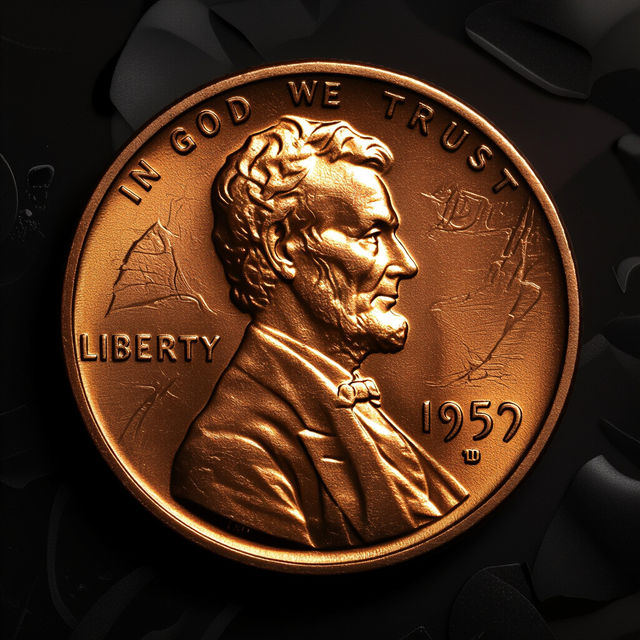
Image Of A Penny
Discover a fascinating collection of AI-generated images featuring pennies. Perfect for collectors, artists, or anyone looking for unique coin imagery. Create your own penny art with NightCafe.
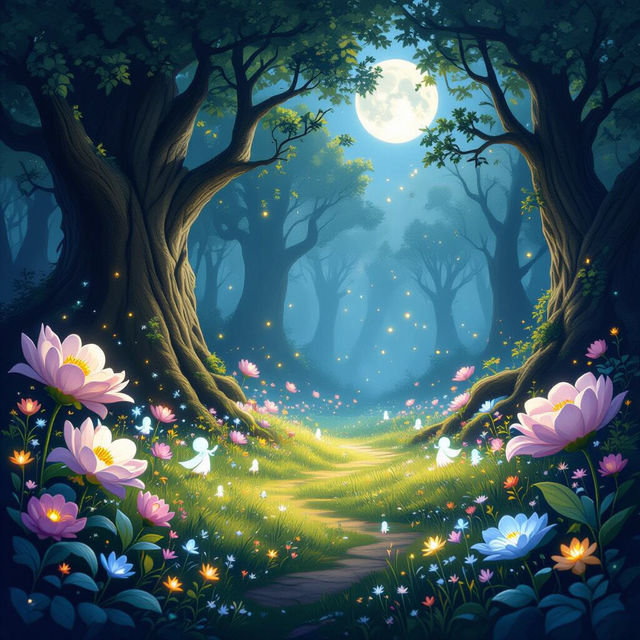
Sprite Wallpapers
Discover whimsical sprite wallpapers brought to life by AI. Perfect for adding a touch of fantasy to your screen, explore a gallery of enchanting designs.
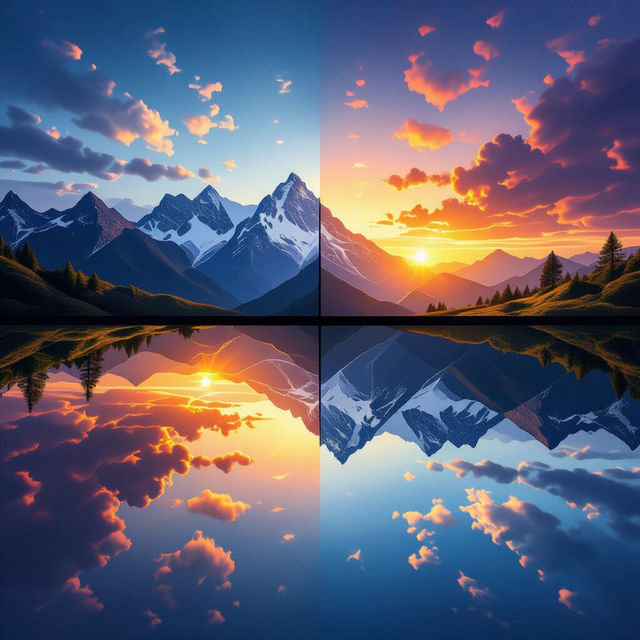
Dual Screen Wallpapers - AI Generated
Transform your dual screen setup with unique AI-generated wallpapers. Explore a vast collection of dual screen wallpapers designed to enhance your workspace and inspire creativity.

Docker Image Scanning Tools
Discover innovative AI-generated visuals representing Docker image scanning tools. Visualize security, efficiency, and the future of container scanning.
Frequently Asked Questions
Frequently Asked Questions about the AI Image Slicer
What is the AI Image Slicer and how does it work?
The AI Image Slicer is a powerful tool that allows you to break down your images into unique, fragmented pieces. It uses advanced AI algorithms to create avant-garde designs, abstract compositions, and eye-catching visual content. You can experiment with various slicing patterns to achieve different artistic effects.
What kind of projects are suitable for images generated by the AI Image Slicer?
Images created with the AI Image Slicer are perfect for a wide range of projects. They are ideal for avant-garde graphic design, abstract art compositions, unique social media content, album art, website visuals, and any project that requires a distinctive and fragmented aesthetic. The versatility of the slicing techniques allows for endless creative applications.
Can I control the slicing patterns and styles in the AI Image Slicer?
Yes, you can experiment with diverse slicing patterns to unlock unparalleled creative potential. Our AI Image Slicer offers various techniques, from sharp, geometric divisions to fluid, organic fragmentation, allowing you to customize the output to match your artistic vision.
How can I get the best results when using the AI Image Slicer?
To achieve the best results, start with high-quality source images. Experiment with different slicing patterns and parameters offered by the tool. Consider the intended use of the final image; for example, geometric slices might work well for modern designs, while organic fragmentation could suit more abstract pieces. Exploring the gallery examples can also provide inspiration and insights into mastering different AI Image Cutting methods.