

- Galleries
- One Point Perspective Drawing Gallery
Generate a One Point Perspective Drawing
Create stunning One Point Perspective Drawings with NightCafe's AI art generator. Explore the art of depth and realism in your artwork. Browse examples or create your own.

As seen in








One Point Perspective Drawing Gallery
Explore a collection of AI-generated One Point Perspective Drawings, showcasing various scenes and styles. Get inspired and start your own perspective masterpiece today.


Didn't find what you were looking for? Create your own below!
Create your own Generate a One Point Perspective Drawing images
Discover the magic of Text to Image AI by creating your own unique images. Edit the prompt below to customize your creation.
No payment or credit card required.

Master The Art
Create One Point Perspective Art
Effortlessly generate stunning One Point Perspective Drawing art with our AI. Transform simple ideas into captivating scenes that draw the viewer into a world of depth and realism. Perfect for artists of all skill levels seeking to explore the beauty of perspective.
Create Your One Point Perspective Drawing
Step 1
Describe Your Vision
Begin by entering a detailed description of your desired one-point perspective scene into the prompt box. Specify the environment, objects, and overall mood you envision. The more details you provide, the better the AI can capture your artistic vision.
Step 2
Generate Your Perspective Art
Once you've crafted your perfect prompt, click the "Generate" button to bring your one-point perspective drawing to life. Our AI will process your input and create a unique artwork based on your specifications.
Step 3
Download and Share Your Masterpiece
After the AI generates your artwork, you can download it in high resolution to use in your projects or share it with the world. Don't forget to showcase your creation within the NightCafe community and inspire others with your unique perspective!

Unlock AI Perspective
Create Unique Perspective Art With AI
Create Unique Perspective Art with AI using our advanced AI tools. Explore unconventional viewpoints and artistic styles. Craft breathtaking images that defy expectations, offering a fresh and innovative approach to visual storytelling. Unleash your creativity and redefine the boundaries of Perspective Art.
More Galleries
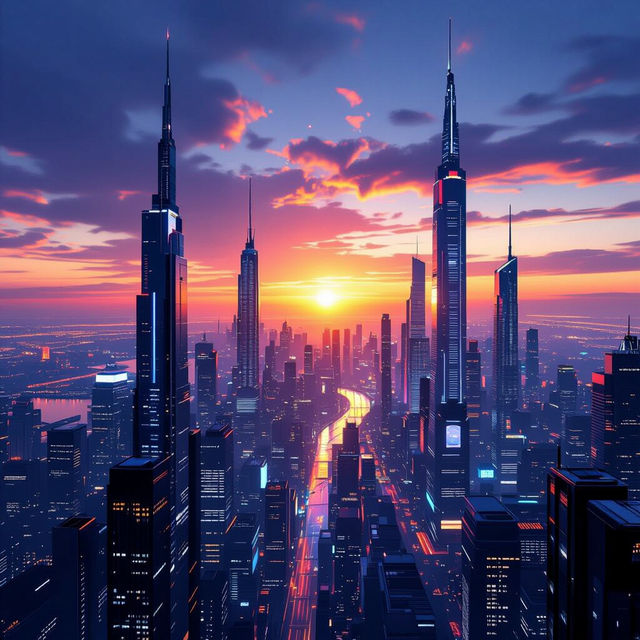
Stunning AI-Generated Ultrawide Wallpaper
Transform your screens with our Ultrawide Wallpapers. Created by AI, these wallpapers offer stunning visuals and unique designs. Explore a variety of styles and generate your own ultrawide masterpiece.
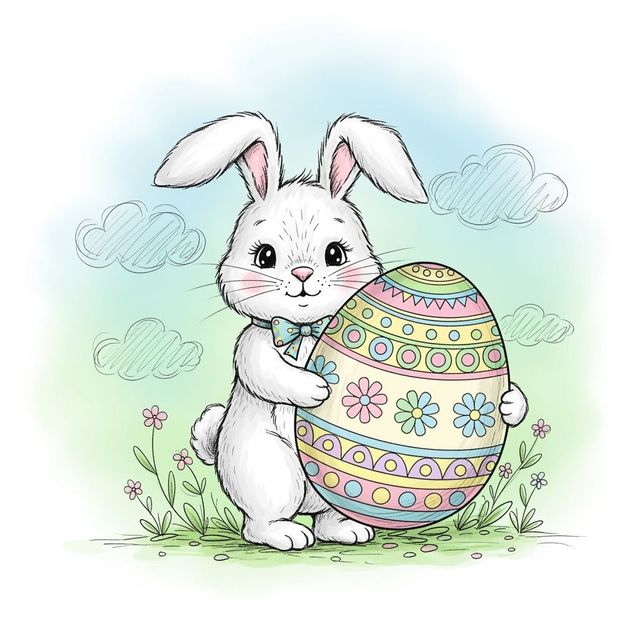
Create an Easter Bunny Drawing with AI
Create unique Easter Bunny Drawings with our AI generator. Perfect for cards, decorations, or just for fun. Browse our gallery or create your own Easter Bunny Drawing today!
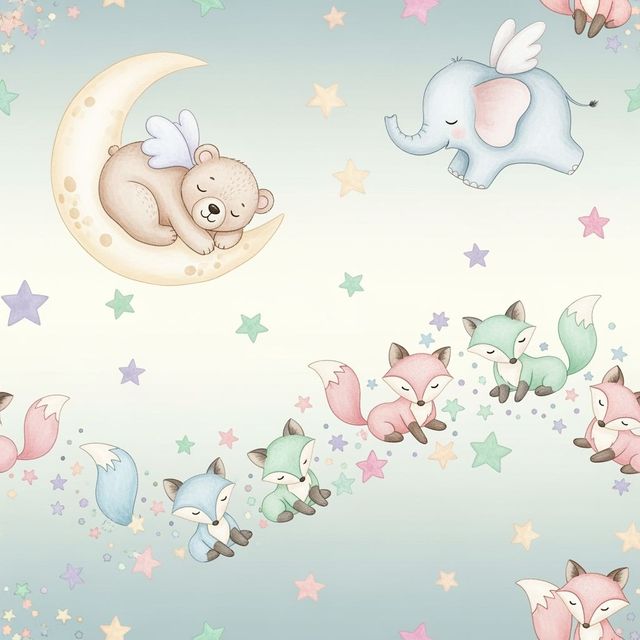
AI Nursery Wallpaper Generator
Transform your baby's room with our AI Nursery Wallpaper Generator. Create stunning, personalized nursery wallpaper designs that spark joy and creativity. Browse nursery wallpaper examples or create your own.
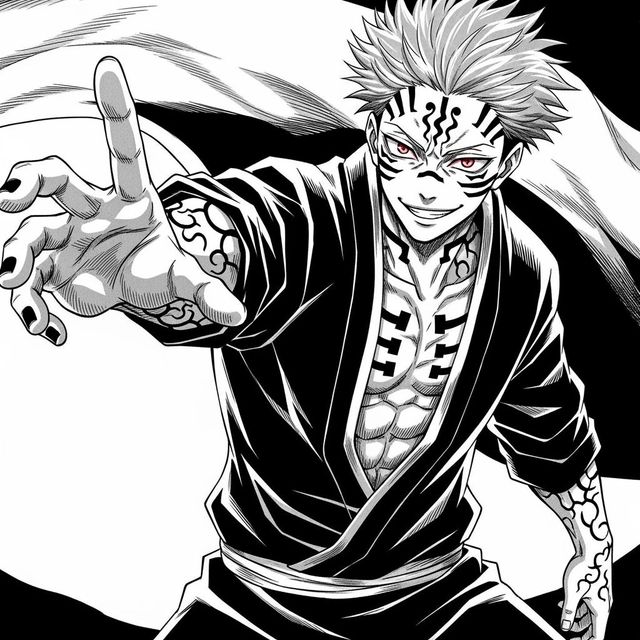
Create a Sukuna Drawing With AI
Create a Sukuna drawing with AI. Use our AI drawing generator to create a unique Sukuna drawing. Browse Sukuna drawing examples or create your own.
Frequently Asked Questions
Everything You Need to Know About Generating One Point Perspective Drawings with AI
What is one point perspective and how can AI help me create it?
One point perspective is a drawing technique where all lines converge at a single vanishing point on the horizon line, creating a sense of depth and realism. NightCafe's AI art generator simplifies this process by automatically calculating perspective, allowing you to focus on the creative aspects of your artwork. Simply provide a descriptive prompt, and the AI will generate a one point perspective drawing based on your input.
What type of prompts work best for generating one point perspective drawings?
Effective prompts should clearly describe the scene you want to create, including the setting, subject matter, and desired mood. For example, you could try "a long hallway in a gothic castle, illuminated by torches" or "a street scene in a bustling city at night, rain reflecting on the pavement." Experiment with different levels of detail to see what results you prefer. Specifying art styles (e.g., photorealistic, impressionistic, cartoonish) can also significantly impact the final image.
Can I customize the perspective or vanishing point in the AI-generated drawing?
While you cannot directly manipulate the vanishing point in the same way as traditional drawing, you can influence it through your prompt. For example, describing a scene as viewed from a high or low angle will affect the placement of the horizon line and vanishing point. Experiment with different prompts to achieve the desired perspective.
What if the generated image doesn't quite match my vision? How can I refine it?
If the initial result isn't perfect, try refining your prompt. Be more specific about the elements you want to see, or try adding keywords related to art styles or techniques. You can also use the 'Evolve' feature to create variations of an existing image, gradually steering it closer to your desired outcome. Additionally, consider using other NightCafe AI models to achieve different aesthetics or levels of detail.
Are there any limitations to what I can create using the One Point Perspective AI generator?
While the AI is powerful, it may struggle with overly complex or abstract concepts. It's best to start with relatively straightforward scenes and gradually increase the complexity as you gain experience. Keep in mind that the AI is trained on a vast dataset of images, so it may sometimes produce unexpected results. Experimentation is key to discovering the full potential of the tool.