

- Galleries
- Realistic Drawings Gallery
Create Realistic Drawings With AI
Create Realistic Drawings with AI. Use the NightCafe AI Realistic Drawing Generator to transform your imagination into hyperrealistic art. Browse realistic drawings or create your own.

As seen in








Realistic Drawings Gallery
Explore a curated gallery of AI-generated realistic drawings, showcasing the incredible potential of AI in creating hyperrealistic and detailed art. Get inspired and create your own!


Didn't find what you were looking for? Create your own below!
Create your own Create Realistic Drawings With AI images
Discover the magic of Text to Image AI by creating your own unique images. Edit the prompt below to customize your creation.
No payment or credit card required.

Unleash Your Creativity
Generate Hyperrealistic Art With AI
Transform your imagination into stunning, lifelike visuals with our AI Realistic Drawings generator. Craft incredibly detailed and nuanced artwork effortlessly, bringing your artistic visions to life with unparalleled realism. Explore the possibilities of AI-driven hyperrealism today.
Create Realistic Drawings with AI in 3 Steps
Step 1
Describe Your Vision
Enter a detailed description of the realistic drawing you want to create in the prompt box. Be specific with details like subject, style, and level of realism to guide the AI effectively. The more descriptive you are, the better the results!
Step 2
Generate Your Realistic Drawing
After crafting your perfect prompt, click the 'Generate' button. Our AI will start processing your request, transforming your words into a realistic drawing. This may take a moment, so sit back and watch the magic happen!
Step 3
Download and Share Your Artwork
Once your realistic drawing is generated, you can download it in high quality. Share your creation with the NightCafe community, showcase your artistic vision, and get inspired by other AI artists!

Master Portrait Realism
Tips For Creating A Photorealistic Portrait
Unlock the secrets to crafting breathtakingly realistic portraits with AI. Explore expert tips for creating a Photorealistic Portrait, focusing on mastering lighting, texture, and subtle details. Learn how to leverage AI to achieve professional-quality results and capture the essence of your subjects.
More Galleries
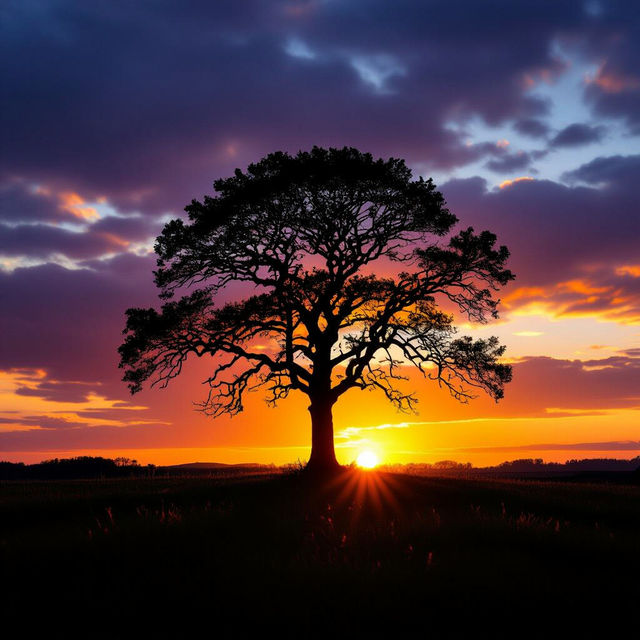
Generate Stunning High Contrast Images With AI
Discover the beauty of stark contrasts with our AI High Contrast Image Generator. Create striking visuals that capture the eye and evoke emotion. Browse high contrast art or create your own.
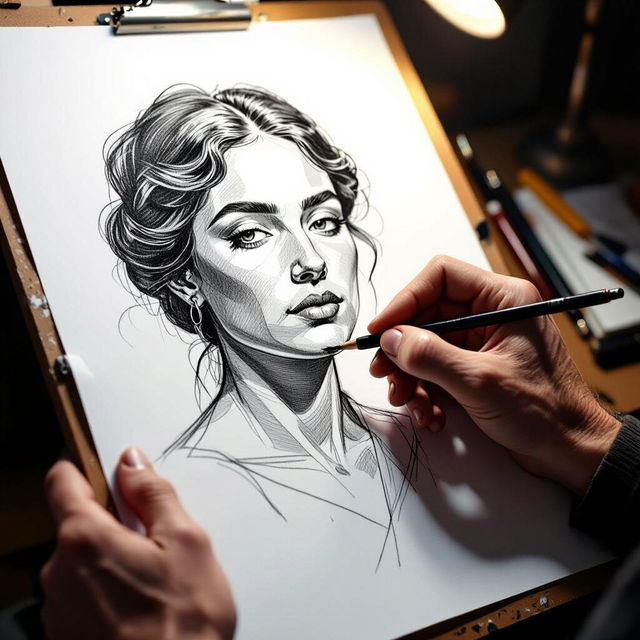
AI Hands Drawing Generator
Create realistic and stylized hands drawing with our AI-powered generator. Explore a range of artistic styles and generate unique hand illustrations effortlessly. Browse hands drawing examples or create your own.
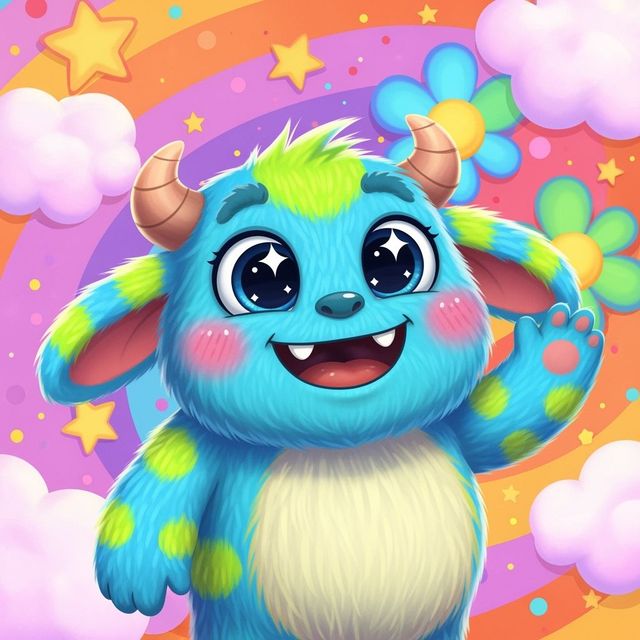
Generate a Monster Drawing With AI
Unleash your creativity with our AI Monster Drawing Generator. Create unique and imaginative monster drawings effortlessly. Explore the gallery or generate your own monster drawing now!
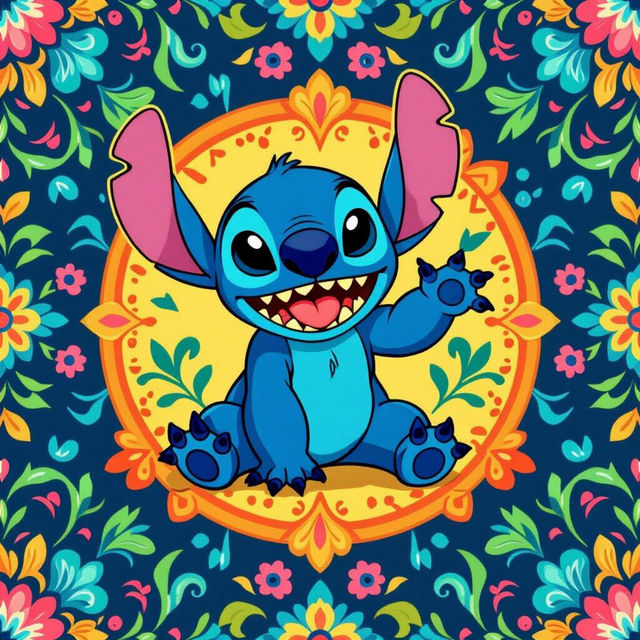
Create Wallpaper Stitch Art with AI
Create unique and charming Wallpaper Stitch art with AI. These whimsical designs will transform any space into a cozy and inviting haven. Browse the gallery or create your own Wallpaper Stitch.
Frequently Asked Questions
Frequently Asked Questions About Generating Realistic Drawings with AI
What kind of drawings can I create with the AI Realistic Drawing Generator?
You can create a wide variety of realistic drawings, including portraits, landscapes, still life, and more. The AI is capable of generating highly detailed and nuanced artwork based on your text prompt and selected settings.
How do I get the most realistic results from the AI Drawing Generator?
To achieve the best results, focus on providing detailed and descriptive prompts. Specify the subject, style, lighting, and any specific textures or details you want to see in the drawing. Experiment with different AI models and settings to fine-tune the outcome.
Can I use the AI Realistic Drawing Generator to create photorealistic portraits?
Yes, absolutely! Our AI is well-equipped to generate photorealistic portraits. Pay close attention to details like lighting, skin texture, and subtle facial features in your prompt to achieve the most realistic results. Consider using reference images to guide the AI.
What AI models are best suited for generating realistic drawings?
Models like Stable Diffusion, Imagen, and GPT-Image-1 are generally well-suited for creating realistic images. Experiment with different models within NightCafe to see which one best fits your desired style and level of detail. The 'Realistic' style preset can also help guide the AI.
Are there any limitations to the realism I can achieve with the AI Drawing Generator?
While our AI is capable of generating highly realistic drawings, it's important to remember that it's still an AI. Complex scenes or very specific details might require multiple iterations or post-processing to achieve the desired level of realism. Experimentation is key!