

- Galleries
- Sketch Drawing Gallery
AI Sketch Drawing Generator
Transform your photos into stunning sketches with our AI Sketch Drawing Generator. Create detailed sketch drawings with ease. Explore our gallery for inspiration or generate your own.

As seen in








Sketch Drawing Gallery
Browse our curated gallery of AI-generated sketch drawings. Discover various styles and subjects, perfect for artists and enthusiasts seeking inspiration and creative ideas.


Didn't find what you were looking for? Create your own below!
Create your own AI Sketch Drawing Generator images
Discover the magic of Text to Image AI by creating your own unique images. Edit the prompt below to customize your creation.
No payment or credit card required.

Instant Artistic Transformation
Create Sketch Drawings With AI
Effortlessly convert your photos into beautiful sketch drawings with our AI-powered generator. Simply upload an image and watch as our advanced algorithms create a detailed and artistic Sketch Drawing. Perfect for adding a unique touch to your memories.
Create Stunning Sketches with AI
Step 1
Upload Your Photo
Begin by uploading the photo you want to transform into a sketch. Ensure the image is clear and well-lit for the best results. Consider the composition and details you want to highlight in your sketch drawing.
Step 2
Generate Your Sketch
After uploading, click the 'Generate' button to initiate the AI sketch conversion. Our advanced algorithms will analyze your photo and create a detailed sketch drawing based on the image's features.
Step 3
Download and Share
Once the sketch is generated, you can download it in high resolution. Share your artistic creation with friends and family, or use it for personal projects. Enjoy your unique AI-generated sketch!

Turn Photos Into Art
Generate A Pencil Portrait With AI
Transform ordinary photos into stunning pencil portraits with our AI generator. Generate a Pencil Portrait With AI. Our advanced AI captures the essence of your subject, creating lifelike drawings with remarkable detail and shading. A perfect way to immortalize loved ones.
More Galleries
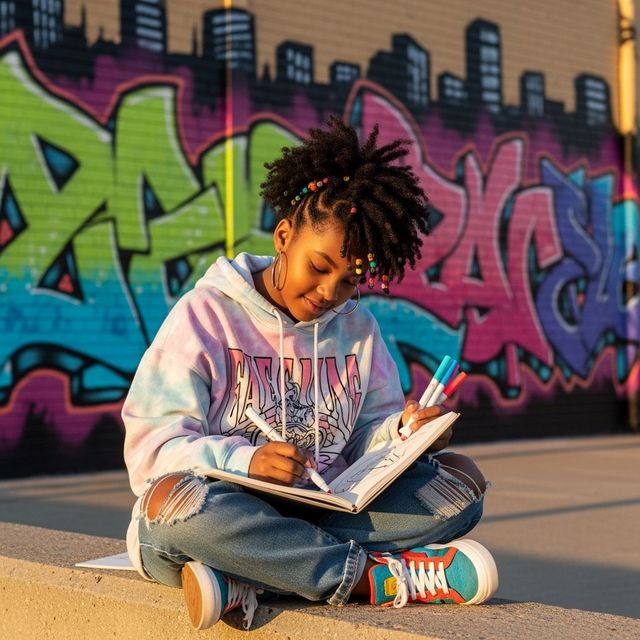
AI Black Girl Drawing Generator
Create unique and captivating black girl drawings with our AI-powered generator. Perfect for artists, designers, and anyone seeking diverse and inspiring character art. Browse our gallery or create your own drawing.
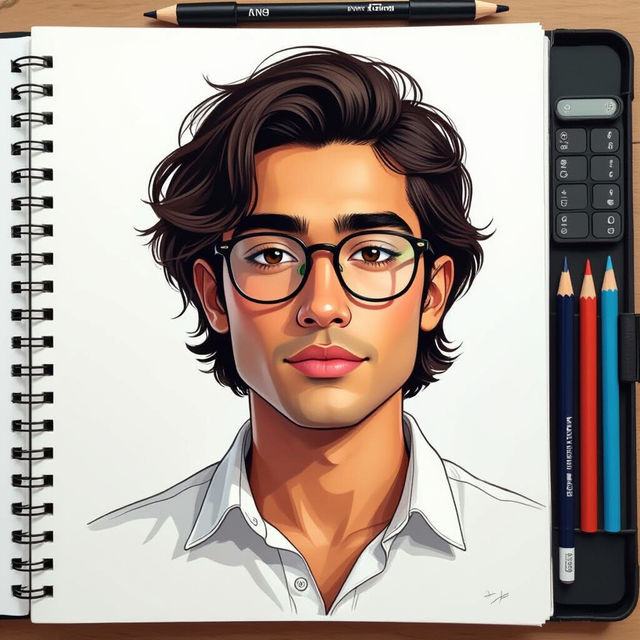
AI Drawing People Generator
Create amazing drawings of people using AI. Explore the possibilities of AI drawing people with Nightcafe Creator. Start creating today!

Create an Easy Rose Drawing With AI
Create beautiful rose drawings effortlessly with NightCafe's AI-powered tool. Whether you're a beginner or a seasoned artist, our generator makes creating easy rose drawings accessible to everyone. Browse rose drawings or create your own.
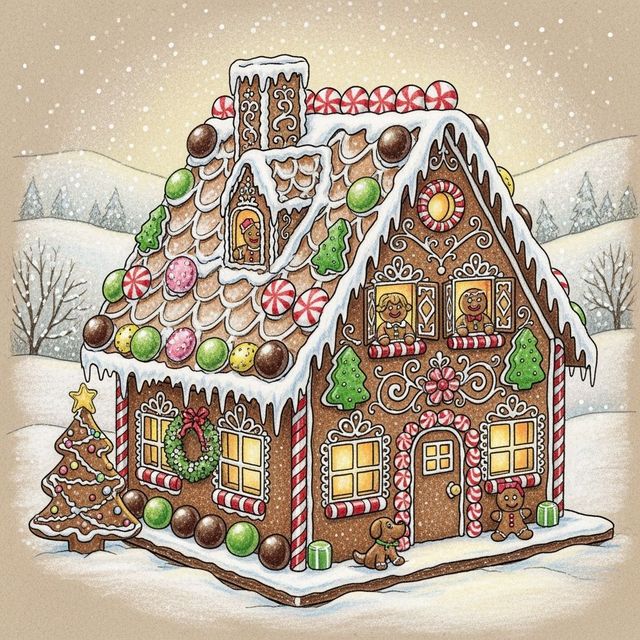
Create a Gingerbread House Drawing With AI
Create your own AI-generated Gingerbread House Drawing with NightCafe Creator. Explore our gallery of unique and festive Gingerbread House Drawing ideas.
Frequently Asked Questions
Everything You Need to Know About the AI Sketch Drawing Generator
How does the AI Sketch Drawing Generator work?
Our AI Sketch Drawing Generator uses advanced algorithms to analyze your uploaded photo and transform it into a detailed sketch drawing. It mimics the strokes and shading of a traditional pencil sketch, creating a unique and artistic representation of your image.
What types of images work best with the AI Sketch Drawing Generator?
The AI Sketch Drawing Generator works well with a variety of images, but photos with clear subjects and good lighting tend to produce the best results. Portraits, landscapes, and still life images are all excellent choices. Experiment with different photos to find what you like best!
Can I customize the style or intensity of the sketch effect?
While the AI automatically generates the sketch, you can influence the final result by adjusting the original image's contrast and brightness before uploading. You can also experiment with different AI models available on NightCafe to achieve different artistic styles.
Are there any limitations to the size or format of the images I can upload?
While NightCafe supports a variety of image formats, we recommend using common formats like JPEG or PNG for the best results. There may be limitations on file size to ensure optimal processing speeds. If you encounter issues, try reducing the image size or converting it to a different format.
Can I use the AI-generated sketch drawings for commercial purposes?
Yes, you can generally use the AI-generated sketch drawings for commercial purposes. However, please review NightCafe's Terms of Service for complete details regarding image usage rights and any necessary attributions. You are responsible for ensuring your use complies with all applicable laws and regulations.