

- Galleries
- Skull Art Gallery
Generate Striking Skull Art
Unleash your creativity with our AI Skull Art Generator. Transform simple prompts into intricate and captivating designs. Explore skull art examples or create your own masterpiece today.

As seen in








Skull Art Gallery
Explore a diverse collection of AI-generated skull art, showcasing various styles from realistic to abstract. Get inspired and discover the limitless possibilities of AI in artistic expression.


Didn't find what you were looking for? Create your own below!
Create your own Generate Striking Skull Art images
Discover the magic of Text to Image AI by creating your own unique images. Edit the prompt below to customize your creation.
No payment or credit card required.

Endless Artistic Possibilities
AI-powered Skull Art
Explore the dark and fascinating world of Skull Art with our AI generator. Transform your imagination into reality. Generate unique skull designs in various styles, from realistic to abstract, all with the power of artificial intelligence. Create your own Skull Art masterpiece today!
Create Stunning Skull Art in 3 Steps
Step 1
Describe Your Skull Art Vision
Start by typing a detailed description of the skull art you envision in the prompt box. Specify the style (e.g., Gothic, realistic, abstract), any particular themes, and the overall mood you're aiming for. The more detail you provide, the better the AI can capture your vision!
Step 2
Generate Your Unique Skull Design
Once you've crafted your perfect prompt, simply click the 'Generate' button. Our AI will then work its magic, transforming your words into a unique and captivating skull art creation. Be patient; generating intricate designs takes a moment!
Step 3
Download and Share Your Masterpiece
Once your skull art is generated, you can download it in high quality. Show off your creation with the NightCafe community, use it for your personal projects, or even get it printed. The possibilities are endless!

Darkly Beautiful Designs
Create A Gothic Skull With A.i.
Create a Gothic Skull with A.I. and delve into the macabre with our specialized Gothic Skull generator. Craft hauntingly beautiful images with ease, from ornate Victorian-era skulls to modern gothic interpretations. Perfect for album art, tattoos, or simply exploring the darker side of art.
More Galleries
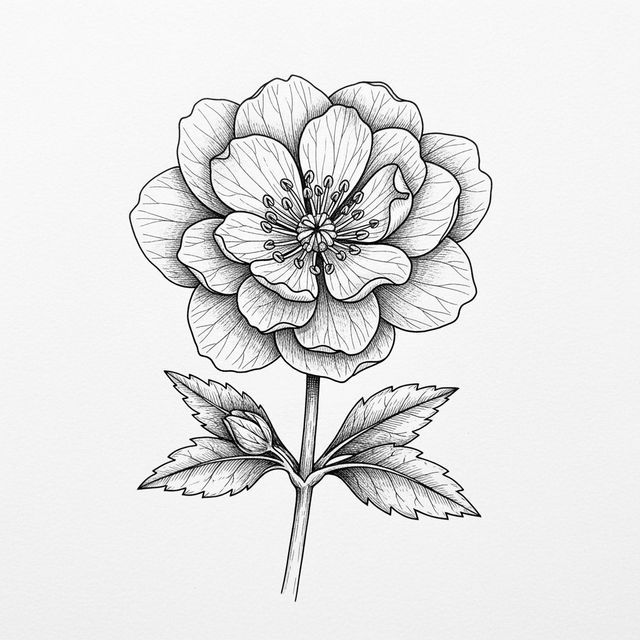
Explore the Beauty of Flower Sketch Art
Delve into the delicate world of flower sketches. Our gallery showcases the intricate details and artistic interpretations of floral designs. Browse our collection and get inspired to create your own flower sketch.
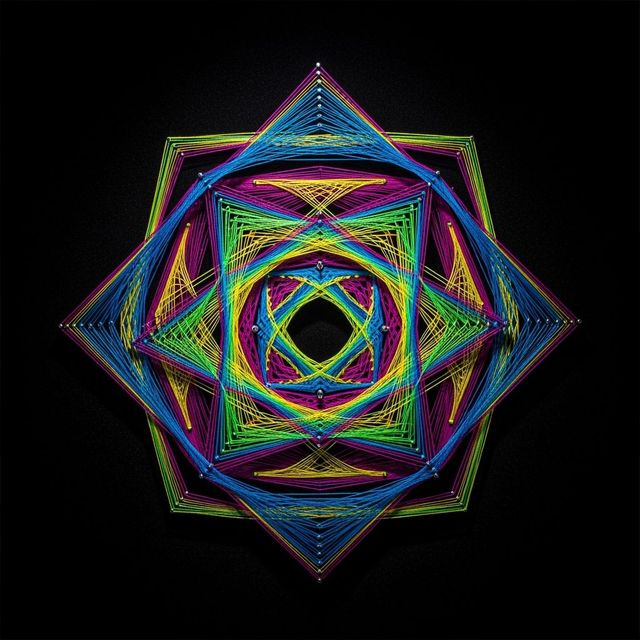
Create Stunning String Art with AI
Unleash your creativity with our AI String Art Generator. Create mesmerizing designs and patterns with ease. Explore the possibilities of AI-driven string art today. Browse string art examples or create your own.
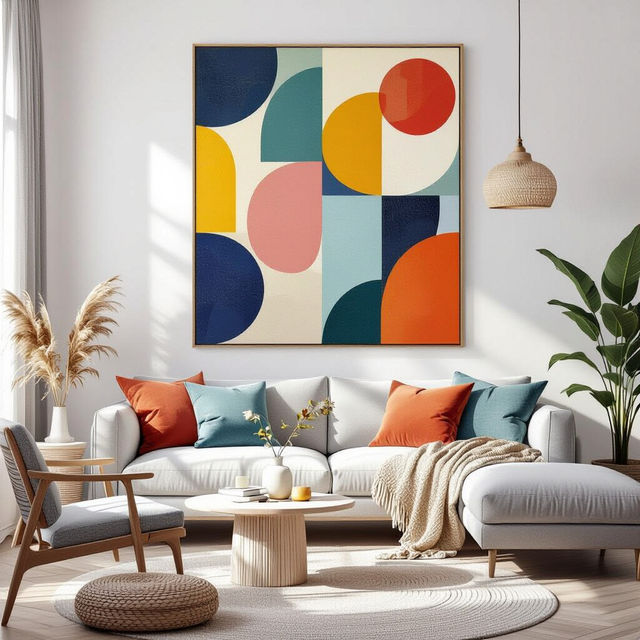
AI Canvas Wall Art Generator
Transform your space with NightCafe's AI Canvas Wall Art generator. Create unique and personalized wall art that reflects your style. Explore our gallery or create your own canvas masterpiece today.
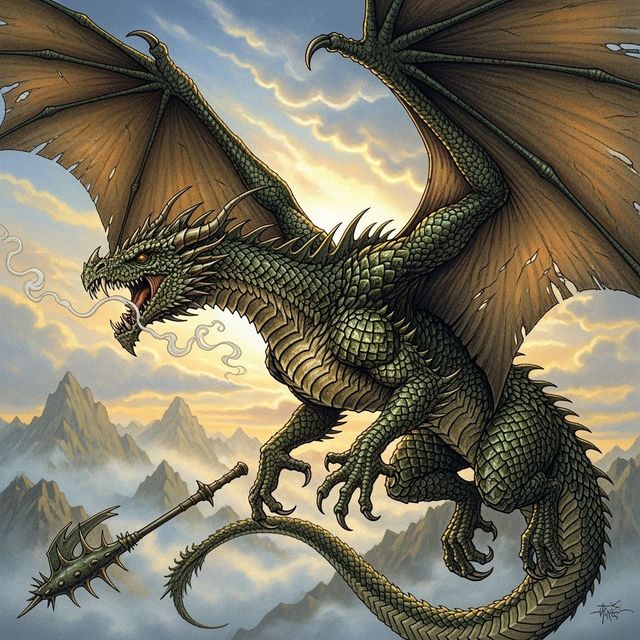
Create Stunning Dragon Drawings With AI
Unleash your inner artist with NightCafe's AI Dragon Drawing Generator. Transform your imagination into stunning, personalized dragon art with ease and creativity. Browse dragon drawings or create your own.
Frequently Asked Questions
Everything You Need to Know About Creating Unique Skull Art with AI
What styles of skull art can I generate?
With NightCafe's AI Skull Art Generator, you can explore a wide range of styles, from realistic and gothic to abstract and stylized. Experiment with different prompts to discover unique and captivating designs. You can even create ornate Victorian-era skulls or modern gothic interpretations.
What kind of prompts work best for generating skull art?
The best prompts are descriptive and specific. Include details about the desired style (e.g., 'gothic skull with roses,' 'cyberpunk skull,' 'realistic human skull'), colors, materials (e.g., 'crystal skull,' 'bronze skull'), and any additional elements you want to incorporate. Experiment with different keywords to achieve your desired result.
Can I use the generated skull art for commercial purposes?
Yes, you can generally use the AI-generated skull art for commercial purposes, such as album art, tattoos, or other creative projects. Please review our terms of service for full details and any specific restrictions that may apply.
What AI models are available for generating skull art?
NightCafe offers a variety of AI models for generating skull art, including Stable Diffusion, Imagen, and more. Each model has its own strengths and characteristics, so experiment with different models to find the one that best suits your artistic vision. You might find that one model excels at realistic depictions while another is better for abstract designs.
How can I create a Gothic skull with the AI?
To create a Gothic skull, include keywords like 'gothic,' 'macabre,' 'ornate,' 'Victorian,' 'dark,' and 'haunting' in your prompt. You can also specify details such as 'gothic skull with roses and thorns,' 'ornate Victorian skull with filigree,' or 'dark and haunting skull in a graveyard setting.' Experiment with different combinations to achieve the desired effect.