

- Galleries
- AI String Art Gallery
Create Stunning String Art with AI
Unleash your creativity with our AI String Art Generator. Create mesmerizing designs and patterns with ease. Explore the possibilities of AI-driven string art today. Browse string art examples or create your own.

As seen in








AI String Art Gallery
Explore a diverse collection of AI-generated string art. Discover unique patterns, vibrant colors, and intricate designs that showcase the beauty and potential of AI in artistic expression.


Didn't find what you were looking for? Create your own below!
Create your own Create Stunning String Art with AI images
Discover the magic of Text to Image AI by creating your own unique images. Edit the prompt below to customize your creation.
No payment or credit card required.

Endless Design Possibilities
Generate Unique String Art Designs
Our AI empowers you to effortlessly create unique string art designs. Simply input your ideas, and watch as the AI generates intricate patterns ready to be brought to life. Whether you're a seasoned artist or a beginner, our String Art generator makes crafting stunning art accessible to everyone.
Create Your Own String Art
Step 1
Input Your String Art Prompt
Describe your vision for the string art. Input a detailed prompt that includes the desired shape, color scheme, and overall aesthetic. Be specific to guide the AI towards your desired outcome.
Step 2
Generate Your String Art
After crafting your perfect prompt, click the 'Generate' button. Our AI will then transform your idea into a unique string art design.
Step 3
Download and Share Your Art
Once your string art is generated, you can download the high-resolution image for your projects. Share your unique creation with the community and inspire others with your artistic vision!

Precision And Beauty
Creating Geometric String Patterns With AI
Explore the beauty of mathematical art with our AI-driven Geometric String Patterns generator. Craft precise and visually stunning patterns with ease. The AI ensures perfect symmetry and balance, resulting in mesmerizing geometric designs that are perfect for wall art or digital creations. Unleash your inner mathematician and artist!
More Galleries
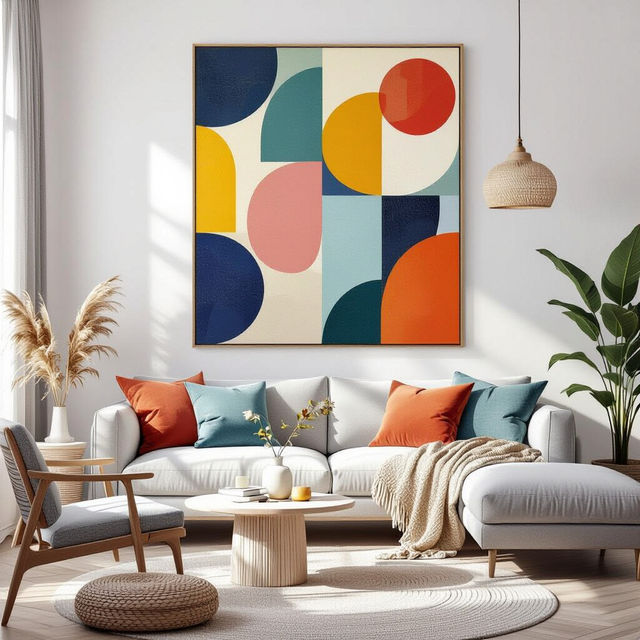
AI Canvas Wall Art Generator
Transform your space with NightCafe's AI Canvas Wall Art generator. Create unique and personalized wall art that reflects your style. Explore our gallery or create your own canvas masterpiece today.
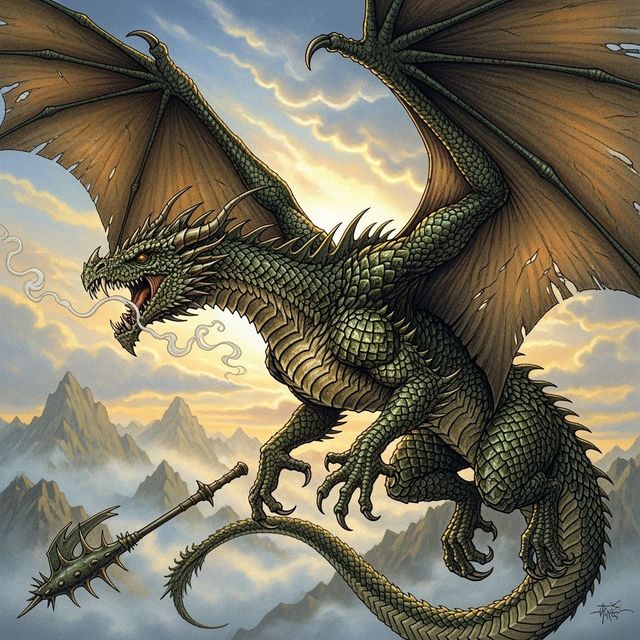
Create Stunning Dragon Drawings With AI
Unleash your inner artist with NightCafe's AI Dragon Drawing Generator. Transform your imagination into stunning, personalized dragon art with ease and creativity. Browse dragon drawings or create your own.
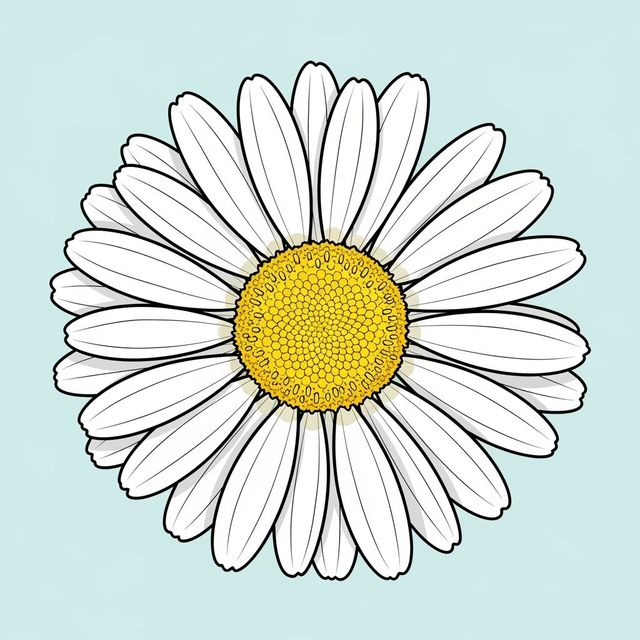
Create a Daisy Drawing with AI
Create a beautiful daisy drawing with the help of AI. Explore stunning, AI-generated daisy drawings and create your own unique floral artwork effortlessly using NightCafe Studio.
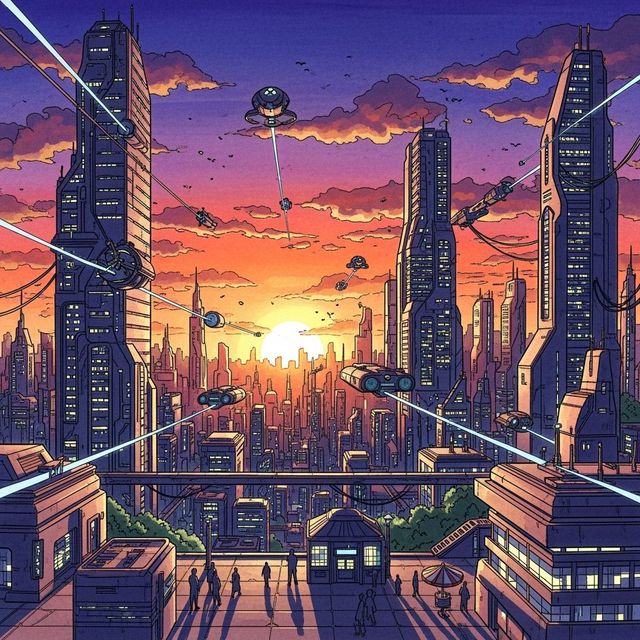
AI Drawing Pictures
Create AI Drawing Pictures with NightCafe AI Image Generator. Simply enter a text prompt and generate amazing AI drawings. Browse AI Drawing Pictures or create your own.
Frequently Asked Questions
Everything You Need to Know About Creating AI String Art
What is AI String Art and how does it work?
AI String Art uses artificial intelligence to generate intricate and visually appealing string art designs. Simply provide a text prompt describing your desired design, and the AI will create a unique pattern based on your input. You can then use this pattern as a guide to create physical string art or incorporate it into digital designs.
What types of string art designs can I create with the AI String Art Generator?
The possibilities are virtually limitless! You can create geometric patterns, abstract designs, portraits, landscapes, and more. Experiment with different prompts to explore the diverse range of styles and complexities the AI can generate. Try different AI models for different types of string art!
Do I need any special skills or software to use the AI String Art Generator?
No special skills or software are required. The AI String Art Generator is designed to be user-friendly for both beginners and experienced artists. Simply input your text prompt and the AI will handle the complex calculations and design generation.
Can I use the AI-generated string art patterns for commercial purposes?
Yes, you can use the AI-generated string art patterns for commercial purposes, such as selling physical string art creations or incorporating the designs into your products. Please refer to our terms of service for full details and crediting requirements.
How can I improve the quality of the string art designs generated by the AI?
Experiment with different prompts and keywords to refine the AI's output. Be specific in your descriptions, including details about the desired style, colors, complexity, and subject matter. You can also adjust parameters within the NightCafe platform to fine-tune the generation process and achieve the desired results. Consider using the 'Evolve' feature to create endless variations on a theme.