

- Galleries
- AI Space Photos Gallery
Create Stunning AI Space Photos
Explore the cosmos with AI-generated space photos. NightCafe allows you to create breathtaking space photos, from distant galaxies to nebulae. Browse or create your own space photos.

As seen in








AI Space Photos Gallery
A curated collection of AI-generated space photos, showcasing the beauty and wonder of the universe. Explore galaxies, nebulas, and celestial phenomena in stunning detail.


Didn't find what you were looking for? Create your own below!
Create your own Create Stunning AI Space Photos images
Discover the magic of Text to Image AI by creating your own unique images. Edit the prompt below to customize your creation.
No payment or credit card required.

Astounding Realism
Generate High-quality Space Photos
Produce stunning and realistic Space Photos with our advanced AI models. Whether you're looking for detailed images of distant planets or breathtaking nebulae, our platform delivers high-quality results that capture the beauty and wonder of the cosmos. Perfect for wallpapers, educational resources, or personal enjoyment.
Create Stunning AI Space Photos
Step 1
Describe Your Cosmic Vision
Begin by entering a detailed prompt describing the space photo you envision. Include specifics like celestial objects (planets, nebulae, galaxies), desired colors, lighting, and overall mood. The more detail, the better the AI can capture your vision!
Step 2
Generate Your Space Photo
After crafting your perfect prompt, click the 'Generate' button. Our advanced AI models will then process your request and create a unique space photo based on your input. This may take a few moments, so sit back and prepare to be amazed!
Step 3
Download and Share Your Masterpiece
Once your space photo is generated, you can download it in high resolution for use as a wallpaper, educational resource, or personal enjoyment. Share your cosmic creation with the NightCafe community and inspire others!

Limitless Creativity
Create Cosmic Art With AI
Unleash your inner artist and Create Cosmic Art with AI. Explore abstract interpretations of celestial phenomena, design otherworldly landscapes, and blend artistic styles to produce truly unique pieces. Our AI tools empower you to transform your vision into breathtaking cosmic artwork, pushing the boundaries of imagination.
More Galleries
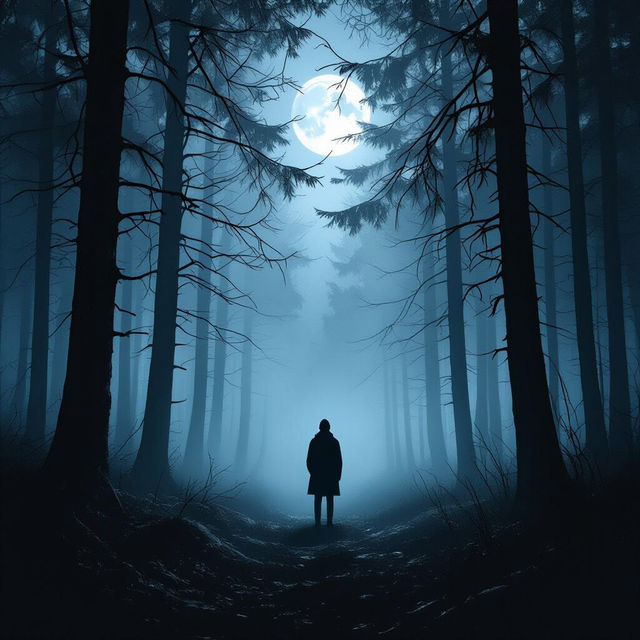
Create Stunning Dark Images With AI
Unleash the shadows with NightCafe's AI Dark Image Generator. Perfect for creating moody, atmospheric visuals. Browse dark image examples or create your own.
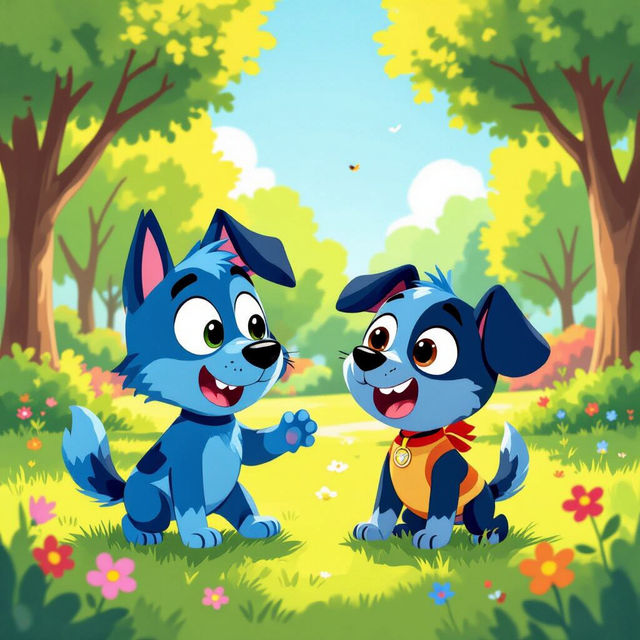
Generate Amazing Bluey Images With AI
Unleash your creativity with our AI Bluey Image Generator. Transform your ideas into vibrant, heartwarming scenes featuring Bluey and the Heelers. Browse Bluey images or create your own.
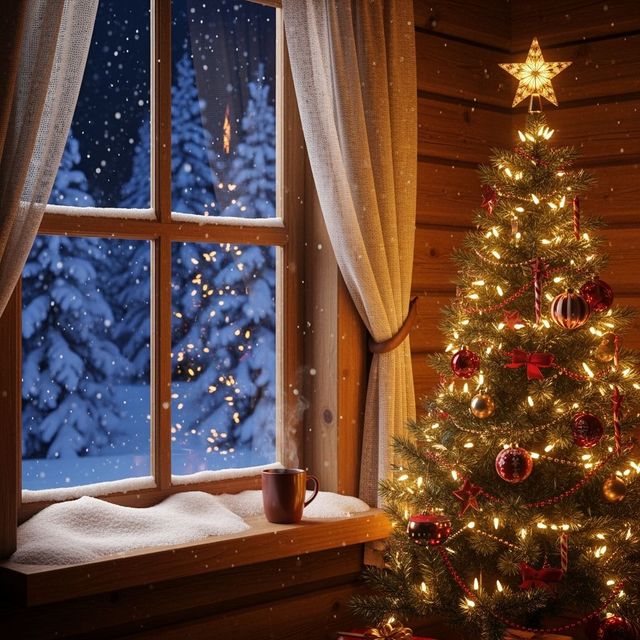
Festive Christmas iPhone Wallpaper
Deck your digital halls with our festive Christmas iPhone wallpapers! Browse a winter wonderland of AI-generated designs to bring holiday cheer to your device. Download now and spread the Christmas spirit!
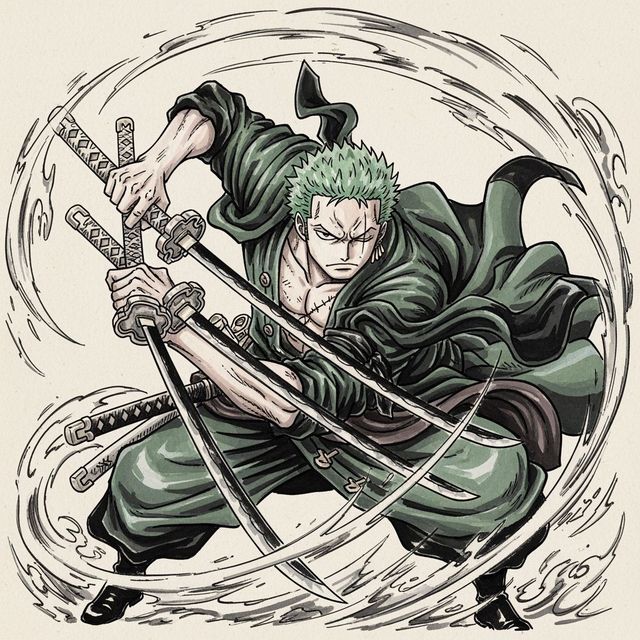
Create a Zoro Drawing with AI
Create a Zoro drawing with AI. Transform your imagination into stunning, personalized character art with ease and creativity. Browse Zoro drawing examples or create your own.
Frequently Asked Questions
Frequently Asked Questions About AI-Generated Space Photos
What types of space phenomena can I generate with NightCafe's AI?
NightCafe's AI models can generate a wide array of space phenomena, including realistic depictions of nebulae, galaxies, planets, constellations, and abstract interpretations of cosmic events. You can create everything from scientifically accurate visuals to imaginative space art.
Which AI models are best for generating high-quality space photos?
While all NightCafe's AI models can create space imagery, models like Stable Diffusion, Imagen, and GPT-Image-1 often produce particularly stunning and detailed results. Experiment with different models and prompts to find the perfect combination for your desired outcome.
How can I create a detailed and realistic space photo using AI?
To generate detailed space photos, start with a specific and descriptive prompt. Include keywords related to the type of celestial object you want to create (e.g., 'spiral galaxy,' 'planetary nebula,' 'Martian landscape'), and add details about color, lighting, and composition. Experiment with different AI models and prompt variations to achieve the desired level of realism.
Can I use the AI-generated space photos I create for commercial purposes?
Yes, you can use the AI-generated space photos you create on NightCafe for commercial purposes, such as in presentations, websites, or marketing materials. However, you must credit NightCafe as the creator of the image.
What if I'm not happy with the first AI-generated space photo? Can I refine it?
Absolutely! NightCafe allows you to refine your AI-generated space photos through various methods. You can adjust your prompt, use the 'Evolve' feature to create variations of an existing image, or use inpainting to selectively modify specific areas. Experiment with these tools to achieve your desired result.