

AI Home Design Generator
Visualize your dream home with our AI Home Design Generator. Use our grid generator, or square grid generator, to create stunning interior designs quickly and easily. Start designing today!
No payment or credit card required.
As seen in








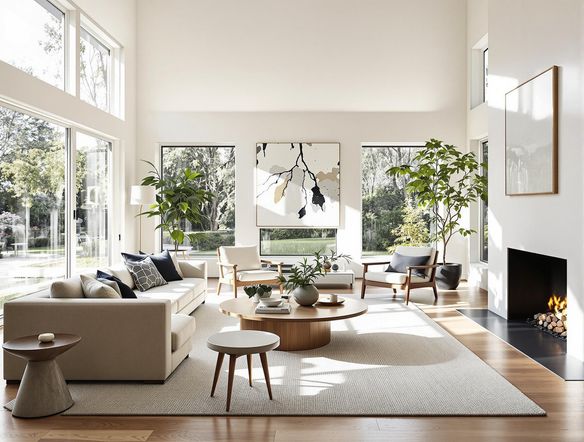
Perfect Layouts, Effortlessly
AI Interior Design Generator
Effortlessly create stunning interior designs with our AI Interior Design Generator. Utilize the image grid generator to arrange furniture, experiment with layouts, and visualize your dream space. The grid image generator ensures perfect alignment and proportion, making design accessible to everyone.
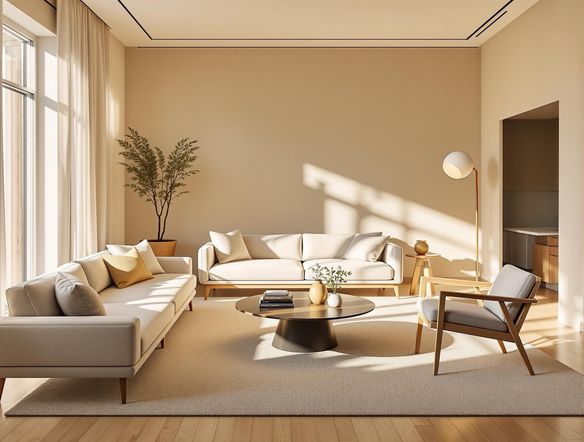
Design Your Dream Home with AI
Step 1
Input Your Design Vision
Start by describing your ideal home design in the prompt box. Include details about the room type, style (e.g., modern, rustic), desired furniture, colors, and any specific features you envision. The more specific you are, the better the AI can bring your vision to life!
Step 2
Generate Your Home Design
After crafting your perfect prompt, click the 'Generate' button. Our AI will then work its magic, using your description to create a stunning visual representation of your dream home design. Experiment with different prompts to explore various possibilities!
Step 3
Download and Share Your Design
Once your design is generated, you can download it and share it with friends, family, or your interior designer. Use it as inspiration for your next home renovation or simply admire your AI-powered creation!
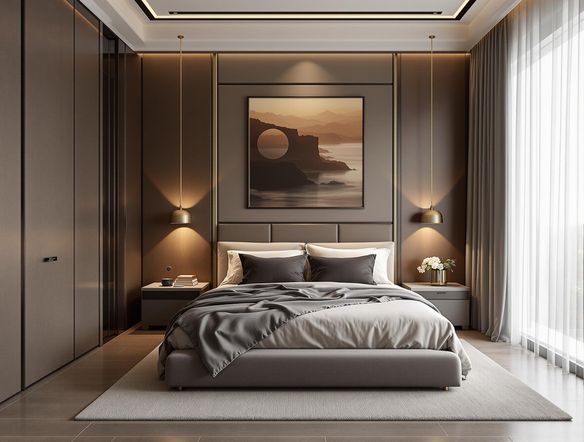
Endless Design Possibilities
Explore design possibilities with our versatile AI tool. Using the grid generator image feature, quickly visualize different furniture arrangements. Experiment with a 3x3 generator to create balanced and aesthetically pleasing room compositions, ensuring every element contributes to the overall harmony of your space.
Need inspiration?
Check out some of the top creations made by the NightCafe community.







Related Tools
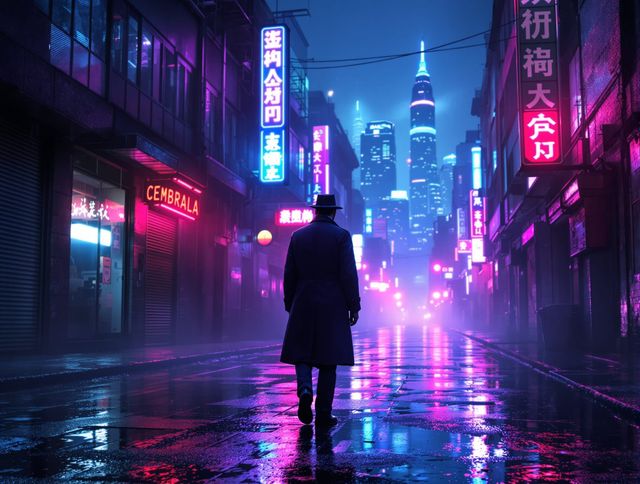
Neon Cyber Noir Generator
Dive into the shadows with our Neon Cyber Noir AI generator. Craft striking cyberpunk noir visuals, perfect for artists and storytellers seeking atmospheric, futuristic art.
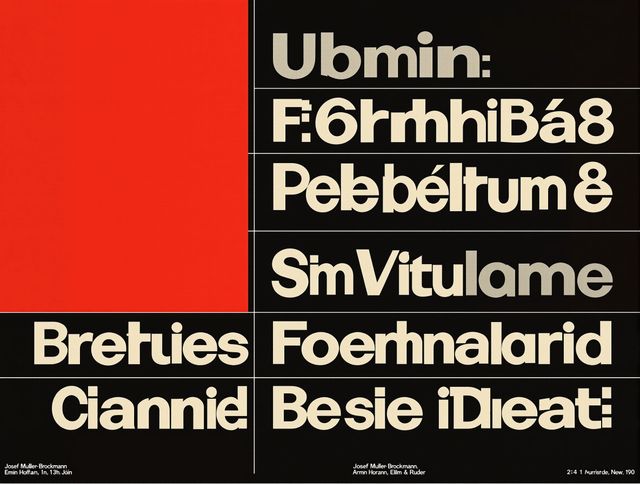
Swiss Style Graphic Generator
Effortlessly create striking Swiss Style graphic design with our AI generator. Ideal for posters, layouts, and branding, it's your go-to International Typographic Style generator.
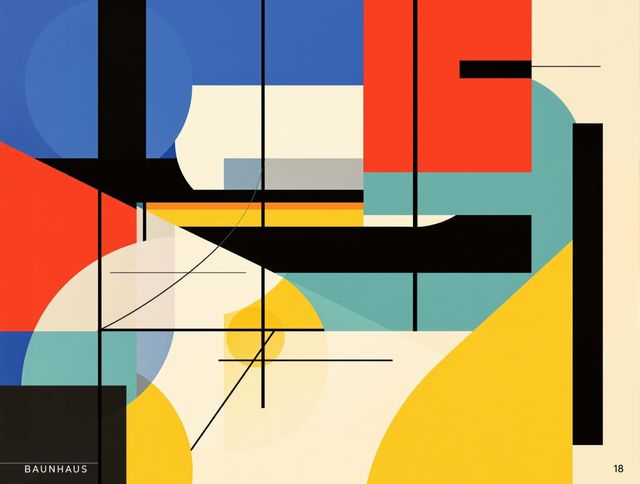
Bauhaus Poster Design Generator
Explore the iconic Bauhaus aesthetic with our AI Bauhaus design tool. Effortlessly generate unique Bauhaus posters, combining geometric shapes and bold colors for striking visual impact.

Holographic Gloss Finish Generator
Instantly apply a stunning holographic gloss finish to your designs. Our AI-powered holographic effect generator creates vibrant, eye-catching visuals with a professional glossy finish.
Frequently Asked Questions
Frequently Asked Questions About the AI Home Design Generator
What is the AI Home Design Generator and how does it work?
Our AI Home Design Generator utilizes advanced algorithms to help you visualize your dream home. You can use the grid generator to arrange furniture, experiment with layouts, and explore different design possibilities quickly and easily. The square grid generator ensures perfect alignment and proportion, making interior design accessible to everyone.
How can I create the best prompts for the AI Home Design Generator?
To get the best results, start with a clear idea of your desired aesthetic. Use descriptive keywords in your prompt, specifying the style (e.g., modern, minimalist, rustic), colors, and types of furniture you want to include. Experiment with different prompts and grid configurations to achieve your desired outcome. Remember, the more specific your prompt, the better the AI can understand your vision.
How do I use the grid generator and square grid generator features?
The grid generator and square grid generator features allow you to visualize different furniture arrangements and layouts. The 3x3 generator is particularly useful for creating balanced and aesthetically pleasing room compositions. Experiment with different grid sizes and configurations to find the perfect layout for your space.
Can I use the AI-generated home designs for commercial purposes?
Yes, you can use the generated images for personal and non-commercial purposes, such as planning your own home renovation or interior design project. For commercial use, please refer to our terms of service to ensure compliance with the usage guidelines.
What should I do if I'm not happy with the generated home design?
If you're not satisfied with the initial results, try refining your prompt with more specific details, experimenting with different AI models available on NightCafe, or adjusting the grid configurations. You can also use the 'Evolve' feature to iterate on existing designs and further refine the output until you achieve your desired look.