

AI Video Generator
Create stunning videos effortlessly with our AI Video Generator. Perfect for anyone wondering how to use Canva AI image generator or how to use Canva AI generator for dynamic content creation.
No payment or credit card required.
As seen in








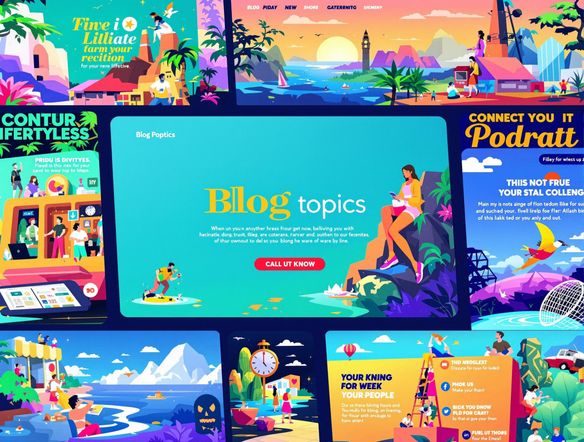
Repurpose Content Effortlessly
Transform your blog posts into captivating video content with ease. Simply input your text, and our AI Video Generator will create a visually stunning video, complete with relevant imagery and engaging animations. Perfect for bloggers looking to expand their reach and engage their audience on new platforms.
Create AI Videos Online: Step-by-Step
Step 1
Input Your Vision
Start by entering a detailed description of the video you envision in the prompt box. Include specifics about the topic, style, and any particular visuals or animations you'd like to see. The more detail, the better the AI can understand your needs!
Step 2
Generate Your AI Video
Once you're happy with your prompt, simply click the 'Generate' button. Our AI Video Generator will then work its magic, transforming your text into a captivating video complete with relevant imagery and engaging animations.
Step 3
Share and Download
After the video is generated, you can easily download it in high-quality format. Share your creation on social media, embed it on your blog, or use it for marketing campaigns. Let the world see your amazing AI-powered video!
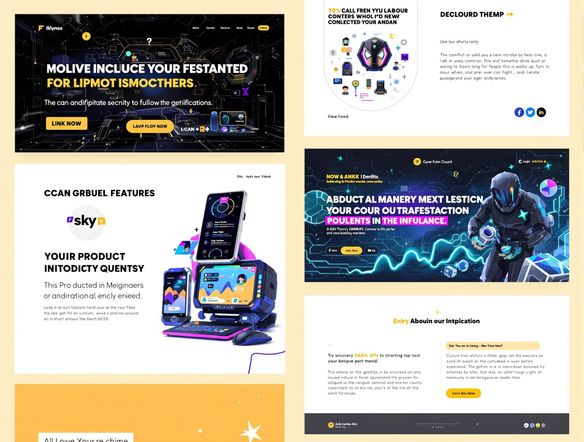
Professional Videos, Simplified
Craft compelling marketing videos without the need for expensive equipment or specialized skills. Our AI Video Generator empowers you to create professional-quality videos for your social media campaigns, product demos, and promotional content. Drive engagement and boost your brand's visibility with visually appealing videos.
Need inspiration?
Check out some of the top creations made by the NightCafe community.







Related Tools
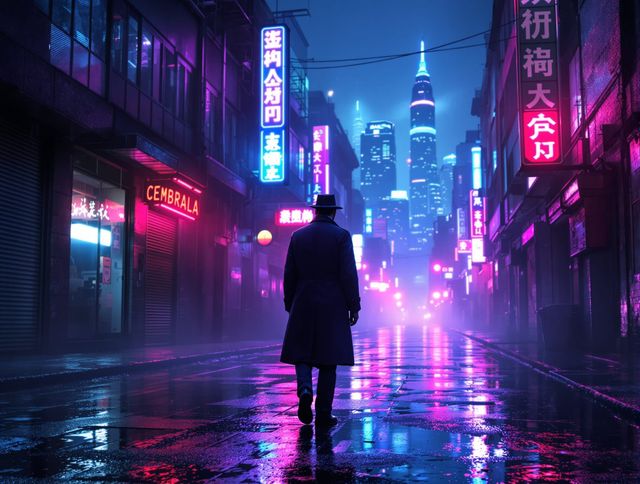
Neon Cyber Noir Generator
Dive into the shadows with our Neon Cyber Noir AI generator. Craft striking cyberpunk noir visuals, perfect for artists and storytellers seeking atmospheric, futuristic art.
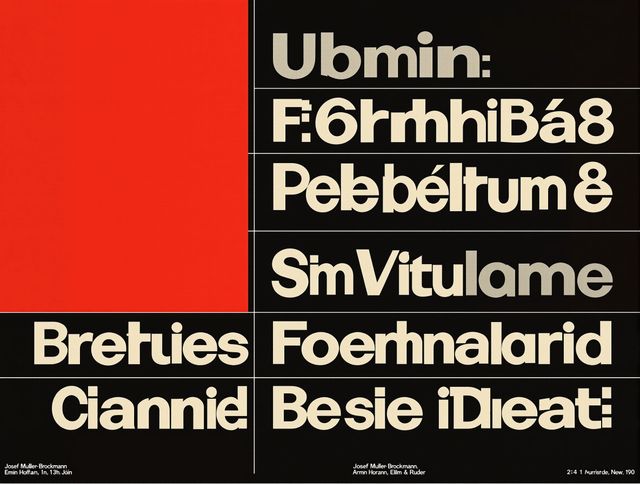
Swiss Style Graphic Generator
Effortlessly create striking Swiss Style graphic design with our AI generator. Ideal for posters, layouts, and branding, it's your go-to International Typographic Style generator.
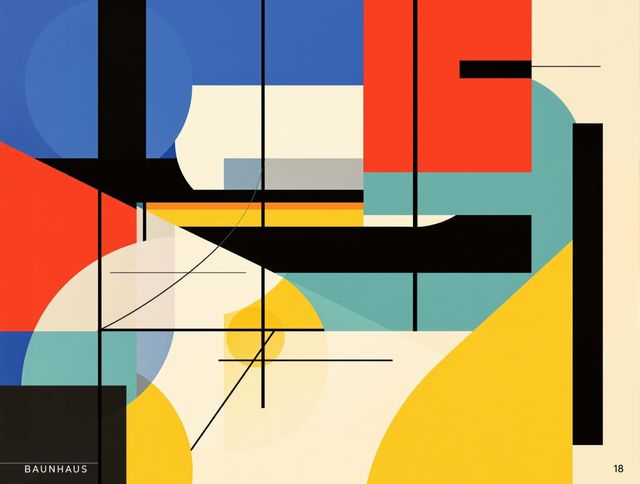
Bauhaus Poster Design Generator
Explore the iconic Bauhaus aesthetic with our AI Bauhaus design tool. Effortlessly generate unique Bauhaus posters, combining geometric shapes and bold colors for striking visual impact.
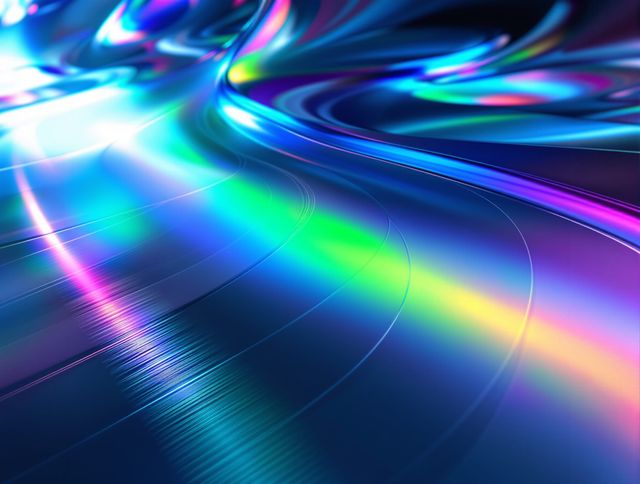
Holographic Gloss Finish Generator
Instantly apply a stunning holographic gloss finish to your designs. Our AI-powered holographic effect generator creates vibrant, eye-catching visuals with a professional glossy finish.
Frequently Asked Questions
Frequently Asked Questions About the AI Video Generator
How does the AI Video Generator work?
Our AI Video Generator transforms text and ideas into engaging video content. Simply input your text, and the AI will generate a video with relevant visuals, animations, and transitions. It's perfect for creating marketing materials, social media content, educational videos, and more, without needing any video editing experience.
What customization options are available?
The AI Video Generator offers various customization options to tailor your videos. You can often choose from different video styles, aspect ratios (e.g., horizontal, vertical, square), and add your own branding elements like logos and watermarks. You may also have the ability to select from a range of AI models to influence the video's visual style and overall aesthetic. Experiment to find the perfect look for your project.
What are some tips for creating high-quality videos with the AI Video Generator?
The AI Video Generator is designed to be user-friendly, but here are a few tips for creating great videos: * **Start with a clear script:** A well-defined script will help the AI generate a more focused and coherent video. * **Choose the right style:** Select a video style that matches your content and target audience. * **Keep it concise:** Shorter videos tend to perform better, so focus on delivering your message effectively. * **Review and refine:** Always review the generated video and make any necessary adjustments to ensure it meets your expectations.
Can I use the videos I create for commercial purposes?
Yes, you can typically use videos created with our AI Video Generator for commercial purposes, such as marketing, advertising, and promotion. However, it's essential to review our terms of service to ensure compliance with all usage guidelines and licensing restrictions. You are responsible for ensuring that your video does not infringe on any third-party rights.
What if I'm not happy with the video that the AI creates?
If you're not satisfied with the initial video generated, you can refine your text prompt, adjust the video style, or regenerate the video multiple times. Experiment with different settings and approaches to achieve the desired result. If you continue to experience issues, consult our help documentation or contact our support team for assistance.