

Business Card Mockup Generator
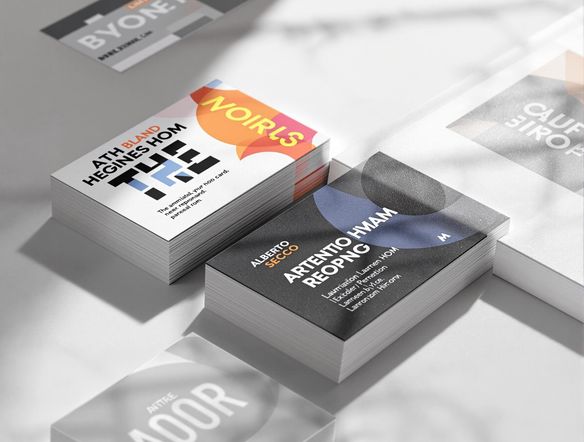
Create professional business card mockups effortlessly with our AI-powered tool. Perfect for showcasing your designs or creating compelling facebook ad mockup generator previews for your marketing campaigns. Also functions as a facebook ads mockup generator.
No payment or credit card required.
As seen in








Pixel-perfect Presentations
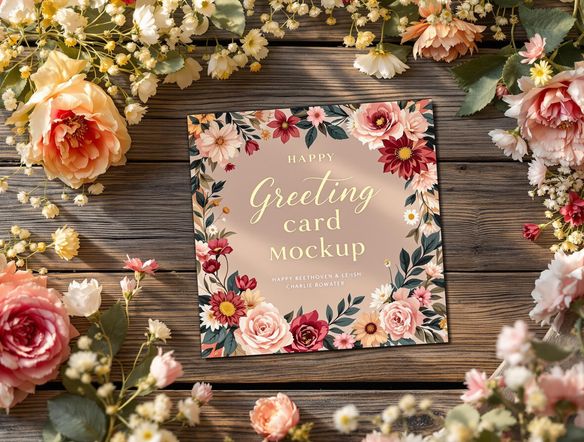
Greeting Card Mockup Generator
Elevate your greeting card presentations with stunning mockups. Showcase your designs in realistic settings, from cozy cafes to elegant boutiques. Our AI generates high-resolution images, perfect for client presentations, online portfolios, and social media promotions. Impress your audience with visuals that capture the essence of your creations.
Create Stunning Business Card Mockups
Step 1
Describe Your Ideal Mockup
Start by entering a detailed description of the business card mockup you envision. Be specific about the card's design, the setting you want it displayed in (e.g., a desk, a hand, a meeting room), and any other relevant details like lighting or surrounding objects. The more detail, the better the AI can capture your vision.
Step 2
Generate Your Mockup
After crafting your perfect prompt, click the 'Generate' button. Our AI will then process your request and create a unique business card mockup based on your specifications. This usually takes just a few moments.
Step 3
Download and Share
Once your mockup is generated, you can download it in high resolution for presentations, marketing materials, or your portfolio. Share your creations with clients, colleagues, or the NightCafe community to get valuable feedback and showcase your designs!
Instant Visualizations
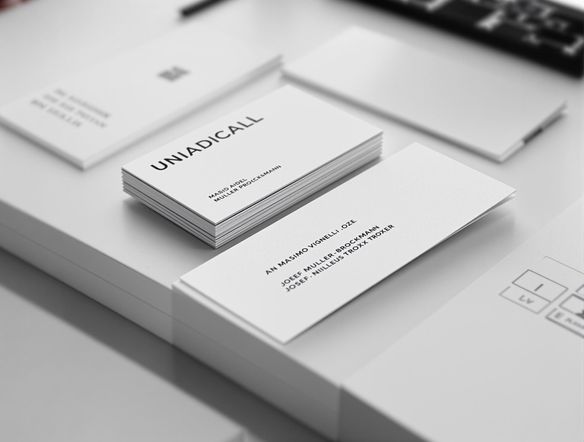
Craft eye-catching business card mockups in seconds. Visualize your designs on various surfaces, from sleek desks to textured fabrics. Perfect for presenting concepts to clients or showcasing your brand's identity. Experiment with different styles and backgrounds to create the perfect visual representation.
Need inspiration?
Check out some of the top creations made by the NightCafe community.







Related Tools
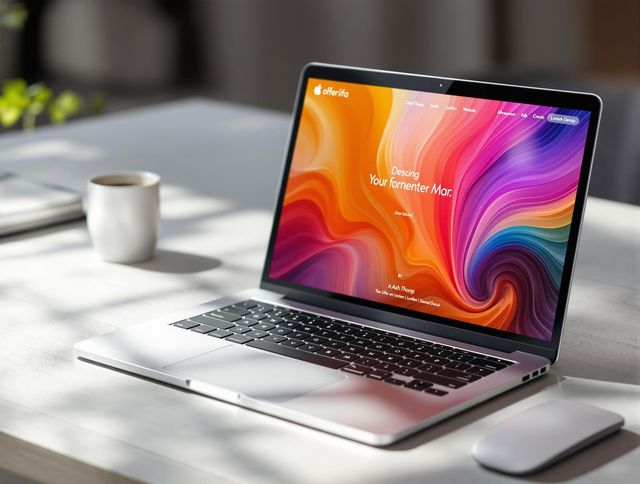
Laptop Mockup Generator
Showcase your designs with our Laptop Mockup Generator. Perfect for presenting your website, app, or minimalist logo generator creations in a professional and realistic setting.
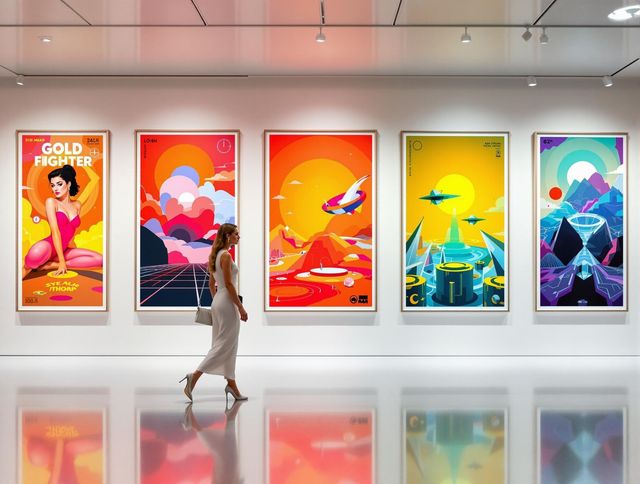
Poster Mockup Generator
Visualize your poster designs with our Poster Mockup Generator. Easily test different picture frame layout generator options and picture frame arrangement generator settings to achieve the perfect look.
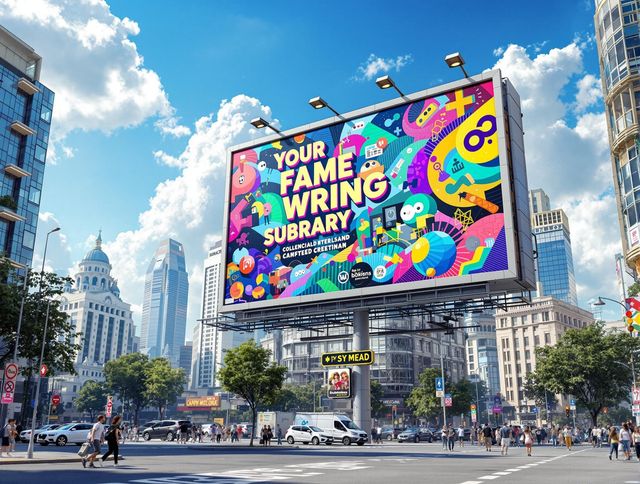
Billboard Mockup Generator
Design eye-catching ads with our Billboard Mockup Generator. As a bonus, try our greetings from postcard generator and vintage postcard font generator for unique marketing!
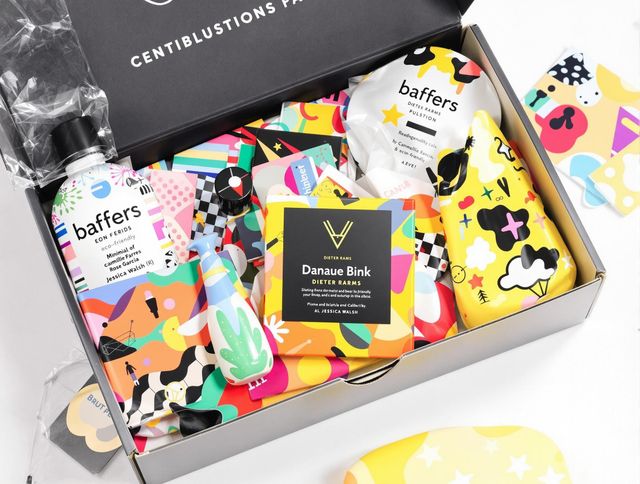
AI Packaging Design Generator
Design eye-catching packaging with our AI Packaging Design Generator. Ideal for branding and product presentation, and even creating a school logo generator or distinctive school crest generator.
Frequently Asked Questions
Frequently Asked Questions About Generating Business Card Mockups with AI
How does the AI Business Card Mockup Generator work?
Our AI Business Card Mockup Generator allows you to quickly create realistic mockups of your business card designs. Simply upload your design, choose from a variety of backgrounds and styles, and let our AI generate a high-resolution mockup perfect for presentations, marketing, or your portfolio.
What can I use the AI-generated business card mockups for?
You can use the generated mockups for a variety of purposes, including client presentations, showcasing your designs on your website or portfolio, and creating compelling visuals for social media marketing and advertising campaigns. The tool also functions as a Facebook ad mockup generator, allowing you to visualize your ads with your business card design.
What are some tips for creating the best business card mockups?
To achieve the best results, ensure your business card design is high-resolution and clearly visible. Experiment with different background options and styles to find the perfect fit for your design and brand. Consider the overall aesthetic you want to convey and choose a mockup that complements your design.
What file formats are supported for uploading my business card designs?
The AI Business Card Mockup Generator supports a variety of file formats for your designs. Common image formats like JPG, PNG, and SVG are typically supported. Check the specific tool's documentation or interface for a complete list of supported formats.
Can I customize the generated business card mockups?
While the AI strives to create accurate and realistic mockups, you have control over various customization options. You can typically adjust the background, lighting, and perspective to fine-tune the mockup to your liking. Experiment with these settings to achieve the desired result.